
截图
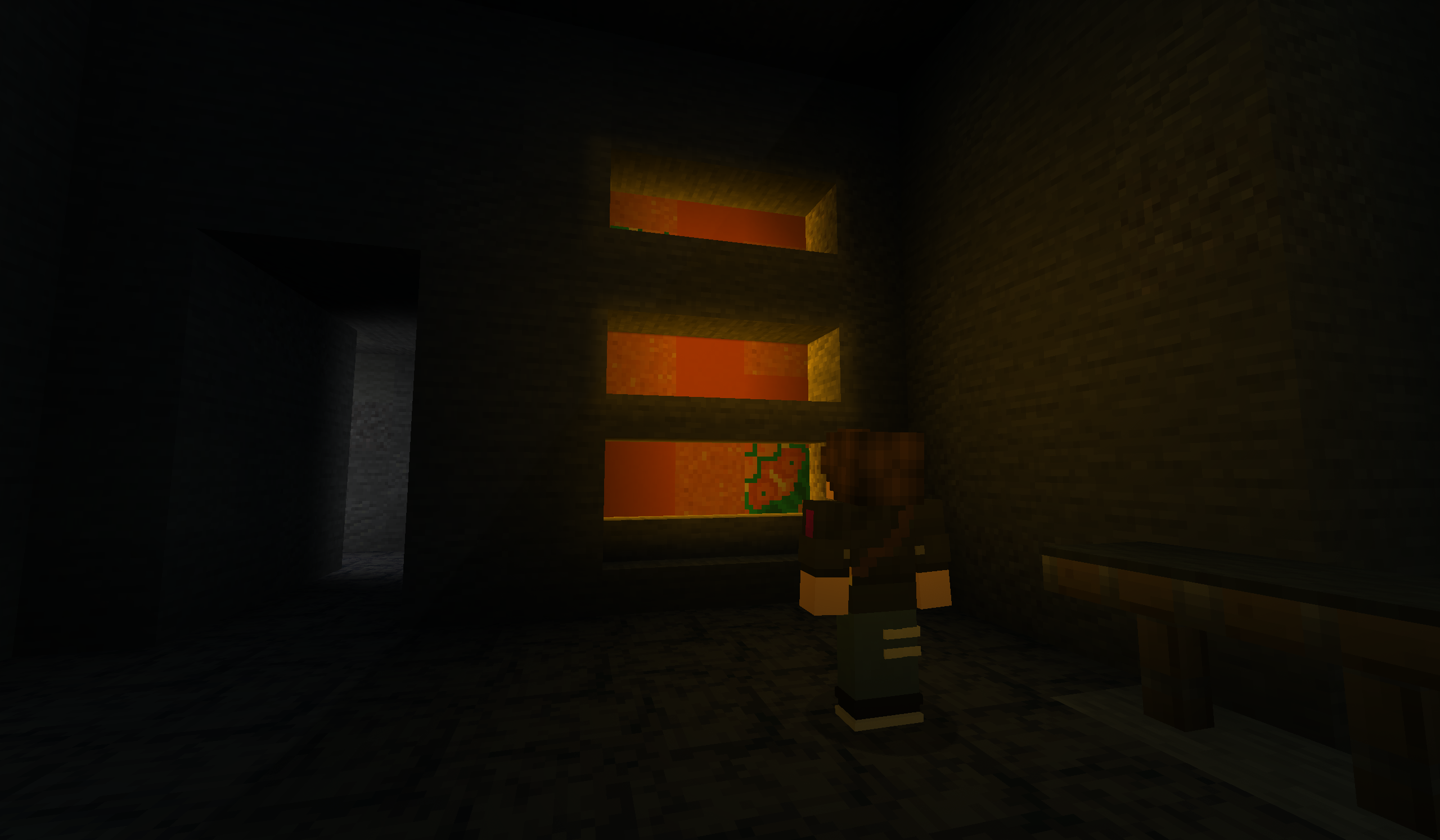
介绍
WARNING – VLU Is No Longer In Active Development. All Of VLU’s Features Have Been Wrapped Into Version 0.9.0 of MC Engine. Go Check It Out!
MC Engine Links:
Veil Light Utility (VLU) enables saving and loading of lights from the Veil library, making the lights persistent after leaving the world and later rejoining. This allows for persistent ambient lighting in adventure maps or larger projects (which is exactly what this tool is made for!). There are also some basic light management features in the beta version of the mod, which will be expanded upon greatly in future updates.
Before And Afters:


Current Features:
- Save lights when you leave the world
- Load lights when you rejoin the world.
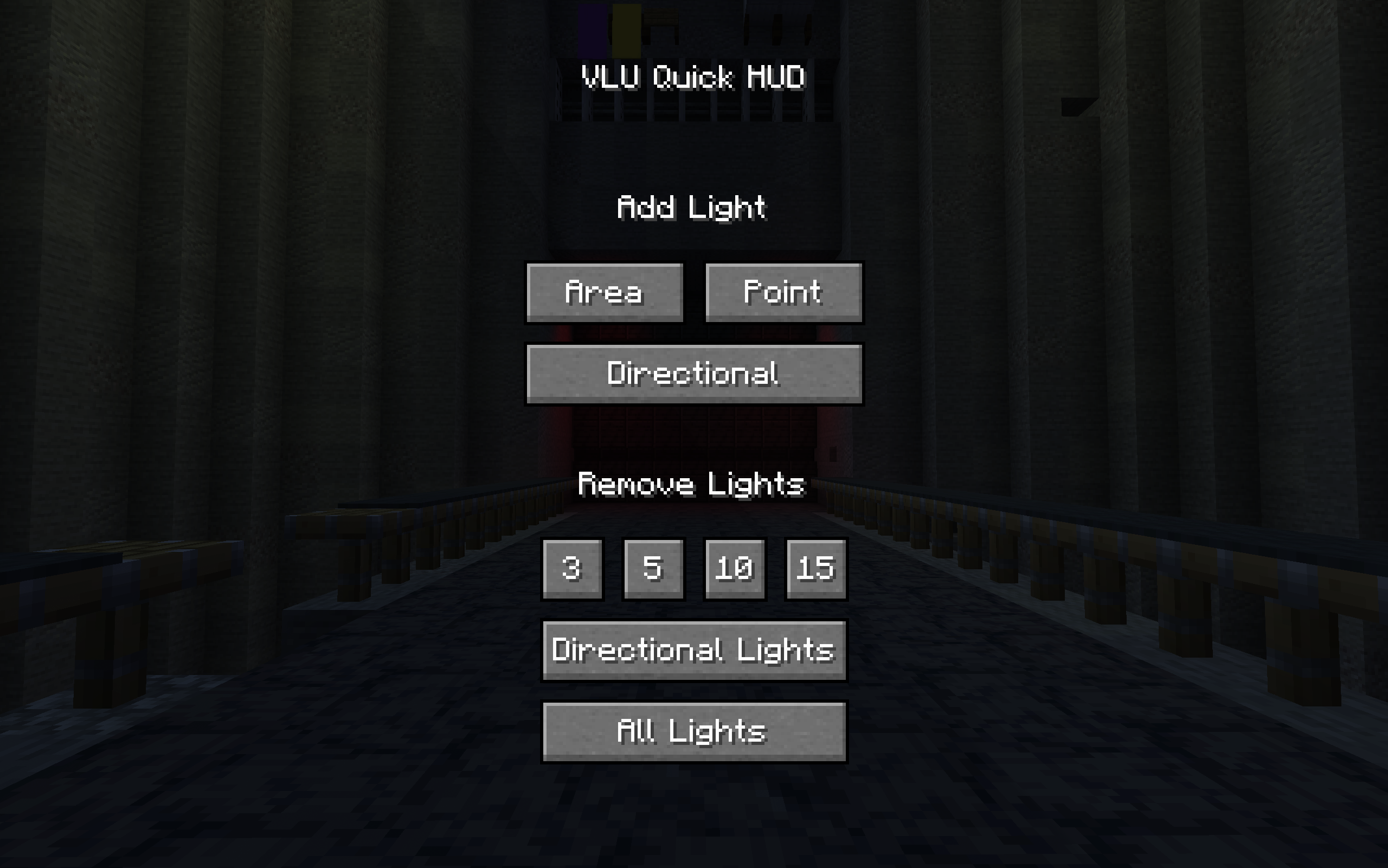
- Add lights with the Quick Hud menu
- Remove lights within 3, 10, or 15 blocks.
- Remove all directional lights.
- Remove all lights in the world.
Planned Features:
- A custom light editor (with the ability to add names to lights)
- Multiplayer compatiblity
- Light Profiles (save and load multiple sets of lights within a world via commands)
- Highlight a light’s position
- Teleport to a light’s position
Mod Usage:
- Lights must be added through the Quick Hud and not the Veil Editor for them to be saved (This makes it possible for other mods to use Veil lights and not have them be saved when exiting the world).
- The Quick Hud is accessible with the Left Alt key by default and dissapears when not held.
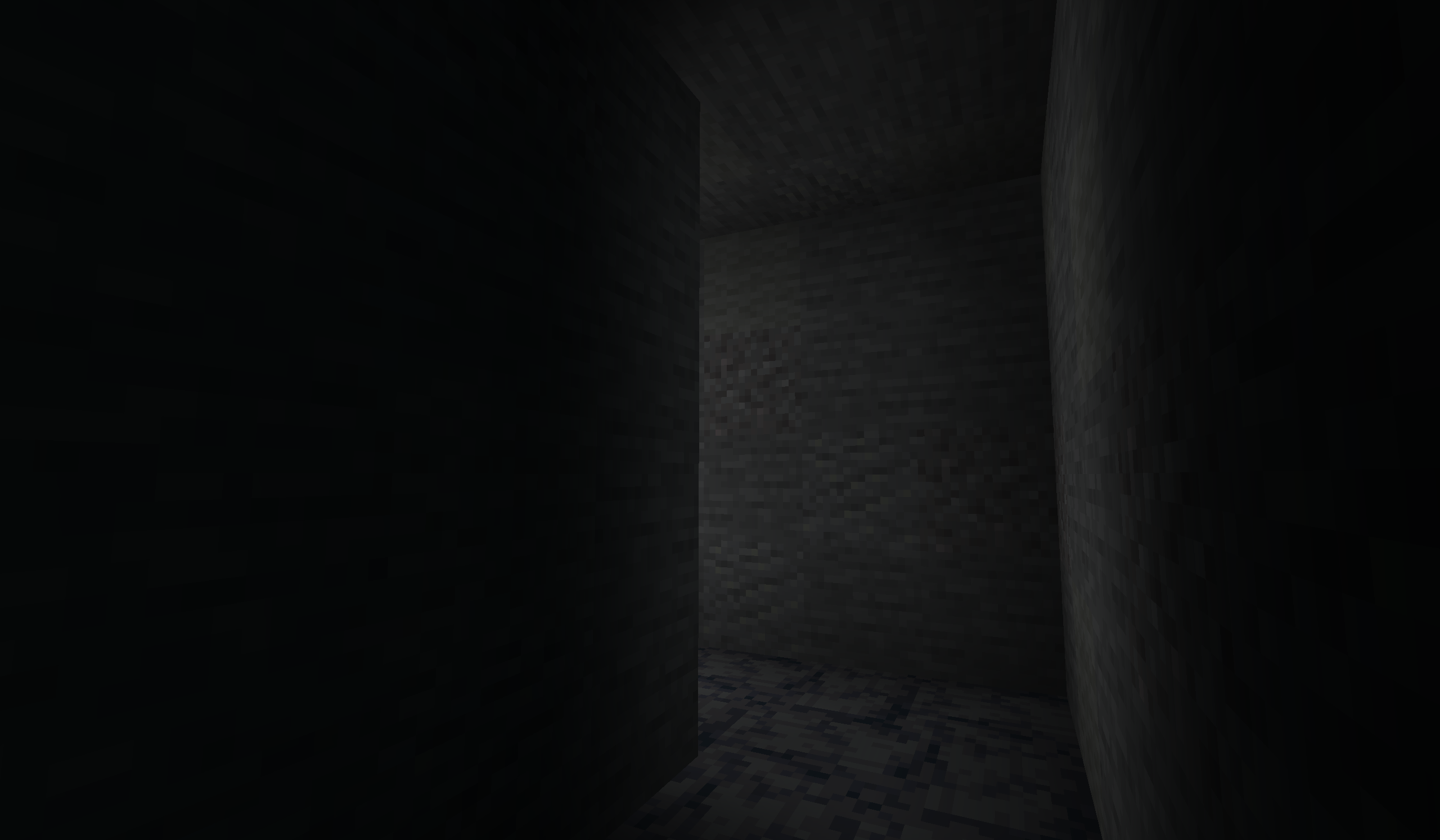
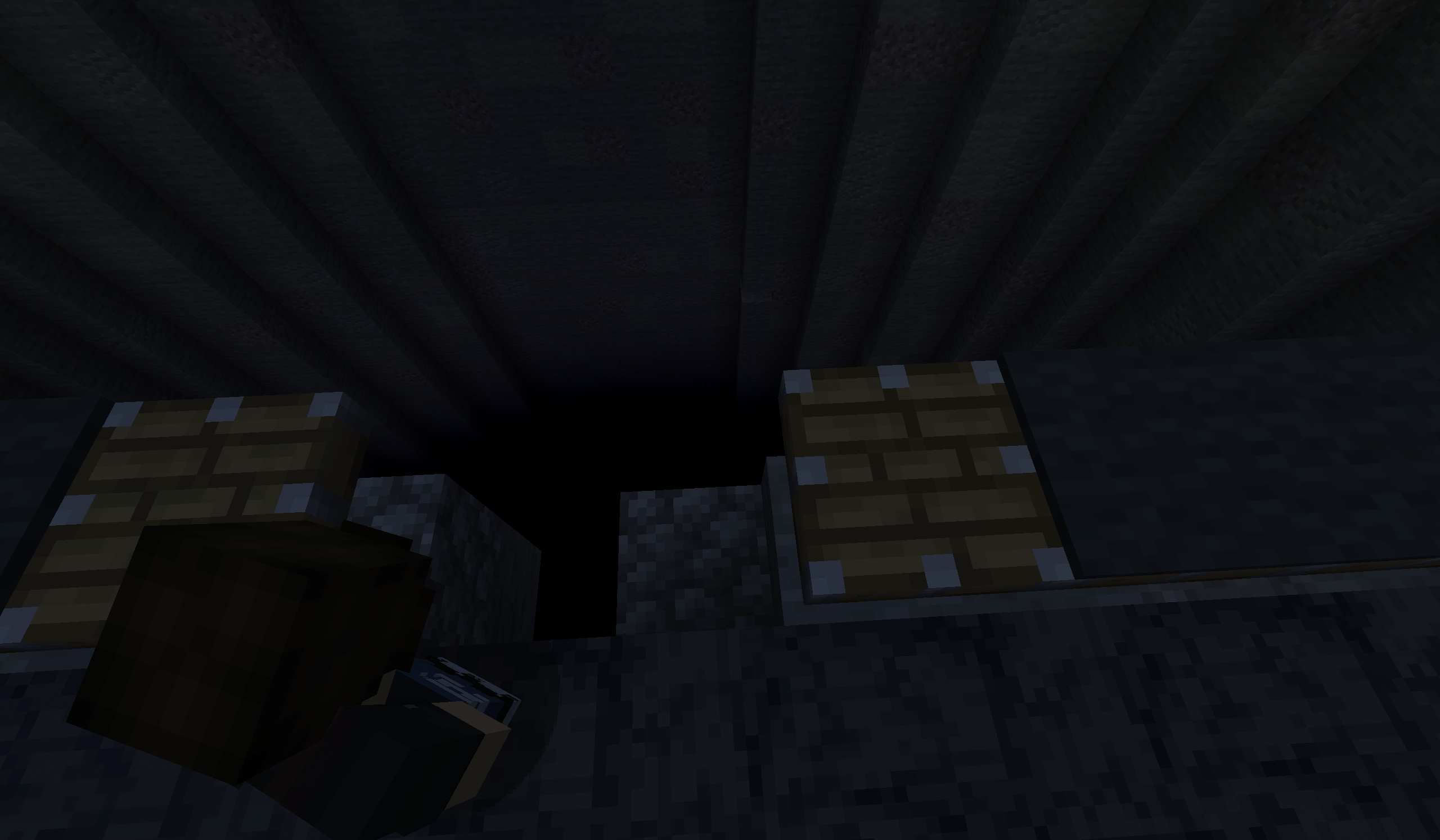
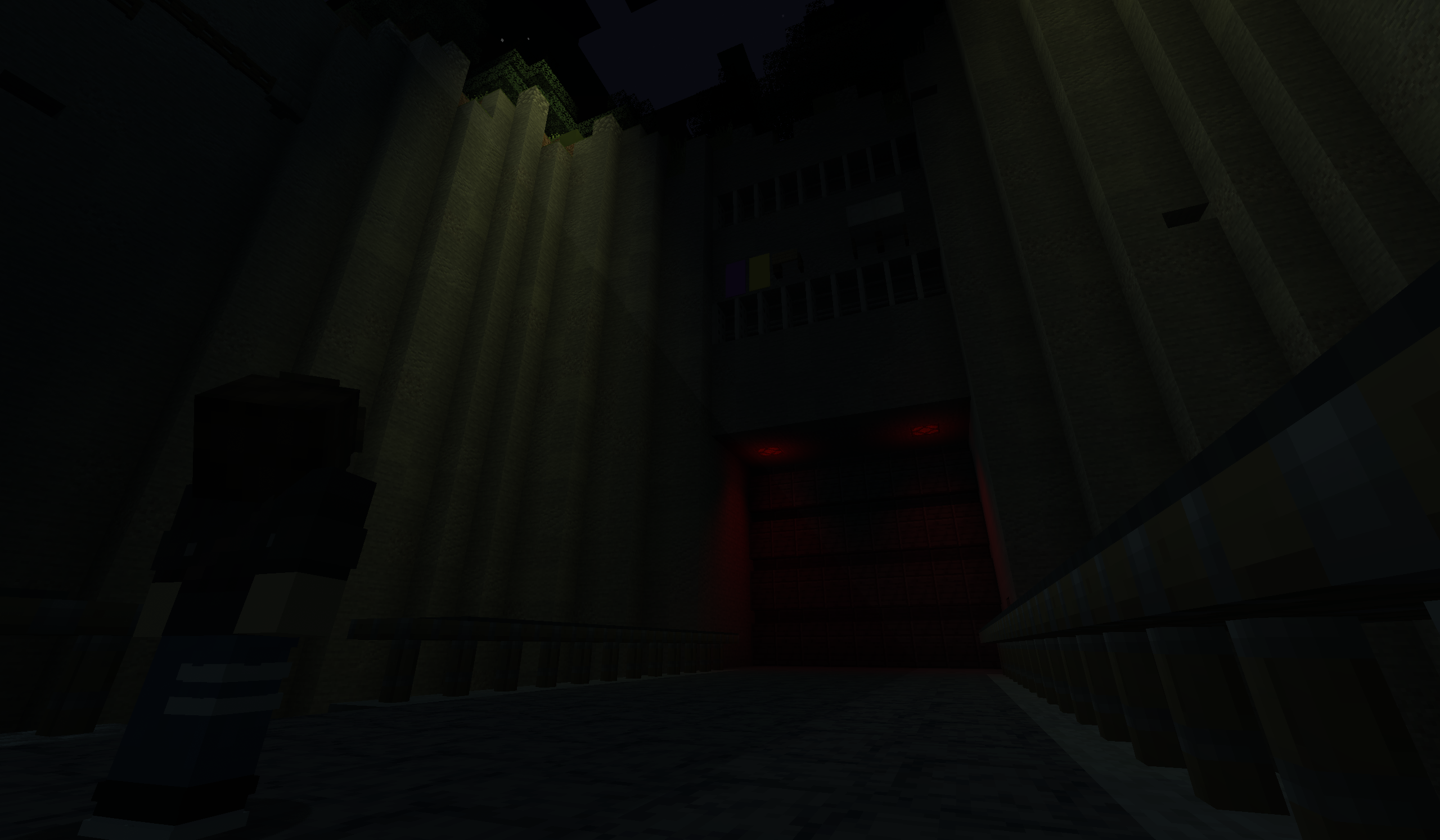
This mod also works well in combination with the True Darkness Refabricated mod (when configured to ignore moon phases). True Darkness Refabricated removes virtually all sky lighting at night, allowing you to essentially paint the world with completely custom light. See the gallery for images using this combination!
常见问题
Veil Light Utility 支持哪些 Minecraft 版本?
Veil Light Utility 支持 Minecraft Java 版 1.21.1,可用的加载器:Fabric。下载时注意选择和你游戏版本一致的文件。
Veil Light Utility 怎么安装?
先用 PCL2 或 HMCL 启动器安装对应版本的 Fabric,再把下载的 .jar 文件放进游戏目录的 mods 文件夹,重新启动游戏即可。开启了版本隔离的,mods 文件夹在 versions/版本名 下面。运行环境:仅客户端。
Scotticles 的其他作品
查看全部 →
Chronicled Umbrellas
Just about the simplest Umbrella mod around.

Minecraft: Refreshed Edition
A collection of mods made to breathe new life into the old Minecraft experience.

Enchancement Durability Pack
Reimplements durability for the Enchancement mod.

MC Engine
For The Game Designers, Storytellers, And Creators: A Game Engine for Minecraft-based games and servers.
评论
登录后评论和评分