
USeArKey – Keybinding
Bind any command to any key or mouse button. Simple and lightweight macro control for Minecraft. Keybinder
截图
介绍
USeArKey — Keybinding
Bind any command to any key or mouse button.
USeArKey is a lightweight Minecraft mod that makes hotkey customization simple. Create keybinds, assign them to keys, and streamline your gameplay with fast access to commands.
Features
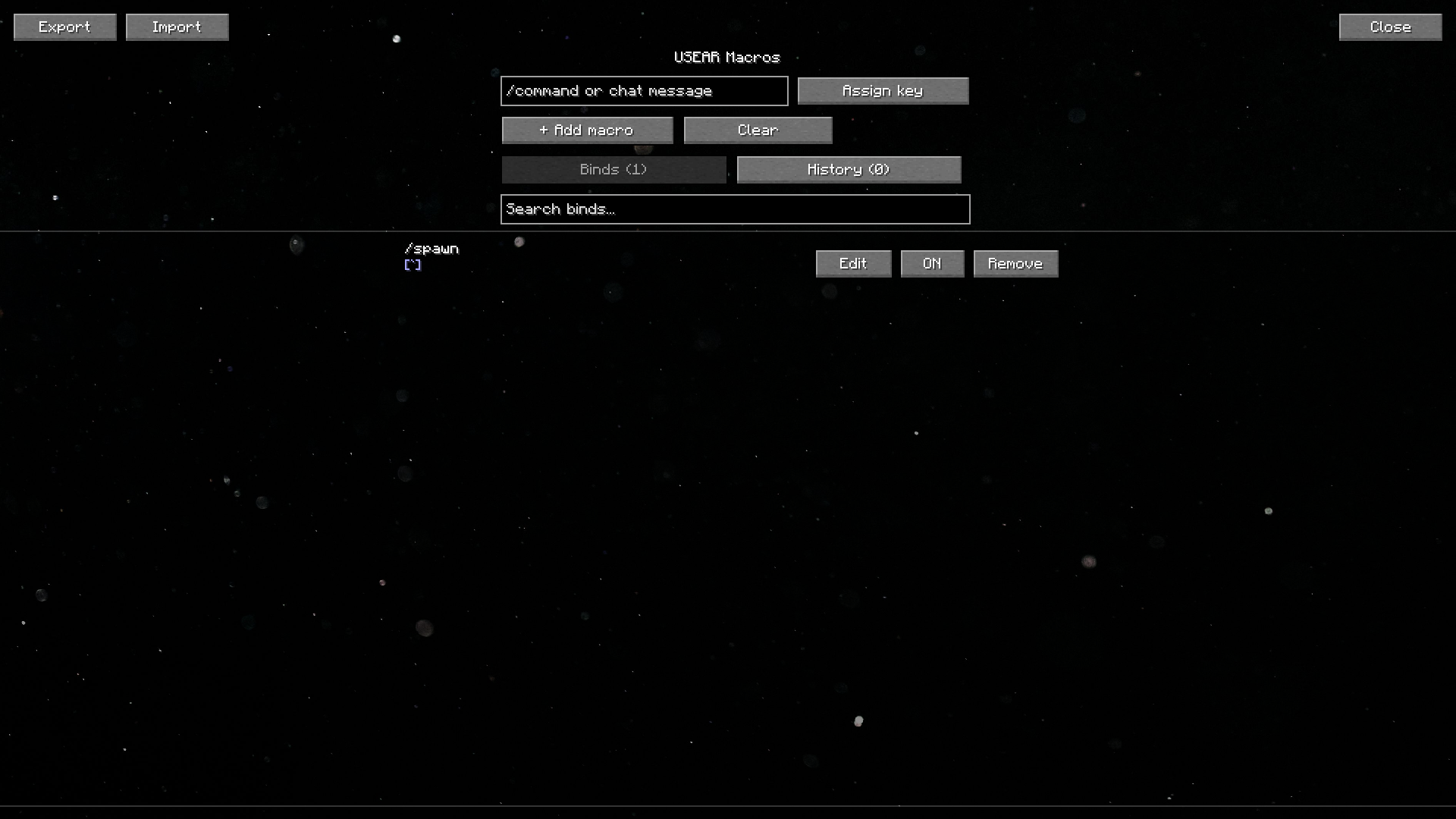
- Flexible keybinding: assign chat commands or actions to any key or mouse button.
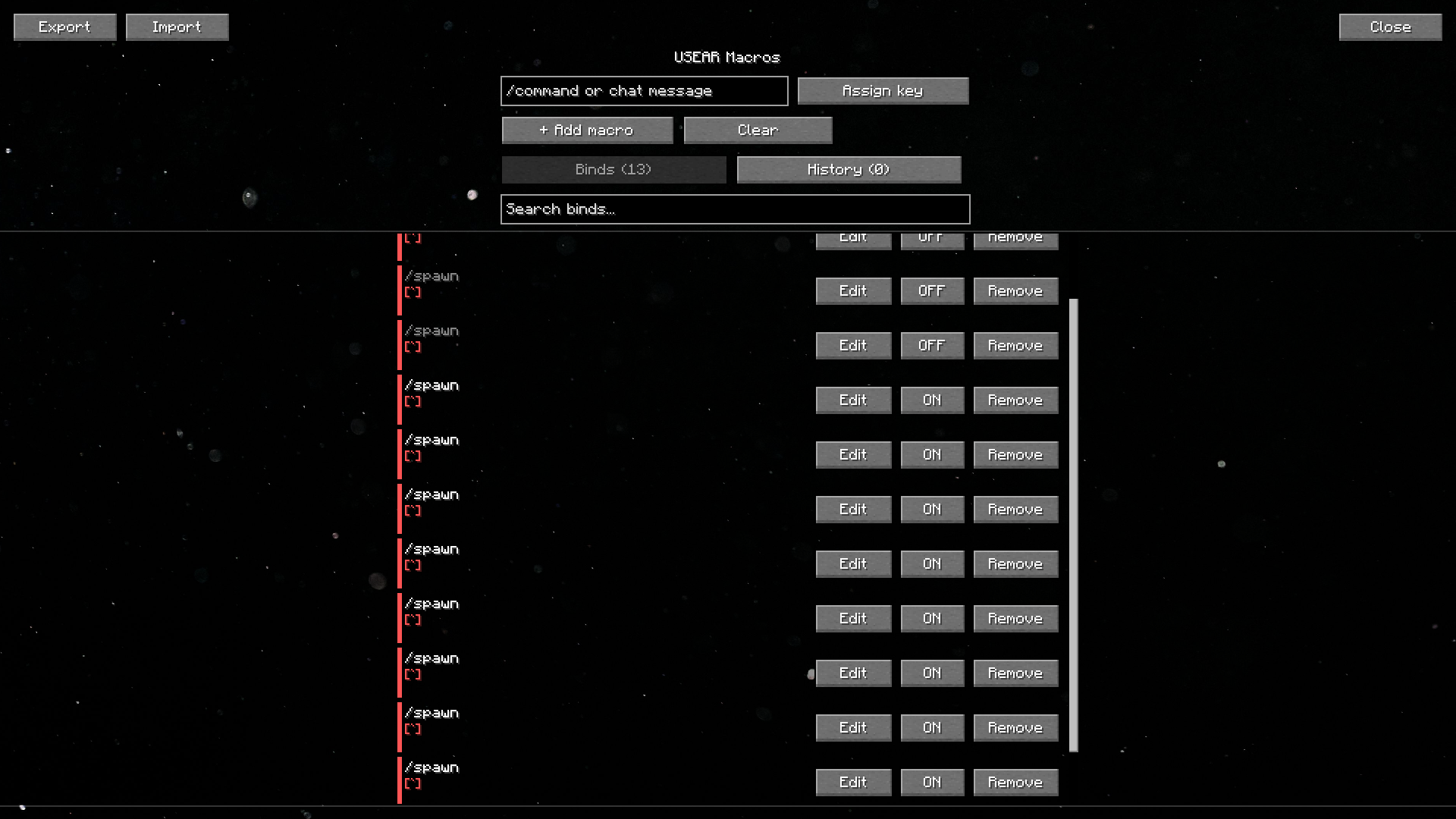
- Scrollable bind list: a native, searchable list of your binds — smooth scrolling and a scrollbar, so it stays clean no matter how many binds you add.
- Enable/disable toggle: temporarily turn a bind off without deleting it.
- Duplicate key warning: binds sharing the same key are highlighted so you can spot conflicts at a glance.
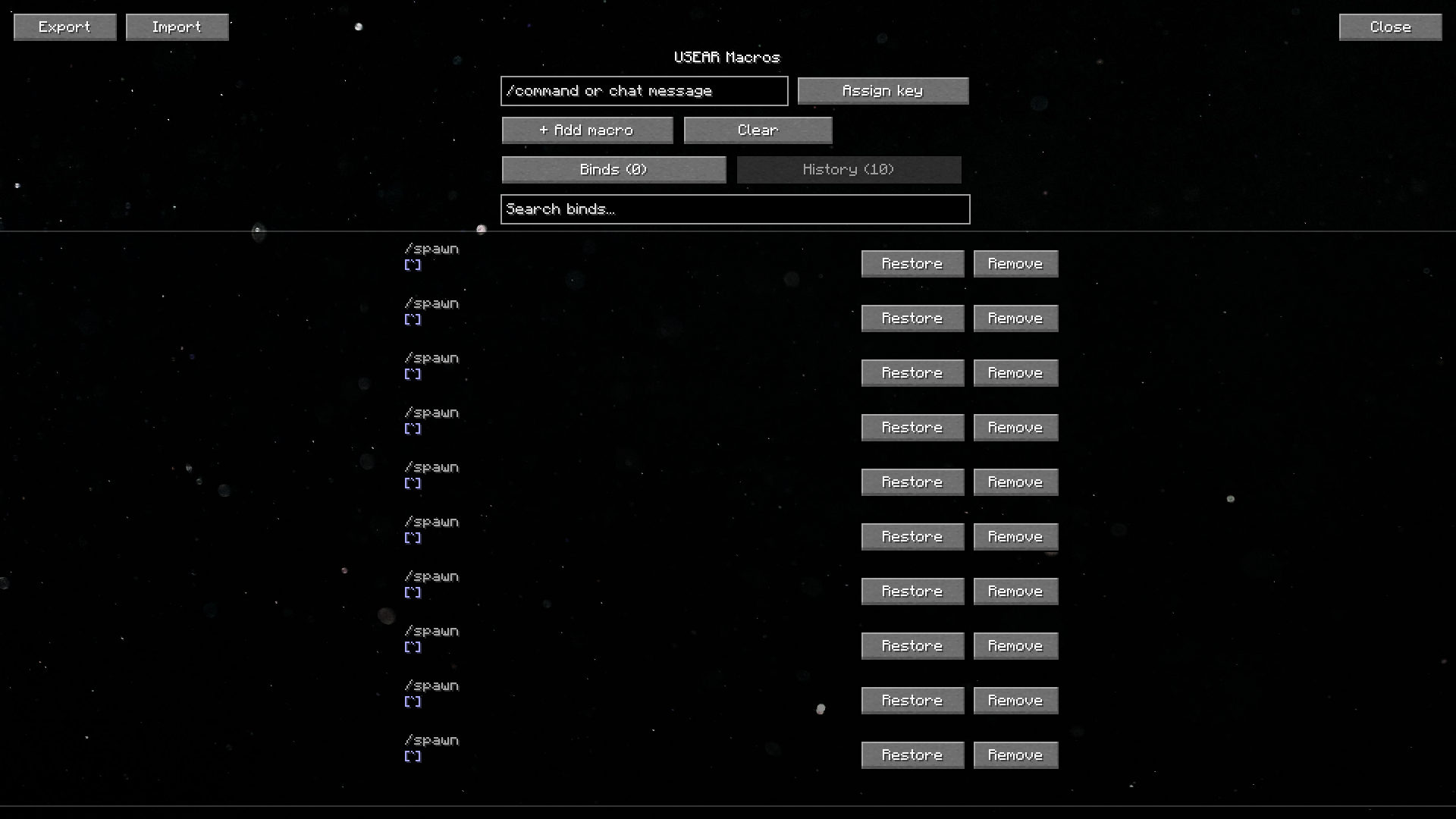
- History support: recently removed binds are kept so you can restore them in one click.
- Export / Import: copy your binds to the clipboard as JSON and share or restore them instantly — great for backups or moving to a new PC.
- Mouse binds: supports side buttons for extra control.
- Smooth, polished UI: fade-in animations, live toast notifications, and a parallax background give the macro screen a bit of extra life.
How to use
- Go to Options → Controls and set a key for Open Keybinder Screen (default:
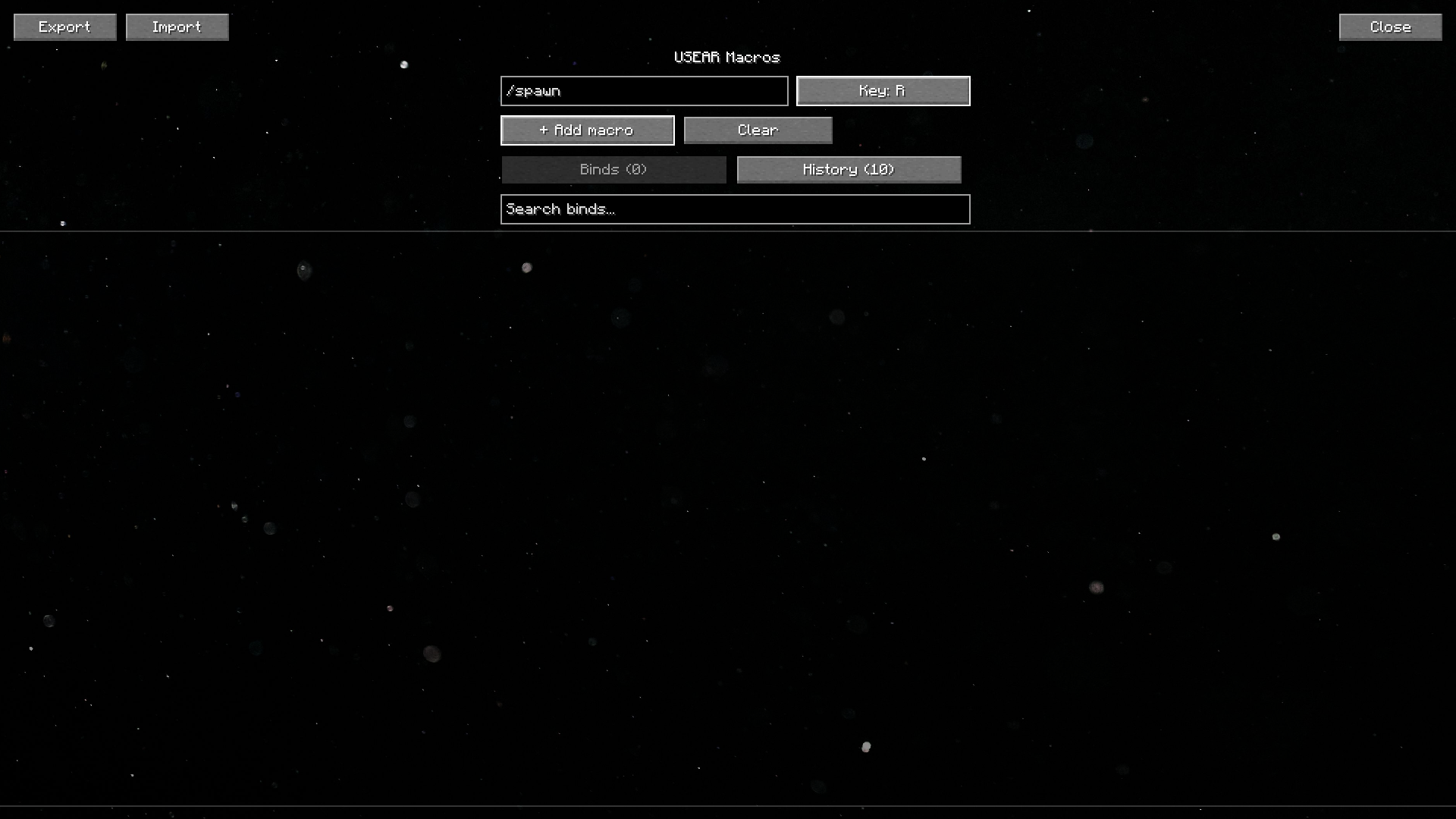
K). - Open the Keybinder Screen, type a command, press Assign Key, and choose a button.
- Save and use your new hotkey directly in-game.
- Use the search bar and tabs to manage binds once you’ve added a few — toggle, edit, or remove them anytime.
Installation
- Download the latest version from Modrinth.
- Place the
.jarfile into yourmodsfolder. - Launch Minecraft with Fabric or Quilt.
Why you’ll like it
USeArKey keeps things simple: no bloated features, just reliable keybinding with a clean, comfortable interface. Perfect for players who want quick access to commands without typing them every time.
Have a question, suggestion, or idea?
| | |
|—|—|
|  | Check our discord channel. |
常见问题
USeArKey – Keybinding 支持哪些 Minecraft 版本?
USeArKey – Keybinding 支持 Minecraft Java 版 1.21.6–1.21.11,共 4 个版本,可用的加载器:Fabric。下载时注意选择和你游戏版本一致的文件。
USeArKey – Keybinding 怎么安装?
先用 PCL2 或 HMCL 启动器安装对应版本的 Fabric,再把下载的 .jar 文件放进游戏目录的 mods 文件夹,重新启动游戏即可。开启了版本隔离的,mods 文件夹在 versions/版本名 下面。运行环境:仅客户端。
USeAr3658 的其他作品
查看全部 →
Infinity Full Bright
Press "I" to toggle Full Bright in Minecraft. Night Vision Client-side

Better HUD widgets
Build your own HUD with fully customizable, draggable, interactive widgets

Multiplayer Fix
Fixes the "Multiplayer is disabled. Please check your Microsoft account settings" bug on Minecraft's Multiplayer menu.
Multiplayer Fix
Fixes the "Multiplayer is disabled. Please check your Microsoft account settings" bug on Minecraft's Multiplayer menu.
评论
登录后评论和评分