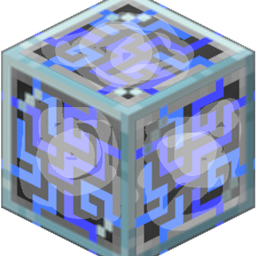
Transparent AE2
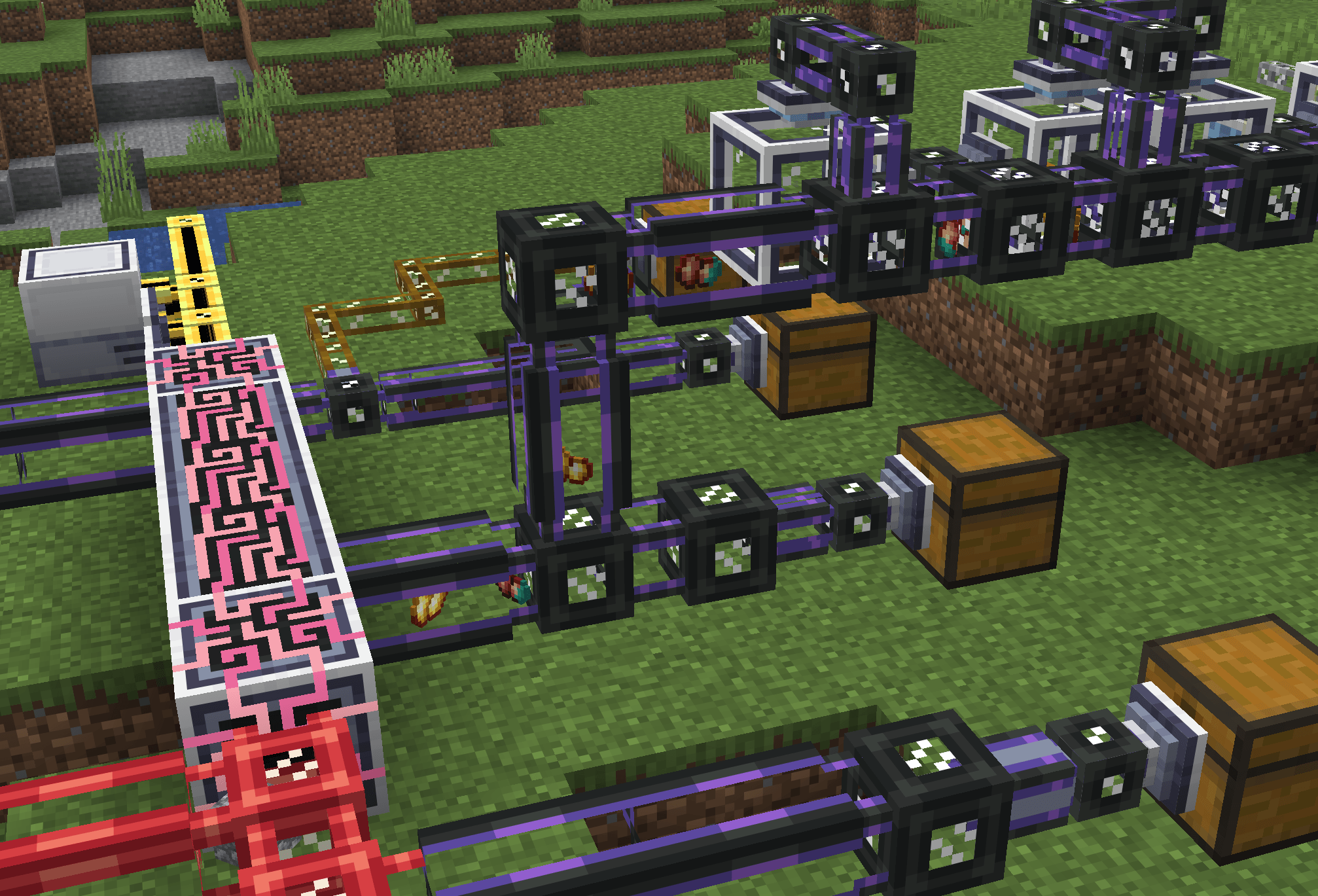
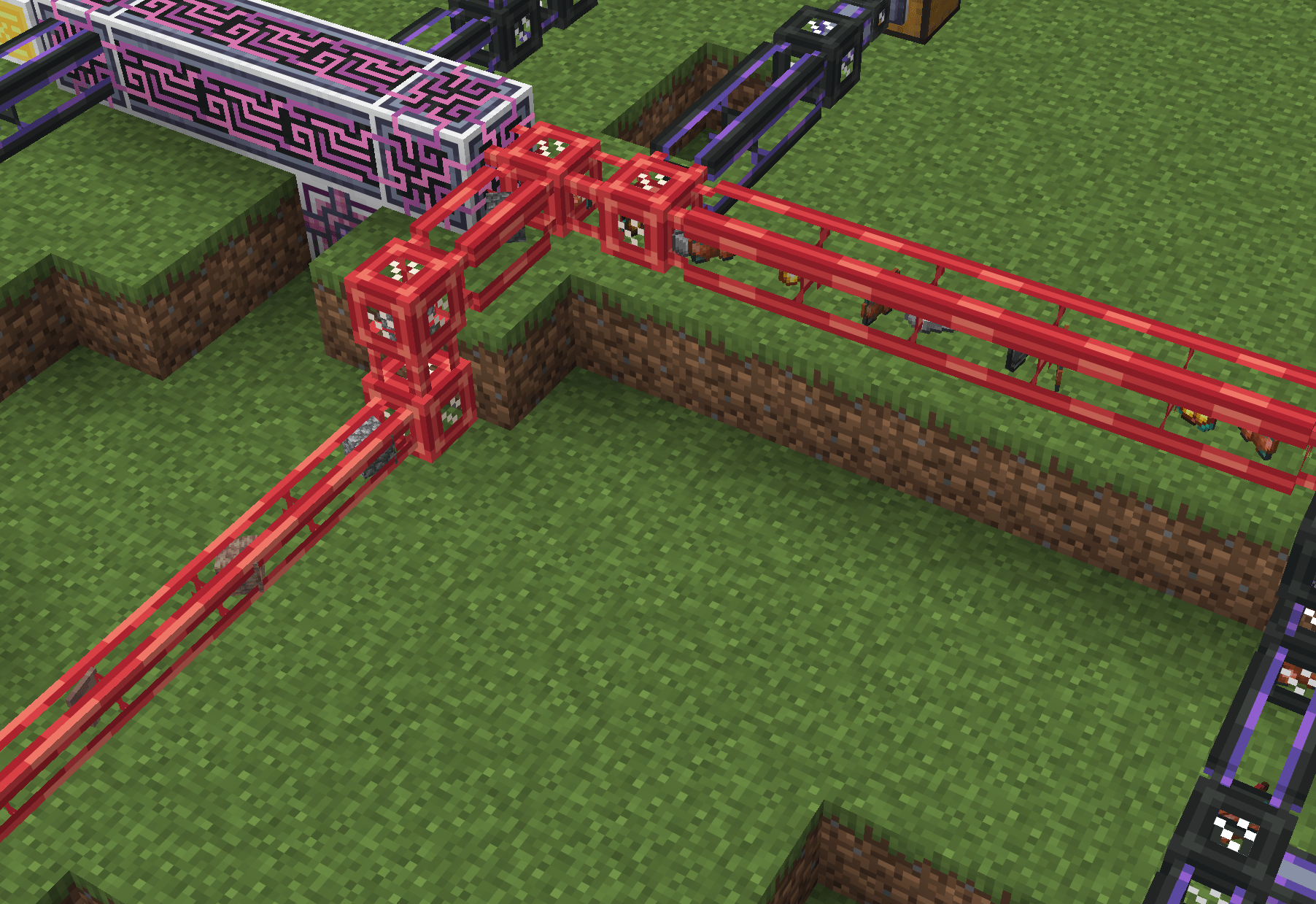
Renders moving items inside AE2 networks. Works with see-through cables (like normal me cables) and also adds transparent versions of the smart / dense cables.
截图
介绍
Renders moving items inside AE2 networks. Works with see-through cables (like normal me cables) and also
adds transparent versions of the smart / dense cables.
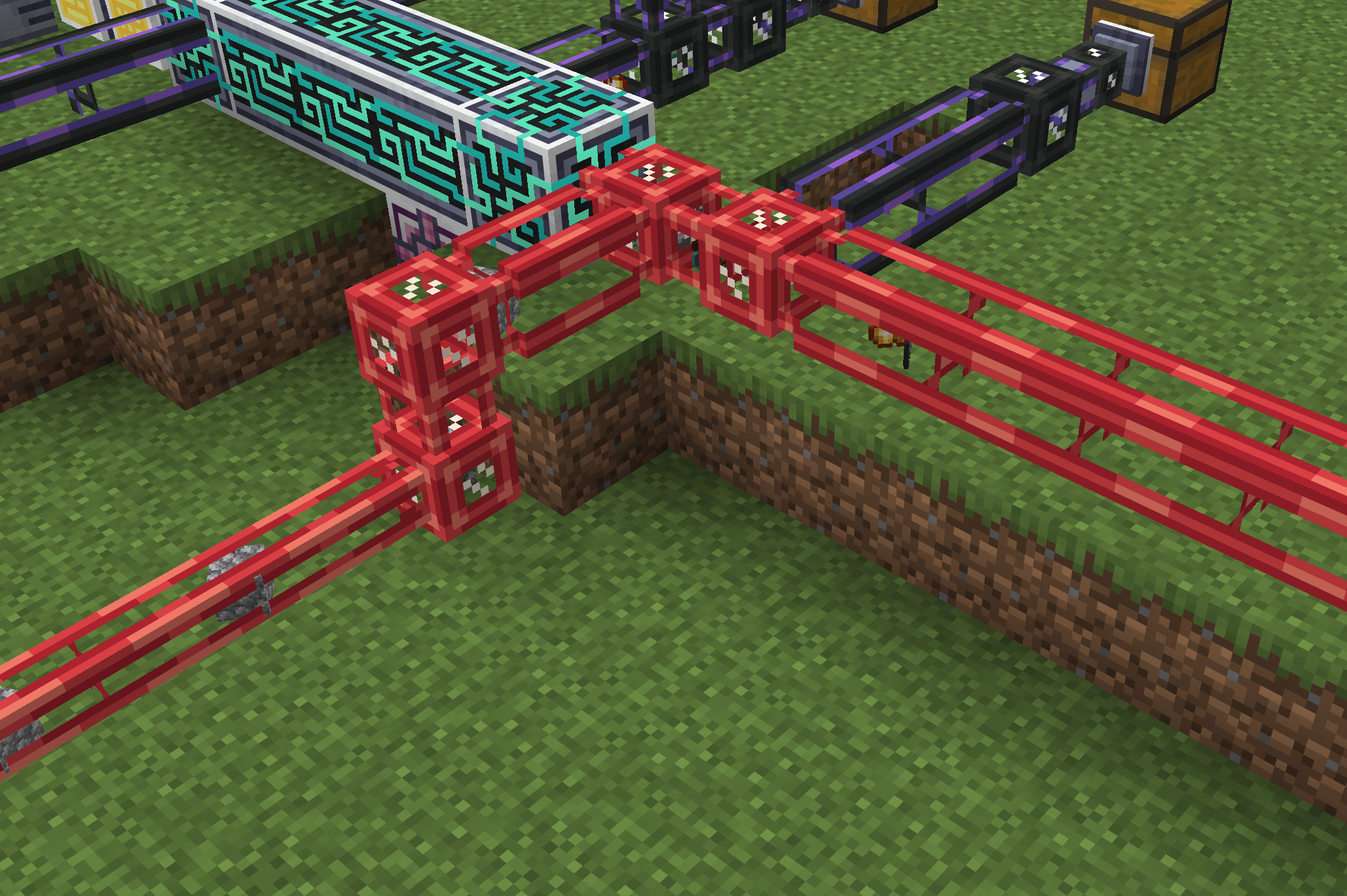
Items are shown moving through AE2 glass cables and specially treated smart or dense cables. The
animation follows the route that AE2 assignd between a machine and the controller. The real item
transfer still happens instantly. The moving item is only a visual effect.
Features
- Shows imported, exported, inserted, extracted, and crafting-input items moving through an ME
network. - Existing AE2 transfer / working logic is untouched.
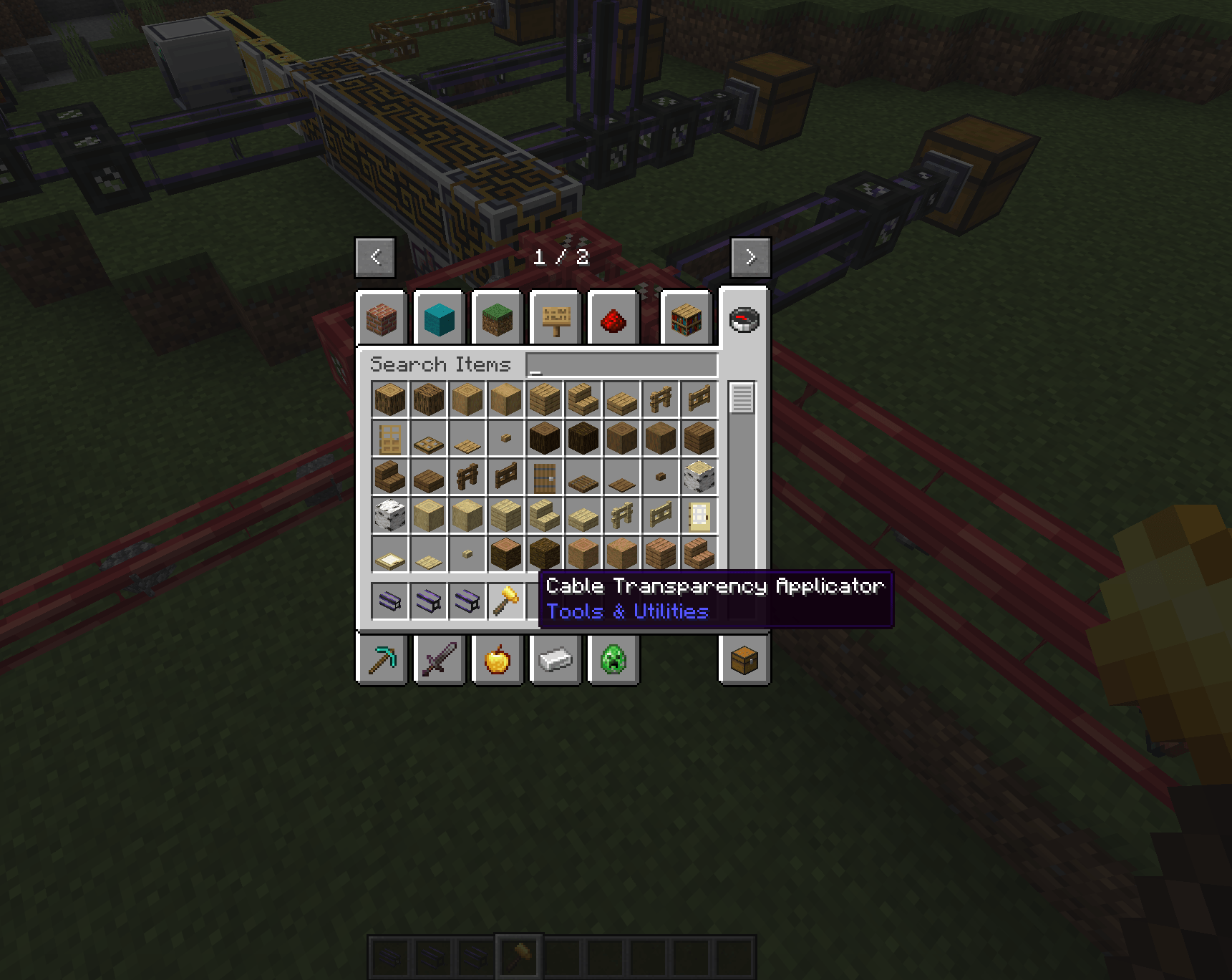
- Adds a reusable Cable Transparency Applicator Item. Use it on a smart or dense cable to show items through
that cable. Use it again to remove the treatment. - Adds ready-made transparent smart, dense smart, and dense covered cable items.
What it does not do
- It does not change how AE2 stores, moves, crafts, or secures items.
- It does not turn the animation into a real item entity. It cannot be picked up or interact with
the world. - It does not slow down item transfers to match the animation.
- It does not currently show fluid transfers.
- It does not show routes on controllerless, booting, or conflicting AE2 networks.
- It does not show a route when every cable on that route is an opaque cable.
Performance impact
The server observes completed AE2 item transfers and calculates their controller routes once per
tick. Similar transfers are grouped together before the route is sent to nearby players. The client
keeps a limited number of recent animations and only renders nearby items.
Most small installations should see little impact. Very large or very busy ME networks can require
more route calculations and network traffic, especially when many different items move at once. If
needed, the server can disable transfer-path calculation completely. The calculations can be disabled
on the server level, or the client can disable the rendering. Both can be toggled independently.
Configuration
Server configuration:
enableTransferPathsenables or disables route calculation and animation packets.
Client configuration:
renderTransferItemsenables or disables moving item animations.itemMovementSpeedchanges the animation speed.maxTransferslimits how many recent animations the client keeps.
Credits
Cable Transparency Applicator Texture: From MalcolmRiley’s unused textures
常见问题
Transparent AE2 支持哪些 Minecraft 版本?
Transparent AE2 支持 Minecraft Java 版 1.21.1–26.1.2,共 2 个版本,可用的加载器:NeoForge。下载时注意选择和你游戏版本一致的文件。
Transparent AE2 怎么安装?
先用 PCL2 或 HMCL 启动器安装对应版本的 NeoForge,再把下载的 .jar 文件放进游戏目录的 mods 文件夹,重新启动游戏即可。开启了版本隔离的,mods 文件夹在 versions/版本名 下面。
rearth 的其他作品
查看全部 →
Oritech
一款专注于科技的模组,包含会动的机械、多样的处理方式,以及大量全新的机制与设备

Oracle Index
一个用于 Minecraft Fabric / NeoForge 的客户端文档查看模组,旨在配合 wiki 与 moddedmc.wiki 一起使用。

Simple Conveyor Belts
一款基础传送带模组,新增基于样条曲线的物品传送带,可将物品从 A 点运送到 B 点,让你自由搭建各种形状的物品运输网络。

ae2helpers
Small addon for AE2 for 1.21.1. Adds the option to auto-import pending crafts in the crafting terminal. Also adds a "Crafting Result Import Card" item.
评论
登录后评论和评分