介绍
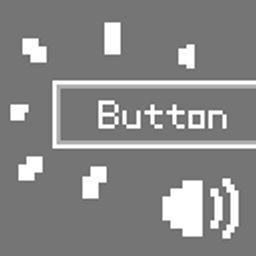
Buttons in Minecraft are very quiet, they only play a sound effect when you click them.
If you want Minecraft to provide clear auditory feedback when you hover over a button (like most modern games do), then this mod is for you!
This mod plays a sound effect when the mouse hovers over a button, or when a button is selected using the Tab key.
The default sound is a pitch‑shifted version of the Hat note‑block sound (minecraft:note/hat).
You can replace it with a custom resource pack:
assets/tictac_buttons/sounds.json:
{
  "default": {
    "replace": true,
    "sounds": [
      "tictac_buttons:custom"
    ]
  }
}
Then place your sound file, named custom.ogg, in the folder assets/tictac_buttons/sounds/custom/.
Load the resource pack in the game, and the mod’s sound effect will be replaced!
常见问题
TicTac Buttons 支持哪些 Minecraft 版本?
TicTac Buttons 支持 Minecraft Java 版 1.20.1,可用的加载器:Fabric / Forge。下载时注意选择和你游戏版本一致的文件。
TicTac Buttons 怎么安装?
先用 PCL2 或 HMCL 启动器安装对应版本的 Fabric / Forge,再把下载的 .jar 文件放进游戏目录的 mods 文件夹,重新启动游戏即可。开启了版本隔离的,mods 文件夹在 versions/版本名 下面。




评论
登录后评论和评分