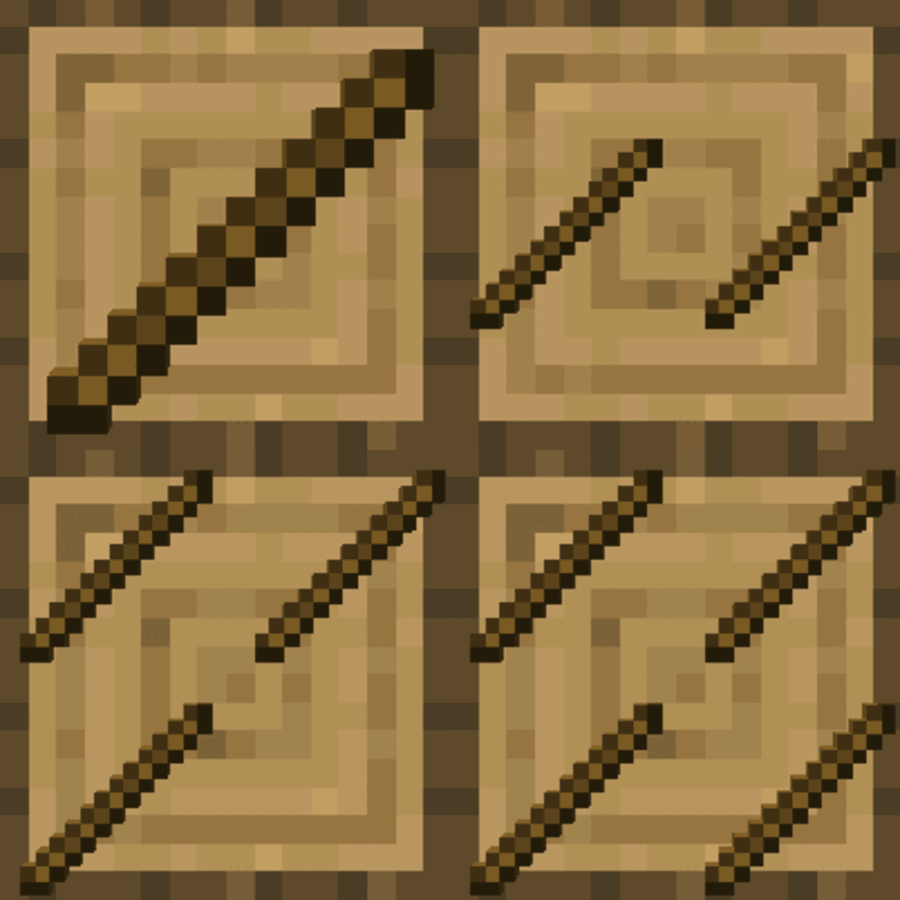
截图

介绍
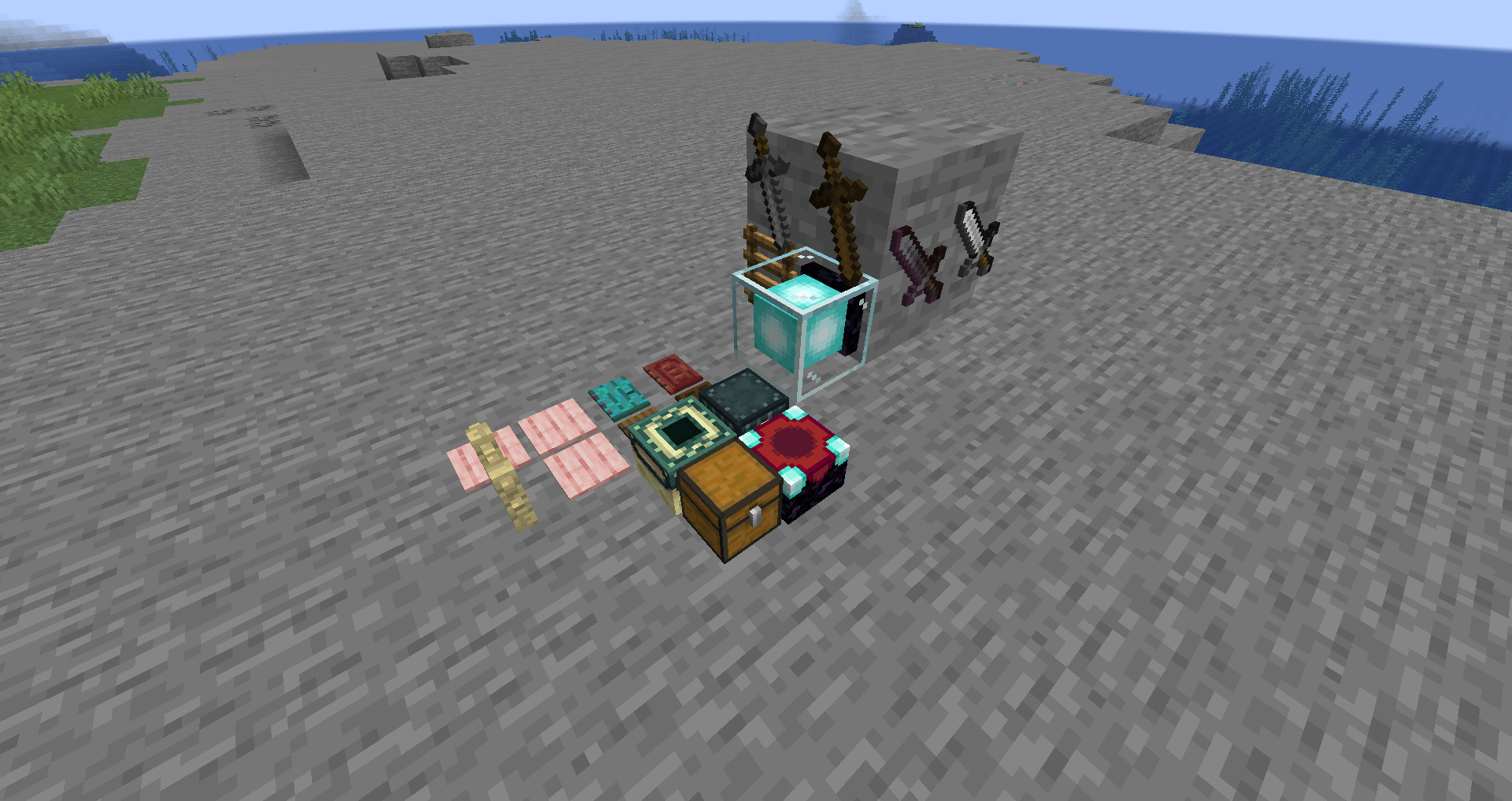
Features
- Place any item in the world
- Rotate placed items using shift-click
- Multiple items can be placed in the same block space
- Configurable whitelist/blacklist for placeable items
- Works with modded items
- Items retain their NBT data when placed
How to Use
- Hold any item you want to place
- Press P (key can be changed in controls)
- Item will be placed on the block you’re looking at
- Shift + right-click on placed items to rotate them
- Right-click on placed items to pick them back up
Configuration
The mod includes server-side configuration options for:
- Maximum stack size for placed items
- Blacklist specific items from being placed using item IDs or tags
Credits
- Inspired by the original Plonk Mod
- Special thanks to BlueAgent for the 1.20.1 code and permission to maintain newer versions of it
Support
- For bug reports and issues: Please use the Issue Tracker on GitHub
- Or join our Discord Server
If you’d like to support me and the development of my mods, I recommend trying out BisectHosting. Use code “project8gbderam” to get 25% off your first month of a gaming server for new customers. They offer 24/7 support and lightning-fast response times, ensuring you’re in great hands and providing exceptional assistance for all your gaming needs.
https://www.bisecthosting.com/project8gbderam

常见问题
Stick It! 支持哪些 Minecraft 版本?
Stick It! 支持 Minecraft Java 版 1.21.1–26.3,共 4 个版本,可用的加载器:Fabric / NeoForge。下载时注意选择和你游戏版本一致的文件。
Stick It! 怎么安装?
先用 PCL2 或 HMCL 启动器安装对应版本的 Fabric / NeoForge,再把下载的 .jar 文件放进游戏目录的 mods 文件夹,重新启动游戏即可。开启了版本隔离的,mods 文件夹在 versions/版本名 下面。运行环境:客户端和服务端都要装。
ReclipseTheOne 的其他作品
查看全部 →
NauTec
Nautec is a mod about exploring the depths of the ocean, discovering new technologies both powerful and dangerous.

Porting Dead Libs
A library mod for all of Porting Dead Mods' Mods

Researchd
Bringing Factorio research to Minecraft

Eval
Parsing mathematical expressions in chat
评论
登录后评论和评分