
NauTec
Nautec is a mod about exploring the depths of the ocean, discovering new technologies both powerful and dangerous.
截图
介绍
Requires Curios API and Modonomicon but Just Enough Items and __Jade__ are _HIGHLY_ recommended
Link to the Discord

=================================================================================
Nautec is a mod about exploring the depths of the ocean, discovering new technologies both powerful and dangerous.

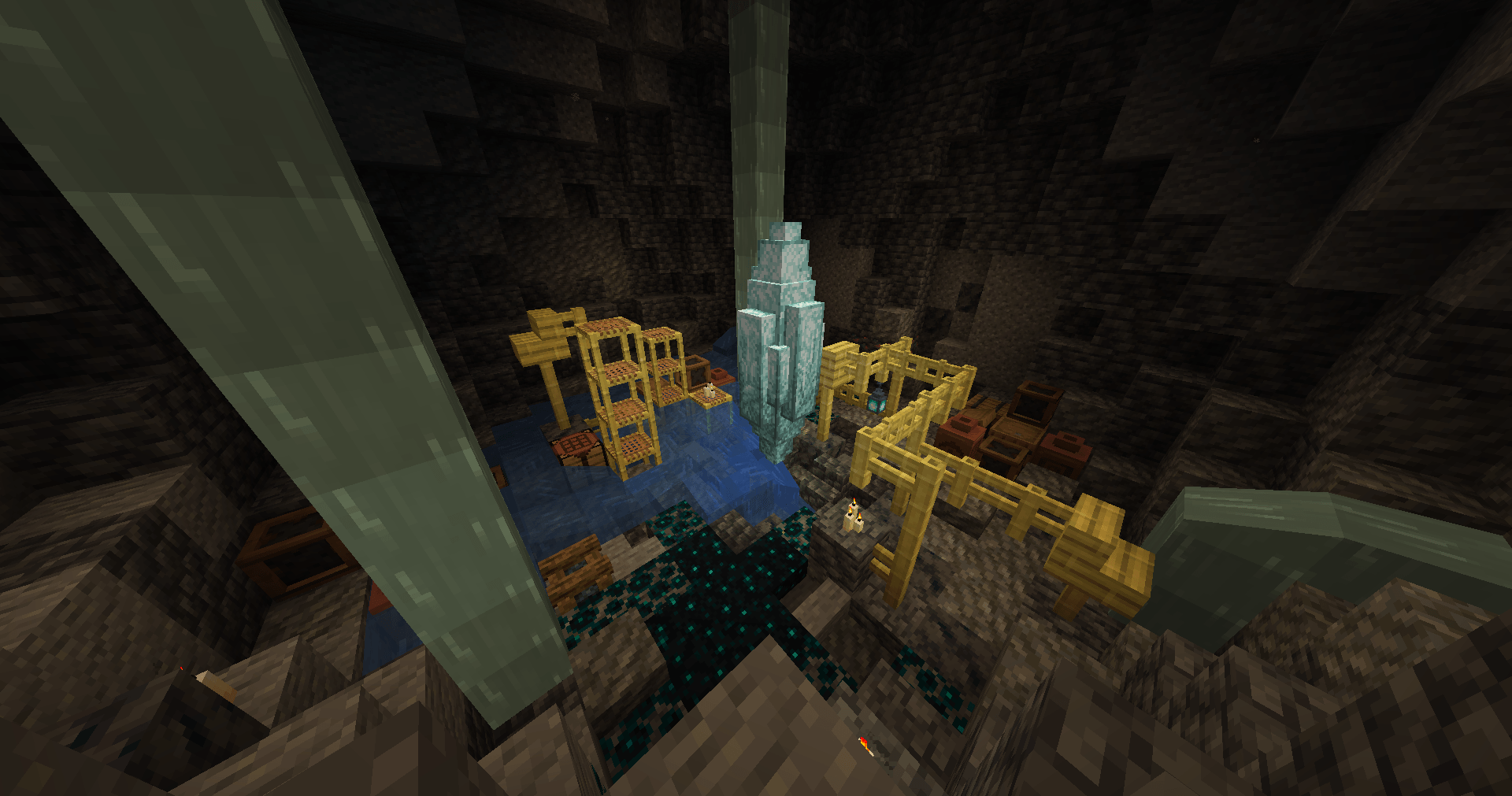
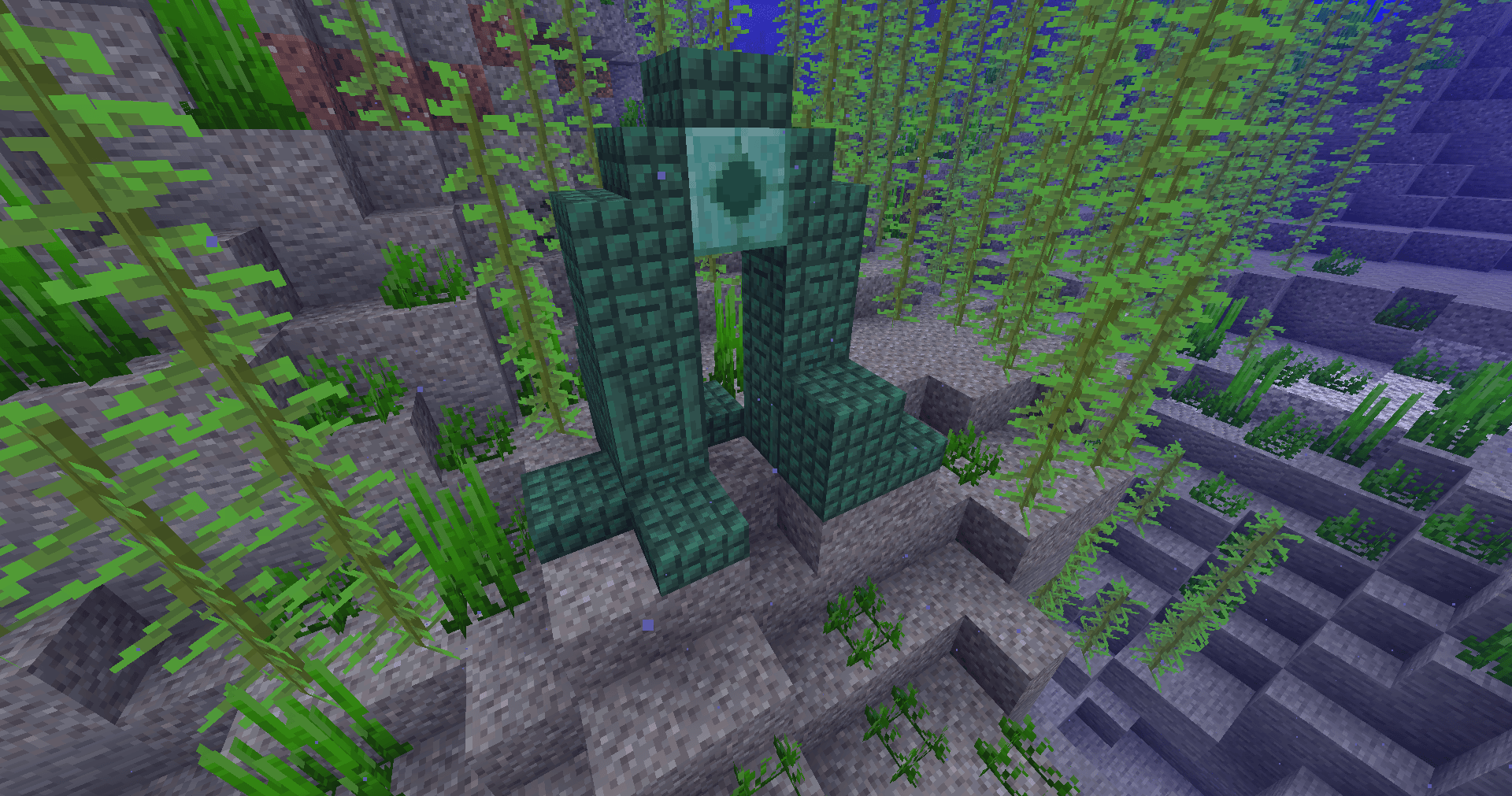
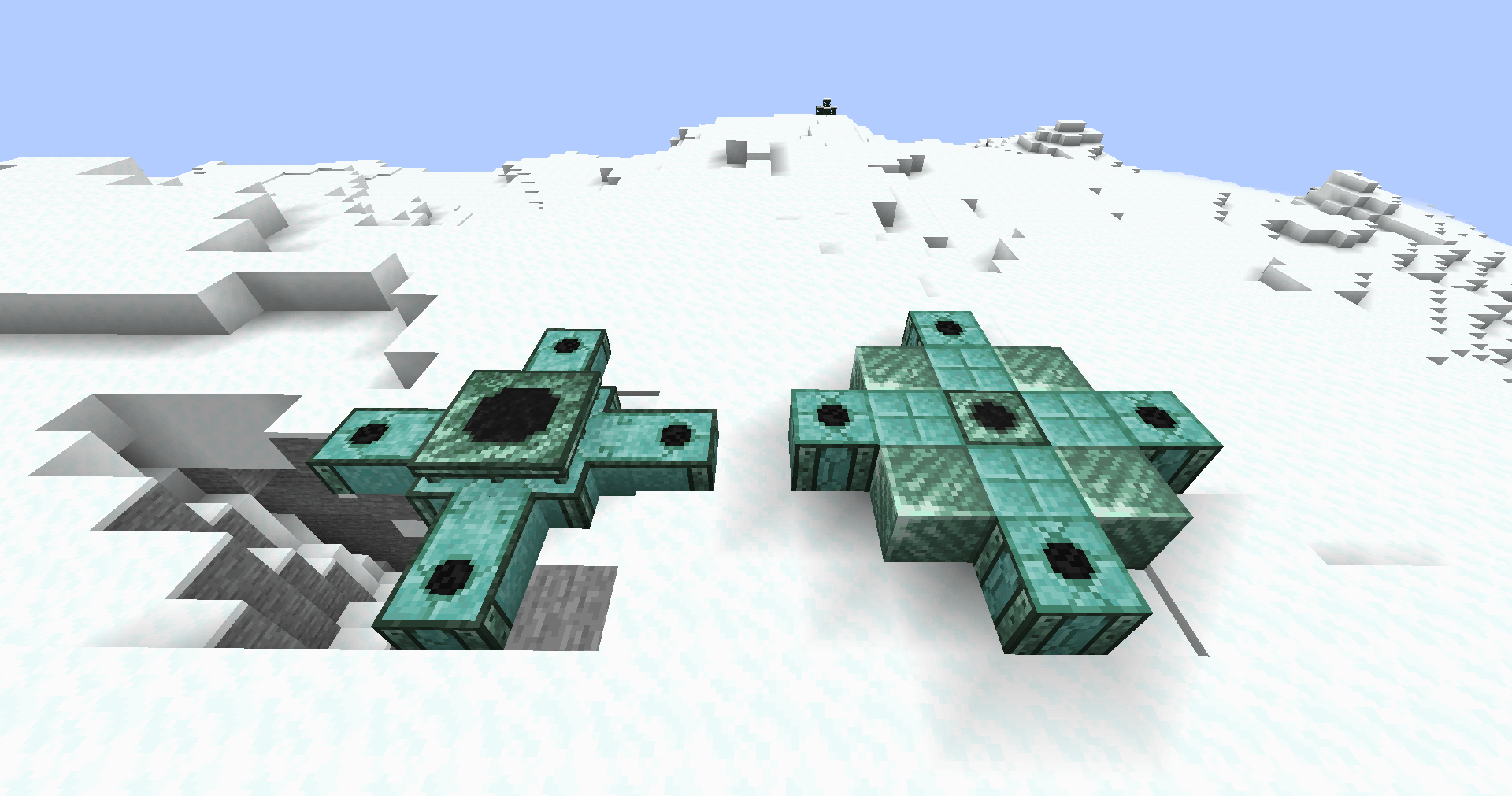
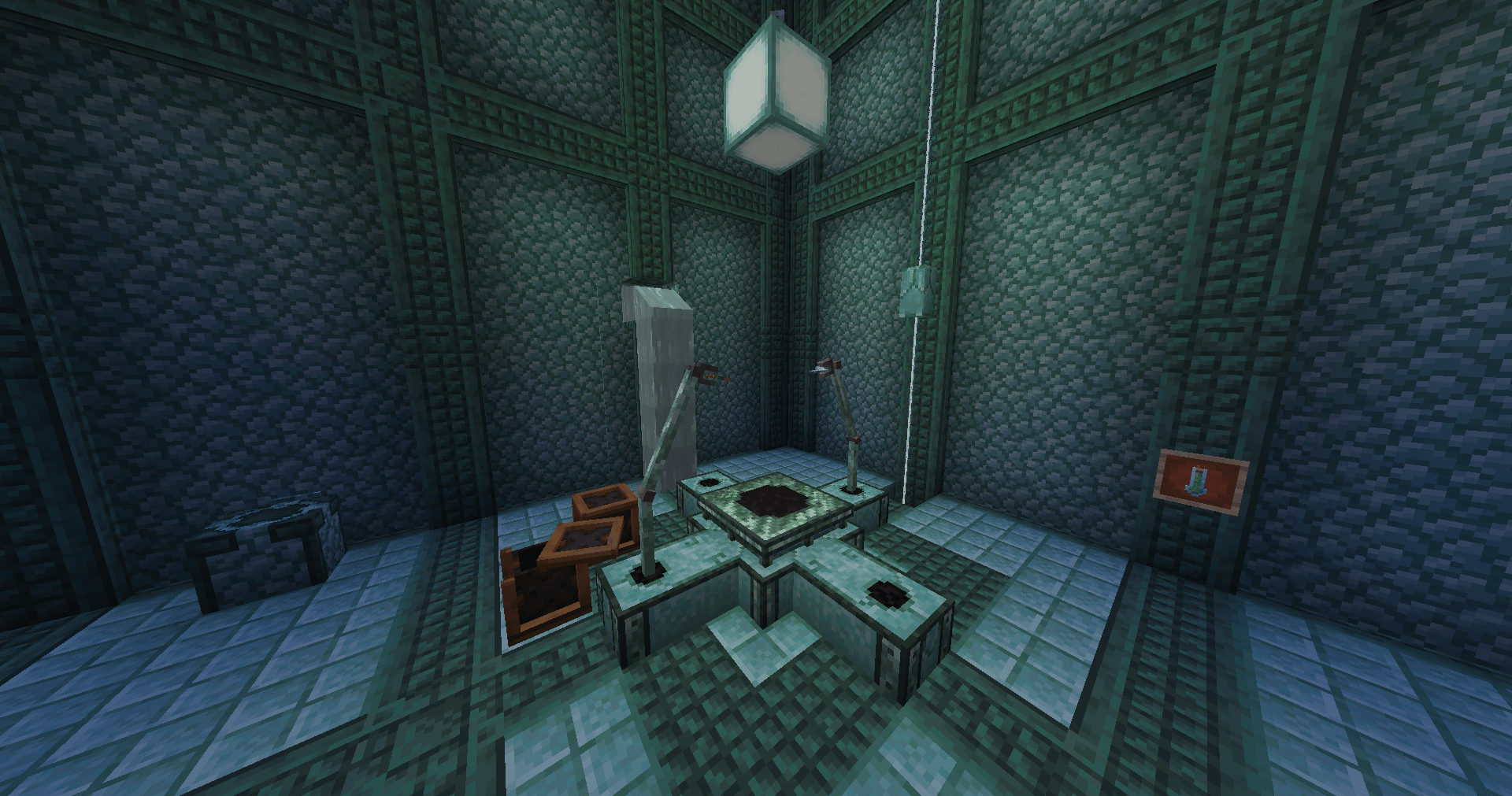
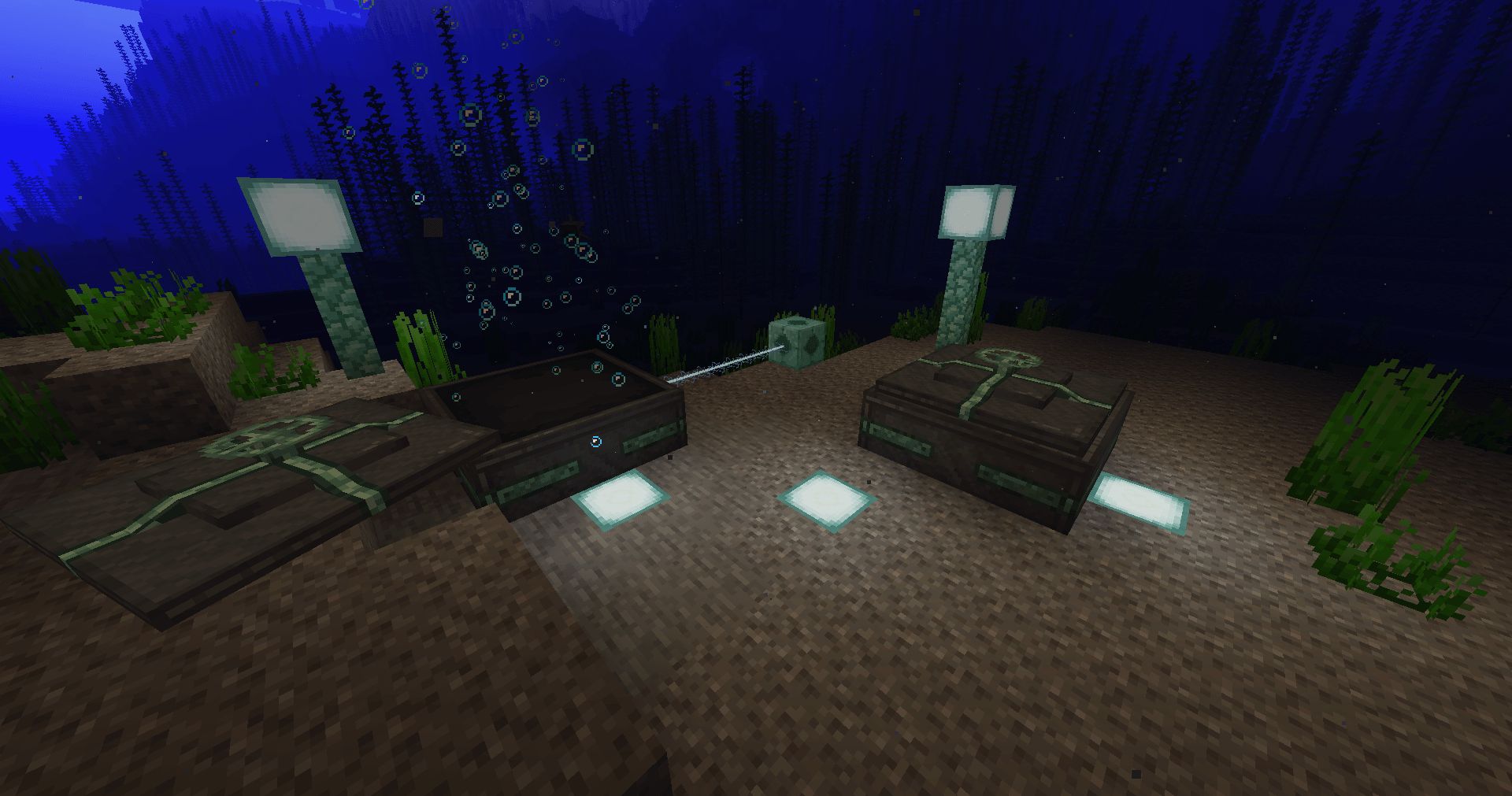
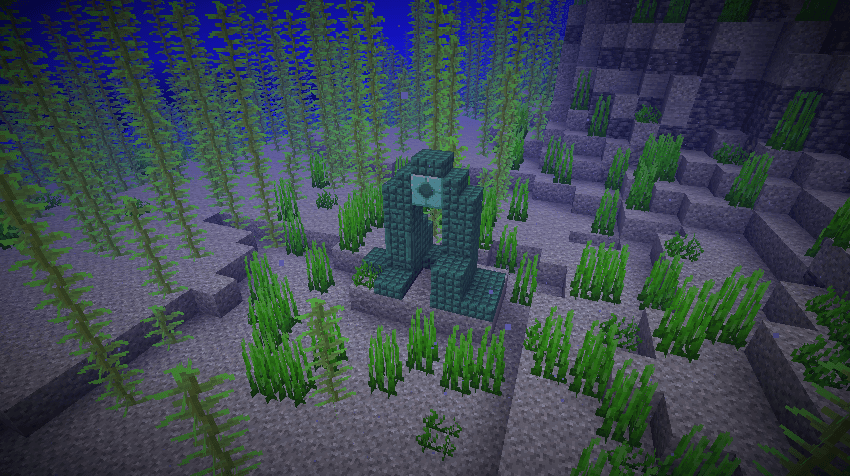
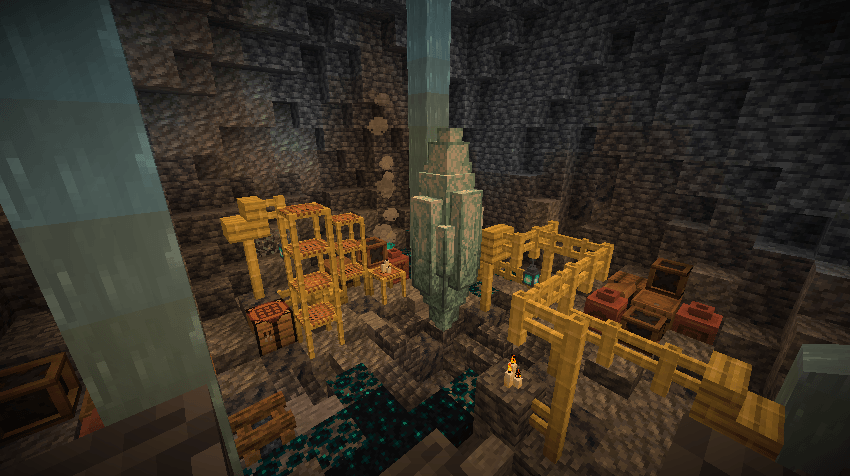
To begin your aquatic journey you will have to find a prismarine crystal geode, located underneath a dark prismarine ruin. This ruin also contains an Aquatic Catalyst that you can use to generate your first power.
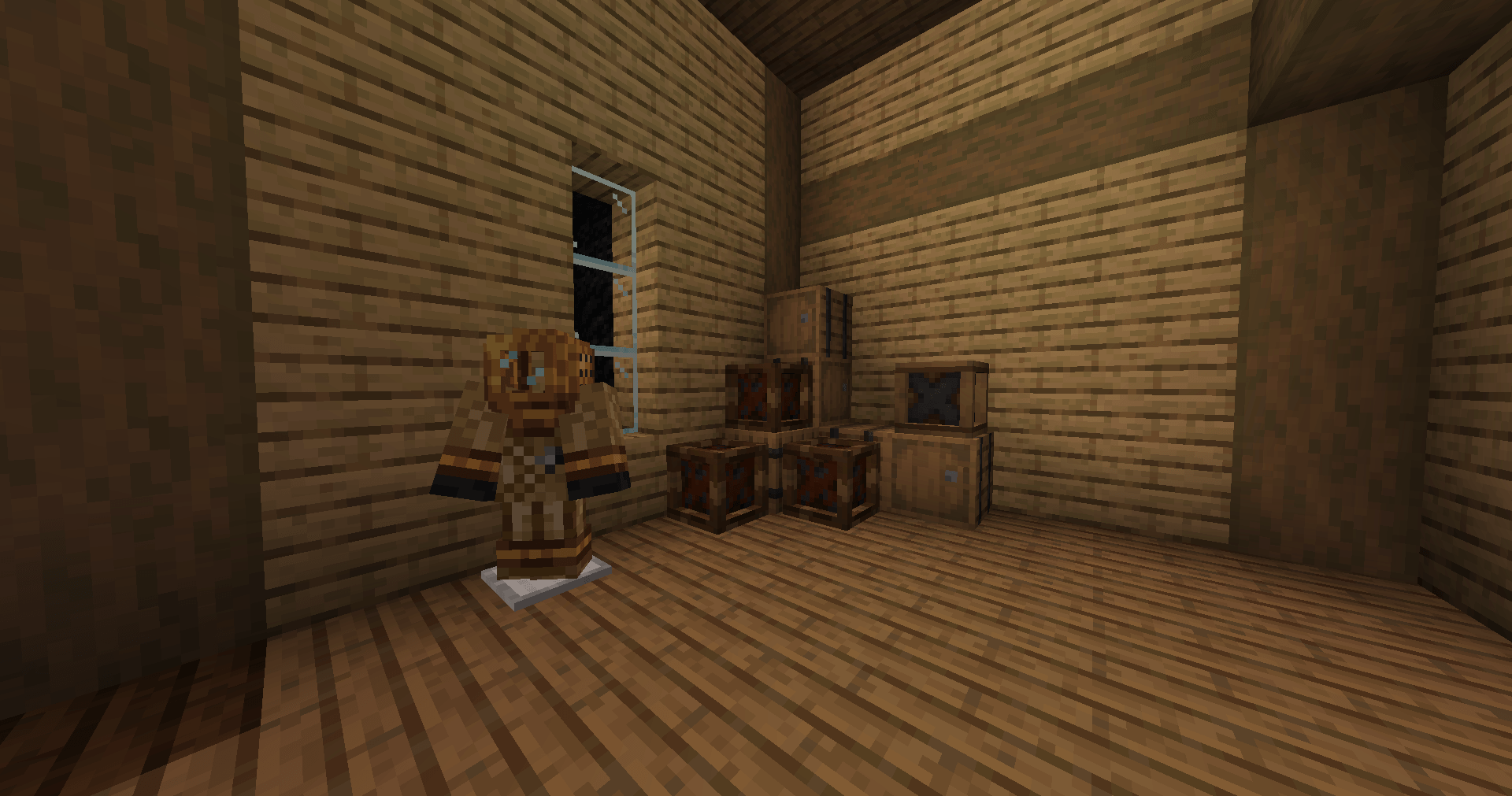
Due to the oceans being deeper than in vanilla minecraft it is highly recommended to craft a diving suit which also removes the underwater fog effect.
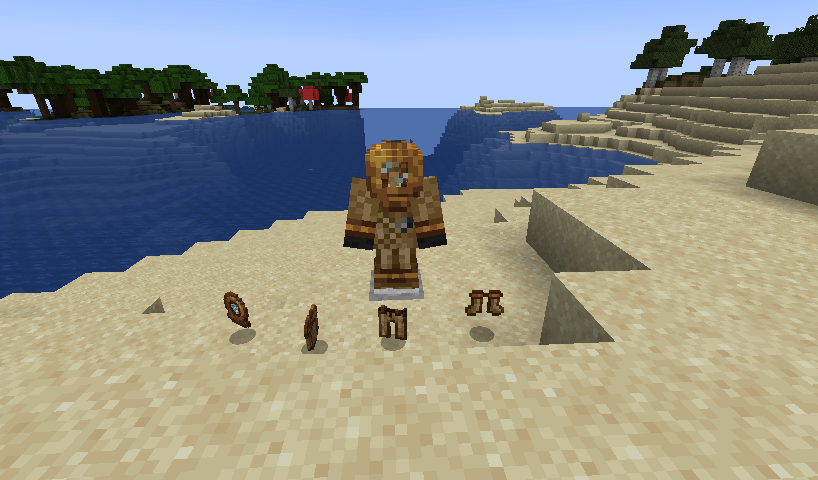
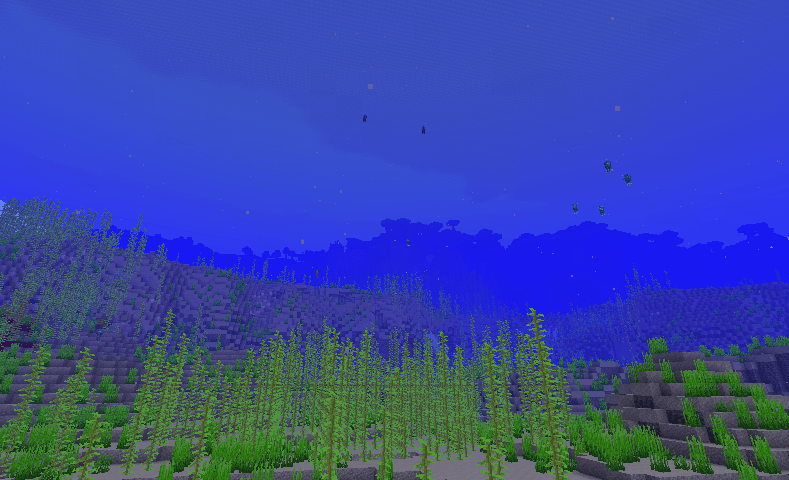
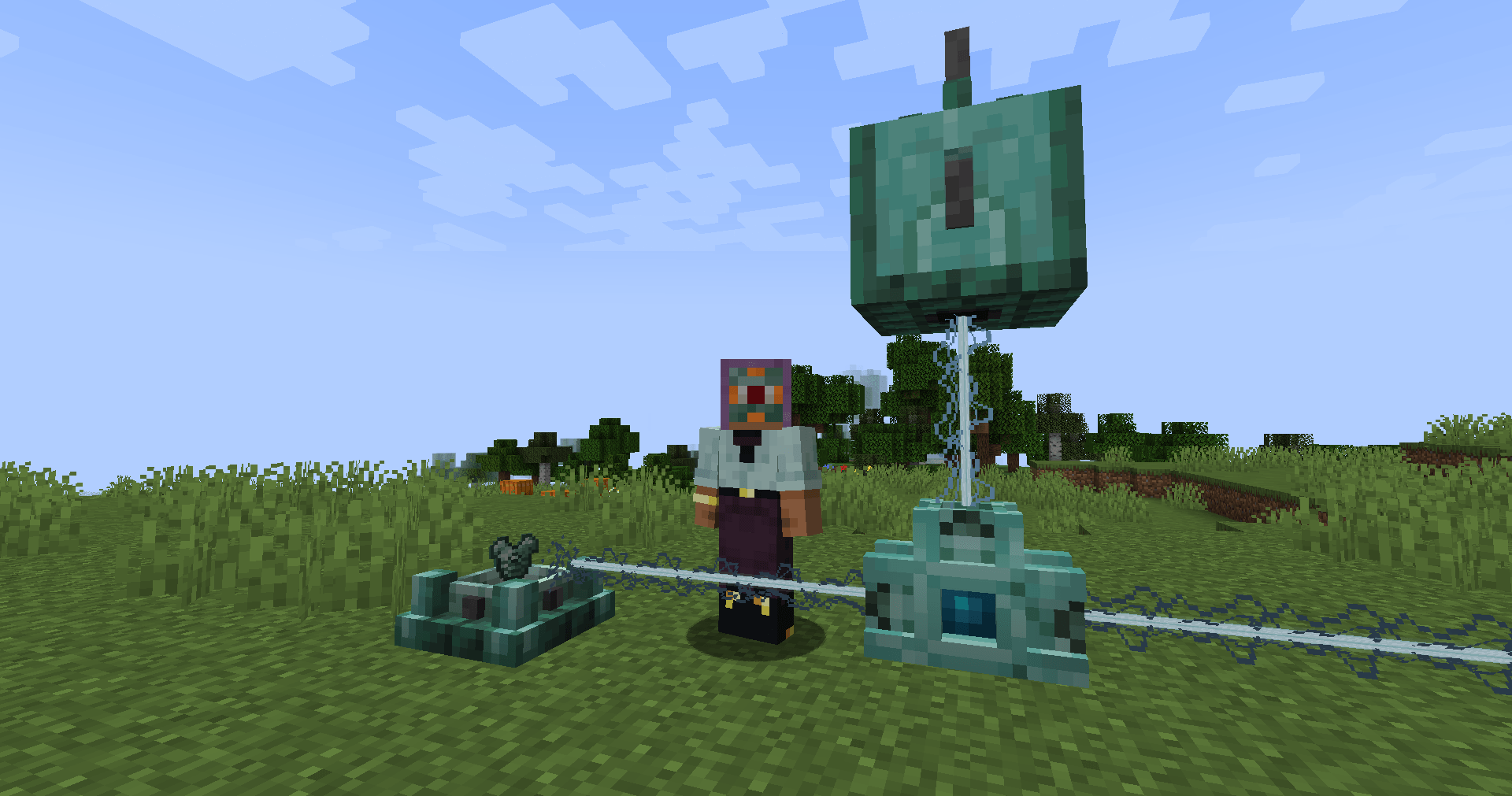
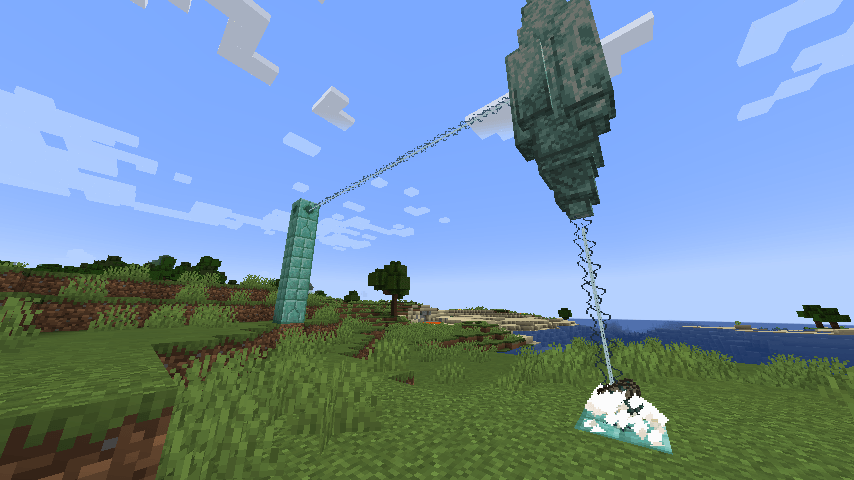
After filling the Catalyst with a fuel like kelp (requires a hopper) and activating it using a Heart of the sea, it will generate power and send a laser beam to any block in its way with a range of 15 blocks.
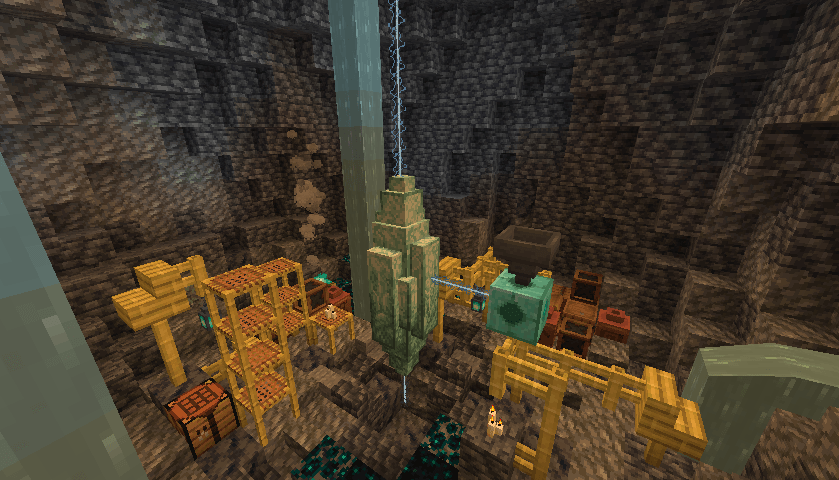
By shooting a beam into the crystal the beams purity will increase, allowing you to perform item transformtation using the laser. Item transformation is done by throwing an item in a laser.
Be careful tho, they can burn you!
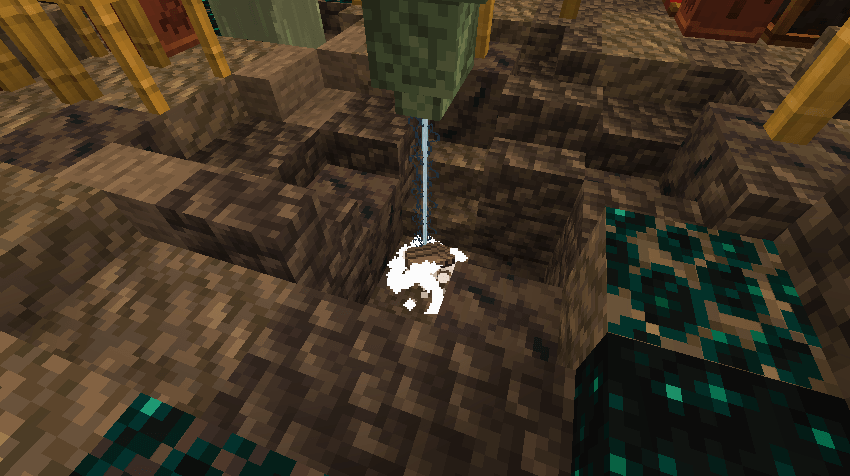
Throwing iron under a laser will transform it into Aquarine Steel, therefore unlocking the base material for the mod.
Congrats! You have completed the pre-early game and are now able to explore the mod on your own or with the help of the guide book. Don’t forget to use JEI either!

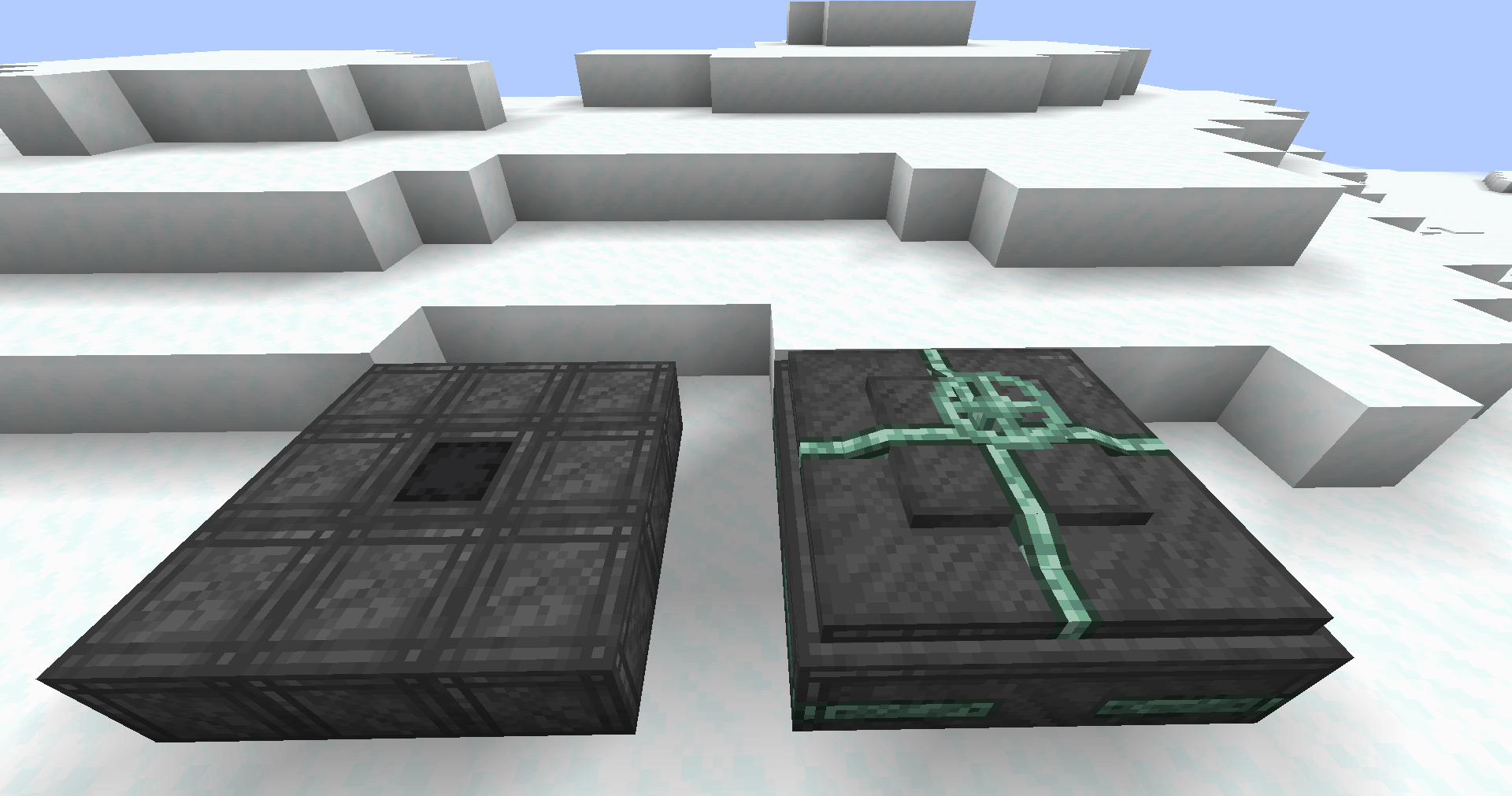
Now that you have unlocked Aquarine Steel you can start building machines like the mixer to dive into deepsea chemistry, build a deep sea drain to accumulate tons of buckets of Salt Water and work towards building an augmentation station to augment your body with various

常见问题
NauTec 支持哪些 Minecraft 版本?
NauTec 支持 Minecraft Java 版 1.21–1.21.1,共 2 个版本,可用的加载器:NeoForge。下载时注意选择和你游戏版本一致的文件。
NauTec 怎么安装?
先用 PCL2 或 HMCL 启动器安装对应版本的 NeoForge,再把下载的 .jar 文件放进游戏目录的 mods 文件夹,重新启动游戏即可。开启了版本隔离的,mods 文件夹在 versions/版本名 下面。运行环境:客户端和服务端都要装。
ReclipseTheOne 的其他作品
查看全部 →
Stick It!
Place blocks and items anywhere in the world!

Porting Dead Libs
A library mod for all of Porting Dead Mods' Mods

Researchd
Bringing Factorio research to Minecraft

Eval
Parsing mathematical expressions in chat
评论
登录后评论和评分