
Steam Bridge
Lightweight mod that routes Minecraft traffic through Steam (Spacewar) using Valve relays
截图
介绍
Steam Bridge
Lightweight mod that routes Minecraft traffic through Steam using AppID 480 (Spacewar).
This lets the game use Valve’s relay network for low latency connections.
No port forwarding, no public IP, no VPN, no separate server.
How to host
- Make sure Steam is running and you are signed in.
- Open a singleplayer world.
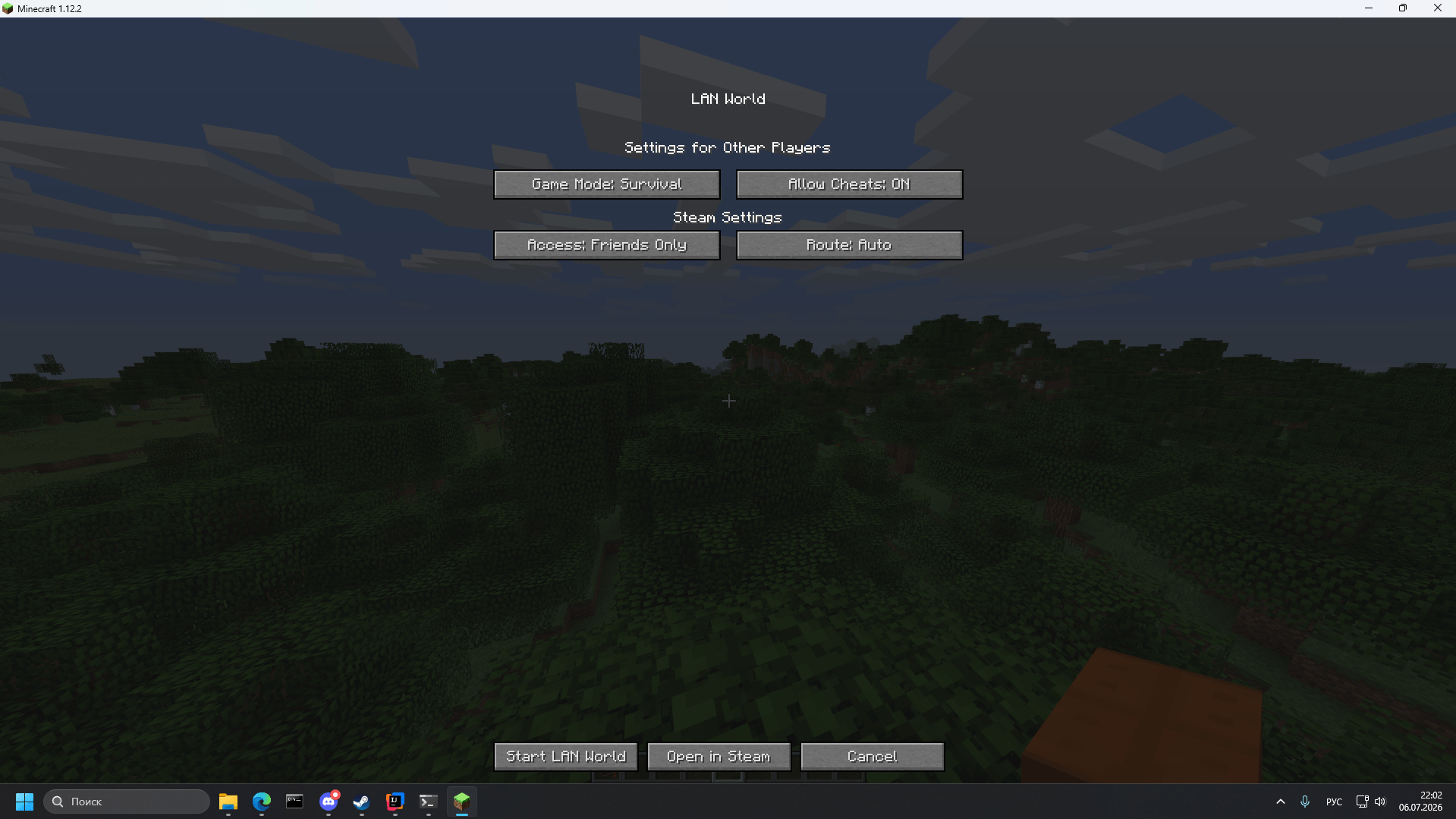
- Open the pause menu → Open to LAN.
- Press Open via Steam.
- Choose access mode (Friends Only / Everyone) and route (Auto / Direct P2P / Valve Relay) if you want.
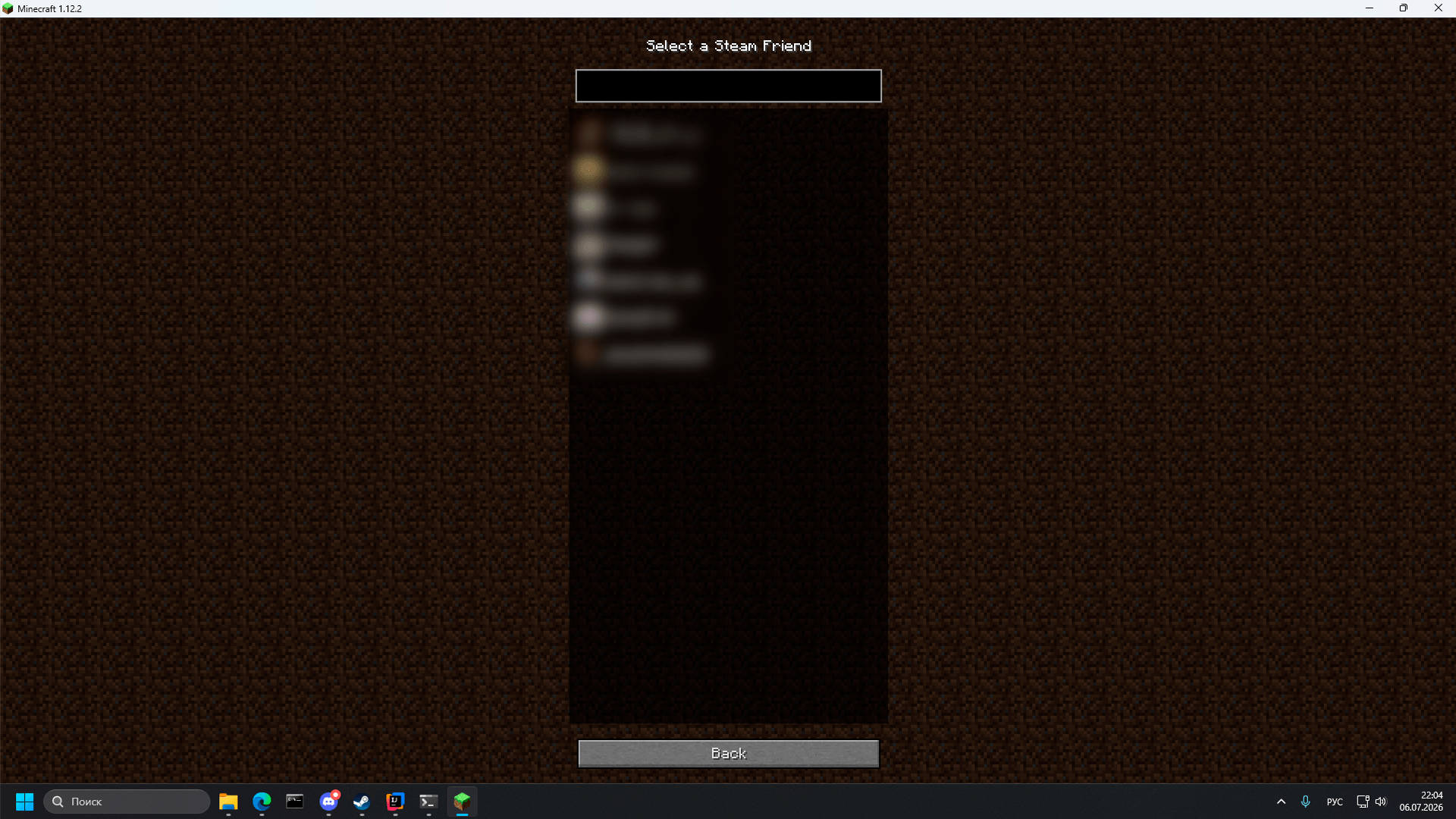
- Share your Steam ID or let friends join from the friends list.
How to join
- Paste the host’s Steam ID into the Direct Connection field, or
- Use the friends button (S) next to the address field and pick a friend, or
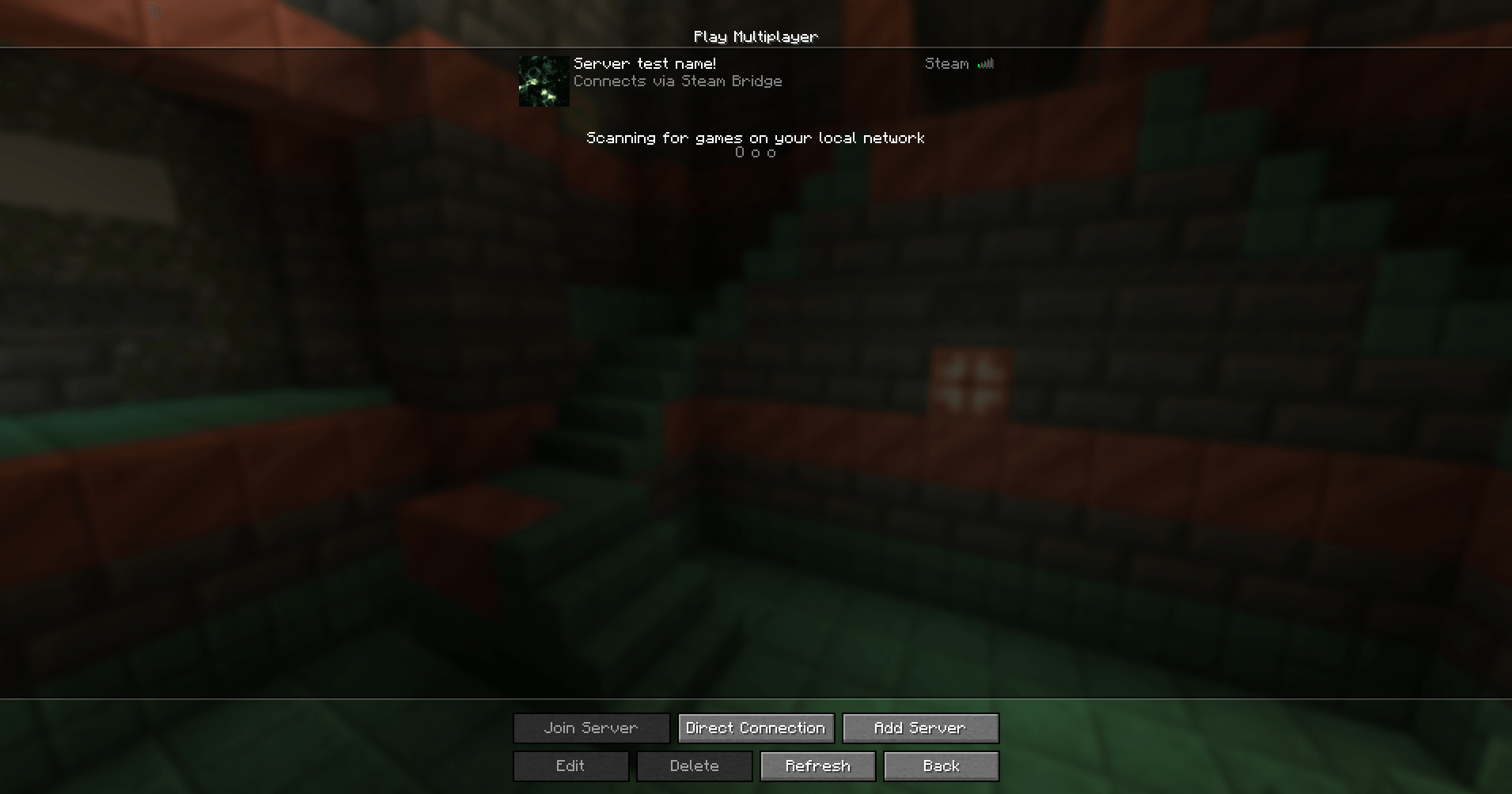
- Add the host’s Steam ID through Add Server — it will appear in the multiplayer list like a normal server.
Features
- Steam servers show up in the regular multiplayer list
- Friends list integration
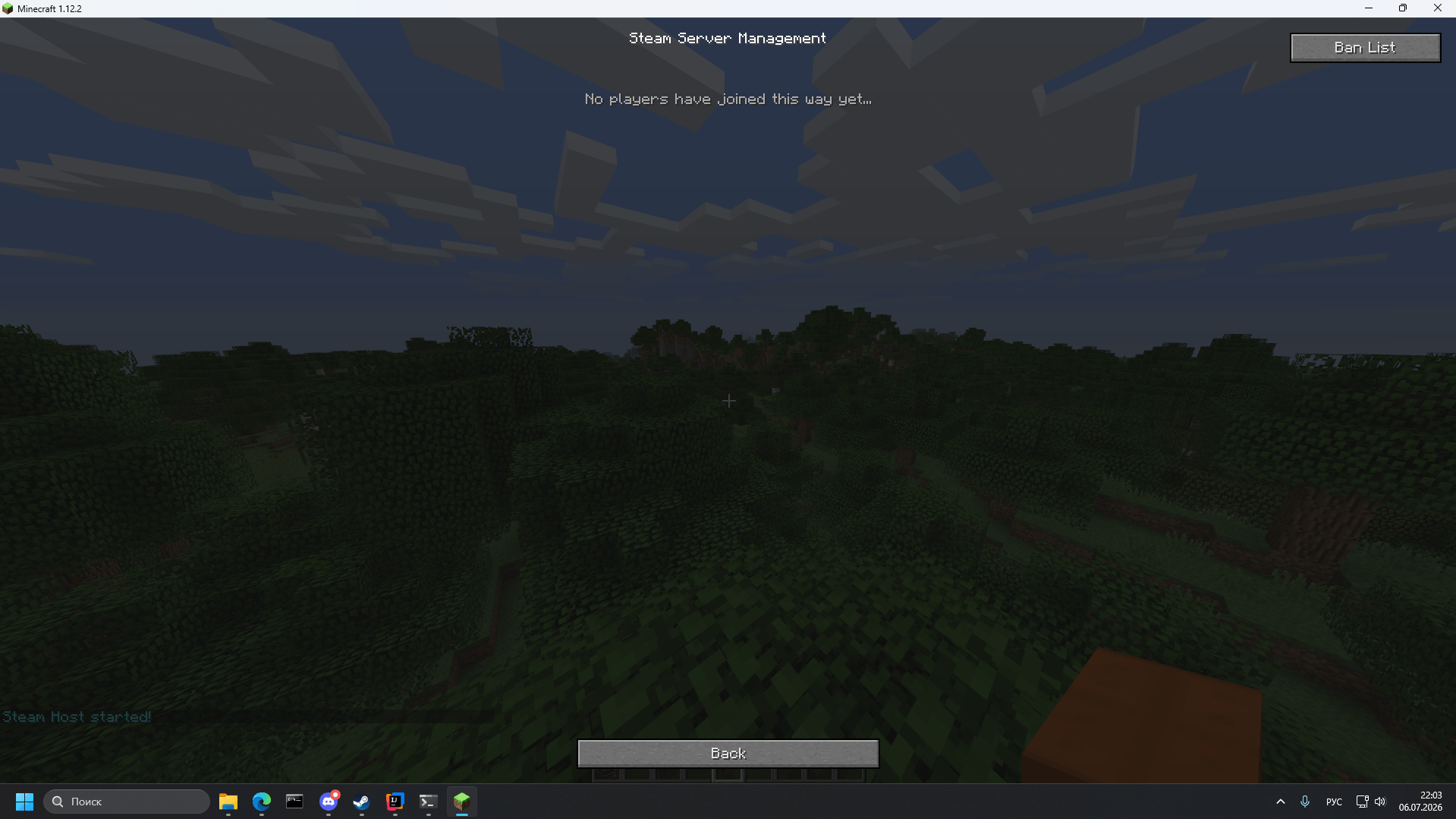
- Kick / Ban management while the session is active
- UDP forwarding through Steam (used by voice chat mods and any other mods that rely on UDP)
- Small size and direct Steam Networking Sockets usage
- Wide version support, including older Minecraft versions
Config options
allowWithoutAuth— allow connections without Steam ticket check (easier with some NATs, less strict)virtualPort— change only if it conflicts with another modinterceptUdp— enable UDP forwarding through Steam (on by default, applies at launch). May conflict with other mods that also intercept sockets — disable it if that happens.
Requirements
- Steam client running and signed in on both sides
- Windows x64 (Linux support in progress)
- Same mod version on host and client
Created April 2026. First public release on GitHub: 16 June 2026.
Discord: https://discord.gg/2xBnJ7awRC
Disclaimer
Steam Bridge is an independent open-source project and is not affiliated with, endorsed by, or authorized by Valve Corporation or Mojang Studios.
“Steam”, “Steamworks”, “Steam Datagram Relay”, and “Spacewar” are trademarks of Valve Corporation.
“Minecraft” is a trademark of Mojang Studios.
The project redistributes the required Steamworks runtime under the Steamworks SDK license applicable to Steam developers.
常见问题
Steam Bridge 支持哪些 Minecraft 版本?
Steam Bridge 支持 Minecraft Java 版 1.7.10–1.21.1,共 7 个版本,可用的加载器:Fabric / Forge / NeoForge。下载时注意选择和你游戏版本一致的文件。
Steam Bridge 怎么安装?
先用 PCL2 或 HMCL 启动器安装对应版本的 Fabric / Forge / NeoForge,再把下载的 .jar 文件放进游戏目录的 mods 文件夹,重新启动游戏即可。开启了版本隔离的,mods 文件夹在 versions/版本名 下面。

评论
登录后评论和评分