
Steam Bridge
Steam Bridge is a network proxy mod for Minecraft that uses Steam P2P and SDR for connections. It lets you play with friends without port forwarding or public IPs, ensuring minimal latency, high stability, and secure transport directly through Valve's gami
截图
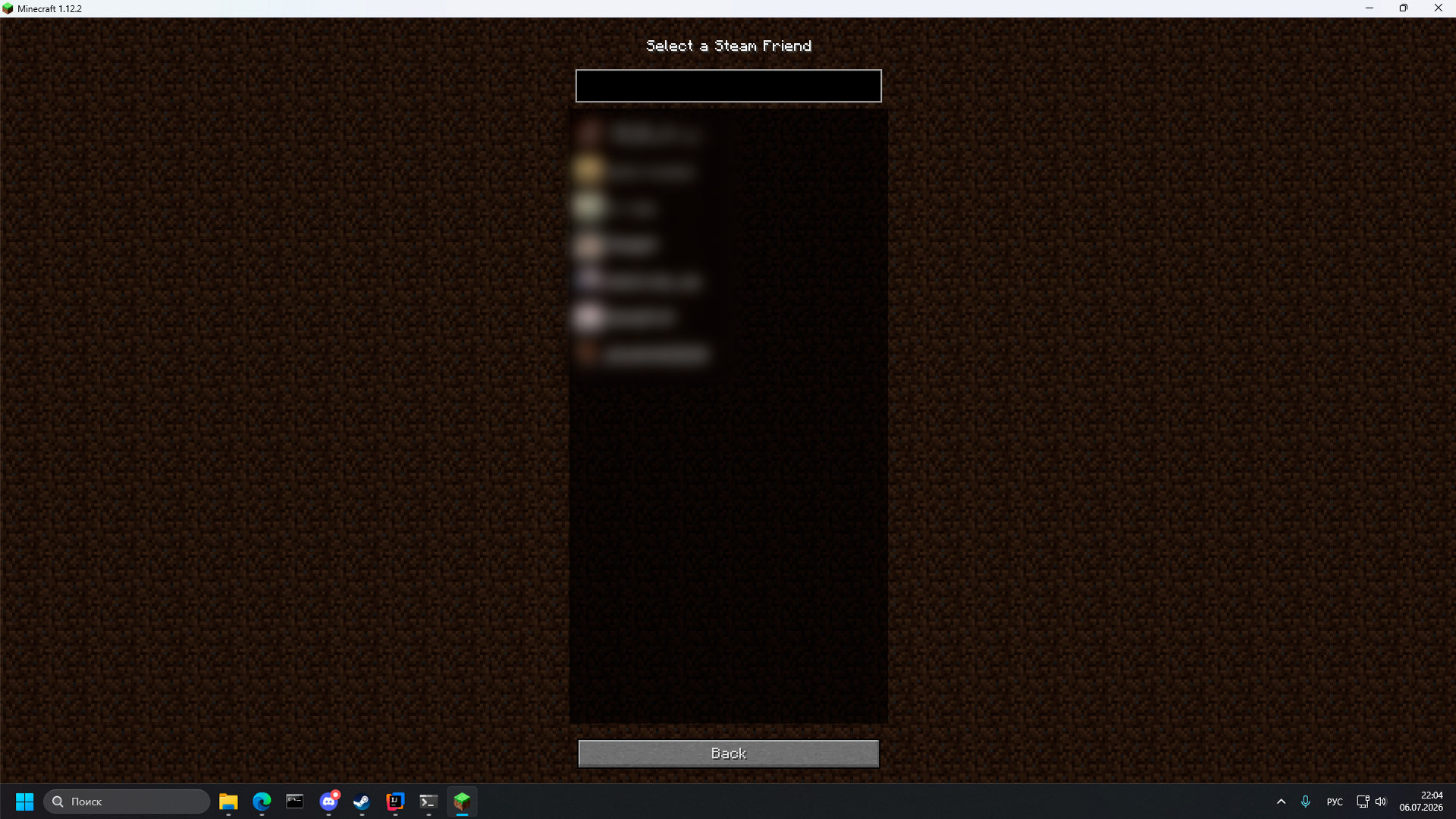
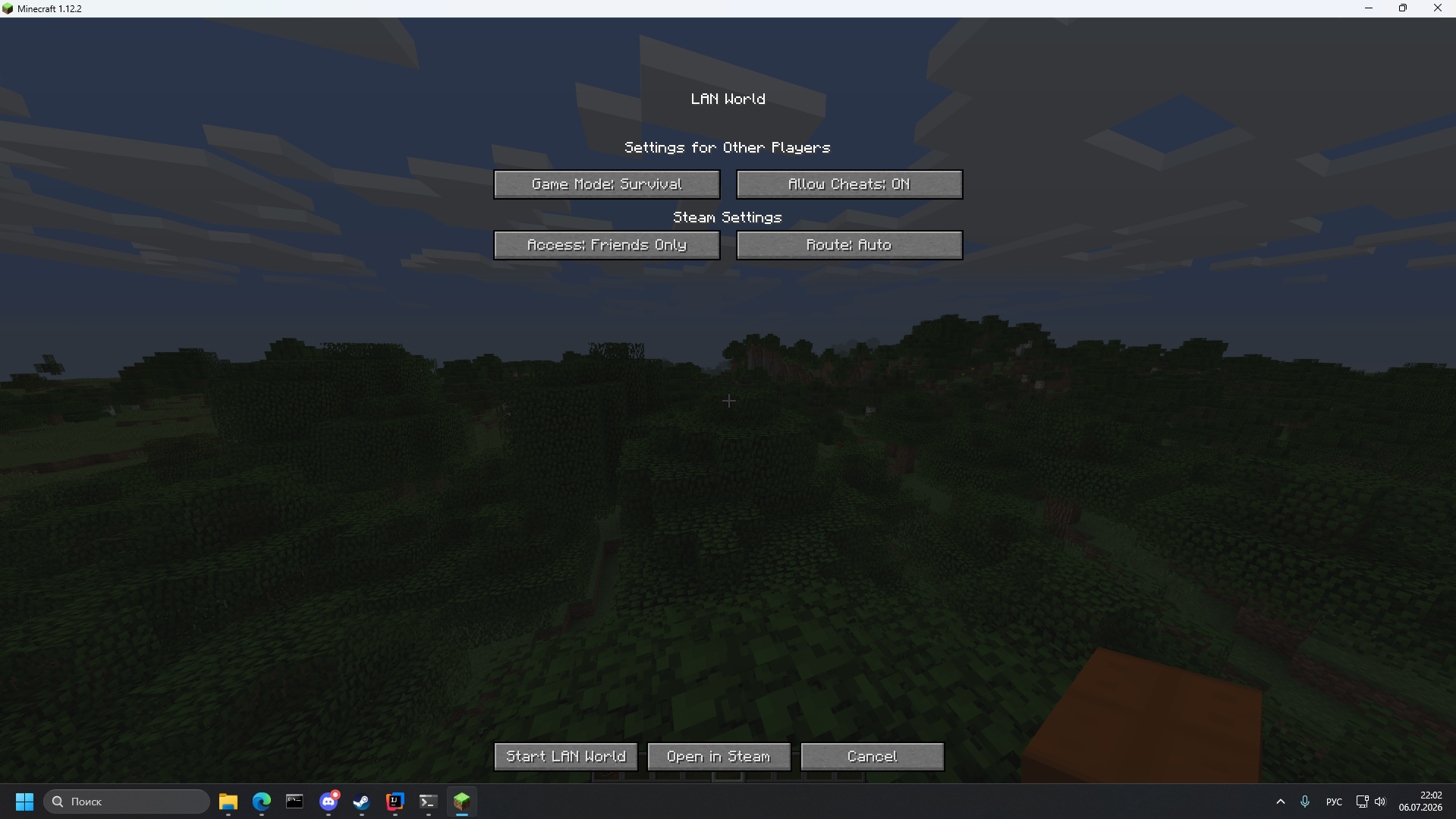
介绍
Steam Bridge
Steam Bridge redirects Minecraft’s network traffic through the Steam Datagram Relay (SDR) network. It allows players to host and join multiplayer worlds without port forwarding, public IP addresses, or third-party VPN software such as Hamachi or Radmin VPN.
The mod also supports compatible voice chat mods by tunneling UDP traffic through Steam Relay.
Discord Server: https://discord.gg/2xBnJ7awRC
The main place for bug reports, development updates, and changelogs.
Technical Details
Steam Bridge communicates directly with Steam’s internal ISteamNetworkingSockets API to establish relay-based connections through Steam Datagram Relay.
By default, the mod uses AppID 480 (Spacewar). This is Valve’s official Steamworks testing application, allowing Steam users to establish SDR connections without requiring ownership of a commercial Steam game.
The AppID is intentionally hardcoded. Allowing arbitrary AppIDs could encourage the use of commercial Steam applications, potentially violating Steam’s terms or triggering anti-cheat systems such as VAC or EAC.
Voice chat support works by optionally redirecting compatible UDP traffic through Steam Relay. This allows supported voice chat mods, such as Simple Voice Chat, to work without additional network configuration.
Configuration & Usage
- Virtual Port: Make sure no other application is using the configured virtual port before hosting. If necessary, change it in the configuration file.
- allowWithoutAuth: Controls Steam Session Ticket validation. Disabling this option requires every client to authenticate through Steam before the connection is accepted. This may reduce compatibility with certain NAT configurations.
- interceptUdp: Enables UDP tunneling for supported voice chat mods. Disable this option if another mod already replaces Java’s socket implementation.
Requirements
- A supported Minecraft version and mod loader.
- Windows x64. Linux support is planned.
- The official Steam client must be running on both the host and client.
Disclaimer
Steam Bridge is an independent open-source project and is not affiliated with, endorsed by, or authorized by Valve Corporation or Mojang Studios.
“Steam”, “Steamworks”, “Steam Datagram Relay”, and “Spacewar” are trademarks of Valve Corporation. “Minecraft” is a trademark of Mojang Studios.
The project redistributes the required Steamworks runtime (steam_api64.dll) under the Steamworks SDK license applicable to Steam developers.
常见问题
Steam Bridge 支持哪些 Minecraft 版本?
Steam Bridge 支持 Minecraft Java 版 1.7.10–1.21.1,共 7 个版本,可用的加载器:Fabric / Forge / NeoForge。下载时注意选择和你游戏版本一致的文件。
Steam Bridge 怎么安装?
先用 PCL2 或 HMCL 启动器安装对应版本的 Fabric / Forge / NeoForge,再把下载的 .jar 文件放进游戏目录的 mods 文件夹,重新启动游戏即可。开启了版本隔离的,mods 文件夹在 versions/版本名 下面。运行环境:客户端和服务端都要装。
评论
登录后评论和评分