Sophisticated Backpacks: Digital Storage Expansion (AE2, RS, SCC)
将你的精妙背包连接到你的数字存储!支持应用能源2(AE2)、精致存储(RS)、Super Cool Calculator(SCC)和 Tom's Simple Storage。
截图
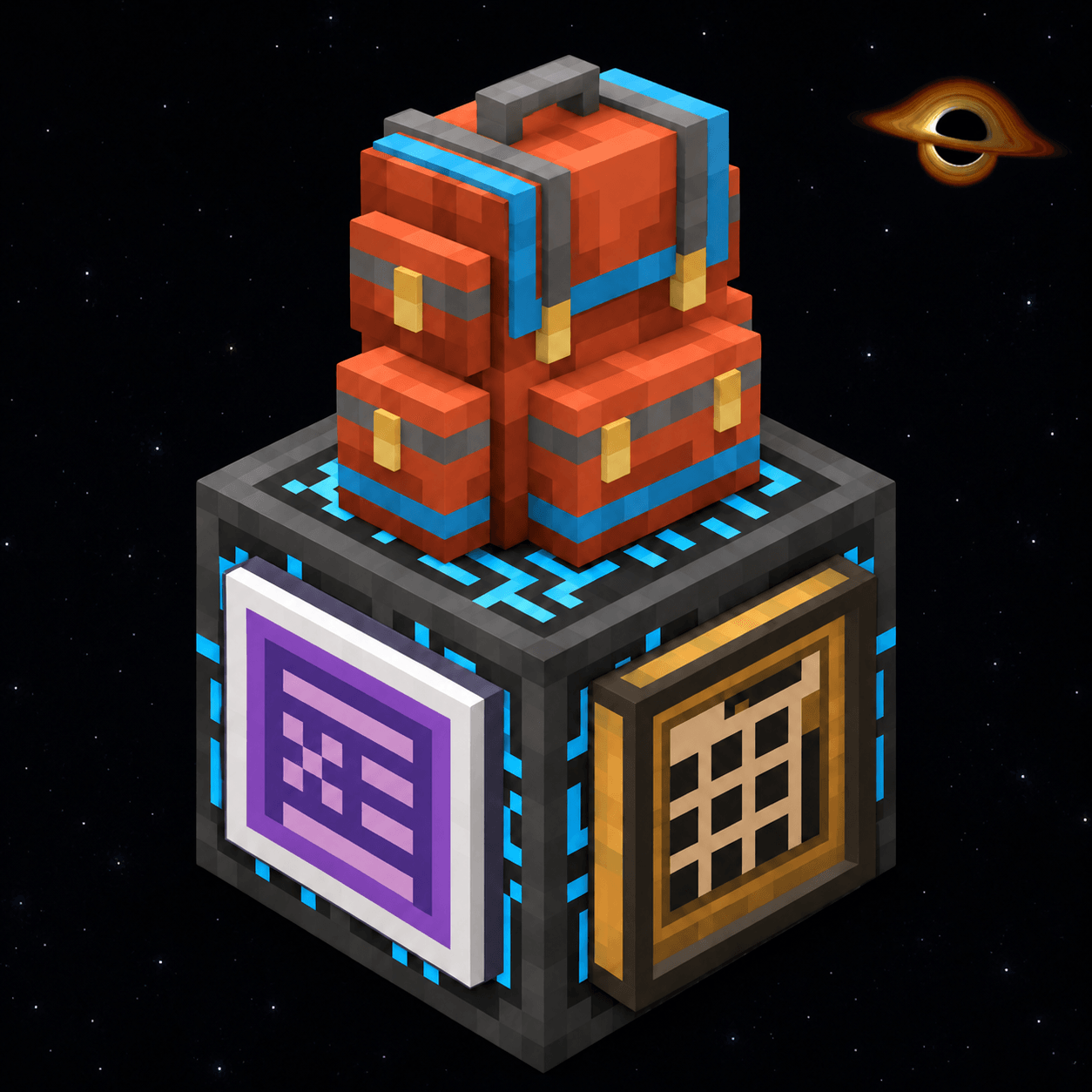
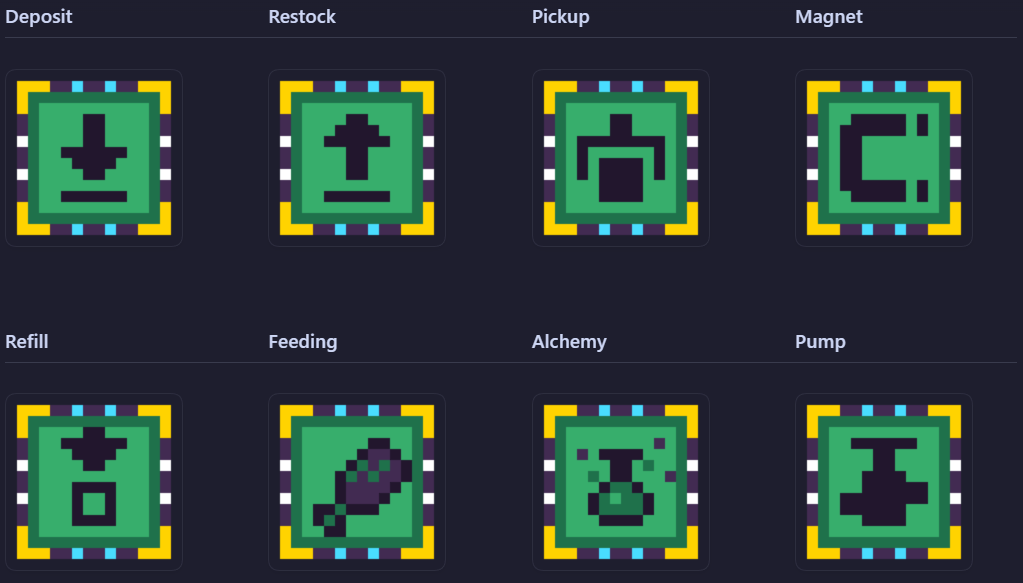
介绍
Connect your Sophisticated Backpack to Applied Energistics 2, Refined Storage, Tom’s Simple Storage, and Super Cool Calculator

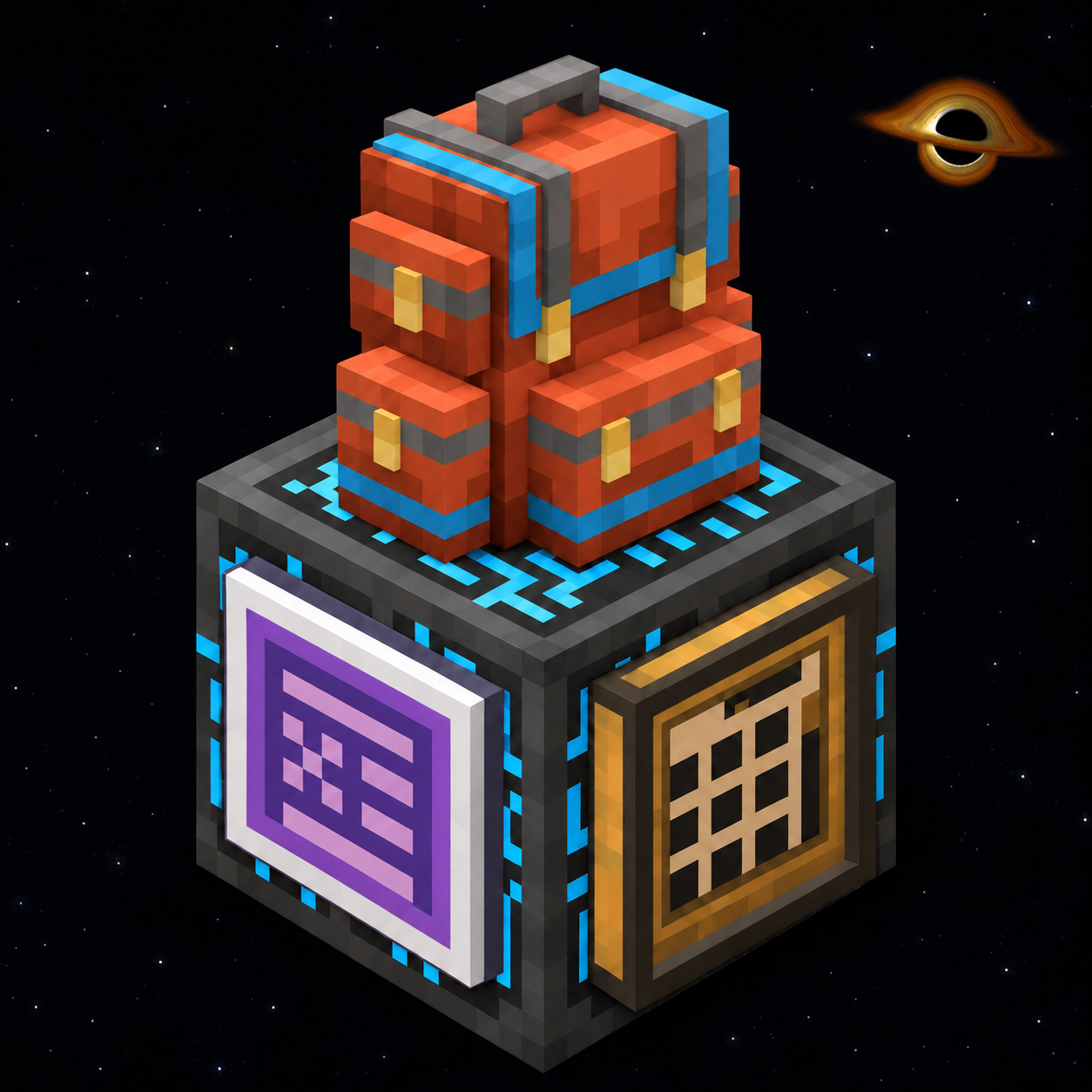
Your backpack can do more than carry supplies. Digital Storage Expansion adds eight upgrades that connect Sophisticated Backpacks to digital storage networks, so you can send items away, restock, and use network supplies while you play.
Each upgrade links to one network endpoint and follows that network’s access and range rules. The addon adds item and fluid transfers; it does not add a storage network of its own.

| Icon | Upgrade | What it does |
|---|---|---|
 |
Remote Deposit | Send matching items from your backpack to the linked network with a button. Use filters to choose what can leave the backpack. |
 |
Remote Restock | Bring supplies from the linked network into your backpack with a button. Use filters to choose which items to retrieve. |
 |
Remote Pickup | Send matching items to the network as you pick them up. Choose whether the network or backpack receives them first. |
 |
Remote Magnet | Gather nearby item drops and send them to the network or backpack. Use filters to choose what to collect and set which destination gets priority. |
 |
Remote Refill | Keep selected inventory slots stocked while you build or explore. It replenishes them from the linked network or backpack, using your preferred source first. |
 |
Remote Feeding | Keep food ready without filling your inventory with meals. It feeds you from the network or backpack when hungry, follows your food filters, and can be set to eat when you are hurt. |
 |
Remote Alchemy | Use configured consumables automatically when your chosen conditions are met. Choose what to use and whether to take it from the network or backpack first. |
 |
Remote Pump | Move filtered fluids between containers, nearby tanks or world fluids and your linked network or backpack tank. Tom’s Simple Storage is item-only and does not support this one. |

- Hold a Remote Upgrade and Shift-right-click a compatible network block to link it. Use an ME Wireless Access Point for Applied Energistics 2, a Controller for Refined Storage, a Storage Terminal for Tom’s Simple Storage, or a Network Antenna for Super Cool Calculator.
- Watch the upgrade change: its screen turns dark and its icon takes the color of the network (purple for AE2, blue for Refined Storage, oak brown for Tom’s Simple Storage, gold for SCC), and a short animation plays when you link or switch networks. The four corners always show which networks are supported.
- Place the linked upgrade in a backpack upgrade slot and open its tab to configure filters, priorities, or transfer settings.
- Craft each Remote Upgrade from its matching advanced Sophisticated Backpacks upgrade, 3 diamonds, 2 Ender Pearls, and 2 redstone dust.
- To change networks, link the upgrade to another compatible block. To remove its link while keeping its settings, place the upgrade by itself in a crafting grid.

Heads up: Remote access follows your network’s range and access rules, including its wireless setup. Remote Pump supports fluids with Applied Energistics 2, Refined Storage, and Super Cool Calculator. Tom’s Simple Storage is item-only.
These upgrades do not create wireless access or bypass your storage network’s permissions and range.

Install the mod on both the client and server.
- Minecraft 1.21.1 · NeoForge 21.1.236+ — Sophisticated Backpacks 3.26.3+ and Sophisticated Core 1.5.1+.
- Minecraft 1.20.1 · Forge 47.4.10+ — Sophisticated Backpacks 3.26.12+ and Sophisticated Core 1.5.10+.
Connect each upgrade to the network you use: Applied Energistics 2 (19.2.18+ on NeoForge; 15.4.11 on Forge), Refined Storage (2.0.9+ on NeoForge; 1.12.4 on Forge), Tom’s Simple Storage (2.4.2+ on NeoForge; 1.7.1 on Forge), or Super Cool Calculator (1.5.3+ on NeoForge 1.21.1). You can use more than one network; each upgrade keeps the network you link it to.
For full setup instructions, filter behavior, and upgrade details, see the documentation: linking, filters and source priority, and the upgrade catalog.

Open an issue on GitHub. Include your Minecraft version, loader, mod versions, and what happened. A screenshot or relevant log excerpt can help reproduce the problem.

Yes. This project is released under the MIT License.
For player guides in English and Brazilian Portuguese, see the documentation. For development notes, see the technical documentation; for project updates, see the changelog.
常见问题
Sophisticated Backpacks: Digital Storage Expansion (AE2, RS, SCC) 支持哪些 Minecraft 版本?
Sophisticated Backpacks: Digital Storage Expansion (AE2, RS, SCC) 支持 Minecraft Java 版 1.20.1–1.21.1,共 2 个版本,可用的加载器:Forge / NeoForge。下载时注意选择和你游戏版本一致的文件。
Sophisticated Backpacks: Digital Storage Expansion (AE2, RS, SCC) 怎么安装?
先用 PCL2 或 HMCL 启动器安装对应版本的 Forge / NeoForge,再把下载的 .jar 文件放进游戏目录的 mods 文件夹,重新启动游戏即可。开启了版本隔离的,mods 文件夹在 versions/版本名 下面。
radaeli 的其他作品
查看全部 →
Create: Copycat Replace!
一键替换伪装者的材质——支持连接方块并兼容Copycats+

[DEPRECATED] – Create: Stock Market – Updated Numismatics
已弃用 - 请使用官方模组 - 这个很快会被删除。
Simply Light: Smart!
An addon for Simply Light that adds redstone-dimmable lights and Smart Switch controls for linked lighting networks.
R-UI Lib
Build Minecraft mod interfaces from reusable, themed components
评论
登录后评论和评分