
Sol’s Party System
A multiplayer party mod that allows players to team up, track each other, and coordinate seamlessly. Whether you're exploring vast worlds, or just adventuring with friends, this mod keeps your party connected.
截图
介绍
Sol’s Party System
Sol’s Party System is a lightweight yet powerful multiplayer party mod that allows players to team up, track each other, and coordinate seamlessly. Whether you’re exploring vast worlds, tackling dungeons, or just adventuring with friends, this mod keeps your party connected.
Note: Required to be installed both Server and Client.
Need help, want to suggest a feature, or found a bug?
Join our community to catch exclusive early previews and upcoming changelogs before they go live!

Features
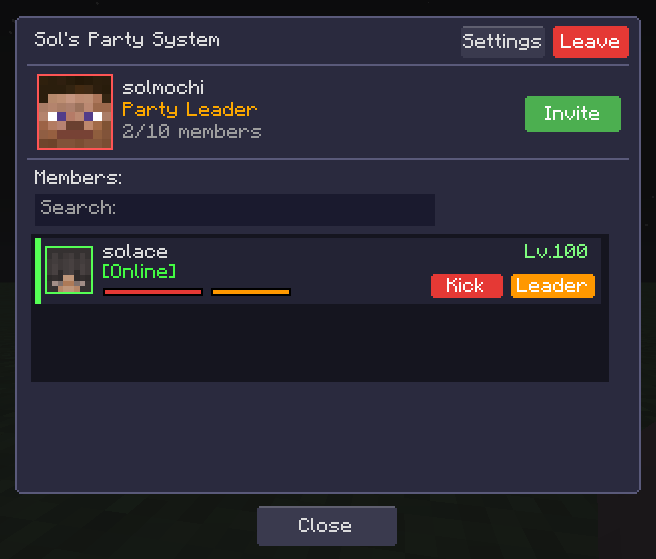
Party Management
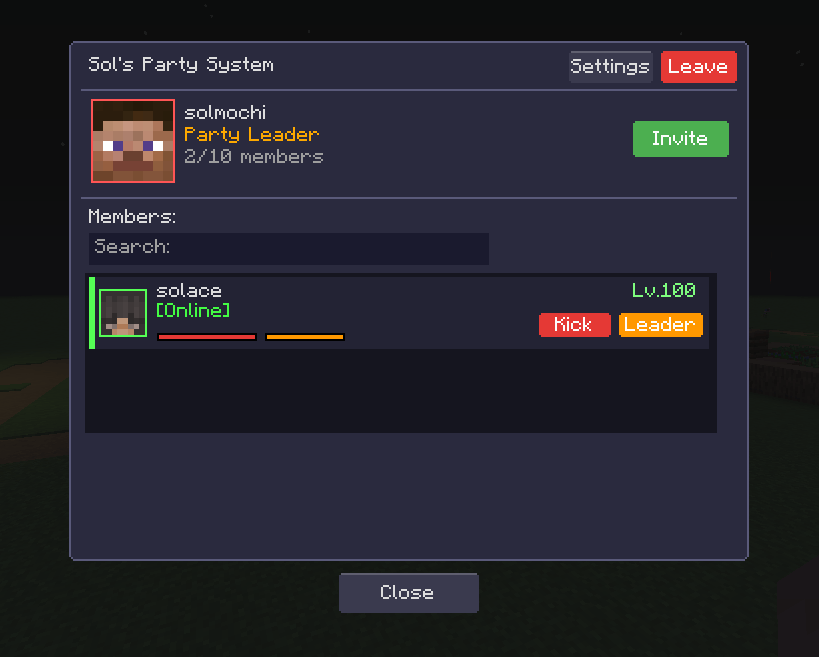
- Create & Join Parties – Easily create your own party or join existing ones
- Party Browser – Browse available public parties with search functionality
- Invite System – Invite friends to your party
- Party Capacity – Configurable maximum party size
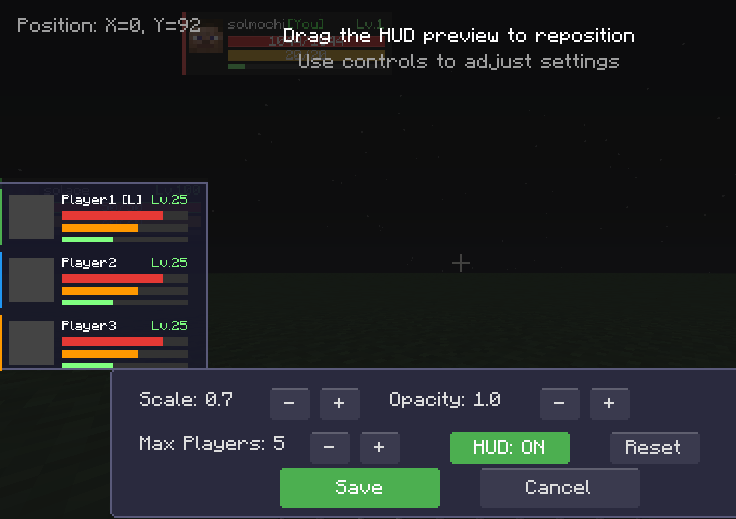
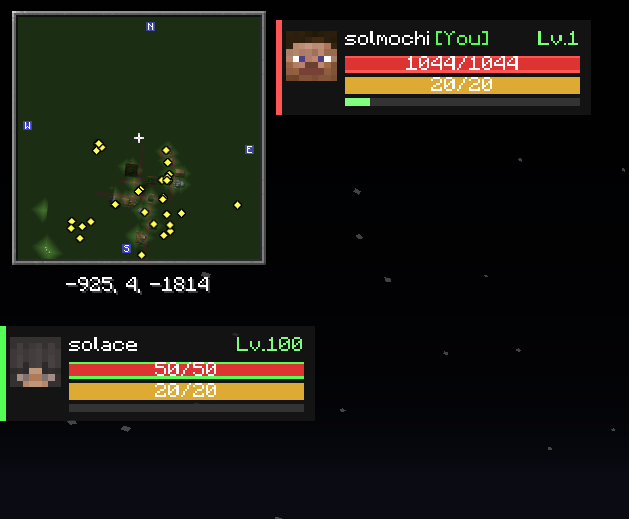
Party HUD
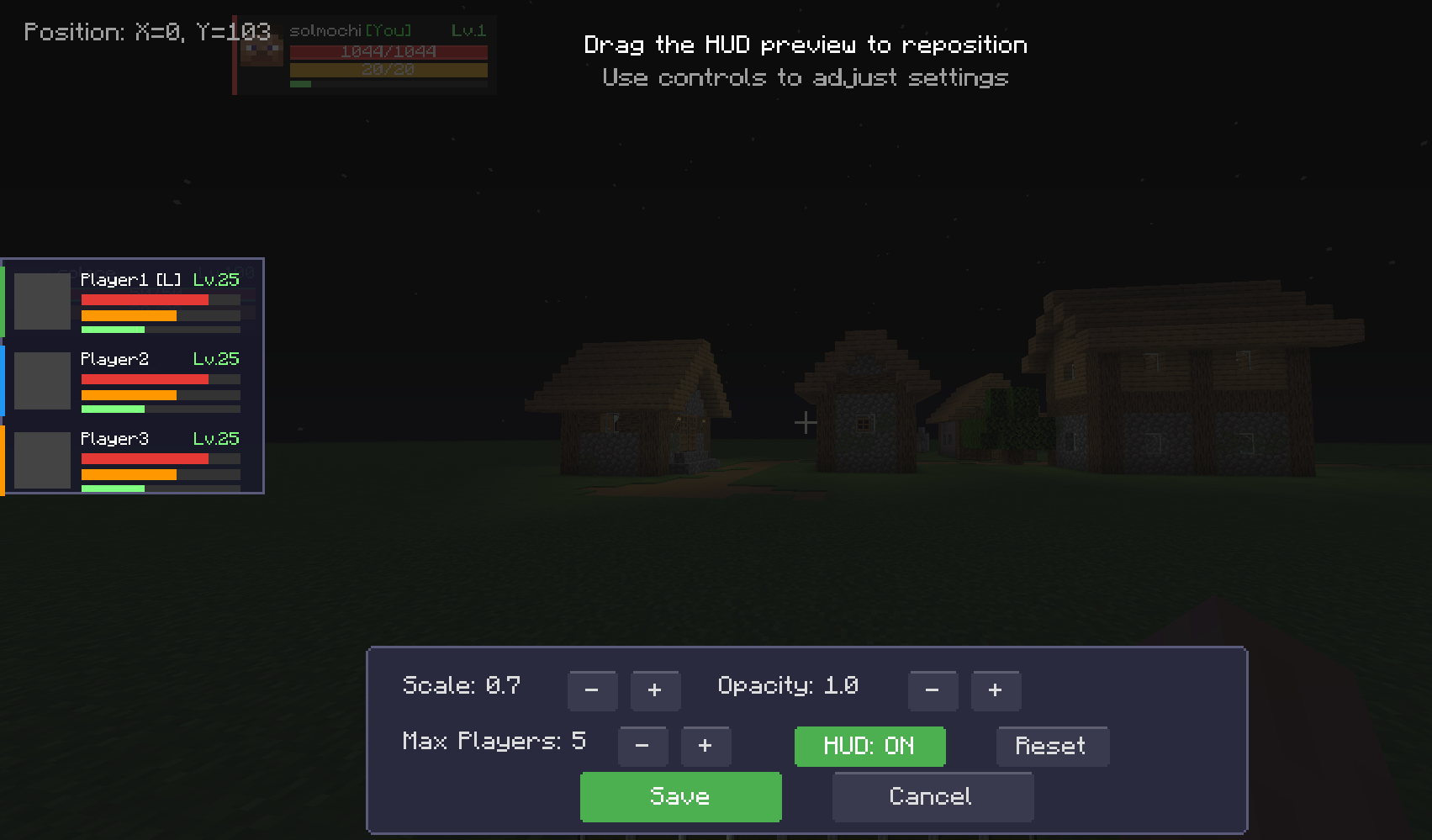
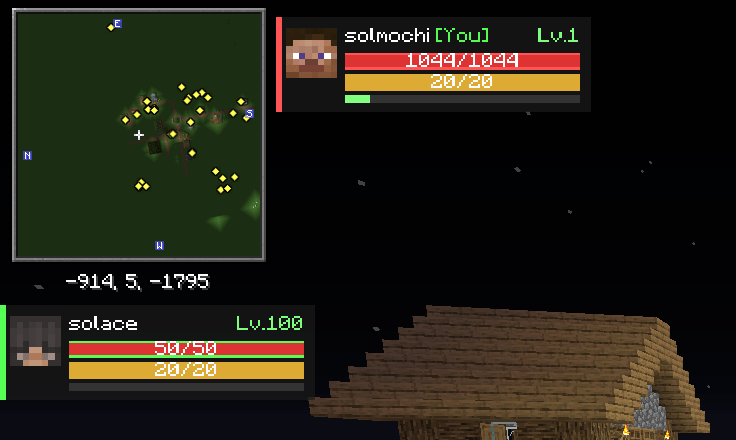
- Real-time Member Tracking – See your party members’ health, hunger, and armor at a glance
- Self HUD – Separate customizable display for your own stats
- Fully Configurable – Adjust position, scale, and visibility of all HUD elements
- Clean Design – Minimalist interface that doesn’t clutter your screen
Ping System
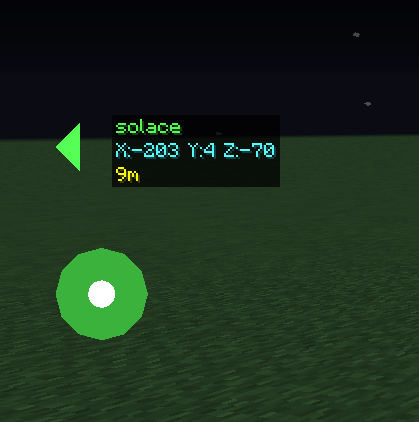
- Location Pings – Ping any location up to 100 blocks away for your party to see
- Smart Markers – Ping markers scale with distance for consistent visibility
- Detailed Labels – See who pinged, exact coordinates, and distance when looking at pings
- Screen Edge Indicators – Off-screen pings show directional arrows at screen edges
- Color-Coded – Each party member has a unique color for their pings
Keybinds
- P – Open Party Menu
- V – Ping Location
- H – Toggle HUD
Configuration
All settings can be customized in the config file or through the mod menu:
Client Settings:
- HUD Position (X, Y)
- HUD Scale
- Self HUD Position & Scale
- Enable/Disable Pings
- Enable/Disable HUD
Server Settings:
- Maximum Party Size
- Ping Duration
- Party Visibility Options
Installation
- Install Minecraft Forge
- Download Sol’s Party System
- Place the .jar file in your
mods(client and server) folder - Launch Minecraft and enjoy!
Bug Reports & Suggestions
Found a bug or have a suggestion? Don’t hesitate to leave a comment! I will answer it as fast as I could 🙂
Author: solmochi
常见问题
Sol’s Party System 支持哪些 Minecraft 版本?
Sol’s Party System 支持 Minecraft Java 版 1.16.5–1.21.1,共 3 个版本,可用的加载器:Forge / NeoForge。下载时注意选择和你游戏版本一致的文件。
Sol’s Party System 怎么安装?
先用 PCL2 或 HMCL 启动器安装对应版本的 Forge / NeoForge,再把下载的 .jar 文件放进游戏目录的 mods 文件夹,重新启动游戏即可。开启了版本隔离的,mods 文件夹在 versions/版本名 下面。运行环境:客户端和服务端都要装。
solmochi 的其他作品
查看全部 →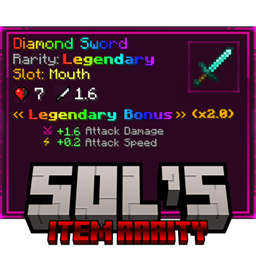
Sol’s Item Rarity: RPG Gear, Tool Perks & Loot Tiers
为原版和模组物品添加可配置的 RPG 稀有度阶级、装备属性加成、工具特性、战利品成长系统和动态视觉效果。
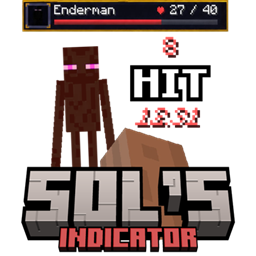
Sol’s Indicator (Damage, Health, Custom Boss Bar HUD, and more!)
这款轻量模组会实时显示每次命中的伤害,让你立刻精准掌握造成了多少伤害。
Sol’s Relic System (Crit System, Stats, and more.)
一套完整的 RPG 属性与神器系统。进入你物品栏的每件武器和盔甲都会成为一件遗物,拥有随机属性、基于经验值的升级系统、暴击机制、套装加成等丰富内容。

Sol’s AuthLogin
一款服务端身份验证模组,为需要额外账号安全保障的服务器提供完整的登录和注册系统。
评论
登录后评论和评分