
Smooth World Loading Screen
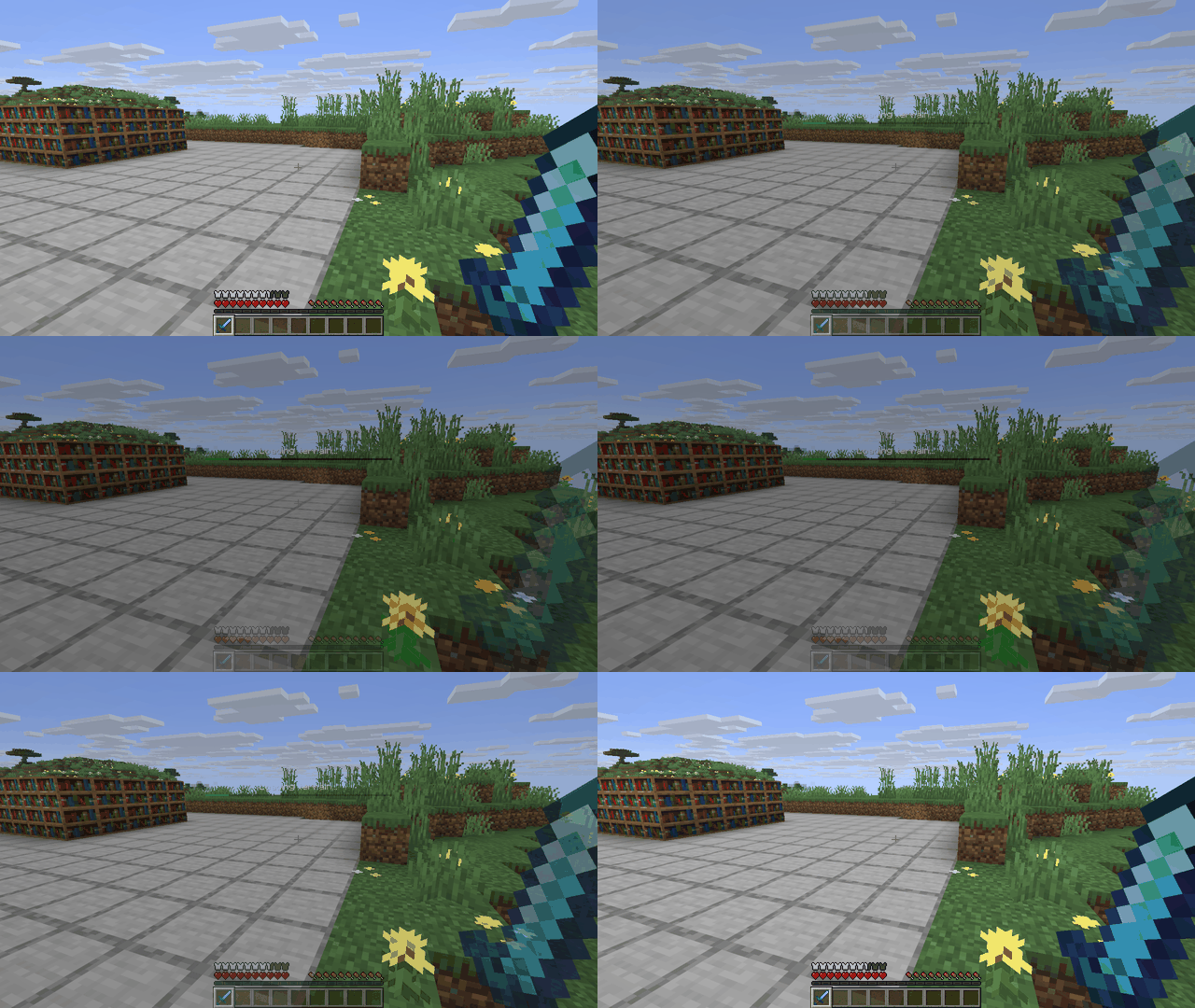
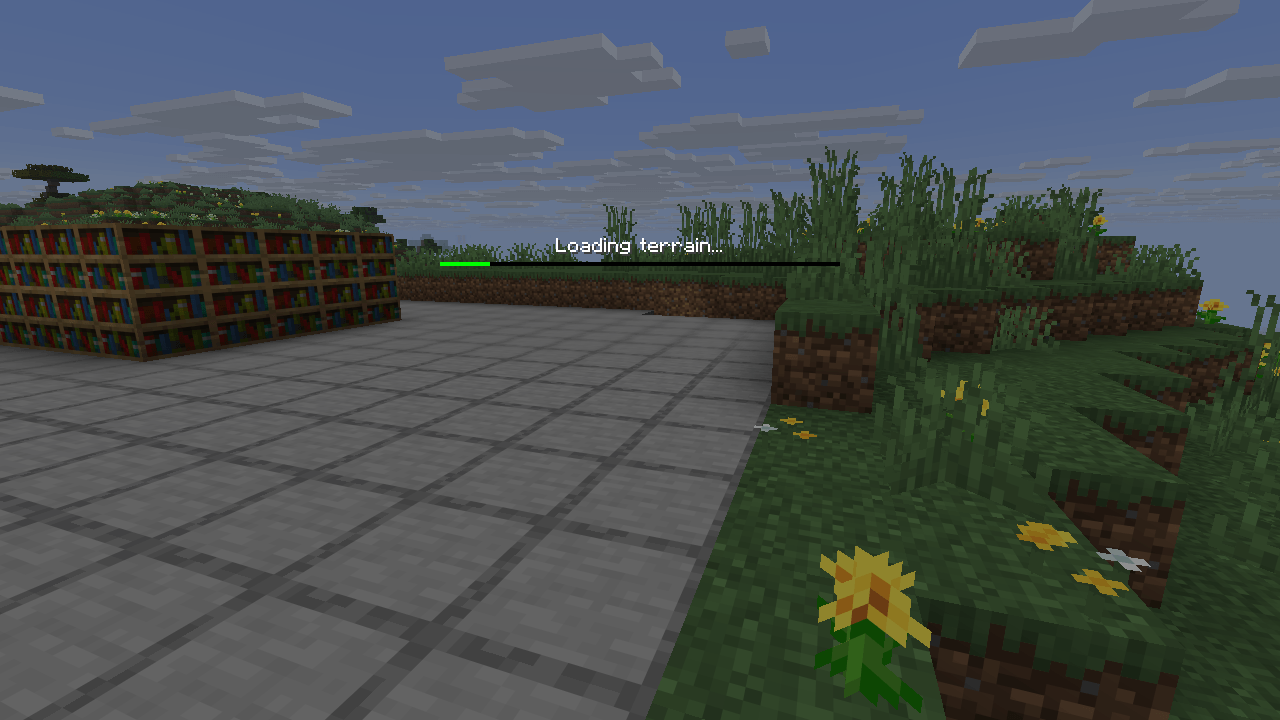
The loading screen shows the last view of your world or server instead of plain dirt. Client-side, works on any server.
截图
介绍
Your world, not a dirt wall, while it loads.
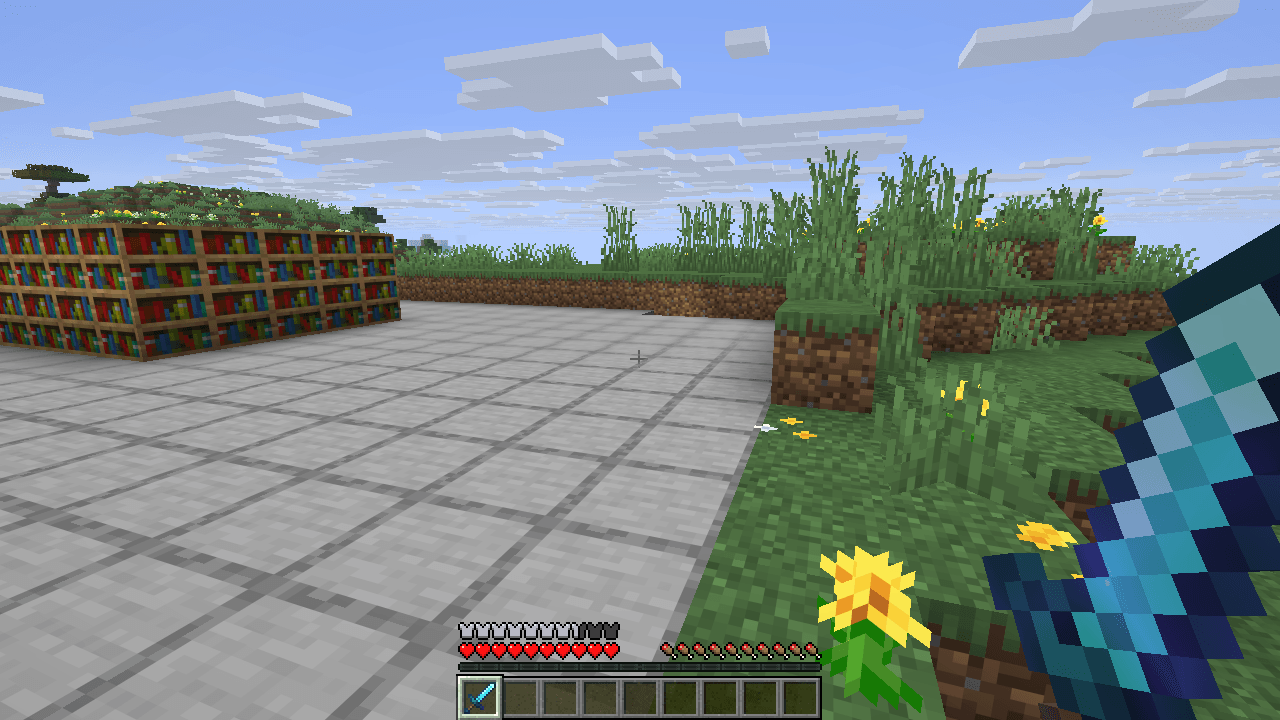
The loading screen shows the last thing you saw in that world or server. Leave at your base, come back to your base. The view is taken quietly while you play – no hotbar, no hand – and whenever you pause.
- One picture per world and per server.
- The progress bar stays on top.
Tested in game
- Fabric 26.3 and 26.2: leaving a world and coming back shows its last view on the loading screen, with nothing out of place.
- NeoForge 26.2: loads cleanly to the main menu.
Client-side
Nothing to install on the server. Works on any server, in single player and on Realms.
Made by an indie dev with help from AI tools; every version is tested in game.
Like the mod? You can support future updates and new mods on Ko-fi. Totally optional, everything stays free.
常见问题
Smooth World Loading Screen 支持哪些 Minecraft 版本?
Smooth World Loading Screen 支持 Minecraft Java 版 26.2–26.3,共 2 个版本,可用的加载器:Fabric / NeoForge。下载时注意选择和你游戏版本一致的文件。
Smooth World Loading Screen 怎么安装?
先用 PCL2 或 HMCL 启动器安装对应版本的 Fabric / NeoForge,再把下载的 .jar 文件放进游戏目录的 mods 文件夹,重新启动游戏即可。开启了版本隔离的,mods 文件夹在 versions/版本名 下面。
Vitral 的其他作品
查看全部 →
Immersive Screens: Animated Halloween & Hologram GUI
为每个界面提供动态主题:万圣节、全息、冬季/圣诞、太空和复古街机。箱子面板会升起,边框会发光,熔炉会燃烧。物品保留原本的颜色。仅限客户端。
Boss Intros: Cinematic Boss Titles & Entrances
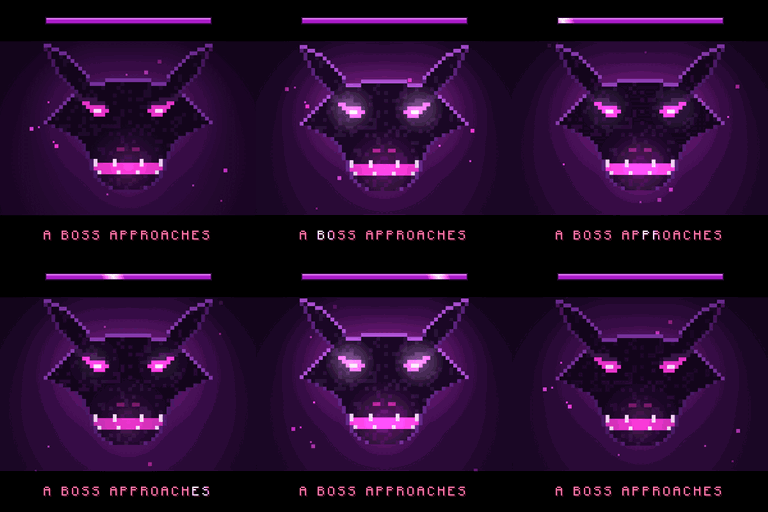
Cinematic boss titles: when any boss appears, black bars slide in and its name comes up in big letters - and a victory card plays when you win. Works with modded and server bosses. Client-side.

Loot Beams – Rarity Light Beams for Dropped Items
Valuable drops glow with a beam coloured by tier or by the item's own colour. In-game config, ItemPhysic support. Client-side.

Damage Numbers: Floating Damage Indicators & Crits
Floating damage numbers pop off every mob you hit and break into pixels. Gold crits with a hit marker, a colour for each kind of damage, green healing, red killing blows and combos. Client-side.
评论
登录后评论和评分