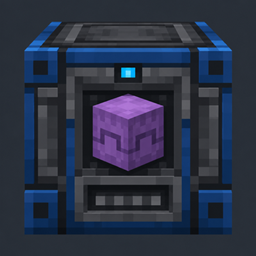
Smart Shulker Unloader
Automatically unload Vanilla and Ascended Storage shulker boxes into a 9-slot buffer. Pauses safely when full and returns empty boxes separately—no redstone required. For Fabric 26.3.
截图
介绍
Smart Shulker Unloader
Automatic shulker unloading. Keep your items moving.
Smart Shulker Unloader adds an always-on machine that empties supported shulker boxes into a compact item buffer. Feed it from a hopper, let it unload, and collect the empty box separately—no redstone control required.
⚙️ Features
-
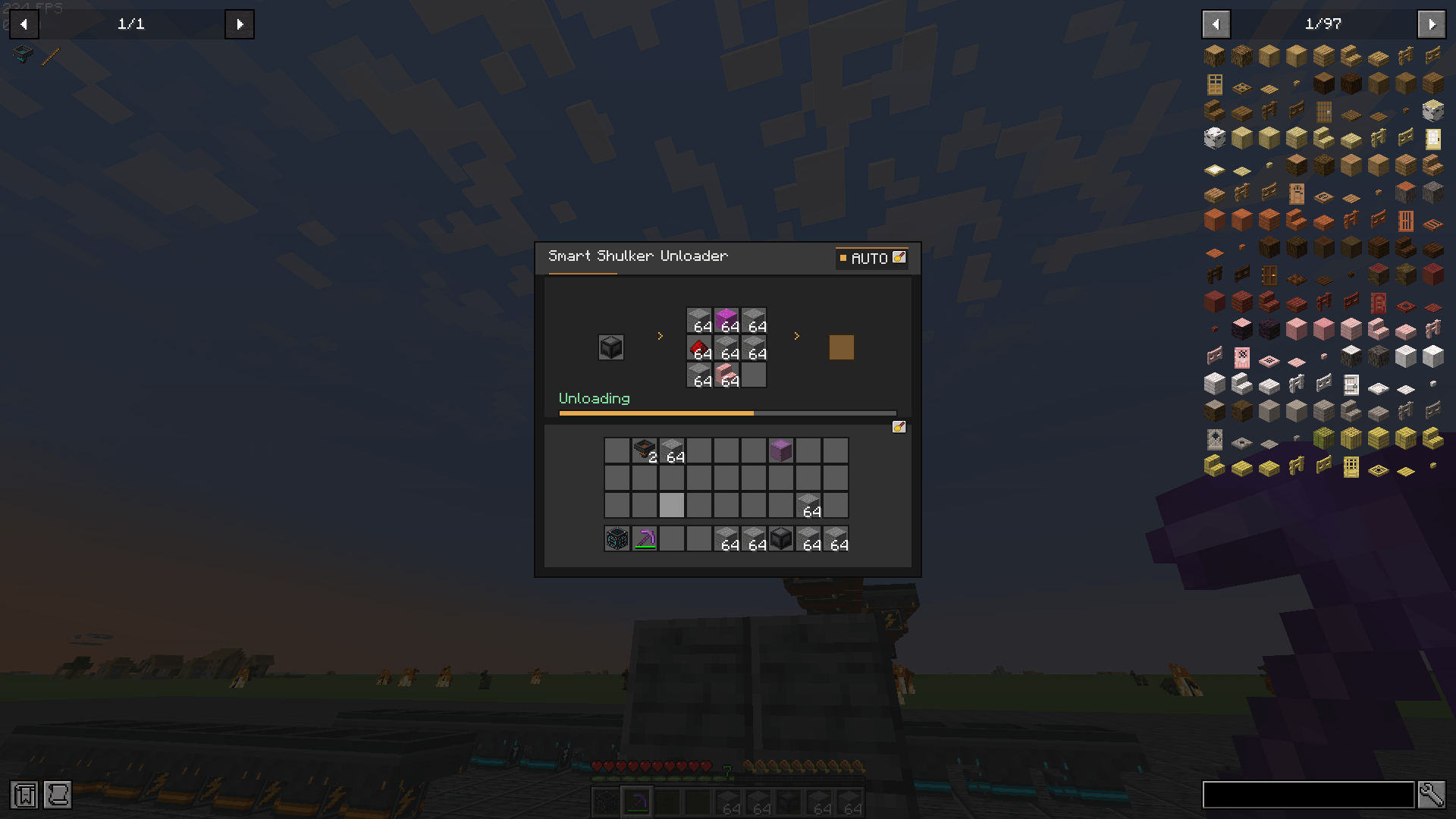
Automatic operation: Starts when a supported filled shulker box is inserted.
-
Hopper input: Feed shulkers from above or place one in the machine’s GUI.
-
Nine-slot item buffer: Unloaded items are stored in the machine and can be extracted from below.
-
Separate empty-box return: Empty shulkers are returned from the rear side of the block.
-
Safe output handling: Unloading pauses when the item buffer is full and resumes when space becomes available. Remaining contents stay inside the shulker.
-
Whole-box progress: The GUI tracks progress across the complete unloading job.
-
Vanilla and Ascended Storage support: Works with vanilla shulkers and compatible Ascended Storage shulkers.
-
English and German interface: GUI text follows the selected game language.
🔨 Crafting the Smart Shulker Unloader
Craft the machine in a regular crafting table:
| Lapis Ore | Dropper | Lapis Ore |
|---|---|---|
| Lapis Ore | Shulker Box | Lapis Ore |
| Lapis Ore | Lapis Ore | Lapis Ore |
🧩 Using the Unloader
Place the block with its front facing the side you want to access. Insert a filled shulker box through the GUI or feed it with a hopper above.
The machine moves the shulker’s contents into its nine-slot buffer. A hopper underneath can extract those items. When the shulker is empty, the machine moves it to its separate return output at the rear. Place a hopper behind the block to collect empty boxes automatically.
If the item buffer is full, the machine waits without discarding the remaining contents. It resumes automatically when a hopper removes items. If the empty-box return output is occupied, the machine waits until it can return the box.
🛠️ Requirements
-
Minecraft: Java Edition 26.3
-
Mod Loader: Fabric Loader 0.20.1 or newer
-
Java: 25 or newer
-
Fabric API: Required
-
Ascended Storage: Optional
For multiplayer, install Smart Shulker Unloader and Fabric API on both the server and the client.
常见问题
Smart Shulker Unloader 支持哪些 Minecraft 版本?
Smart Shulker Unloader 支持 Minecraft Java 版 26.3,可用的加载器:Fabric。下载时注意选择和你游戏版本一致的文件。
Smart Shulker Unloader 怎么安装?
先用 PCL2 或 HMCL 启动器安装对应版本的 Fabric,再把下载的 .jar 文件放进游戏目录的 mods 文件夹,重新启动游戏即可。开启了版本隔离的,mods 文件夹在 versions/版本名 下面。
Krxmo 的其他作品
查看全部 →
Smart Hopper
Adds two custom hopper blocks to Minecraft 26.3: a Filter Hopper for sorting matching items and a Fast Hopper that transfers up to 8 items per tick.
Ascended Storage
Upgrade your storage with Ascended Storage! Discover five tiers of chests, barrels, and shulker boxes, featuring increased capacity, customizable colors, and seamless double chests.

Hammerhart
Hammerhart is just another Hammer mod. Expect if u use the mod together with the mod Enchanting Infuser, you can dig with a max reach of 100 block. In a 3x3 of Course :).

Chunk Loader: Interactive
Selectable chunk loading with six tiers up to 25×25 chunks, remote controls, groups, overlap detection and live simulation status.
评论
登录后评论和评分