Server Storage
This mod adds an AE2 inspired storage system that works completely server side
截图

介绍
THE BEST SOLUTION TO STORAGE
Completely server side
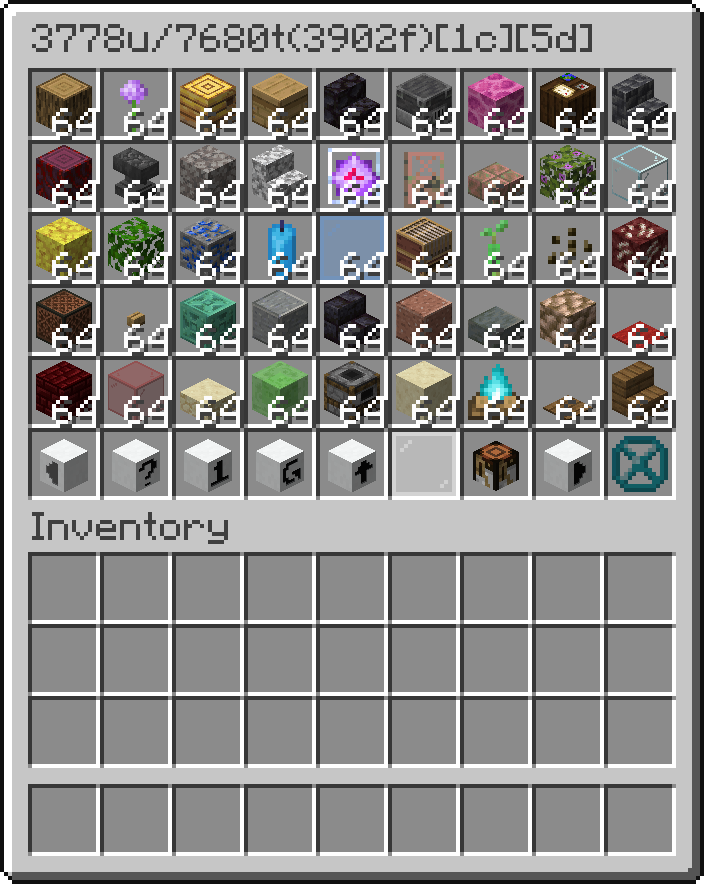
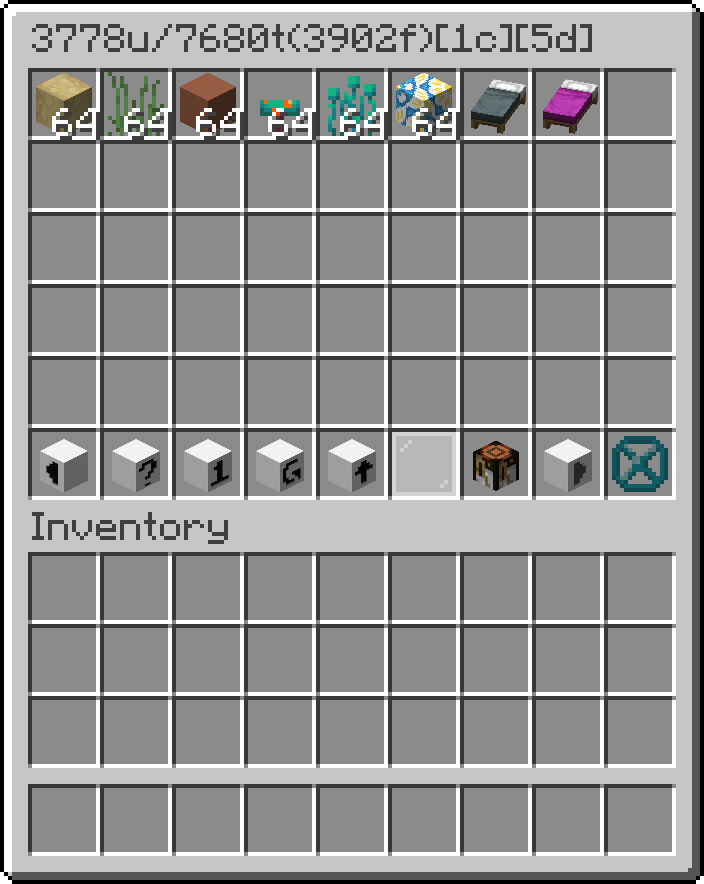
This mod adds a storage controller that scans the attached storage bus and displays the items.
To search, click on the search button and then write the query into the dialog and press escape to close it.
_WARNING_, every operation reindexes the bus, which is recursive, so large storage systems might lag the server.
The title shows available slots/all slots(used slots)[number of drive containers][number of drives]
If you shift right click it with a written book, it will overwrite the book with the contents of the storage sorted alphabetically.
The true item count can be seen in the lore by hovering over that ItemStack.
Blocks:
- _Hard drive container_ – block where you put the drives
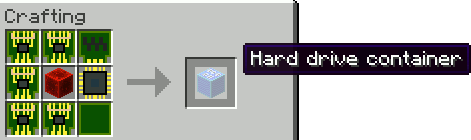
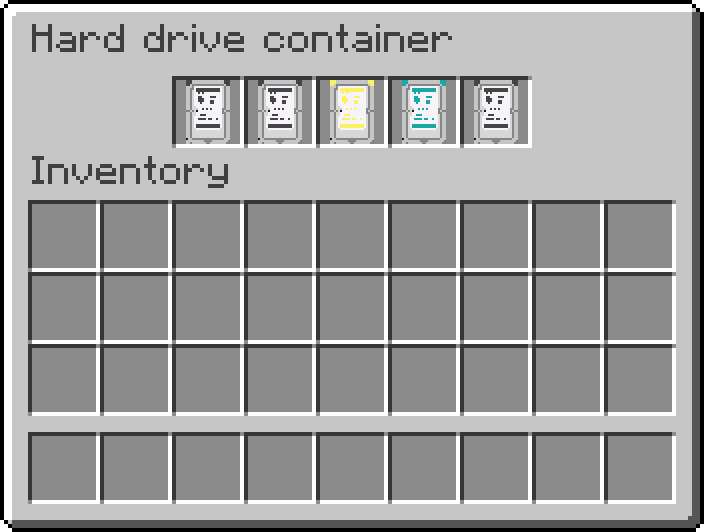
- _Networked inventory interface_ – block that can connect inventories as inputs or outputs to the network
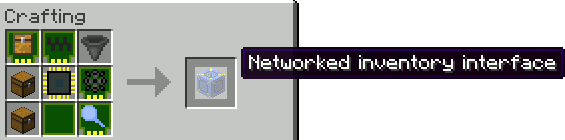
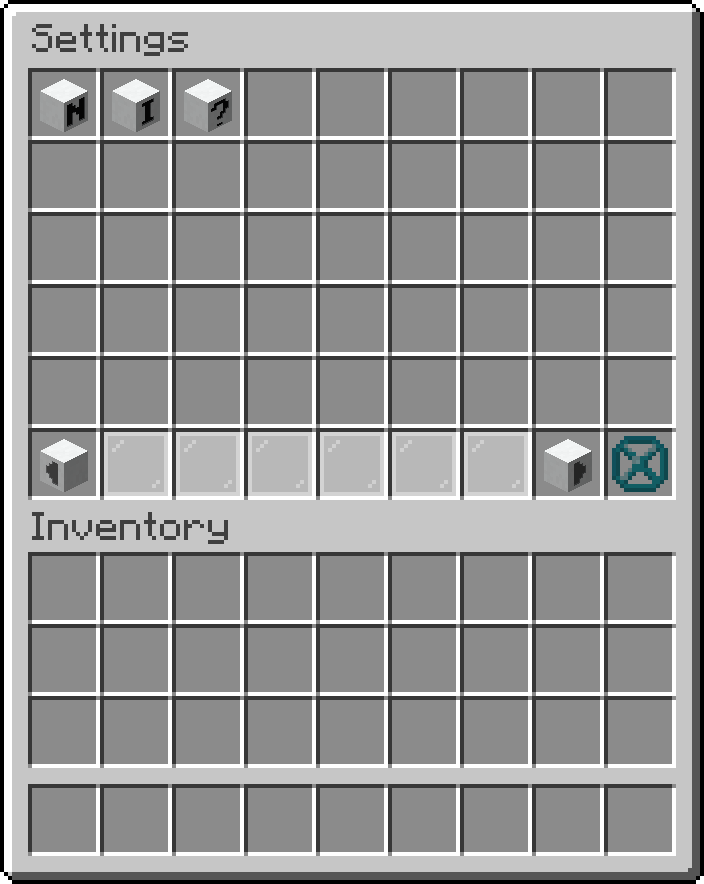
- _Networked storage interface_ – block you interact with the most
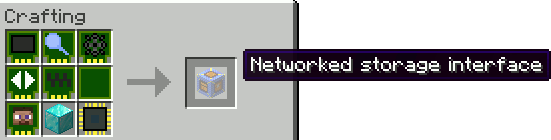
To get something out you can:
- Left click it to get a stack
- Left click it with shift to get as much as fits into your inventory
- Right click it to get half a stack
To put something in you can:
- Shift click it from your inventory
- Use a hopper to insert something
- Right click with shift an item in the storage to put all of that item inside
- Click on the up arrow to store all items in your inventory
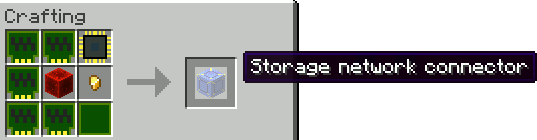
- _Storage network connector_ – block which connects your network together
Hard drives:
Iron
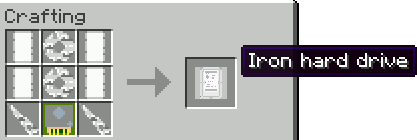
- _Iron hard drive_
- _Iron hard drive platter_
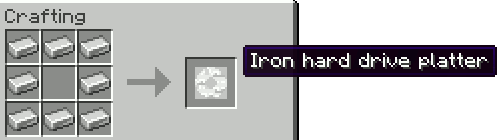
- _Iron hard drive head_
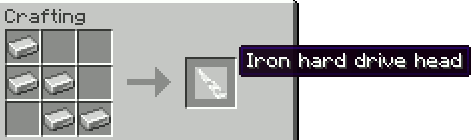
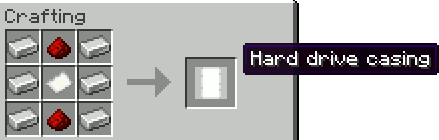
- _Hard drive casing_
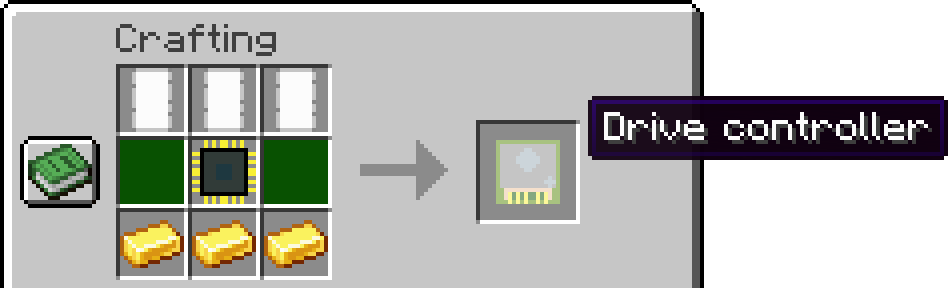
- _Drive controller_
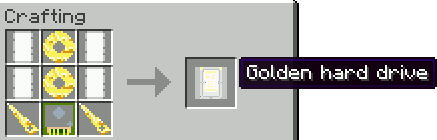
Golden
- _Golden hard drive_
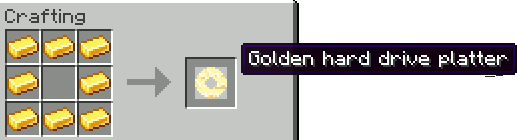
- _Golden hard drive platter_
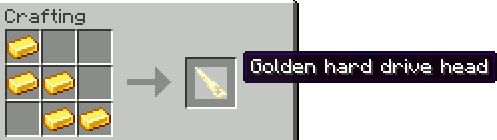
- _Golden hard drive head_
- _Hard drive casing_
- _Drive controller_
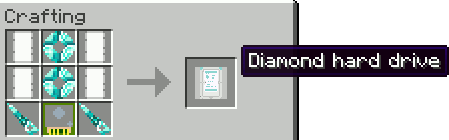
Diamond
- _Diamond hard drive_
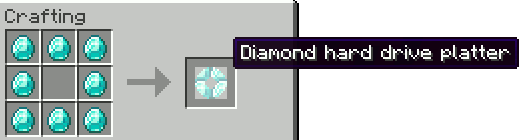
- _Diamond hard drive platter_
- _Diamond hard drive head_
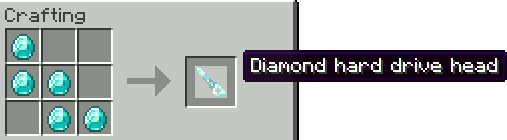
- _Hard drive casing_
- _Drive controller_
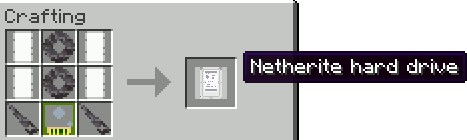
Netherite
- _Netherite hard drive_
- _Netherite hard drive platter_
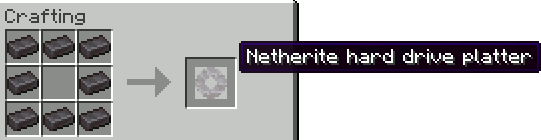
- _Netherite hard drive head_
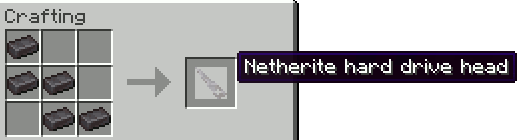
- _Hard drive casing_
- _Drive controller_
Modules (ingredients in crafting)
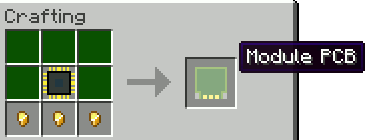
- _Module PCB_
- _Inventory module_
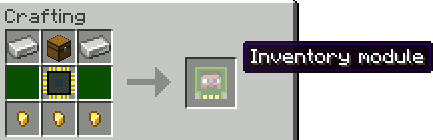
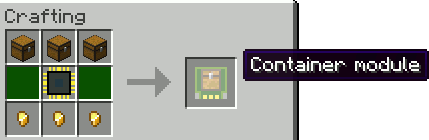
- _Container module_
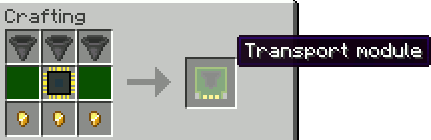
- _Transport module_
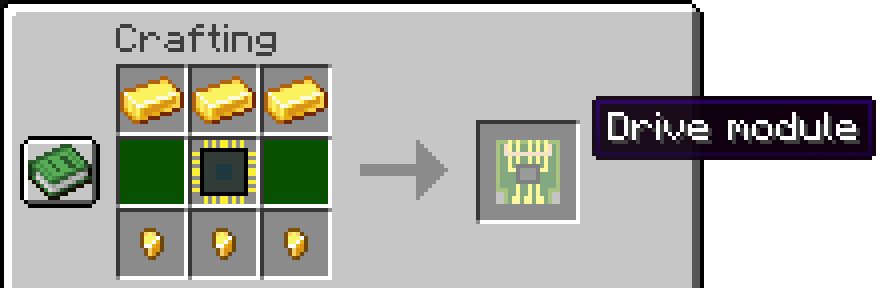
- _Drive module_
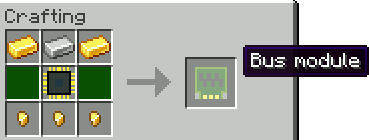
- _Bus module_
- _Display module_
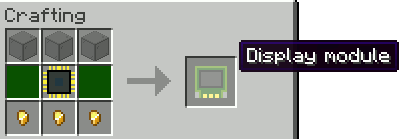
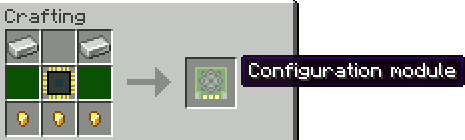
- _Configuration module_
- _Filtering module_
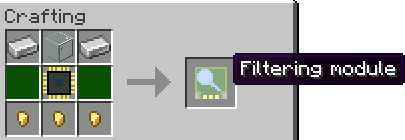
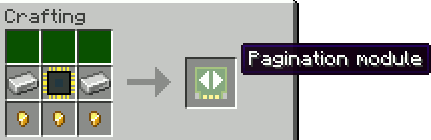
- _Pagination module_
Prerequisites: (basic ingredients in crafting)
- _CPU substrate_
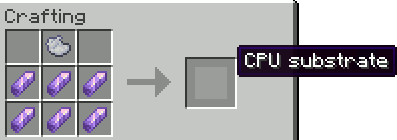
- _Central processing unit (CPU)_
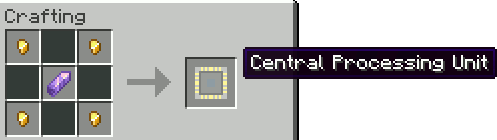
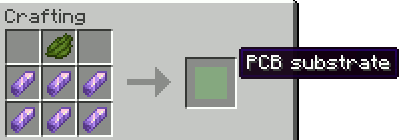
- _PCB substrate_
- _Printed circuit board (PCB)_
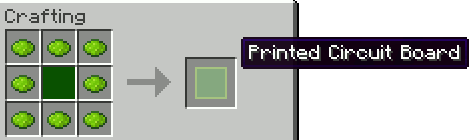
For admins
If you want to disable some parts of this mod due to a game breaking bug, these 3 game rules might be interesting
常见问题
Server Storage 支持哪些 Minecraft 版本?
Server Storage 支持 Minecraft Java 版 1.20.6–1.21.8,共 7 个版本,可用的加载器:Fabric。下载时注意选择和你游戏版本一致的文件。
Server Storage 怎么安装?
先用 PCL2 或 HMCL 启动器安装对应版本的 Fabric,再把下载的 .jar 文件放进游戏目录的 mods 文件夹,重新启动游戏即可。开启了版本隔离的,mods 文件夹在 versions/版本名 下面。运行环境:仅服务端。
BRNSystems 的其他作品
查看全部 →
Televator
A server-side elevator mod for Fabric using Polymer library

ServerShop
A simple mod to add a shop to your server

PlasticGun
A gun mod - fully server side with Polymer

Wise elytra
A server side mod to stop wasting rockets
评论
登录后评论和评分