
Rolling Down in the Deep
An addon to Do A Barrel Roll to extend its features to swimming and diving.
截图
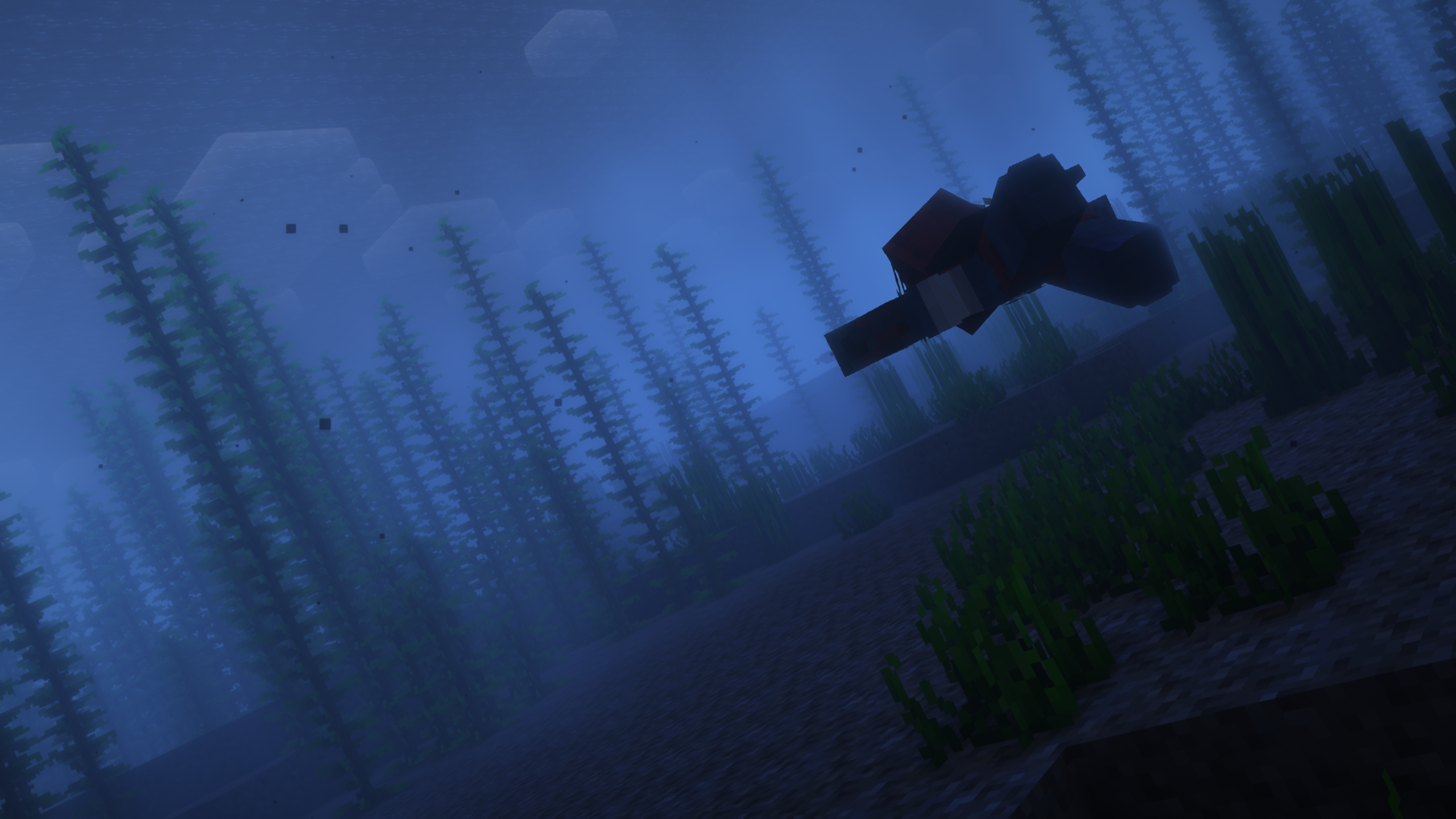
介绍





Rolling Down in the Deep is a lightweight,
fully clientside addon for Do a Barrel Roll
that extends its unlocked camera features to underwater environments.
It redesigns swimming to be more interesting and satisfying by
giving players full pitch, yaw and roll control.

Controls
The default controls are as follows, but can be modified:
- Mouse x axis to roll
- Mouse y axis to pitch
- strafe keys (normally A and D) to yaw and strafe at the same time
Configuration
The mod can be configured in-game using ModMenu and YACL.
Once you install both of these,
you can access the config screen by finding the mod in the mods list and pressing the config button.
Everything this mod does is designed to be as configurable as possible,
so you’ll be able to tweak things to your hearts content.
If you think a particular option is missing
you should definitely open an issue on GitHub or message us on Discord,
it will most likely be added.
Disclaimer
This mod modifies swimming mechanics significantly,
which includes allowing players to stay in “swim mode” without moving.
It does this by tricking the server and desyncing with it in a controlled way.
While this works perfectly fine on vanilla servers, and likely will on many others,
some serverside anticheat might flag it as suspicious.
Use at your own risk, and when in doubt, check with your server admin.
Credits
Made possible with contributions from CarterKJ
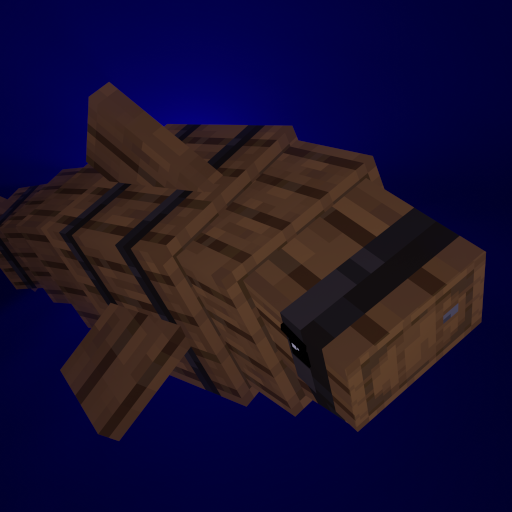
Mod icon by Mizeno:

The result:

I for one, think he did a great job.
常见问题
Rolling Down in the Deep 支持哪些 Minecraft 版本?
Rolling Down in the Deep 支持 Minecraft Java 版 1.20–1.21.1,共 9 个版本,可用的加载器:Fabric / NeoForge。下载时注意选择和你游戏版本一致的文件。
Rolling Down in the Deep 怎么安装?
先用 PCL2 或 HMCL 启动器安装对应版本的 Fabric / NeoForge,再把下载的 .jar 文件放进游戏目录的 mods 文件夹,重新启动游戏即可。开启了版本隔离的,mods 文件夹在 versions/版本名 下面。运行环境:仅客户端。
enjarai 的其他作品
查看全部 →
Do a Barrel Roll
Minecraft 鞘翅版微软飞行模拟器。

CICADA
令人困惑、有趣且相当中立的开发辅助工具
Show Me Your Skin!
隐藏或自定义盔甲显示效果的模组。
Show Me Your Skin! (Hide armor)
A mod to hide or customize armor rendering.
评论
登录后评论和评分