
截图
介绍
Riftbone
WARNING! Upgrading the mod between certain versions might be unsafe! Read changelog before updating!
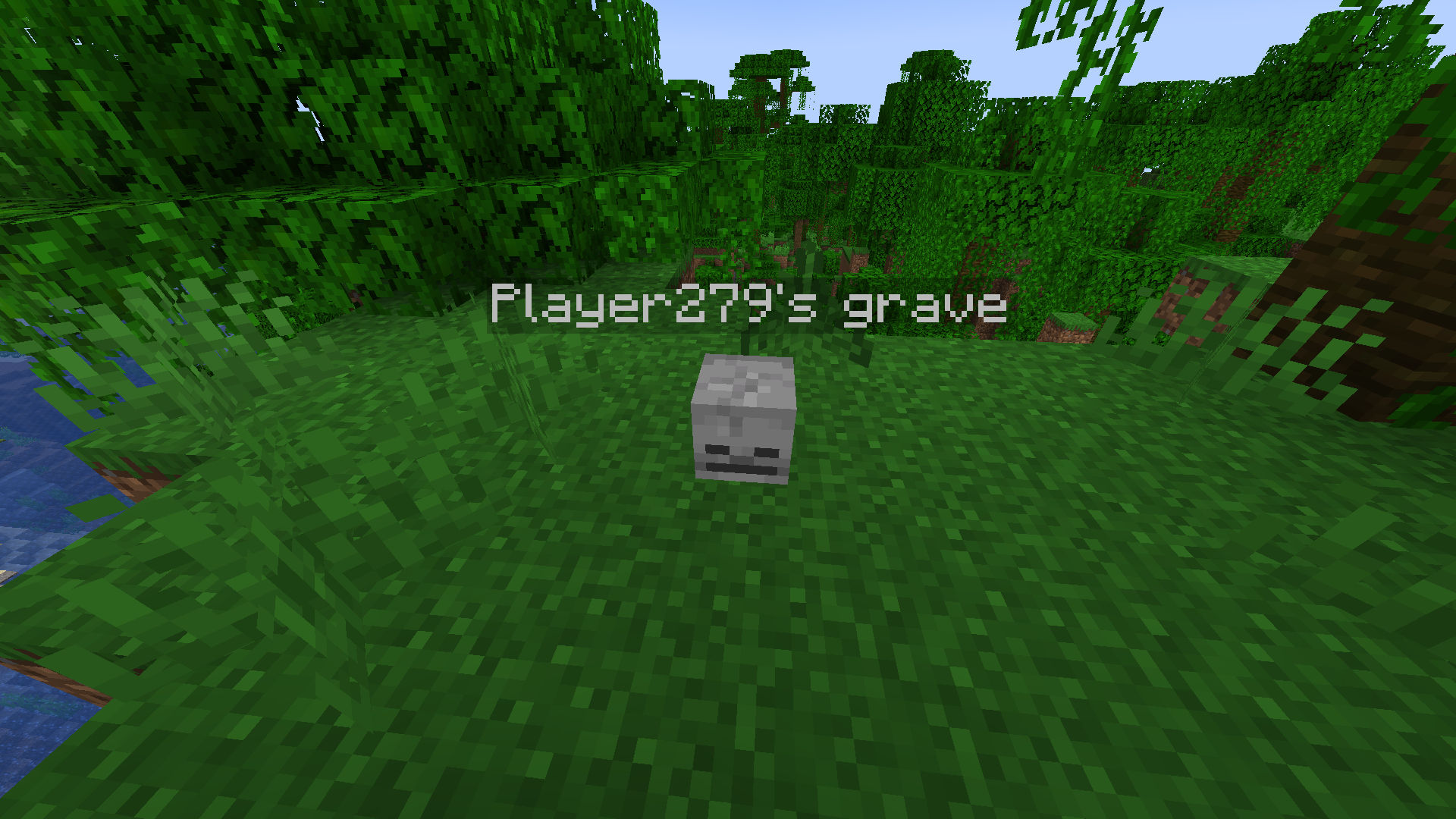
A simple grave / remains mod to keep your items safe and ready for recovery
A partial rewrite of Rift Realms Utility for 1.21.1
Graves
- Spawned on death.
- Disappear after a few seconds if emptied.
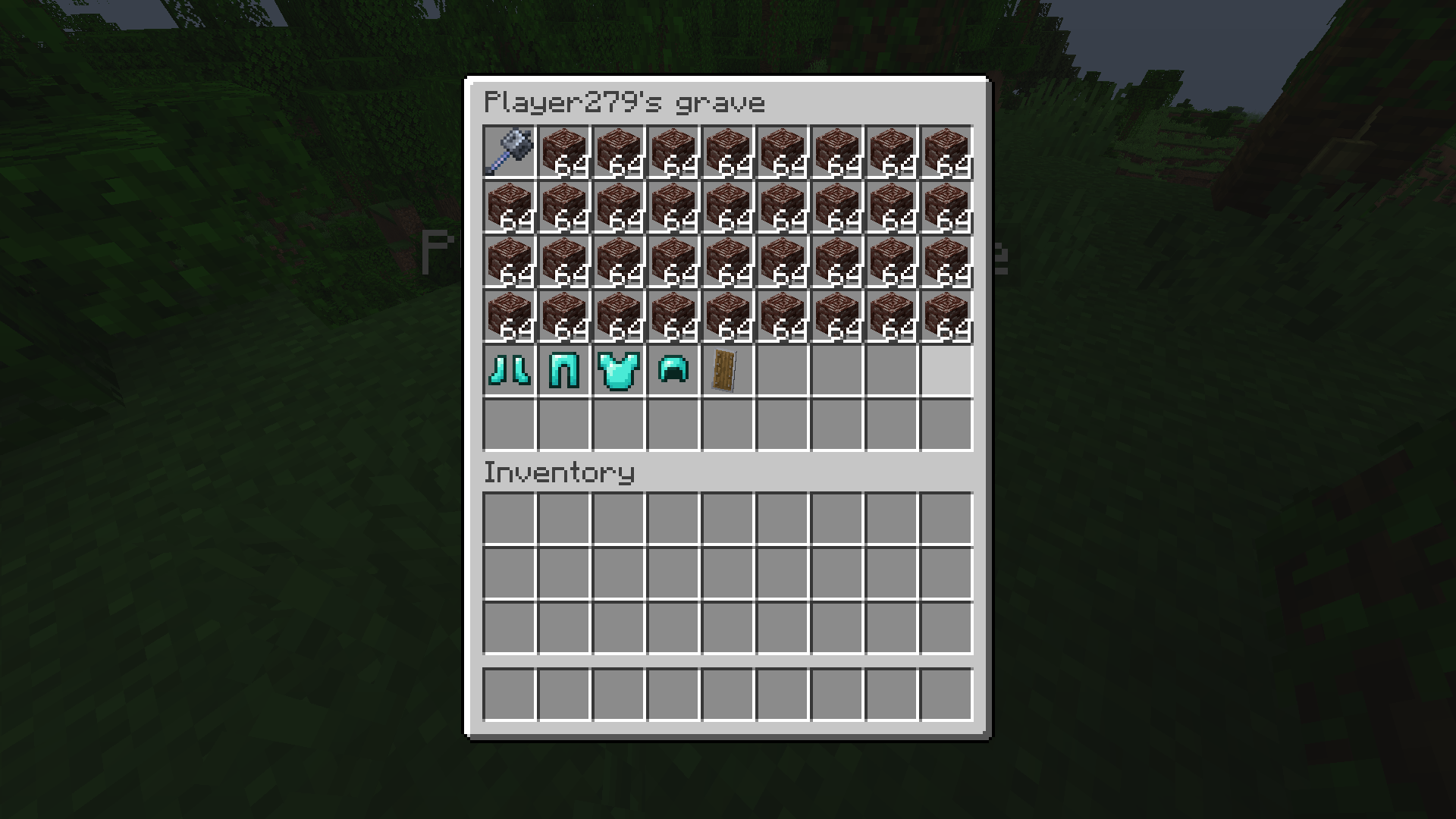
- Right-click to open their inventory and take the items out.
- Shift-right-click to take all the items from the grave into the slots they were previously in. (Quick looting)
- If the slot is filled, the item is placed in an empty one.
- If the inventory is full, the item is dropped on the ground.
- Float in water and lava, and stay at -64 when falling into the void.
Migration – ONLY WORKS ON v1.0.0
- Graves from Rift Realms Utility automatically change themselves into Riftbone graves when they are loaded.
- Rift Realm Utility should not be installed alongside Riftbone, if it ever becomes avaible on 1.21.1
Gamerules
ownerOnlyLooting: Allows only the owner of the grave to open the grave, by either method. Defaults to false.ownerOnlyQuickLooting: Allows only the owner of the grave to instantly loot the grave, by Shift-right-clicking. Defaults to true.quickLootingAllowed: Allows quick looting to happen. Defaults to true.
常见问题
Riftbone 支持哪些 Minecraft 版本?
Riftbone 支持 Minecraft Java 版 1.21.1–26.1.2,共 6 个版本,可用的加载器:Fabric / NeoForge / Quilt。下载时注意选择和你游戏版本一致的文件。
Riftbone 怎么安装?
先用 PCL2 或 HMCL 启动器安装对应版本的 Fabric / NeoForge / Quilt,再把下载的 .jar 文件放进游戏目录的 mods 文件夹,重新启动游戏即可。开启了版本隔离的,mods 文件夹在 versions/版本名 下面。运行环境:客户端和服务端都要装。
nexusrealms 的其他作品
查看全部 →Rift Realms Utility
A utility mod for the Rift Realms server

Create: Aloft
An engineering-first Modpack built around Create Aeronautics.

Riftname
Style names on servers - Player-set nicknames, prefixes, colors, gradients and more

Era of Rails
A railway expansion mod! Adds new minecart and rail types to make rail travel more efficient and fun
评论
登录后评论和评分