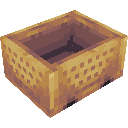
截图

介绍
Era of Rails
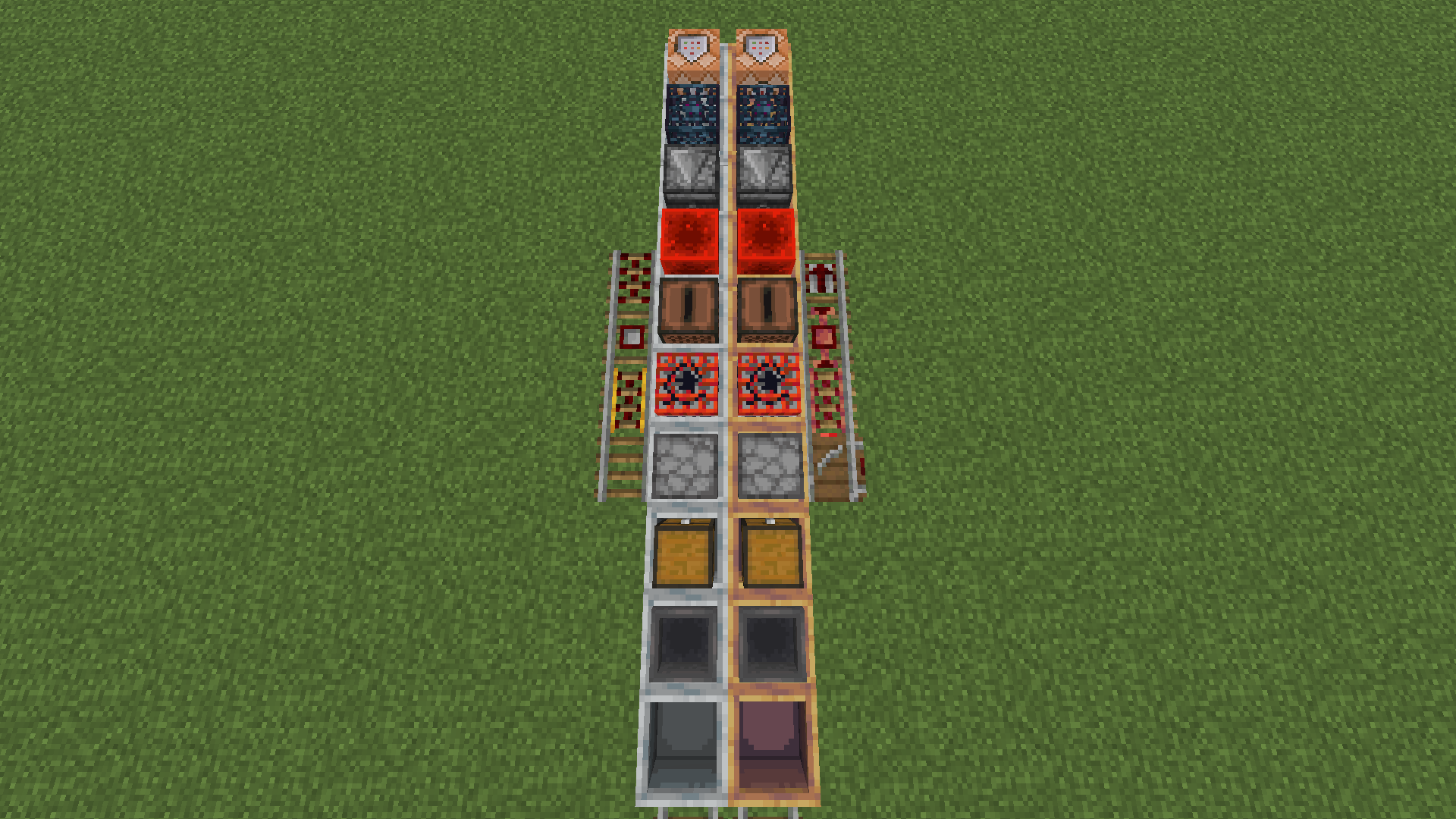
A railway expansion mod! This mod adds four new rail types and several new minecart types, as well as copper minecart variants, and train!
The mod’s additions
Rails
Copper rail
Significantly faster than the vanilla powered rail, making minecart travel competitive with elytras
Switch
Redstone-controlled switches allow easy chaning of directions as well as automated train systems.
Halt rail
A solution for automated stations – stop a minecart when unpowered, when powered launch the minecart in the direction they’re oriented.
Input rail
A key for fully automated railway networks – turn an input from an input cart into redstone signal to power switches or stations.
Minecarts
Jukebox cart
A minecart with a jukebox – for playing songs in motion
Redstone block cart
A minecart with a redstone block – not currently used, with player uses
Input cart
A more complex minecart, used for building self-routing networks
Input cart
An input cart gives inputs to input rails – either on or off. The inputs are defined as a list, where after running onto an input rail, the instruction tells it to turn on or do nothing, and moves onto the next instruction. The list loops after an amount of inputs, that can also be set by the player.
Input screen: 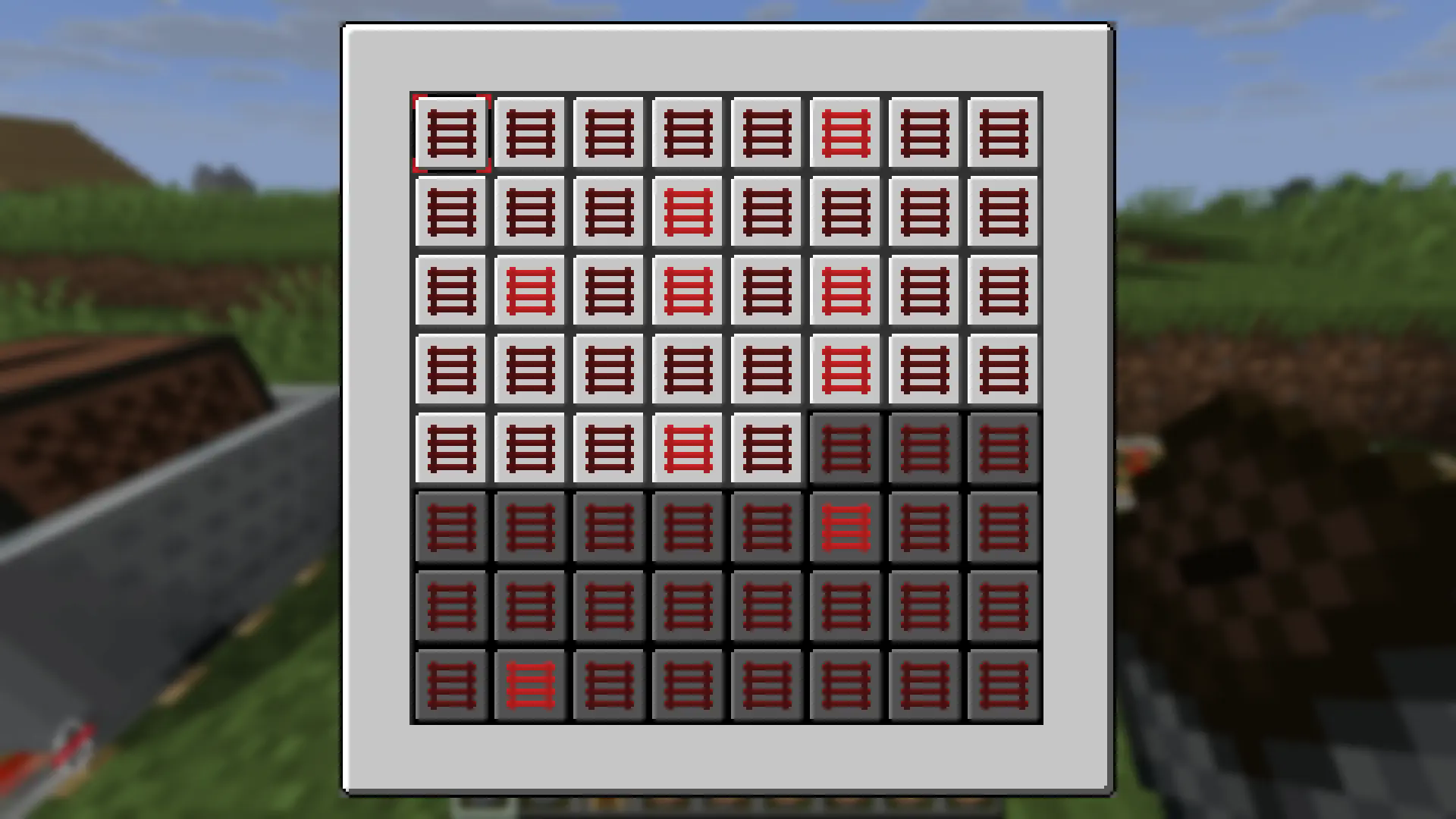
Copper carts
Every minecart type has a copper variant, which does not stop when colliding with entities, launching them away instead.
Trains
Minecarts be linked into trains by using chains.
Linking carts:
Shift-right-click a cart with a chain, and then right-click a nearby cart with the same chain.
The first cart becomes the parent, and the second one becomes the child.
The child will try to follow the parent, and a chain will be shown between them.
Longer trains can be created by linking the child as a parent onto another cart
Trains can be fragile, and will break if carts get too far apart.
Dispensing carts
Alternating minecarts and chains, when dispensed from a dispenser, will be linked to create a train
常见问题
Era of Rails 支持哪些 Minecraft 版本?
Era of Rails 支持 Minecraft Java 版 1.21.8–1.21.11,共 2 个版本,可用的加载器:Fabric。下载时注意选择和你游戏版本一致的文件。
Era of Rails 怎么安装?
先用 PCL2 或 HMCL 启动器安装对应版本的 Fabric,再把下载的 .jar 文件放进游戏目录的 mods 文件夹,重新启动游戏即可。开启了版本隔离的,mods 文件夹在 versions/版本名 下面。运行环境:客户端和服务端都要装。
nexusrealms 的其他作品
查看全部 →Rift Realms Utility
Rift Realms 服务器的实用模组

Create: Aloft
一款以 Create Aeronautics 为核心、工程玩法优先的整合包。
Riftname
服务器上的风格名称——玩家自定义昵称、前缀、颜色、渐变等

NexusCarry
一个添加携带物品装备的模组——挎包和背包
评论
登录后评论和评分