
Remote Paintings
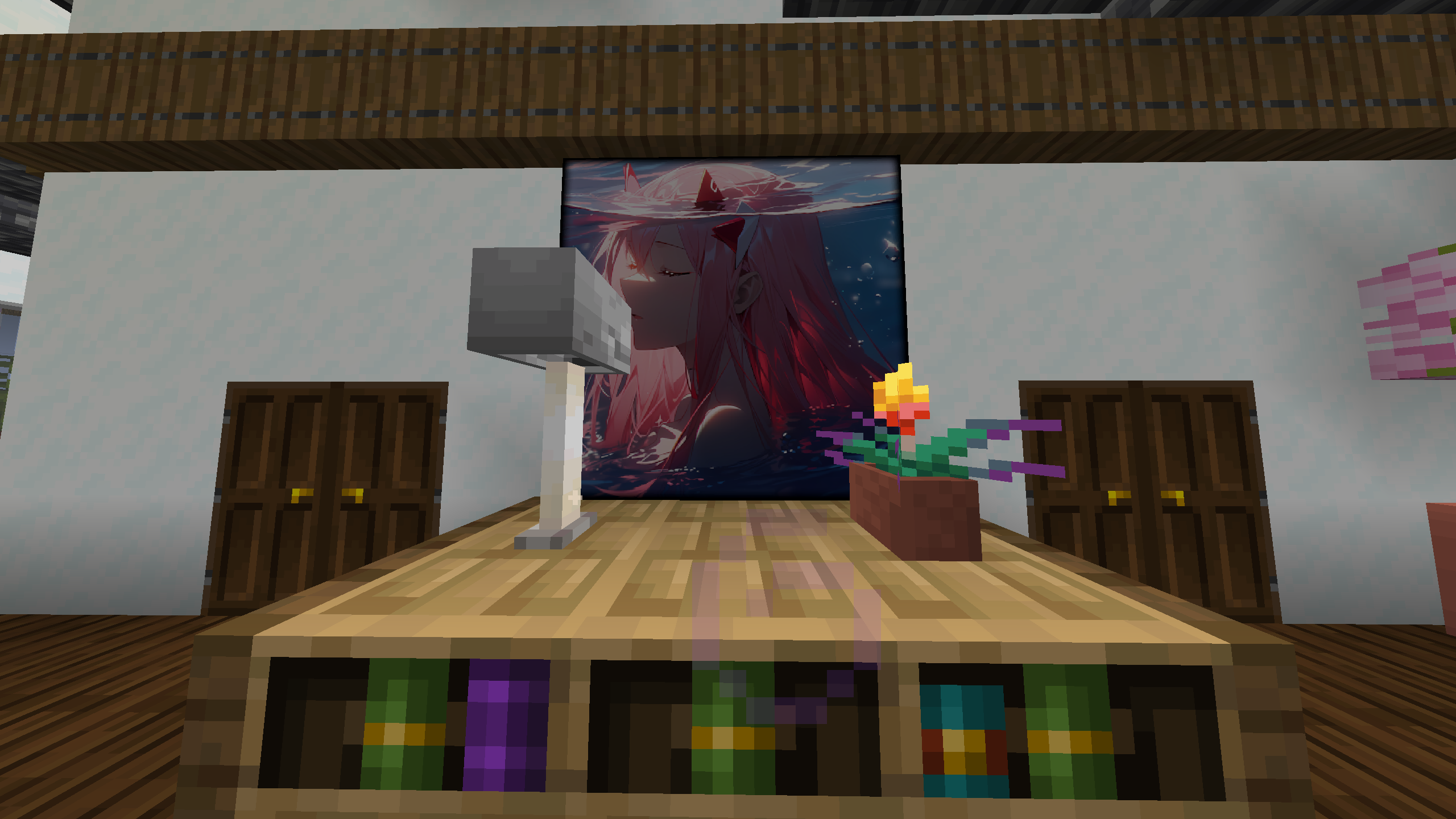
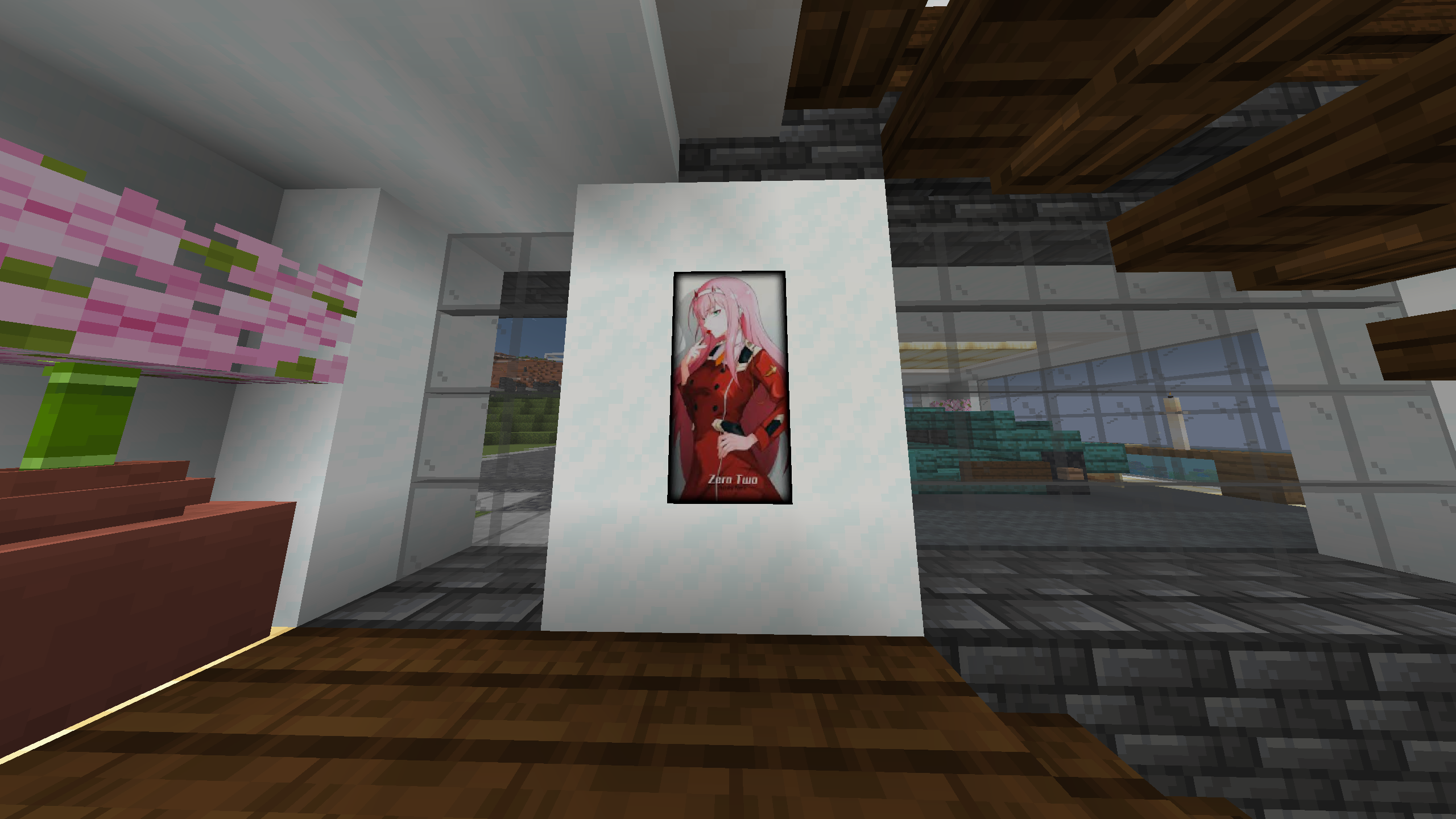
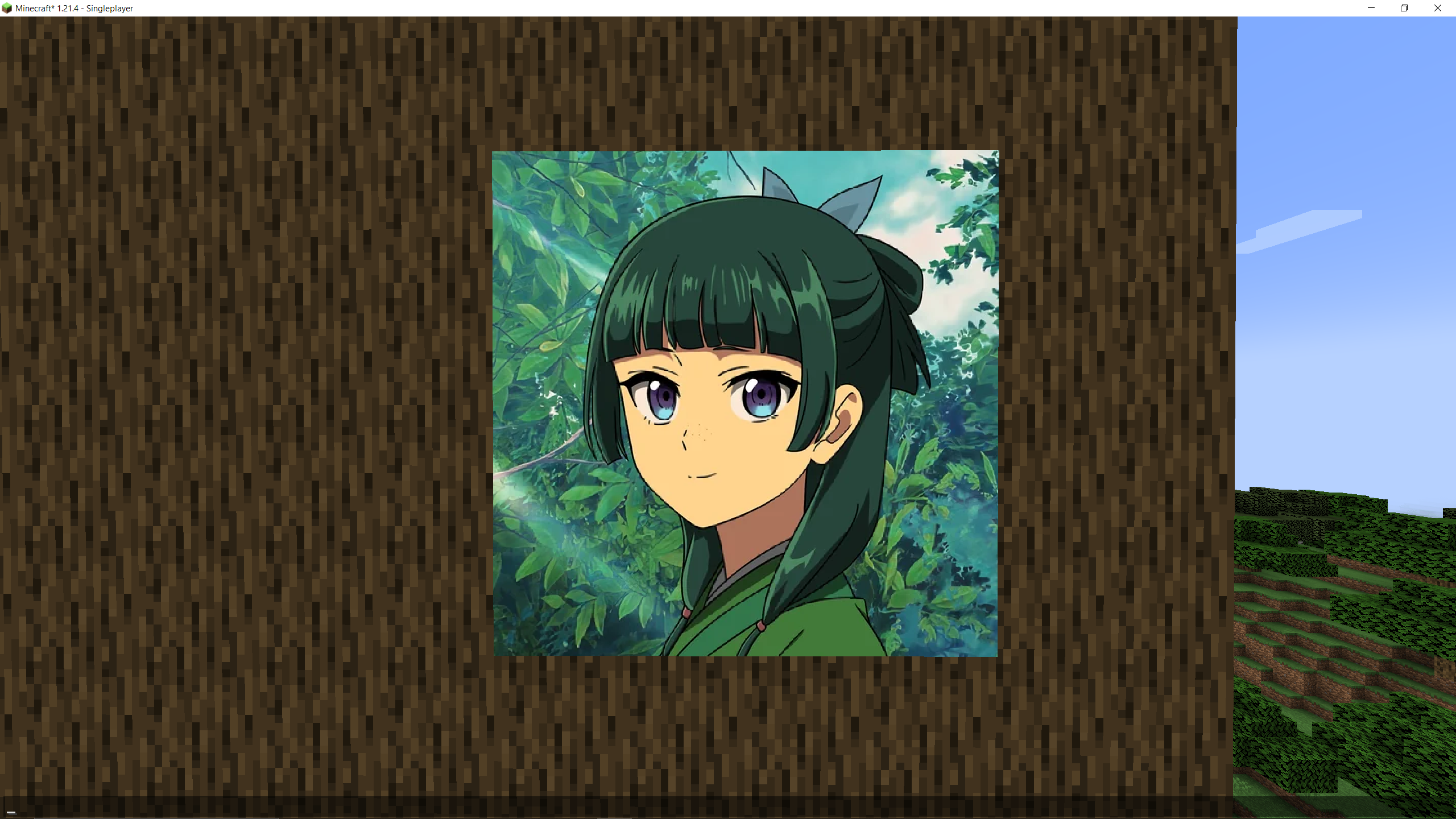
Ever wanted to view images or gifs from the Web in Minecraft? Remote Paintings lets you override ingame paintings with remote images!
截图
介绍
RemotePaintings
Ever wanted to override Minecraft paintings but creating a resource pack was too much work?
Fear not, RemotePaintings is here to help! You can now finally override Minecraft paintings with your own images,
right from the game!
Examples
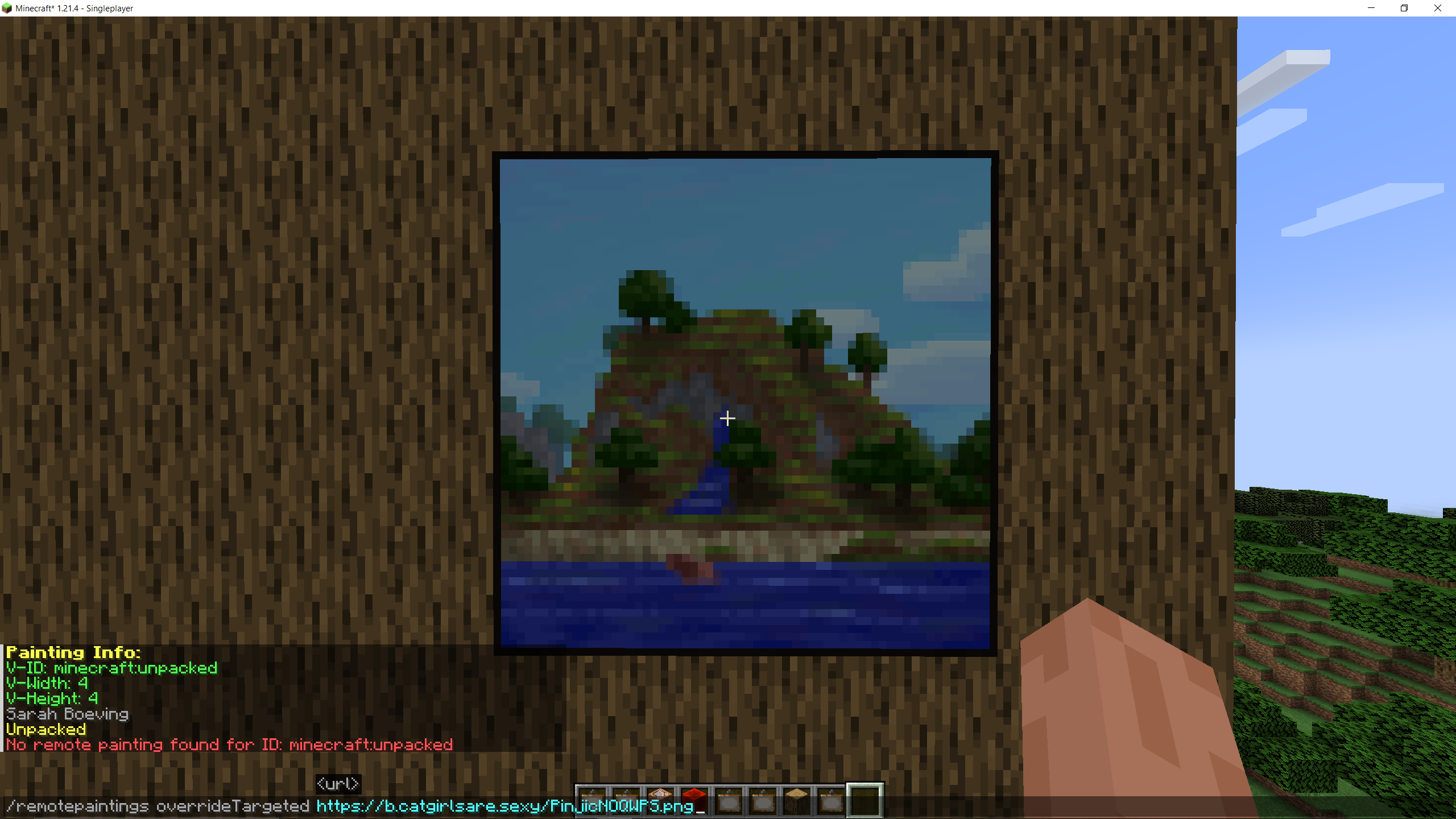
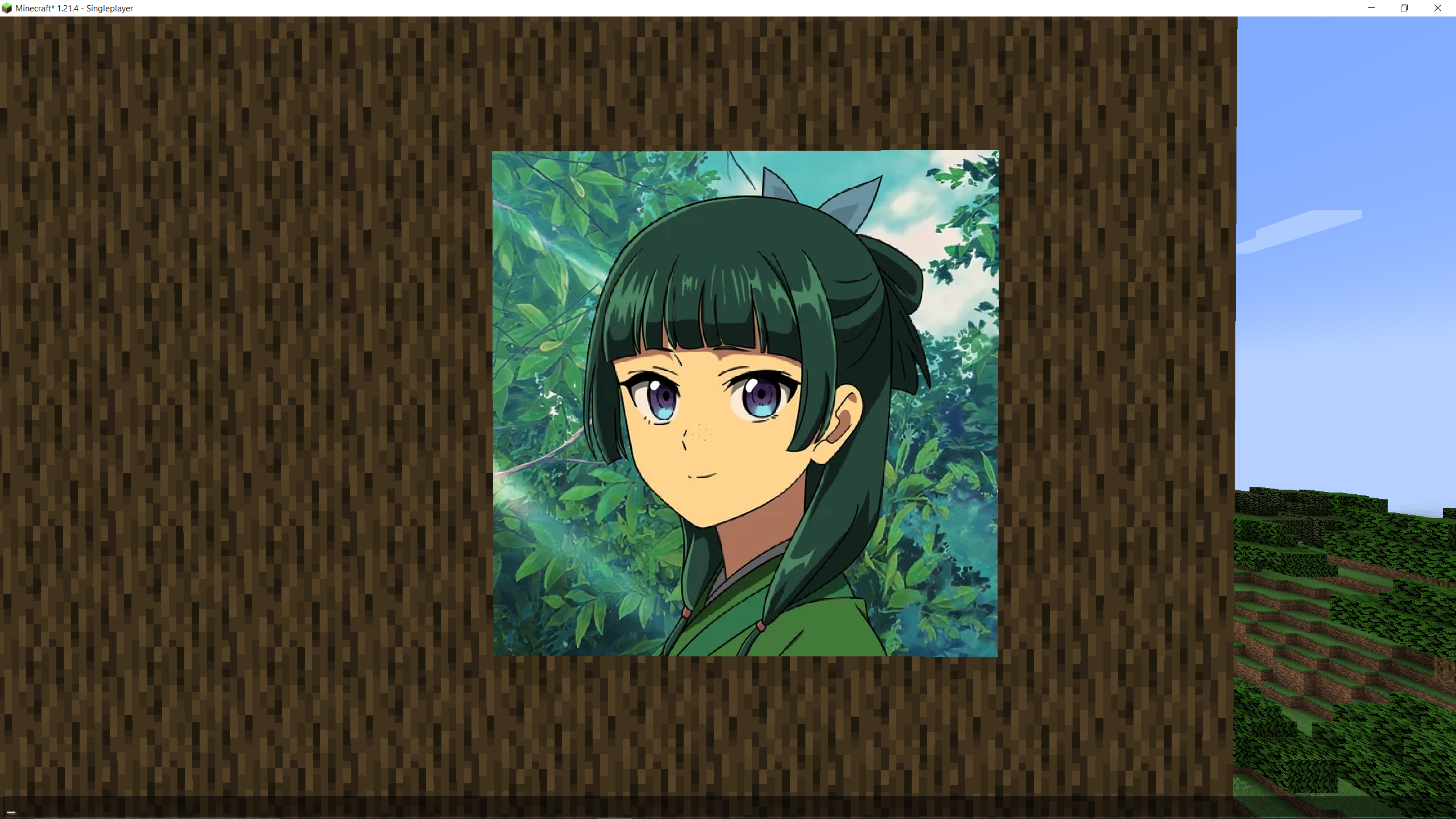
Example with PNG/JPEG
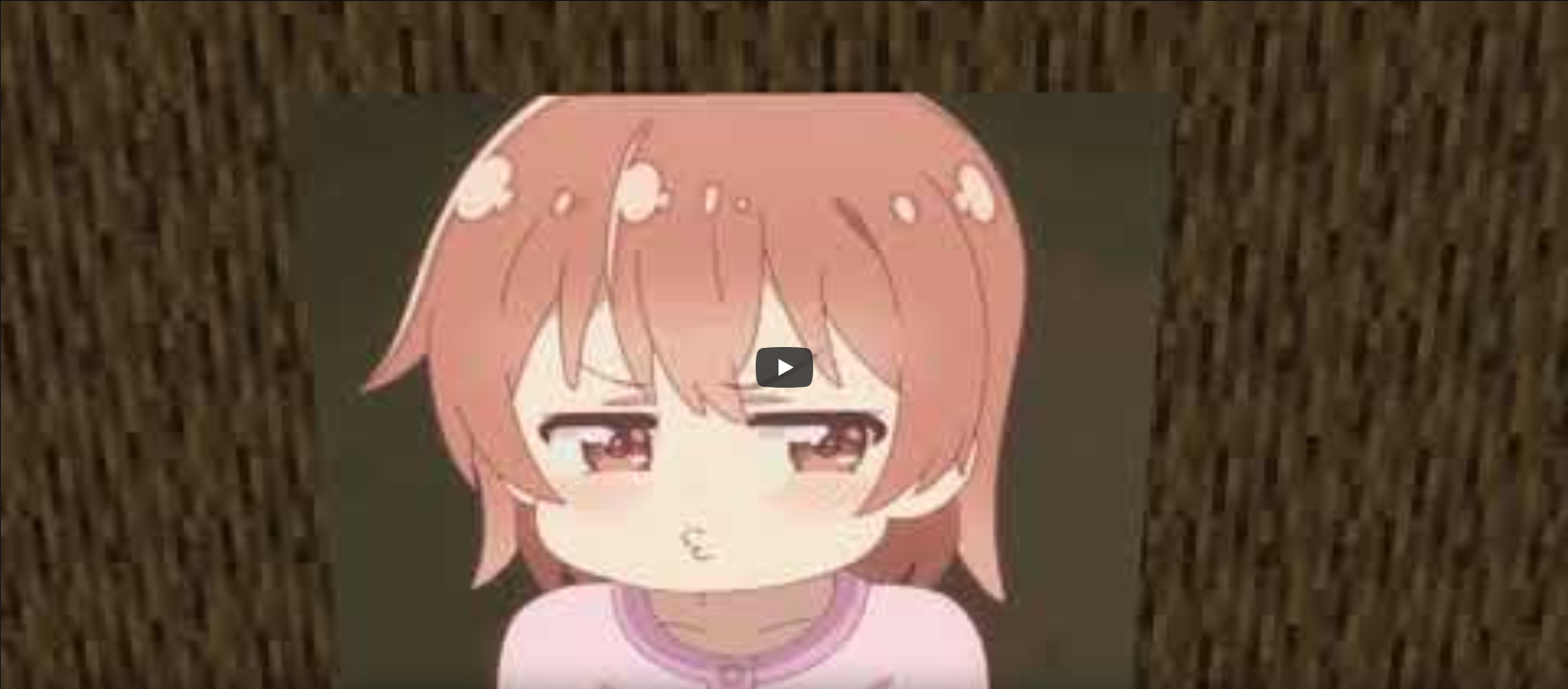
Example with GIFs
Commands
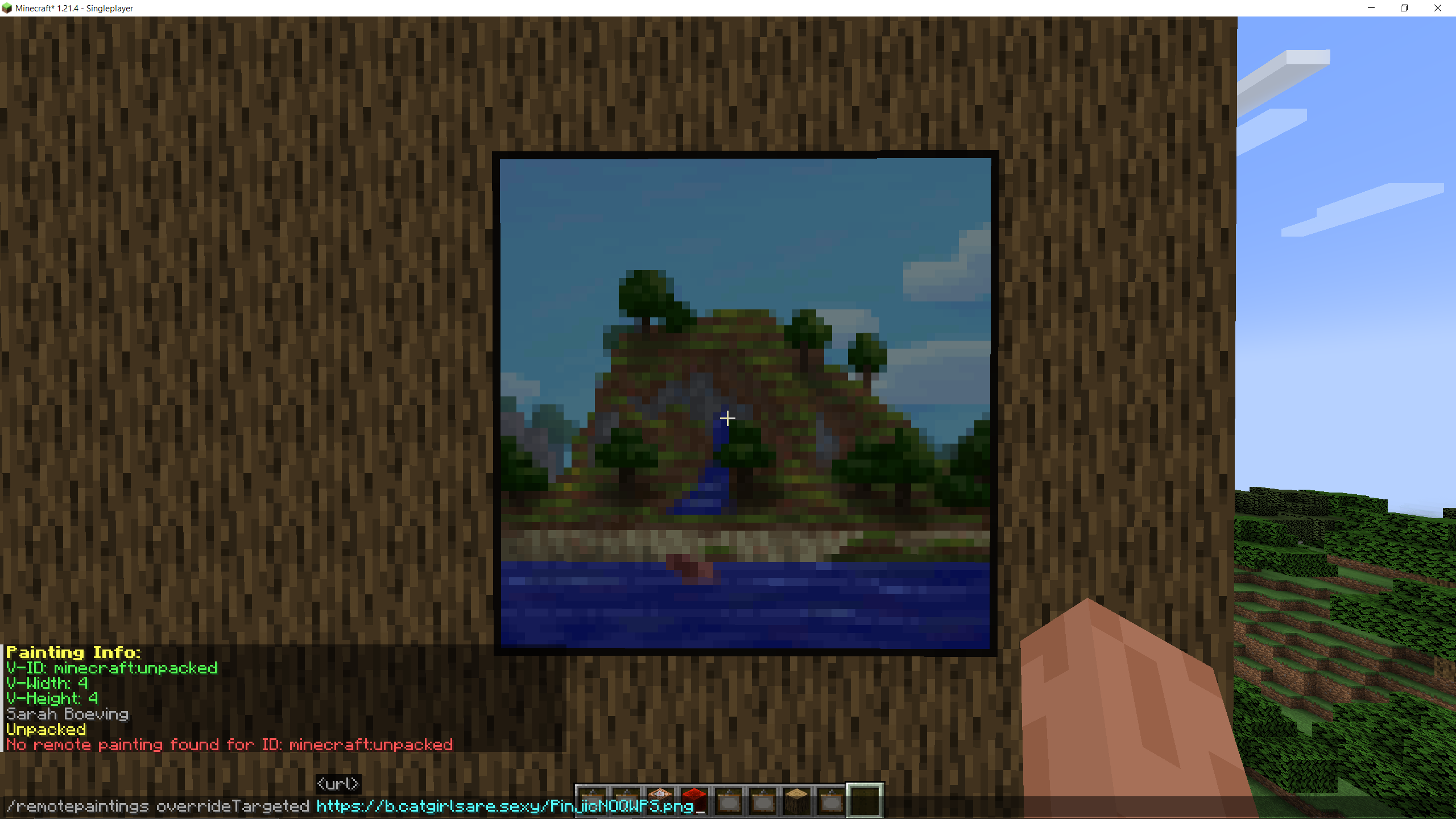
Generally, every command is available via the `/remotepaintings` command and should be self-explanatory.
- `
/remotepaintings paintingInfo`: Shows information about the painting being looked at - `
/remotepaintings info`: Shows information about every painting override - `
/remotepaintings override <id> <url>`: Override the specified painting id (minecraft identifier!) with the specified URL - `
/remotepaintings overrideTargeted <url>`: Override the painting being looked at with the specified URL - `
/remotepaintings unloadPainting <id>`: Unload the specified painting id (minecraft identifier!) - `
/remotepaintings reloadImages`: Refetch and reload all images
For configs, these commands are available:
- `
/remotepaintings loadConfig <url>`: Loads a json config from any url (raw hastebin for example) and saves the url - `
/remotepaintings reloadConfig`: Reloads the config from the saved url - `
/remotepaintings saveConfig`: Uploads the current overrides in a new hastebin and saves the url locally
Config
The config is being provided by owo-lib and thus reachable via any modern ModMenu.
In the config itself the current remote paintings config url and the hastebin upload server can be specified.
How it works
After executing the `override` command, the texture gets fetched and is being registered in the TextureManager (thus being loaded in RAM).
For GIFs, all frames are being concatenated in a single row next to each other. Mind that this file might get very large if the GIF is too big.
The mod then injects into the painting renderer to avoid rendering the actual painting. Instead, it renders the custom remote painting
on top of it.
This approach is rather simple compared to the first two attempts I made, in which I tried to modify the SpriteAtlas itself.
Questions, Contributing and Licensing
If you have any questions, feel free to contact me or open an issue. I’d be glad to help!
For contributions, please open a detailed pull request with your changes. Would be nice if you could use conventional commits.
This project is licensed under the MIT license.
常见问题
Remote Paintings 支持哪些 Minecraft 版本?
Remote Paintings 支持 Minecraft Java 版 1.21.4,可用的加载器:Fabric。下载时注意选择和你游戏版本一致的文件。
Remote Paintings 怎么安装?
先用 PCL2 或 HMCL 启动器安装对应版本的 Fabric,再把下载的 .jar 文件放进游戏目录的 mods 文件夹,重新启动游戏即可。开启了版本隔离的,mods 文件夹在 versions/版本名 下面。运行环境:仅客户端。


评论
登录后评论和评分