
QuickHud
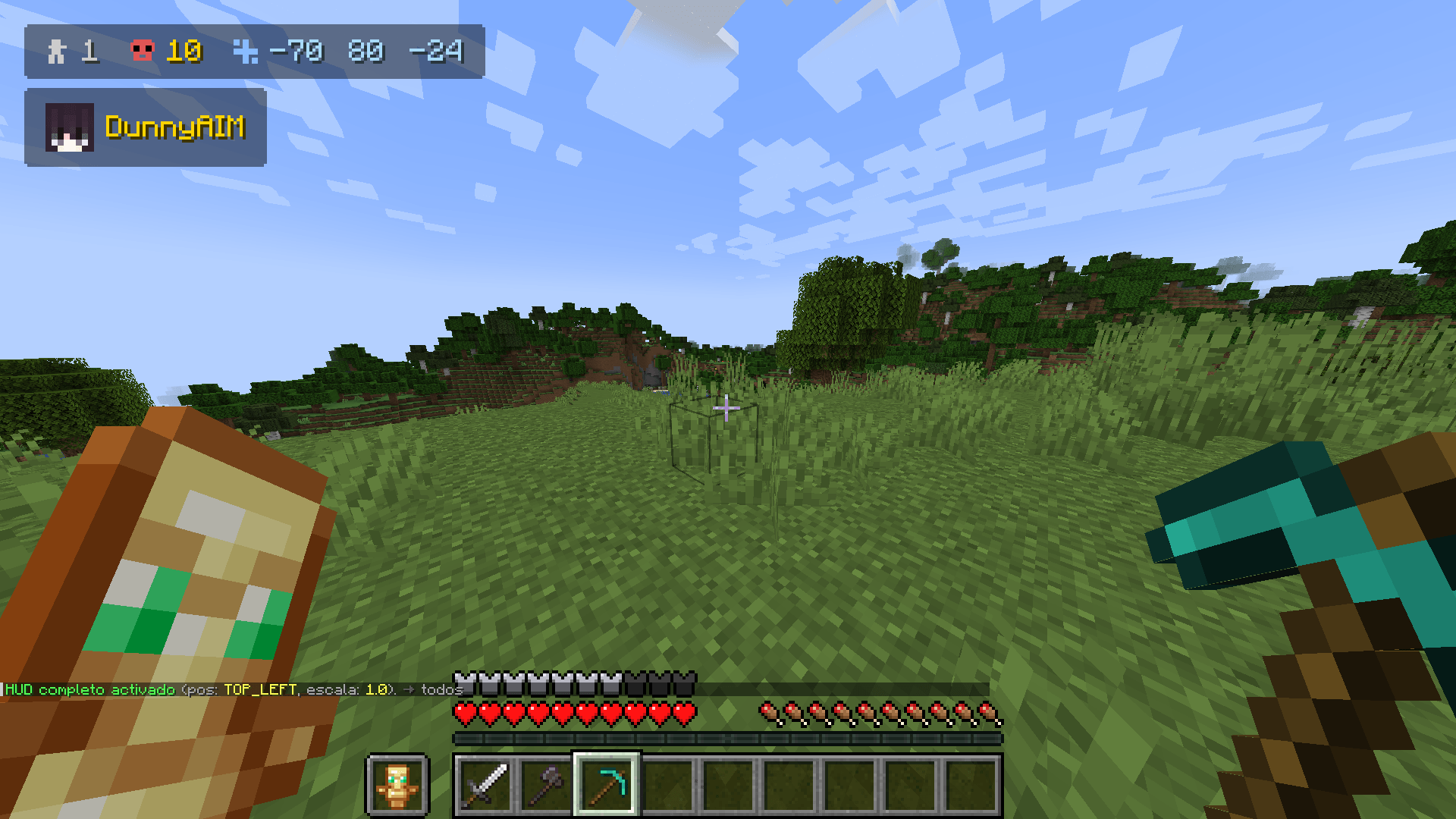
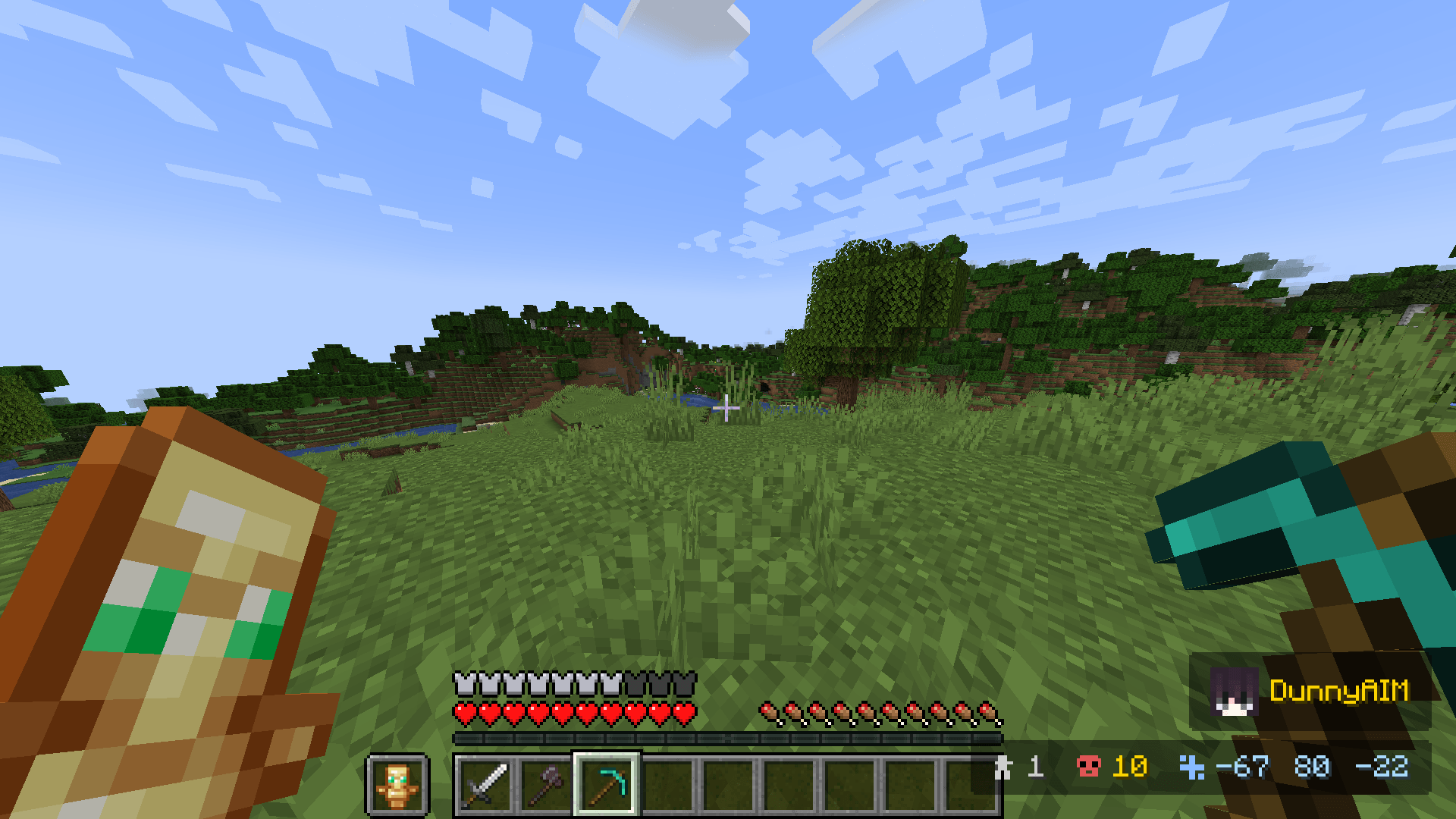
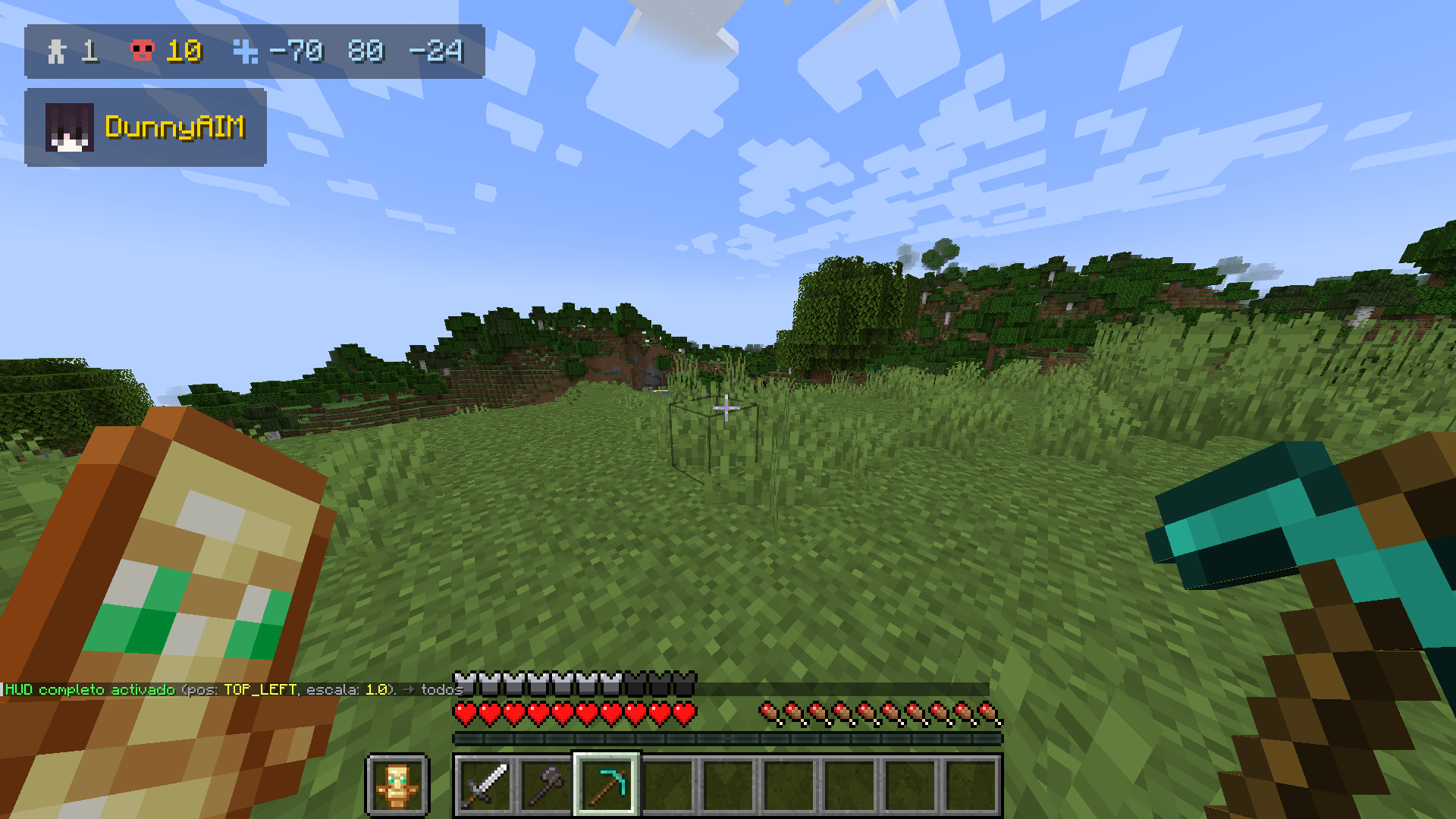
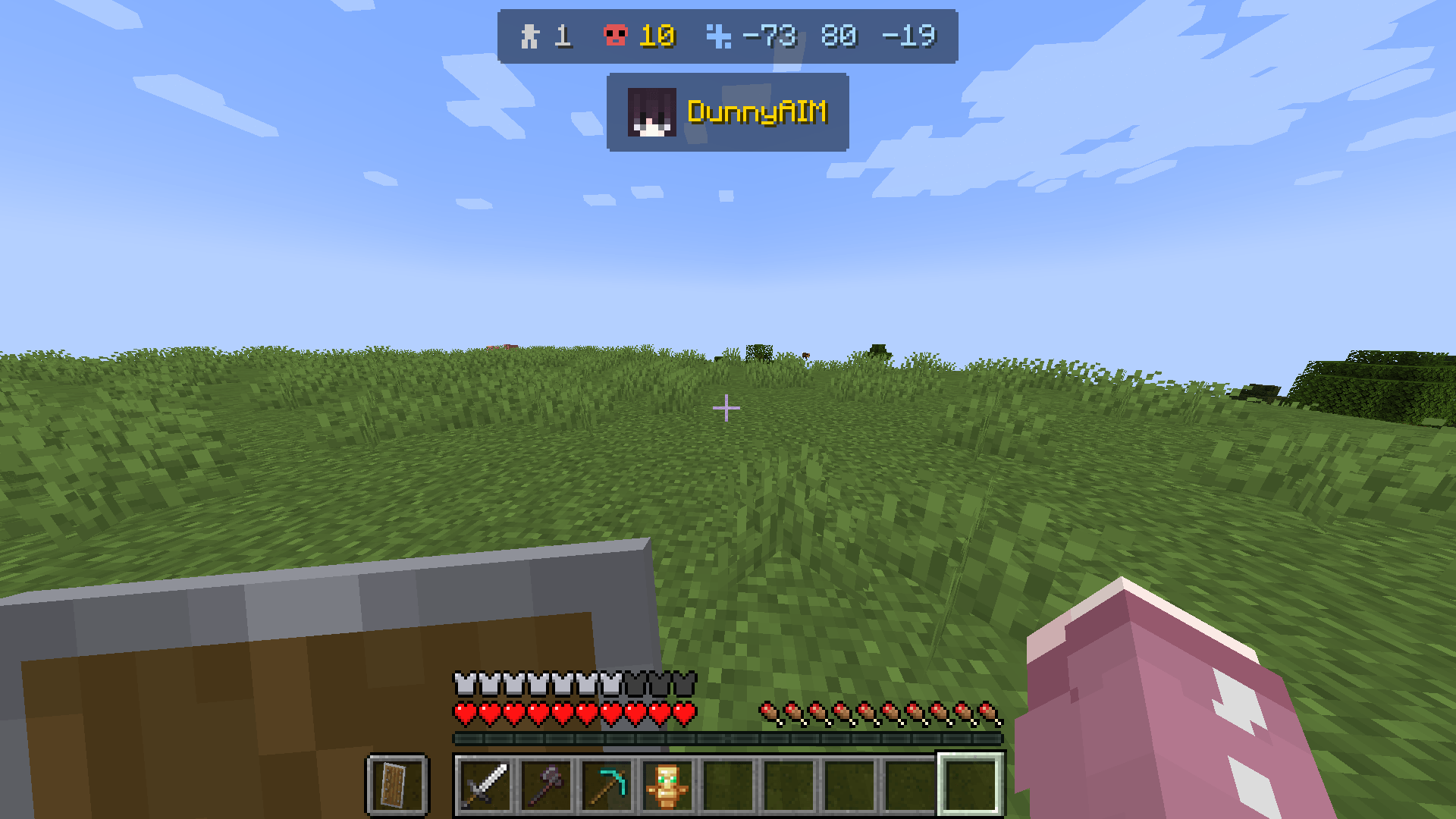
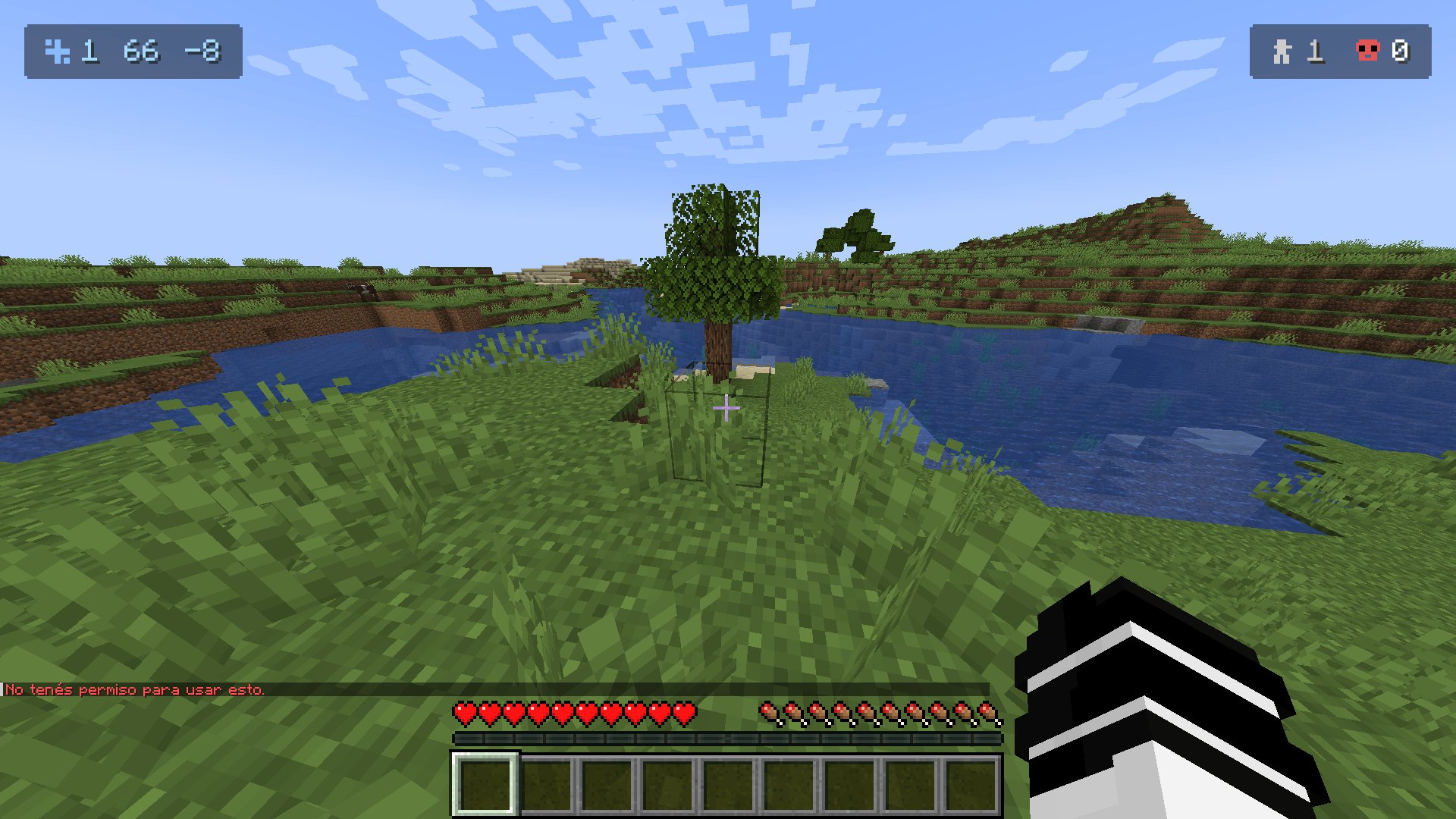
Displays a customizable HUD with: alive player count, kills, timer, coordinates and team list. All server-controlled.
截图
介绍
QuickHud — A lightweight HUD controlled from the server for Minecraft
Display player count, kills, timers, coordinates, and team information — all controlled in real time from the server.
HUD Elements
Player counter (survival/adventure only)
Kill counter (per player)
Timer
Coordinates (XYZ)
Team list
Element IDs:
all, players, kills, timer, coords, team
Available Positions
top_left, top_center, top_right,
mid_left, mid_center, mid_right,
bottom_left, bottom_center, bottom_right
Server Commands
/hud show <element> [position] [scale] [@a|player|team <name>]
/hud hide <element> [@a|player|team <name>]
/hud pos <element|all> <position>
/hud scale <element|all> <value>
/hud kills set <amount> [@a|player|team <name>]
/hud kills add <amount> [@a|player|team <name>]
/hud kills reset [@a|player|team <name>]
/hud kills get [player]
/hud timer start <seconds> [@a|player|team <name>]
/hud timer pause [@a|player|team <name>]
/hud timer resume [@a|player|team <name>]
/hud timer reset [@a|player|team <name>]
/hud text set <position> <text>
/hud text clear <position|all> [@a|player|team <name>]
/hud reset [@a|player|team <name>]
Target Selectors
@a → all players
player → specific player
team <name> → specific team
Compatibility
Mod (Fabric/Forge/NeoForge) + Plugin → Full server-side control
Mod only (no plugin) → Local HUD, kills detected via chat
Plugin only (no mod) → Requires the mod on the client
The mod communicates with the plugin through a custom network channel. If no plugin is detected, the HUD runs in standalone mode using local configuration.
Links
Modrinth: https://modrinth.com/plugin/quickhud
CurseForge: https://www.curseforge.com/minecraft/mc-mods/quickhud
💻 Created and maintained by @SunnyAIM_
© All Rights Reserved.
常见问题
QuickHud 支持哪些 Minecraft 版本?
QuickHud 支持 Minecraft Java 版 1.20.1–1.21.11,共 5 个版本,可用的加载器:Fabric / Forge / NeoForge。下载时注意选择和你游戏版本一致的文件。
QuickHud 怎么安装?
先用 PCL2 或 HMCL 启动器安装对应版本的 Fabric / Forge / NeoForge,再把下载的 .jar 文件放进游戏目录的 mods 文件夹,重新启动游戏即可。开启了版本隔离的,mods 文件夹在 versions/版本名 下面。
SunnyMp 的其他作品
查看全部 →
Animated Frames
在屏幕上显示 GIF、PNG 和 JPG 图片。

Morphy
Morphy a Morph mod Transform into mobs and blocks inside Minecraft. Become mobs or blocks and truly become one of them. Compatible with modded entities and content.

QuickHud
Displays a customizable HUD with: alive player count, kills, timer, coordinates and team list. All server-controlled.
Morphyy
Morphy a Morph mod Transform into mobs and blocks inside Minecraft. Become mobs or blocks and truly become one of them. Compatible with modded entities and content.
评论
登录后评论和评分