
QuickHud
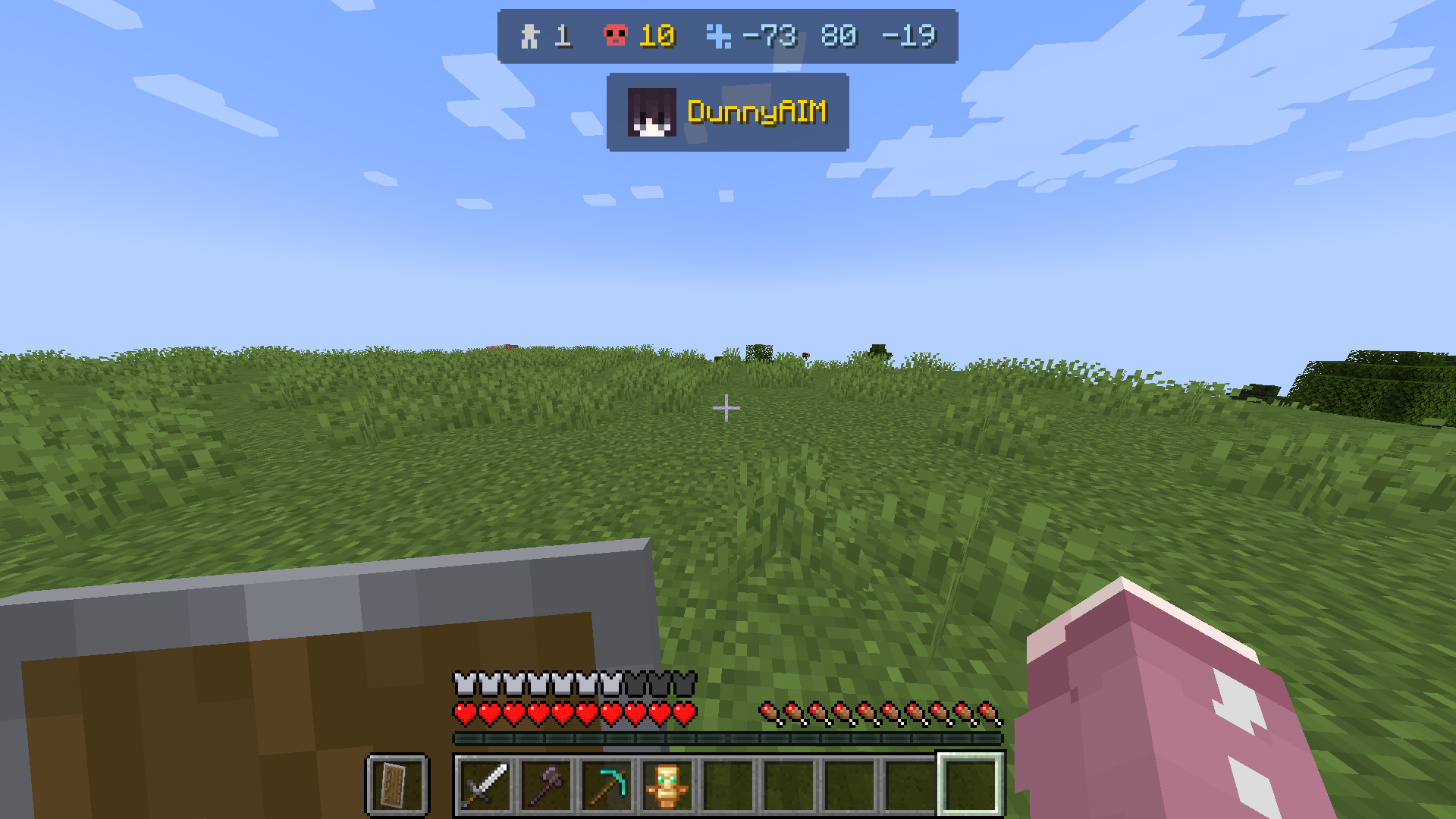
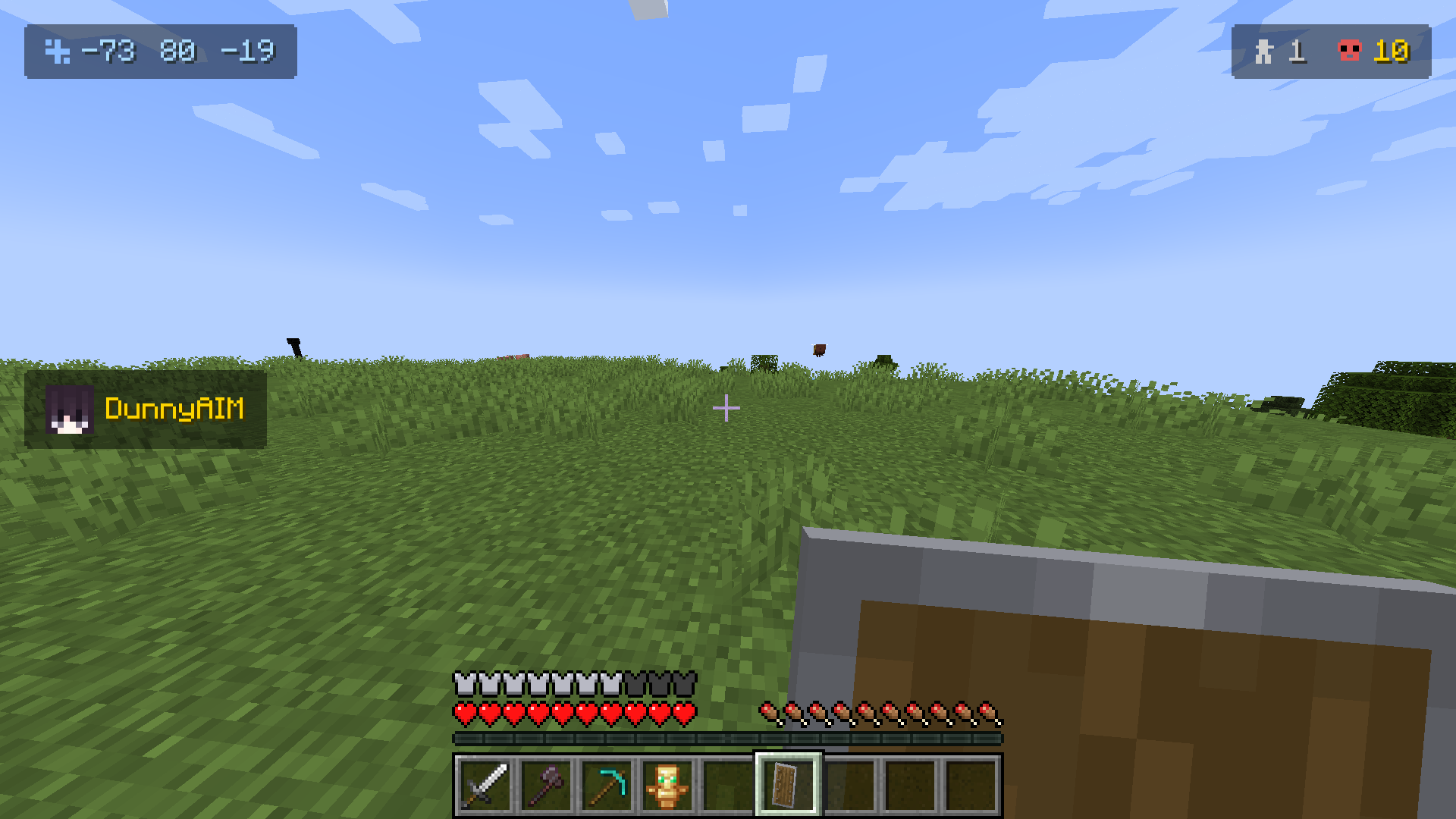
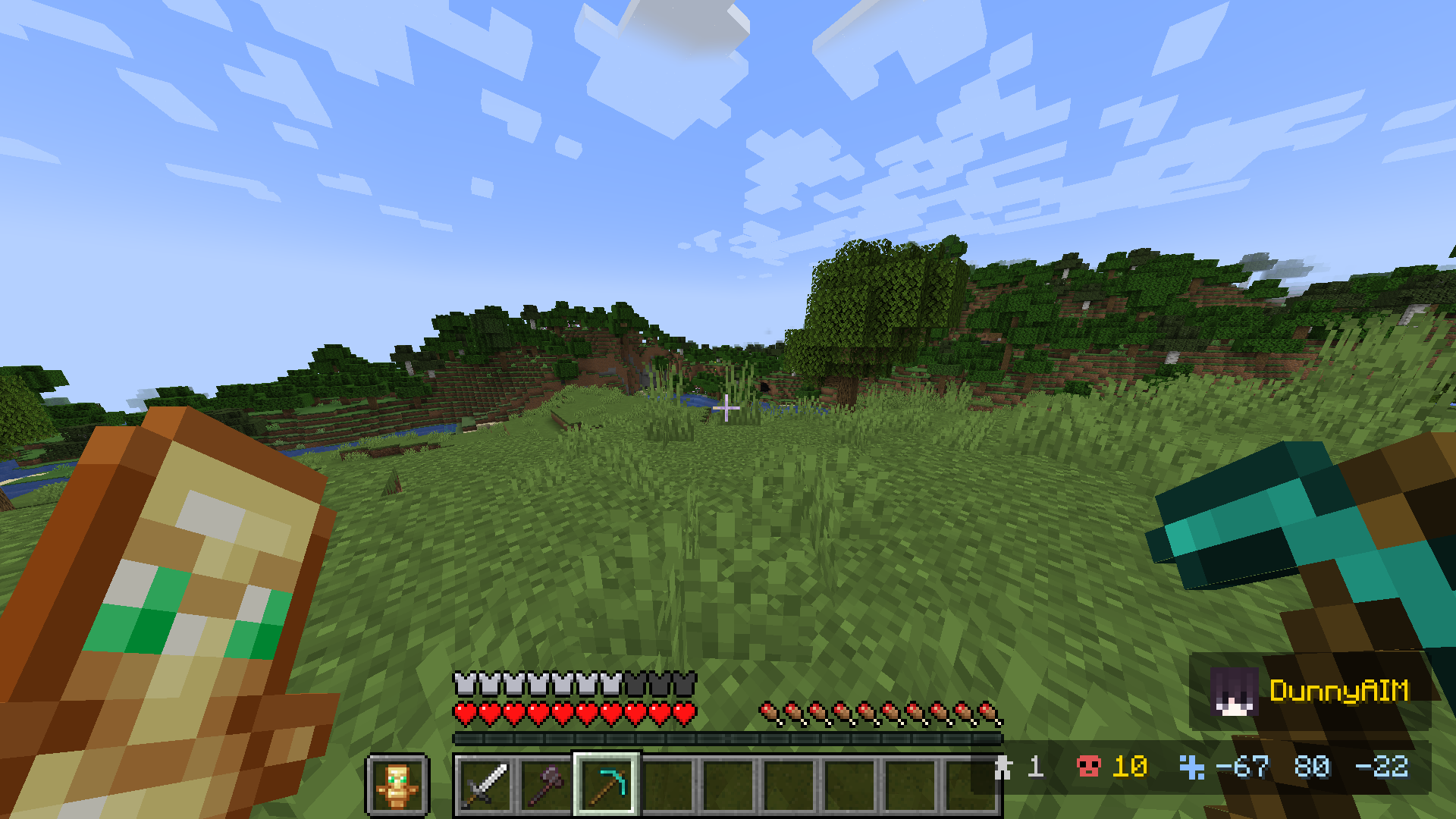
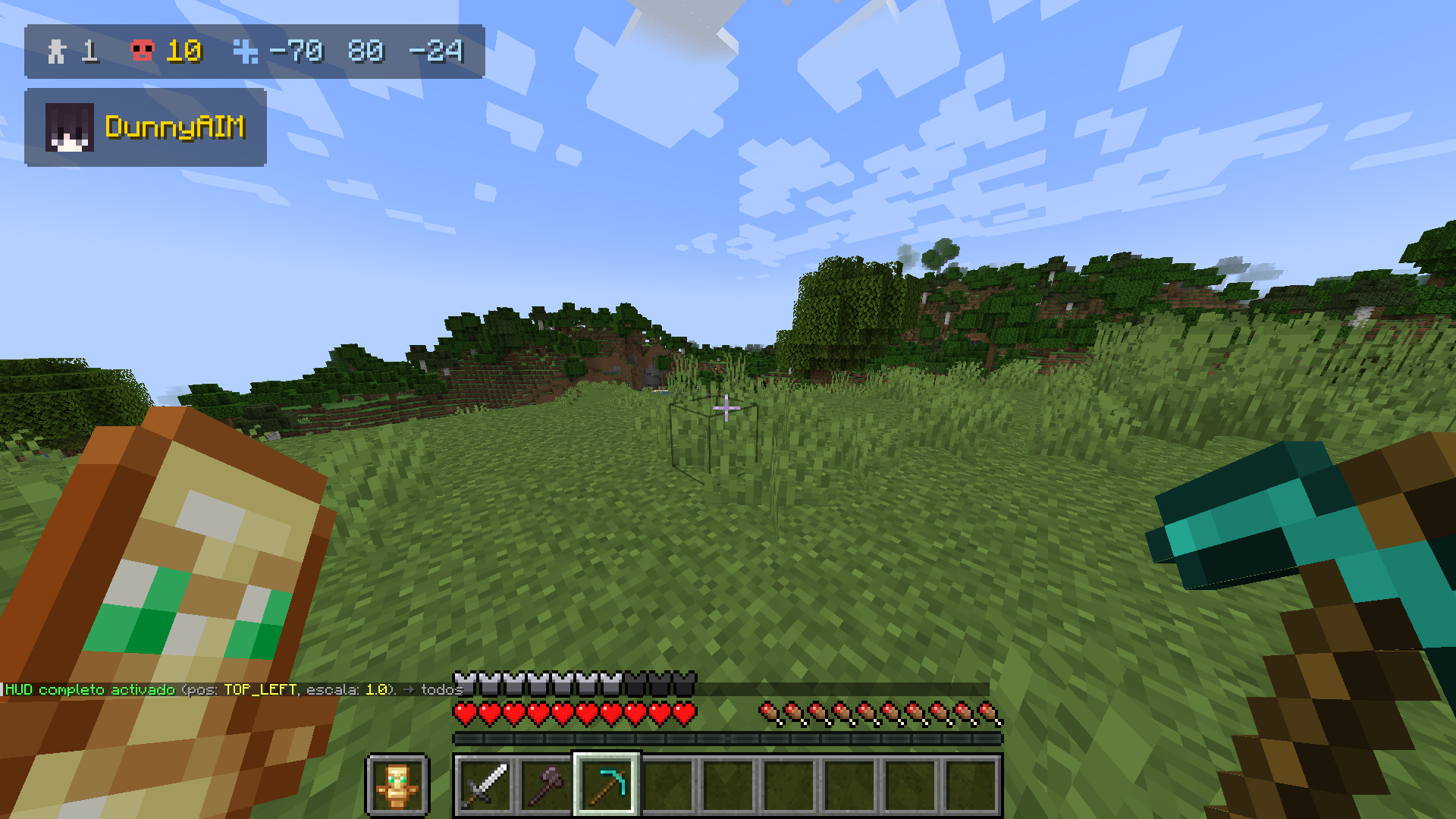
Displays a customizable HUD with: alive player count, kills, timer, coordinates and team list. All server-controlled.
截图
介绍
QuickHud — A lightweight HUD controlled from the server for Minecraft
Display player count, kills, timers, coordinates, and team information — all controlled in real time from the server.
HUD Elements
Player counter (survival/adventure only)
Kill counter (per player)
Timer
Coordinates (XYZ)
Team list
Element IDs:
all, players, kills, timer, coords, team
Available Positions
top_left, top_center, top_right,
mid_left, mid_center, mid_right,
bottom_left, bottom_center, bottom_right
Server Commands
/hud show [position] [scale] [@a|player|team ]
/hud hide [@a|player|team ]
/hud pos
/hud scale
/hud kills set [@a|player|team ]
/hud kills add [@a|player|team ]
/hud kills reset [@a|player|team ]
/hud kills get [player]
/hud timer start [@a|player|team ]
/hud timer pause [@a|player|team ]
/hud timer resume [@a|player|team ]
/hud timer reset [@a|player|team ]
/hud text set
/hud text clear [@a|player|team ]
/hud reset [@a|player|team ]
Target Selectors
@a → all players
player → specific player
team → specific team
Compatibility
Mod (Fabric/Forge/NeoForge) + Plugin → Full server-side control
Mod only (no plugin) → Local HUD, kills detected via chat
Plugin only (no mod) → Requires the mod on the client
The mod communicates with the plugin through a custom network channel. If no plugin is detected, the HUD runs in standalone mode using local configuration.
Links
Modrinth: https://modrinth.com/plugin/quickhud
CurseForge: https://www.curseforge.com/minecraft/mc-mods/quickhud
💻 Created and maintained by @SunnyAIM_
© All Rights Reserved.
常见问题
QuickHud 支持哪些 Minecraft 版本?
QuickHud 支持 Minecraft Java 版 1.20.1–1.21.11,共 5 个版本,可用的加载器:Bukkit / Fabric / Forge / NeoForge / Paper / Purpur / Spigot。下载时注意选择和你游戏版本一致的文件。
QuickHud 怎么安装?
先用 PCL2 或 HMCL 启动器安装对应版本的 Bukkit / Fabric / Forge / NeoForge / Paper / Purpur / Spigot,再把下载的 .jar 文件放进游戏目录的 mods 文件夹,重新启动游戏即可。开启了版本隔离的,mods 文件夹在 versions/版本名 下面。运行环境:客户端和服务端都要装。
SunnyMp 的其他作品
查看全部 →
Animated Frames
Display GIFs PNGs & JPG in Screen

Morphy
Morphy a Morph mod Transform into mobs and blocks inside Minecraft. Become mobs or blocks and truly become one of them. Compatible with modded entities and content.

LootRush
Roulette chooses an item at random, players must get it before time runs out.
评论
登录后评论和评分