
Pylon Helper
This mod aims to make it easier to wirelessly teleport using Squibble's Mirror Pylon, allowing the player to snap to all 16 possible angles that the machine offers.
截图
介绍
Description
This mod aims to make it easier to wirelessly teleport using Squibble’s Mirror Pylon, allowing the player to snap to all 16 possible angles that the machine offers.
Features
- Snap your camera to all 16 angles supported by the Mirror Pylon
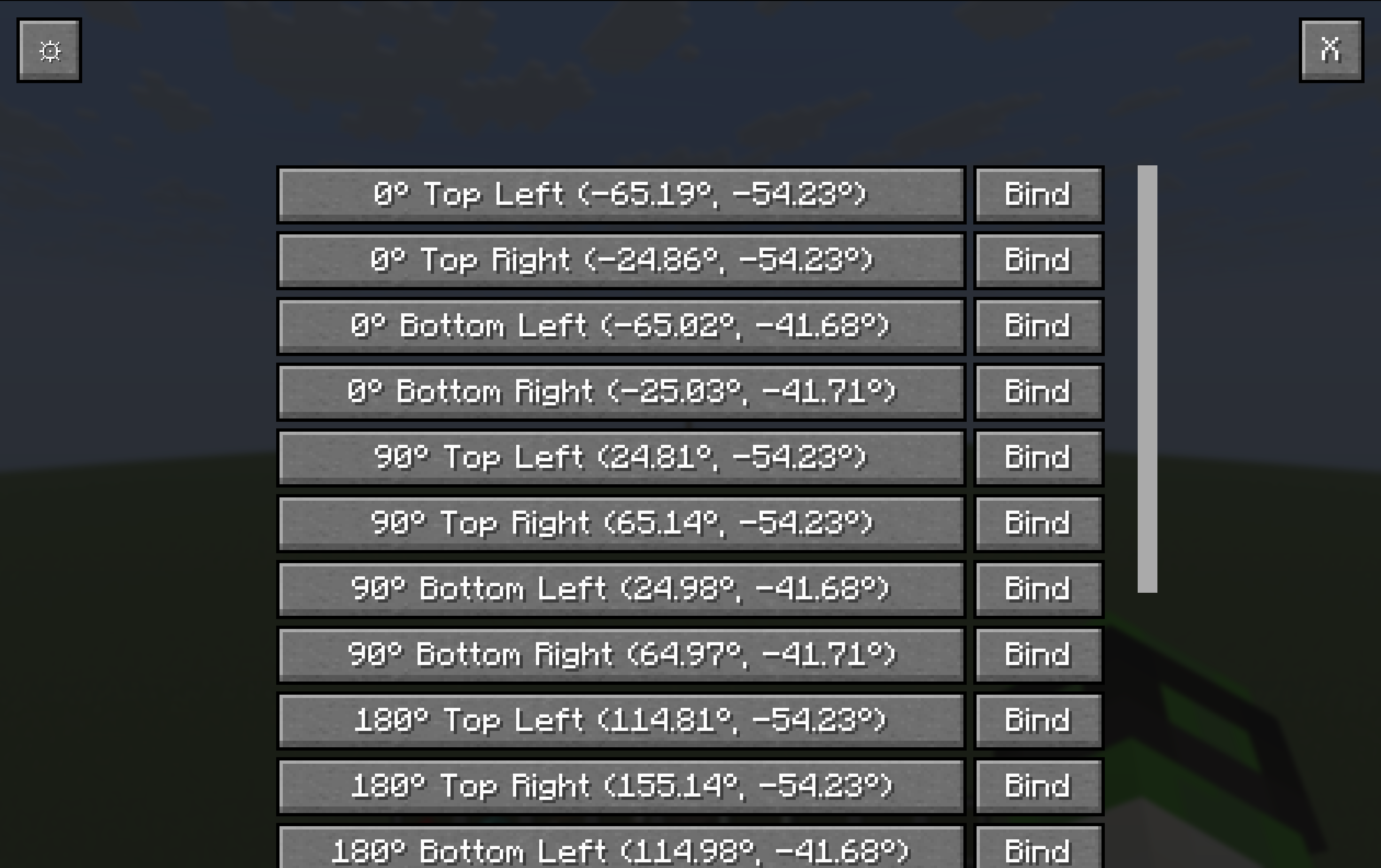
- In-game menu to preview and snap to any angle
- Keybind to instantly snap to a selected angle
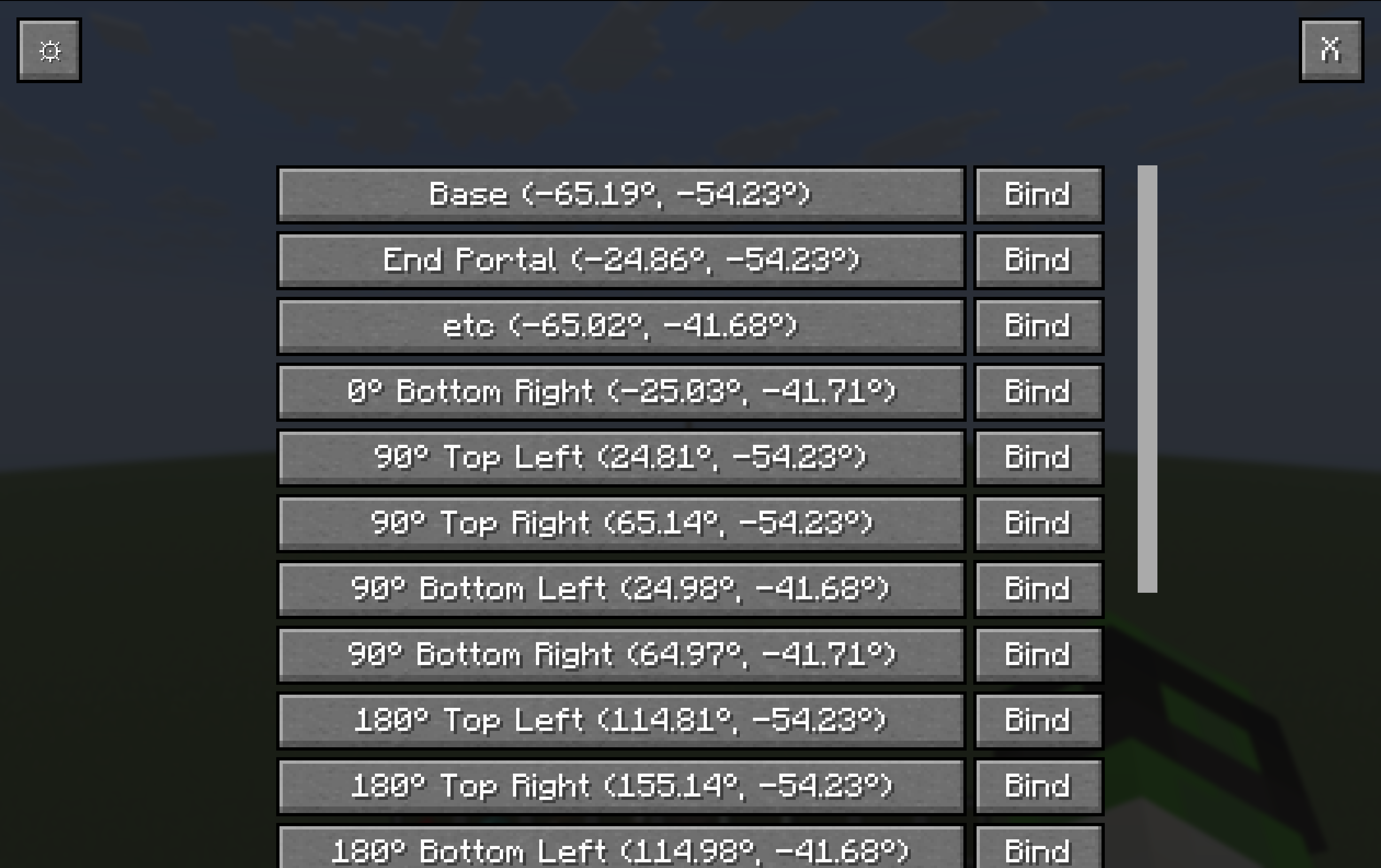
- Rename angles with custom names
Usage
To snap to an angle, open the gui with the gui keybind (default is U) and then press on the angle you want to snap to.
To bind an angle to the snap keybind, open the gui with the gui keybind (default is U) and then press the Bind button next to the angle you want binded to the keybind.
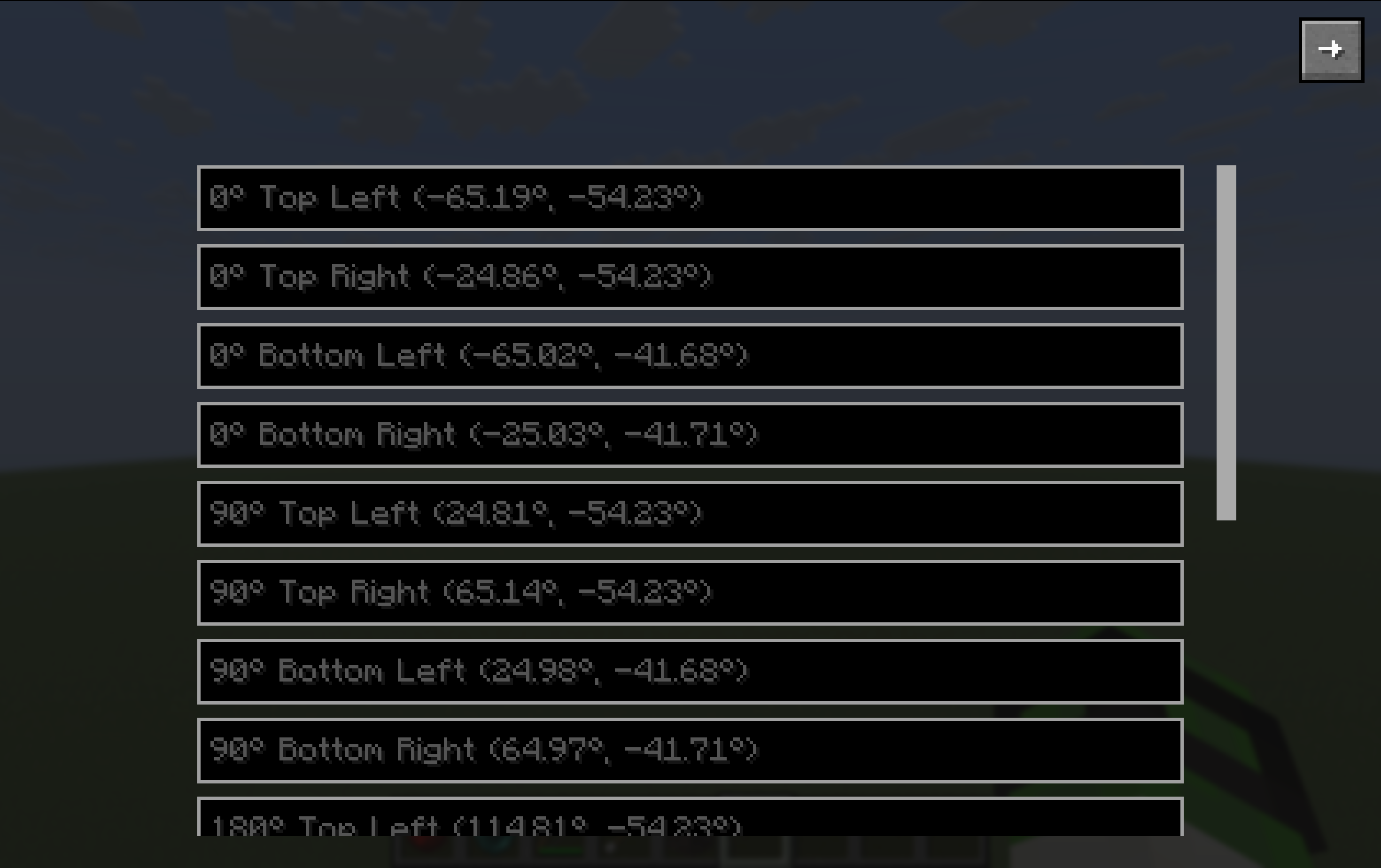
To change the name of an angle, open the gui with the gui keybind (default is U) and then press the settings button in the top left corner of the screen. Then find the angle you want to change the name of, and write the new name.
⠀
This mod is not affiliated with or endorsed by Squibble.
常见问题
Pylon Helper 支持哪些 Minecraft 版本?
Pylon Helper 支持 Minecraft Java 版 1.21.10–1.21.11,共 2 个版本,可用的加载器:Fabric。下载时注意选择和你游戏版本一致的文件。
Pylon Helper 怎么安装?
先用 PCL2 或 HMCL 启动器安装对应版本的 Fabric,再把下载的 .jar 文件放进游戏目录的 mods 文件夹,重新启动游戏即可。开启了版本隔离的,mods 文件夹在 versions/版本名 下面。运行环境:仅客户端。

评论
登录后评论和评分