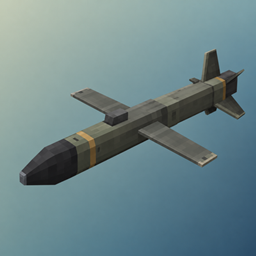
Predator Missile
Launch and mouse-guide a Predator Missile through a thermal camera, with signal-loss warnings, three warheads, custom audio, smoke trails, and impact effects.
截图
介绍
Predator Missile
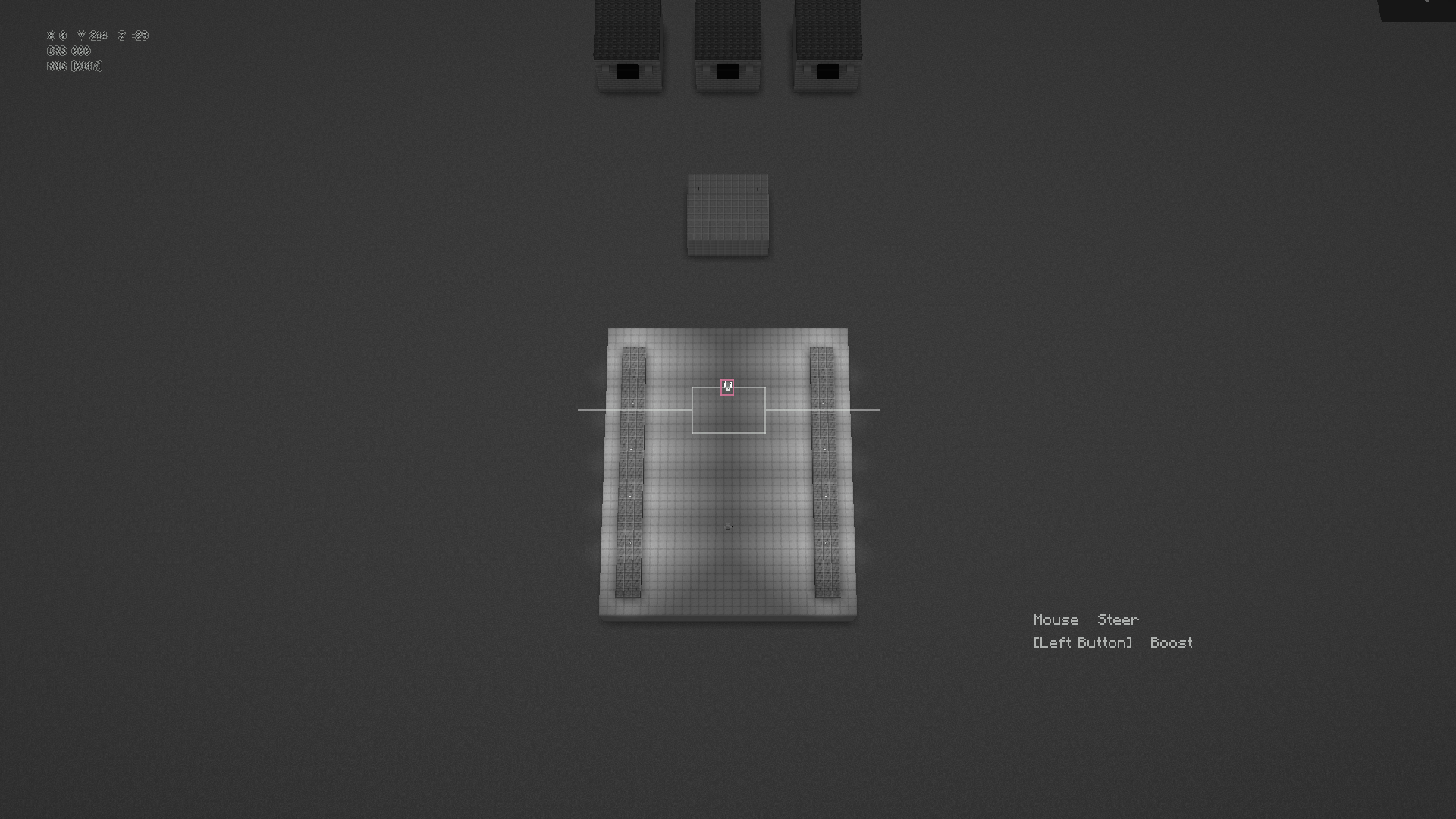
Open a portable controller and guide a missile through its black-and-white camera feed. Steer towards your target, then boost for a faster dive with less steering control. Your player stays where you launched and can still take damage.
Features
- A folding controller with animated deployment.
- A missile camera with a simple crosshair and visible enemy markers.
- Mouse steering and a one-way boost.
- Standard, High-Yield and Clean warheads. The Clean warhead damages entities without destroying blocks.
- Server settings for terrain damage, friendly fire, item consumption, permissions and active missile limits.
Controls
Hold Use to deploy the controller. Move the mouse to steer, press Missile Boost (left mouse button by default) to boost and press Escape or the Abort Guidance key to end the strike. Boost cannot be switched off. Dismount before using the controller.
Installation
Available for Forge 1.20.1, Fabric 1.21.1 and NeoForge 1.21.1. Fabric requires Fabric API. Install the same release on the client and server, remove older Predator Missile JARs and restart Minecraft. Immersive Aircraft is not required.
Credits & Support
Created by Crabb4n. Discord: crabban1337.
常见问题
Predator Missile 支持哪些 Minecraft 版本?
Predator Missile 支持 Minecraft Java 版 1.20.1–1.21.1,共 2 个版本,可用的加载器:Fabric / Forge / NeoForge。下载时注意选择和你游戏版本一致的文件。
Predator Missile 怎么安装?
先用 PCL2 或 HMCL 启动器安装对应版本的 Fabric / Forge / NeoForge,再把下载的 .jar 文件放进游戏目录的 mods 文件夹,重新启动游戏即可。开启了版本隔离的,mods 文件夹在 versions/版本名 下面。
Crabb4n 的其他作品
查看全部 →
Camera Zoom [IA]
Adjust the third-person camera distance in Immersive Aircraft, from close flying views to wider views of large planes and helicopters.
Realistic Landing [IA]
More realistic landings for Immersive Aircraft with throttle-controlled descent, smoother touchdowns, gradual rollouts and low-speed taxi controls.

Realistic Takeoff [IA]
More realistic takeoffs for Immersive Aircraft, with longer runway rolls, gradual rotation, smoother liftoff and controlled initial climbs.

Homing Missiles [IA]
Aircraft-mounted rockets and guided missiles for Immersive Aircraft, with lock-on targeting, flares, chaff and incoming-missile warnings.
评论
登录后评论和评分