
Portals & Dimensions
Create custom portals with configurable frames and linked custom dimensions. Build dimensions with math formula terrain, vanilla noise, or flat/void worlds.
介绍
Portals & Dimensions
Create fully customizable portals linked to procedurally generated dimensions — all from an intuitive in-game GUI.
Features
Custom Portals
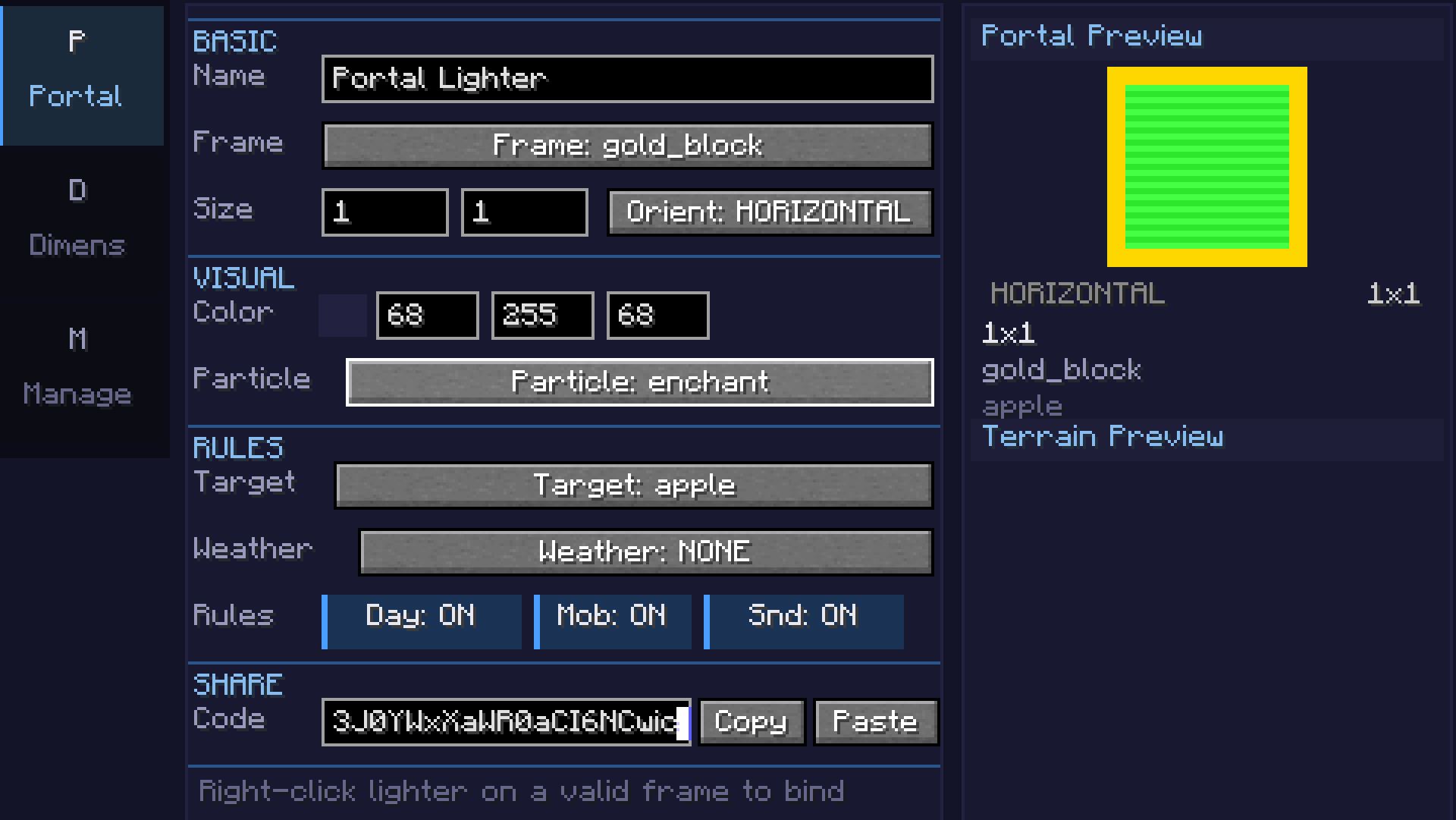
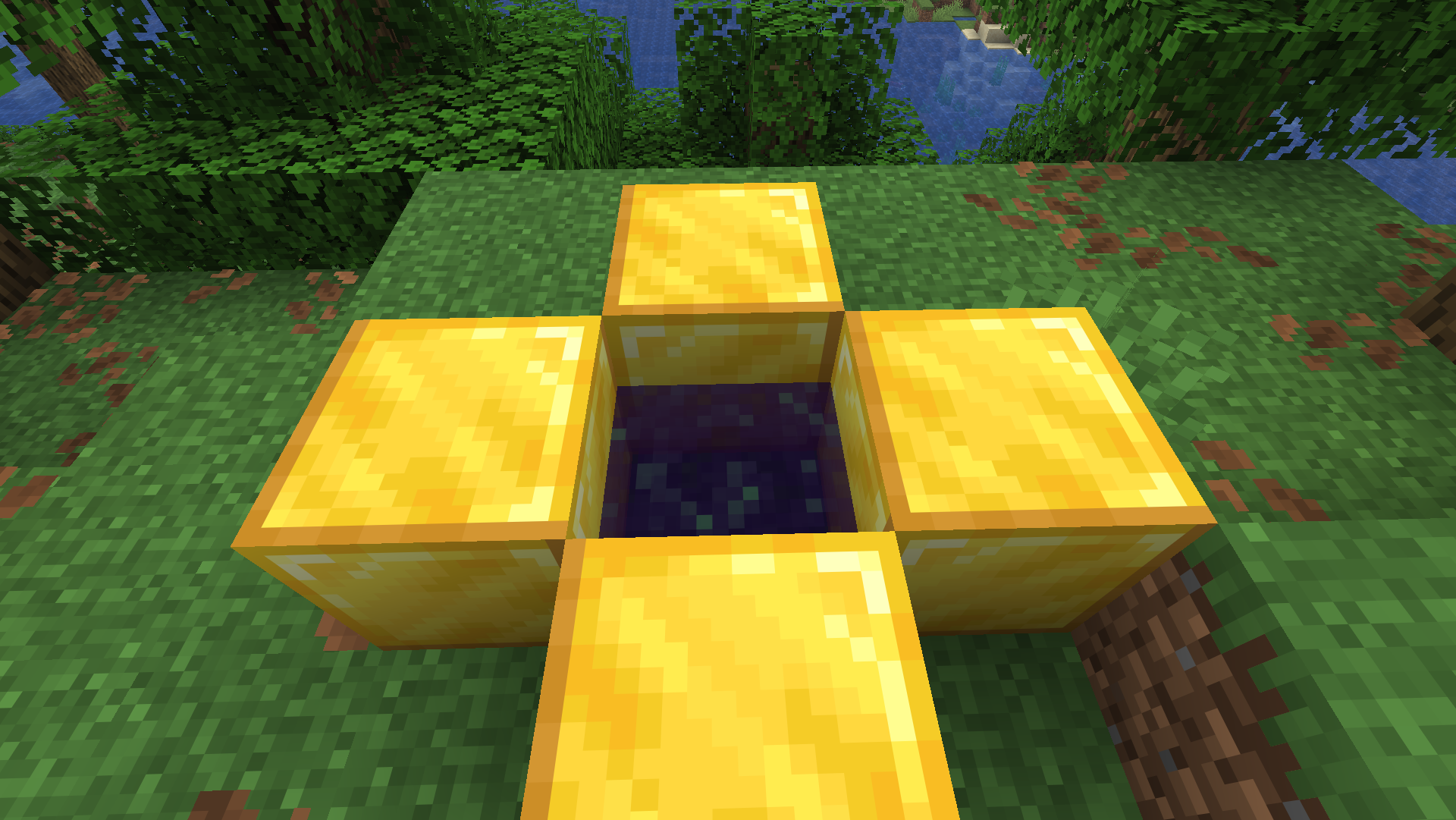
- Build portal frames from any solid block (obsidian, diamond, gold, etc.)
- Adjustable portal size (width x height)
- Configurable 24-bit portal color with live preview
- Horizontal and vertical portal orientations
- Color picker with palette, recent colors, and RGB input
Custom Dimensions
- 7 terrain types: Void, Flat, Normal, Amplified, Nether, End, and Math formula
- Math terrain: Define terrain with
sin,cos,noise,perlin,fbm, and custom expressions – supports 2D heightmap and full 3D density - Coordinate scale slider for terrain stretch/compression
- Smooth terrain toggle for natural-looking slopes
- Configurable sea level, surface/underground/fluid blocks
- Cave generation with adjustable density
- Ore generation (coal, iron, copper, gold, redstone, diamond, lapis)
- Structure generation (villages, temples, etc.) – toggleable
- Mixed biome support with Perlin-noise-based transitions
Atmosphere
- Sky, fog, ambient light, water, and cloud color customization
- Fog density control
- Skylight, ceiling, and ultrawarm dimension properties
- Light level override (0-15)
- Configurable ambient particles (portal, end rod, soul fire, lava, etc.)
Game Rules (per-dimension)
- Day/night cycle & fixed time
- Mob spawning, natural spawning, PvP, fall damage, fire spread
- Keep inventory, bed works, respawn allowed
- Weather lock (clear, rain, thunder)
- Gravity multiplier
Commands
/pdims list— List all configured custom dimensions/pdims tp <dimension>— Teleport to a custom dimension/pdims info <dimension>— View dimension configuration details/pdims reload— Reload dimension configs from file
Screenshots
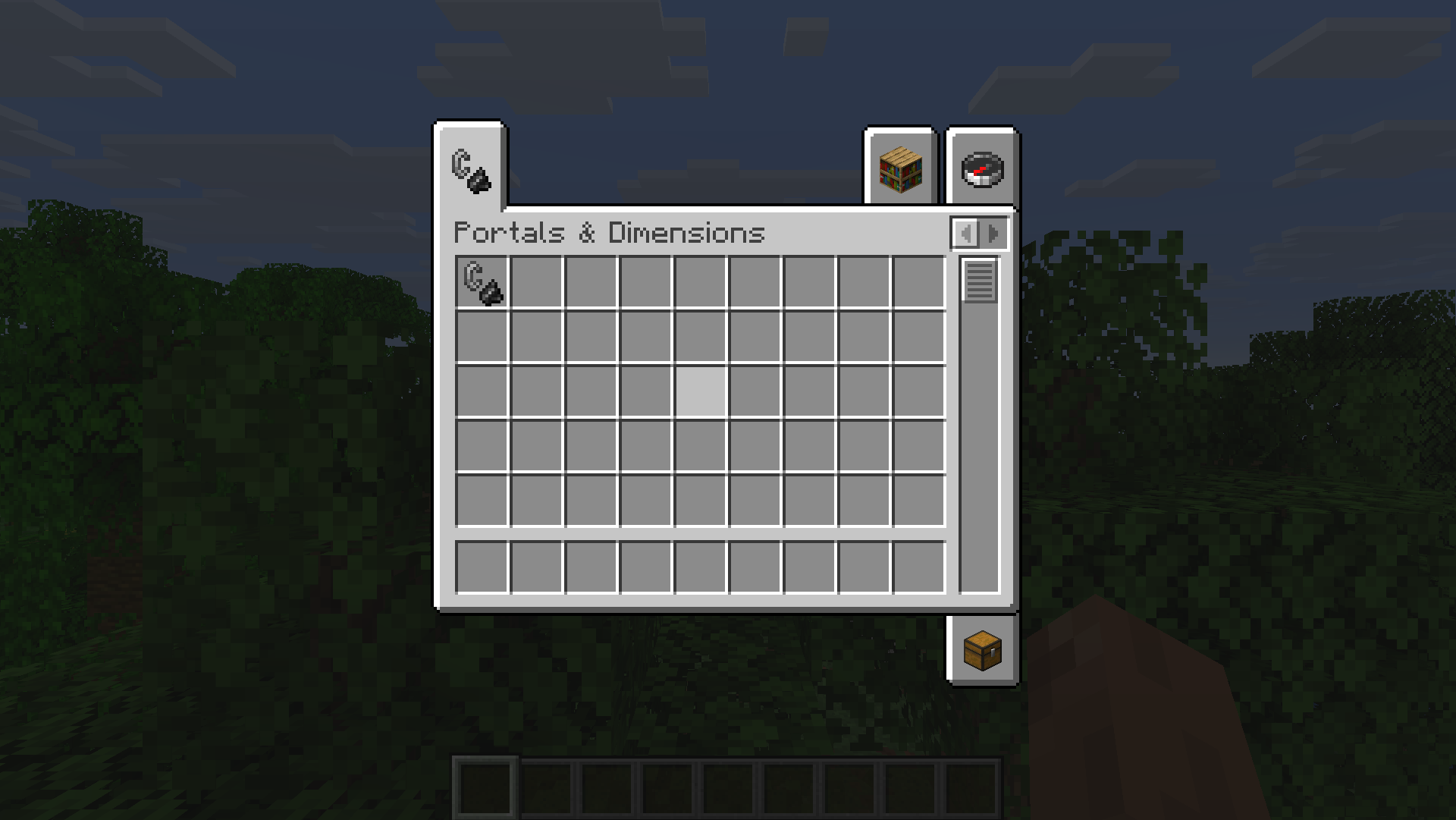
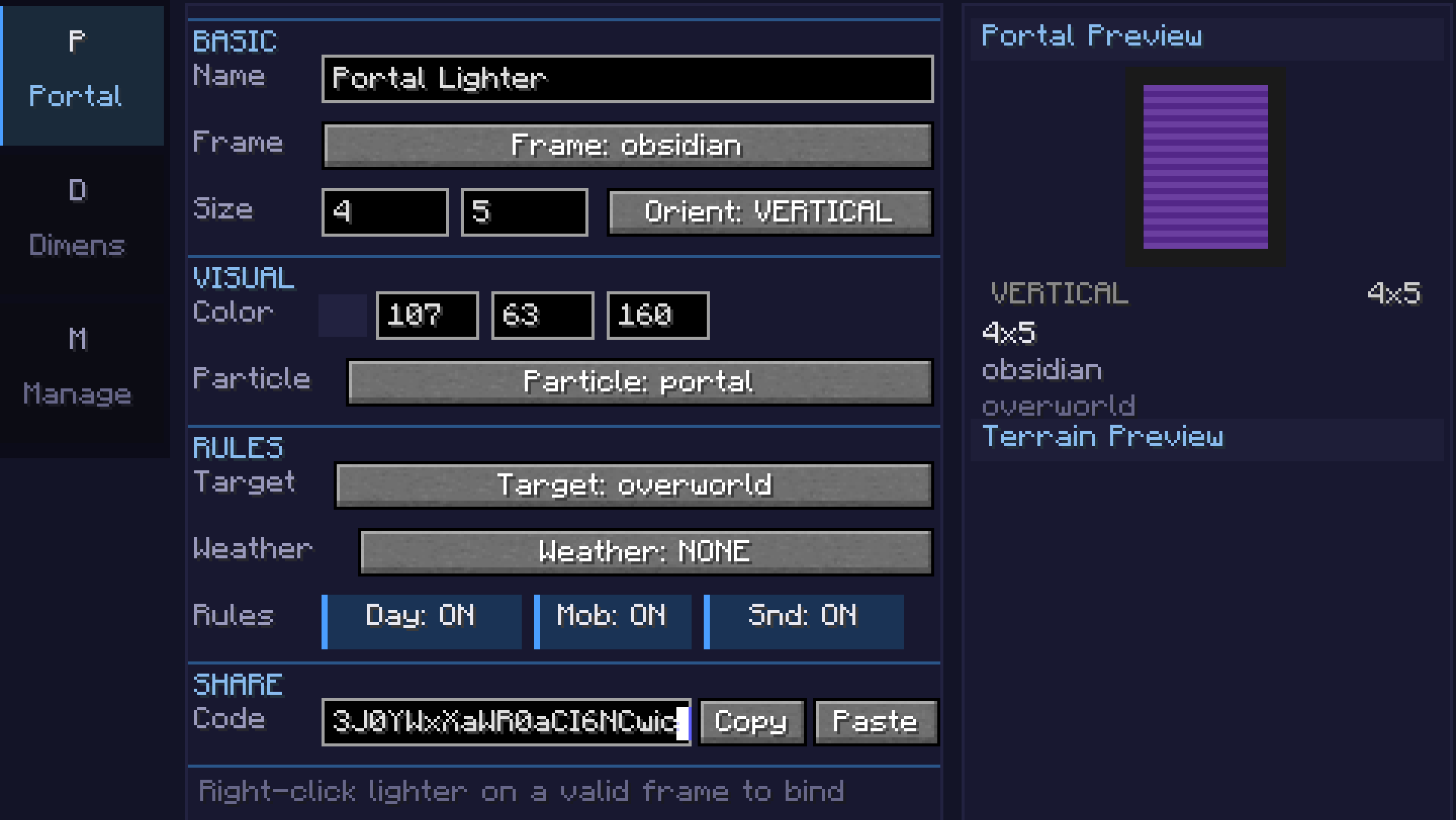
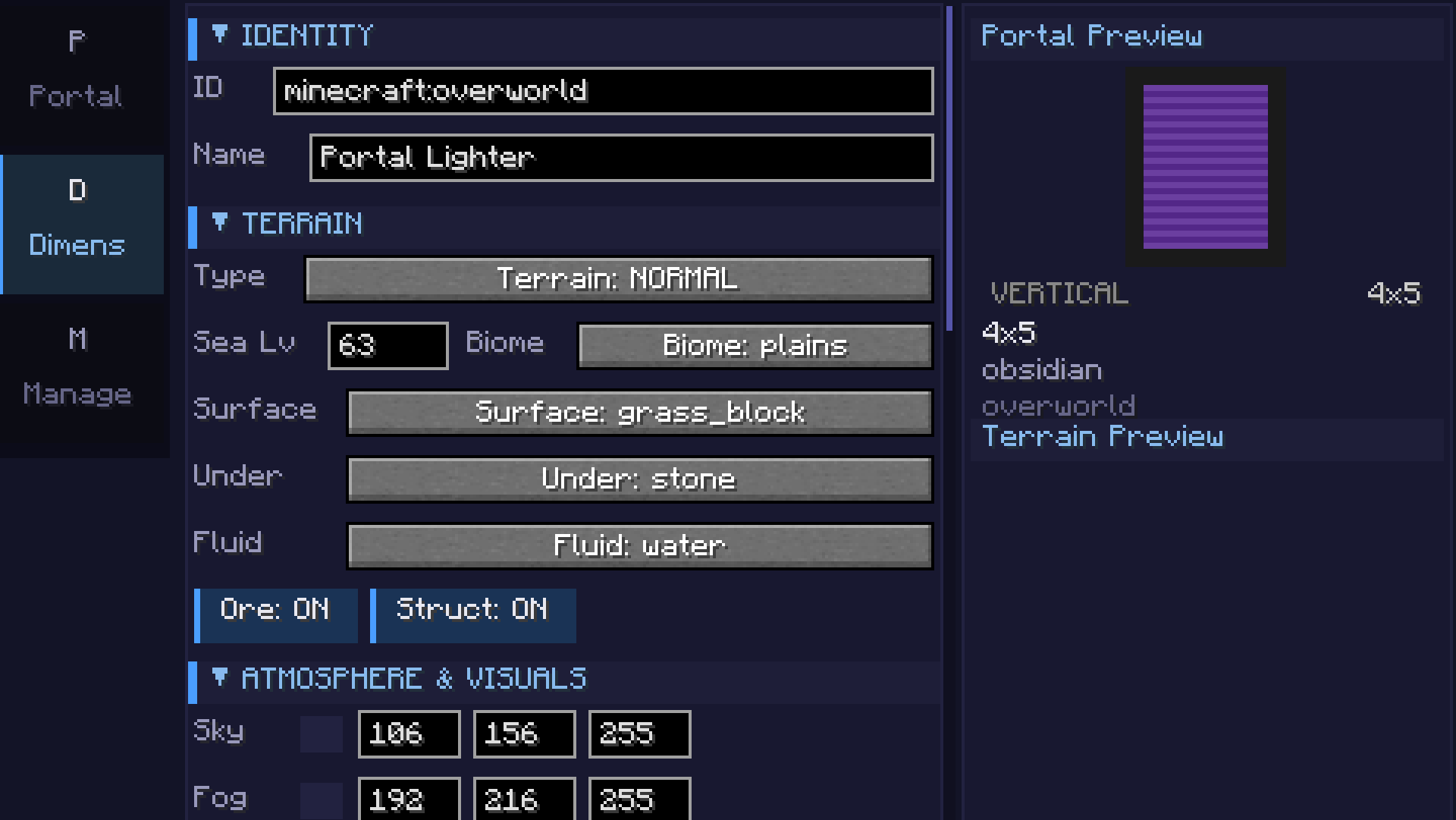
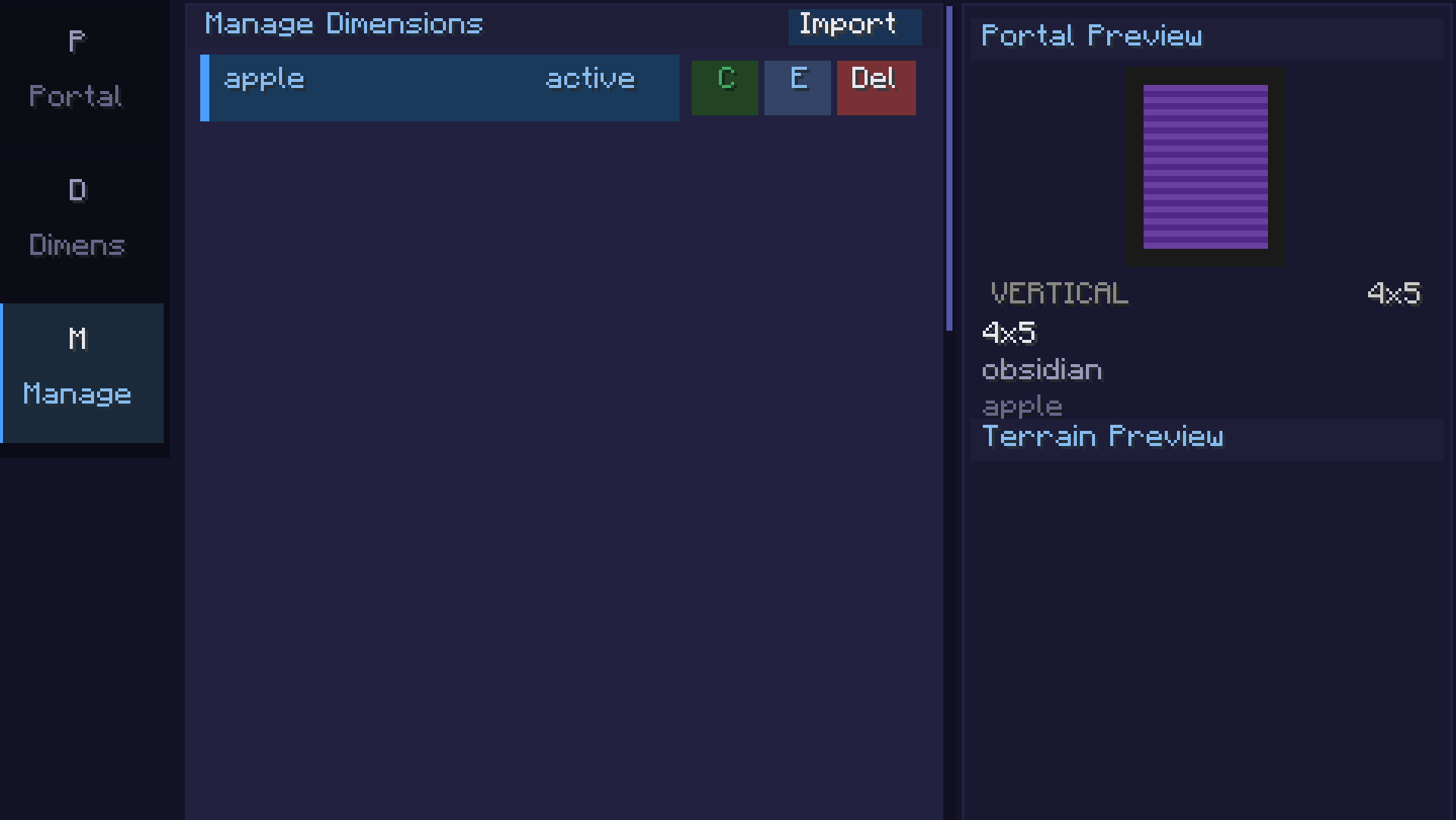
Math Formula Terrain
| Category | Example | Description |
|———-|———|————-|
| 2D Basic | sin(x/10)*cos(z/10)*20 + 50 | Rolling hills |
| 2D Intermediate | noise(x/20,z/20)*30 + 60 | Smooth noise terrain |
| 2D Advanced | fbm(x/40,z/40,4,2,0.5)*40 + 50 | Fractal mountains |
| 3D | fbm(x/30,y/15,z/30,3,2,0.5) > 0.5 | Floating islands / caves |
| Beginner | abs(x/10) + abs(z/10) * 2 + 40 | Valley |
Available functions: sin, cos, tan, abs, sqrt, pow, min, max, mod, floor, ceil, round, noise(x,z), perlin(x,y,z), fbm(x,y,z,octaves,lacunarity,gain), if(cond, a, b), random(x,z), dist(x,z), gauss(x,z), mix(a,b,t), remap(v, inLo, inHi, outLo, outHi)
Requirements
- Minecraft 26.1.x
- Fabric Loader 0.18.5+
- Fabric API 0.145.3+
Getting Started
- Craft or get the Portals & Dimensions lighter (creative tab or
/give) - Right-click to open the configuration GUI
- Portals tab: Set frame block, portal color, and size
- Dimension tab: Configure terrain type, formula, biome, colors, and game rules
- Manage tab: Save, clone, export, or import dimension configs
- Light a portal frame with the configured lighter to create a linked portal
常见问题
Portals & Dimensions 支持哪些 Minecraft 版本?
Portals & Dimensions 支持 Minecraft Java 版 26.1–26.1.2,共 3 个版本,可用的加载器:Fabric。下载时注意选择和你游戏版本一致的文件。
Portals & Dimensions 怎么安装?
先用 PCL2 或 HMCL 启动器安装对应版本的 Fabric,再把下载的 .jar 文件放进游戏目录的 mods 文件夹,重新启动游戏即可。开启了版本隔离的,mods 文件夹在 versions/版本名 下面。运行环境:客户端和服务端都要装。
Cukkoo 的其他作品
查看全部 →
Sound Culling
Dynamically limits and dampens overlapping sounds to reduce audio clutter and improve performance in sound-heavy areas.

Sound Culling
Dynamically limits and dampens overlapping sounds to reduce audio clutter and improve performance in sound-heavy areas.

Free Camera
A powerful client-side cinematic camera mod with Free, Orbit, Tripod, Follow, recording, paths, roll, zoom, and collision.

PingDisplay
See exact player ping in the Tab list with customizable colors, thresholds and display modes.
评论
登录后评论和评分