
截图
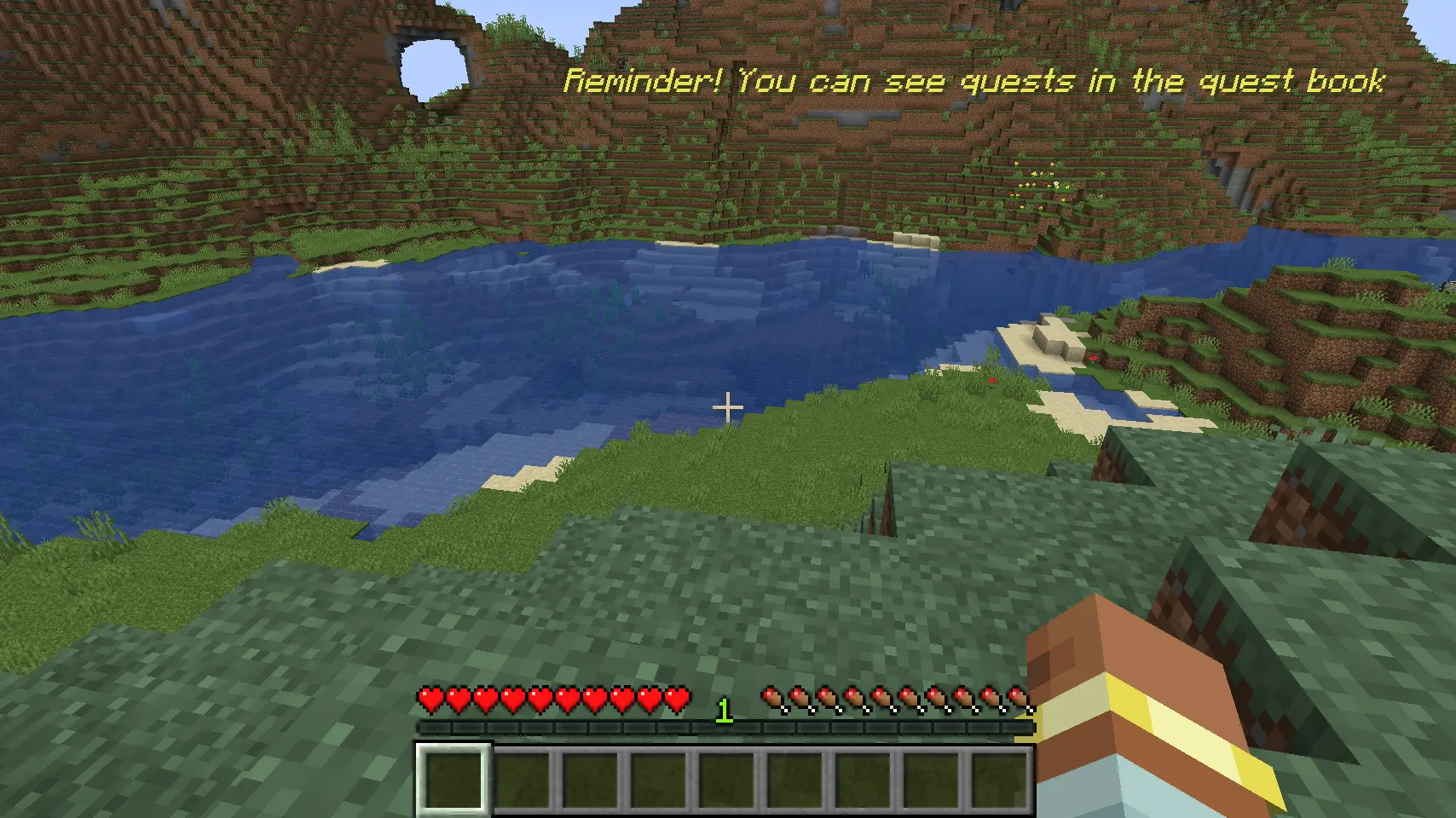
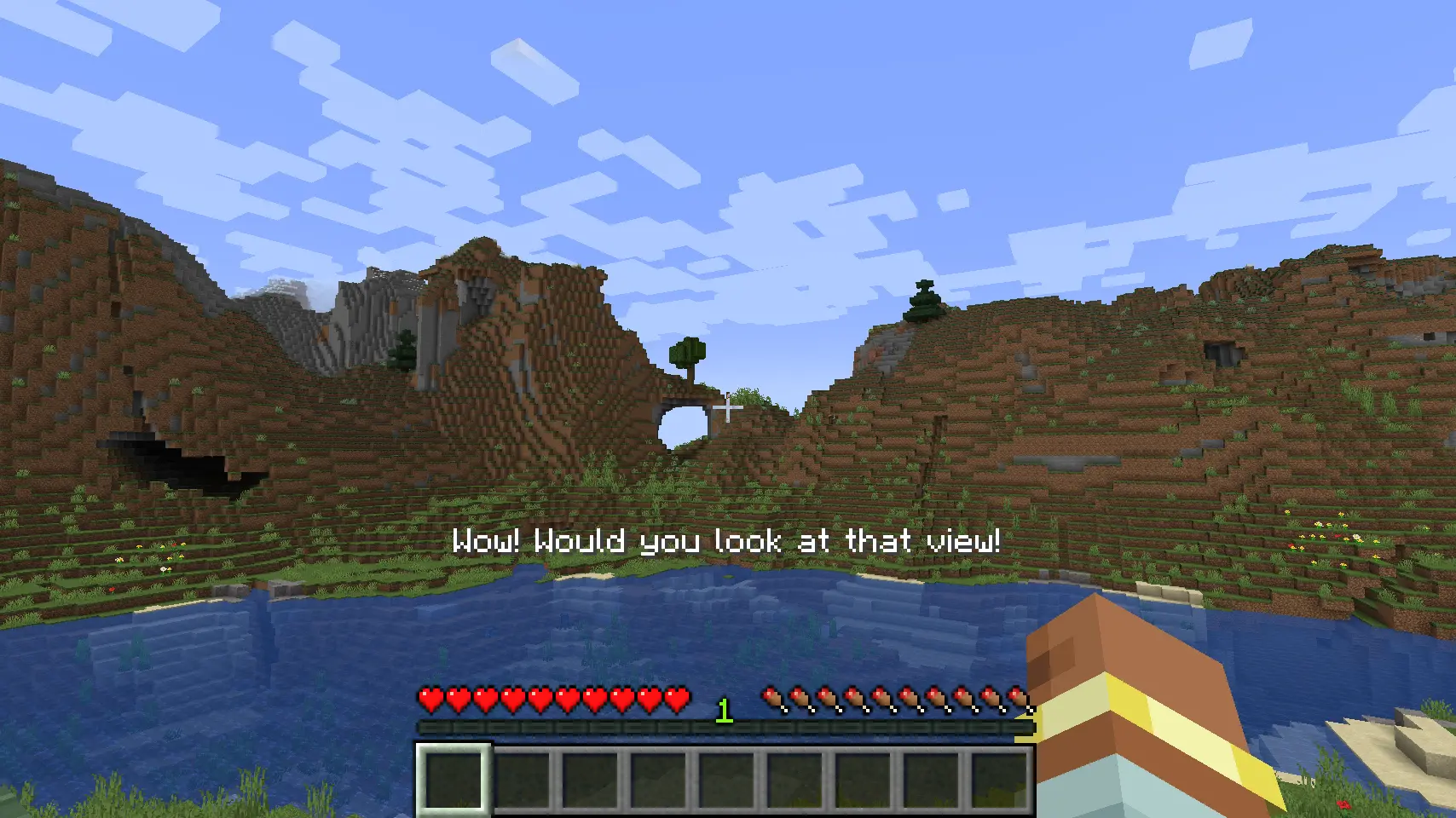
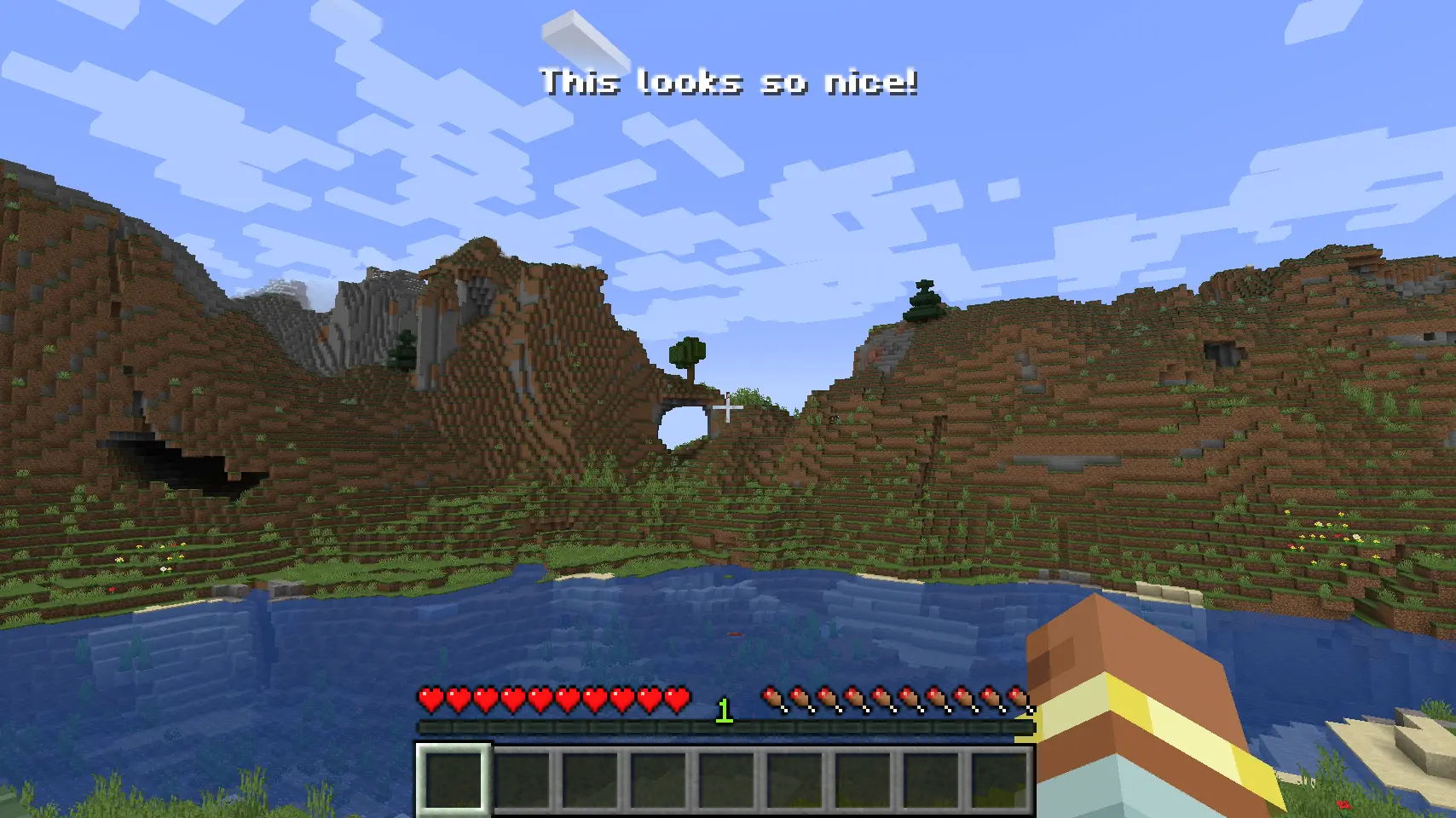
介绍
Pop
Pop is a small helper mod for modpack developers to allow for more screen locations to display information on screen in a command driven, or kubejs driven way.

Features
- Display information on screen in a command driven way (
/pop create @s MIDDLE_LEFT "Hello World!") - Supports translations out of the box
- [ ] (Coming soon) progress bars
- [ ] (Coming soon) headings & subheadings
- [ ] (Coming soon) customisation via commands as well as code
- [ ] (Coming soon) more animations for text
How to use
- Install the mod in your modpack
- Run the game
- Use the
/popcommand to create a new pop up
Alternatively, you can use KubeJS to access the Pop Manager and the Pop Builder.
Example
// server.js
const PopBuilder = java.load('pro.mikey.mods.pop.PopBuilder');
const Placement = java.load('pro.mikey.mods.pop.data.Placement'); // Optional
const pop = PopBuilder.create()
    .duration(5)
    .content({ text: "Hello World!" })
    .placement("middle_left") // Or  .placement(Placement.MIDDLE_LEFT)

// You can now either build it and get a PopData object or directly send it to the player
// If you're on the server
pop.sendToPlayer(player);

// If you're on the client
pop.display()
Requests
If you have any requests for features, please open an issue on the GitHub repository. I will try to get to them as soon as possible. I’m always looking for new ideas to improve the mod and make it more useful for modpack developers.
常见问题
Pop 支持哪些 Minecraft 版本?
Pop 支持 Minecraft Java 版 1.16.5–26.3,共 20 个版本,可用的加载器:Forge / NeoForge。下载时注意选择和你游戏版本一致的文件。
Pop 怎么安装?
先用 PCL2 或 HMCL 启动器安装对应版本的 Forge / NeoForge,再把下载的 .jar 文件放进游戏目录的 mods 文件夹,重新启动游戏即可。开启了版本隔离的,mods 文件夹在 versions/版本名 下面。运行环境:客户端和服务端都要装。
ErrorMikey 的其他作品
查看全部 →
Building Gadgets
一套让建造大型建筑稍微轻松一些的小工具合集!

Yeetus Experimentus
禁用创建或加载世界时出现的实验性设置弹窗。

Mining Gadgets
因为用激光采矿很酷

Accelerated Decay
加快树叶腐烂速度
评论
登录后评论和评分