
截图

介绍

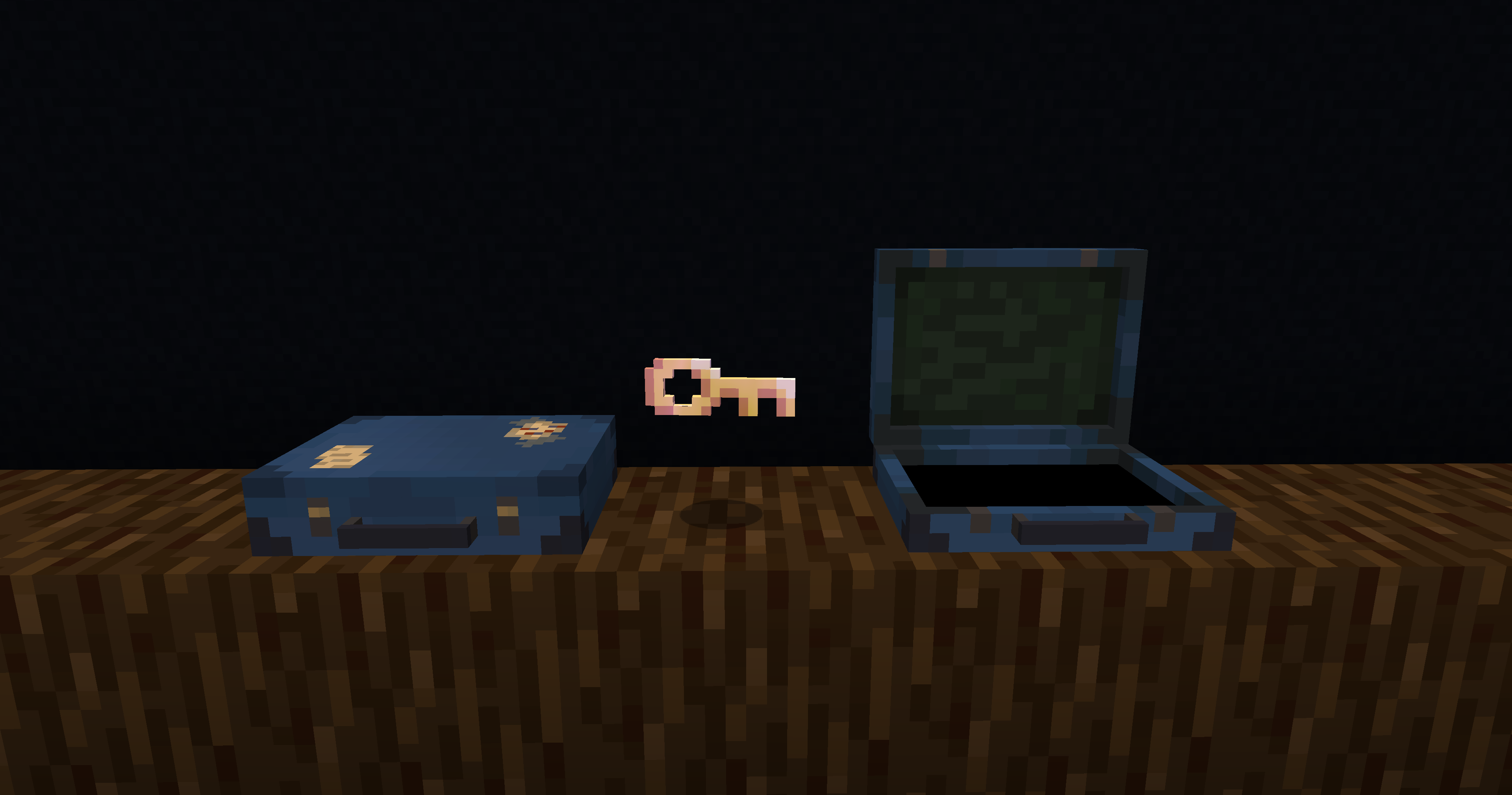
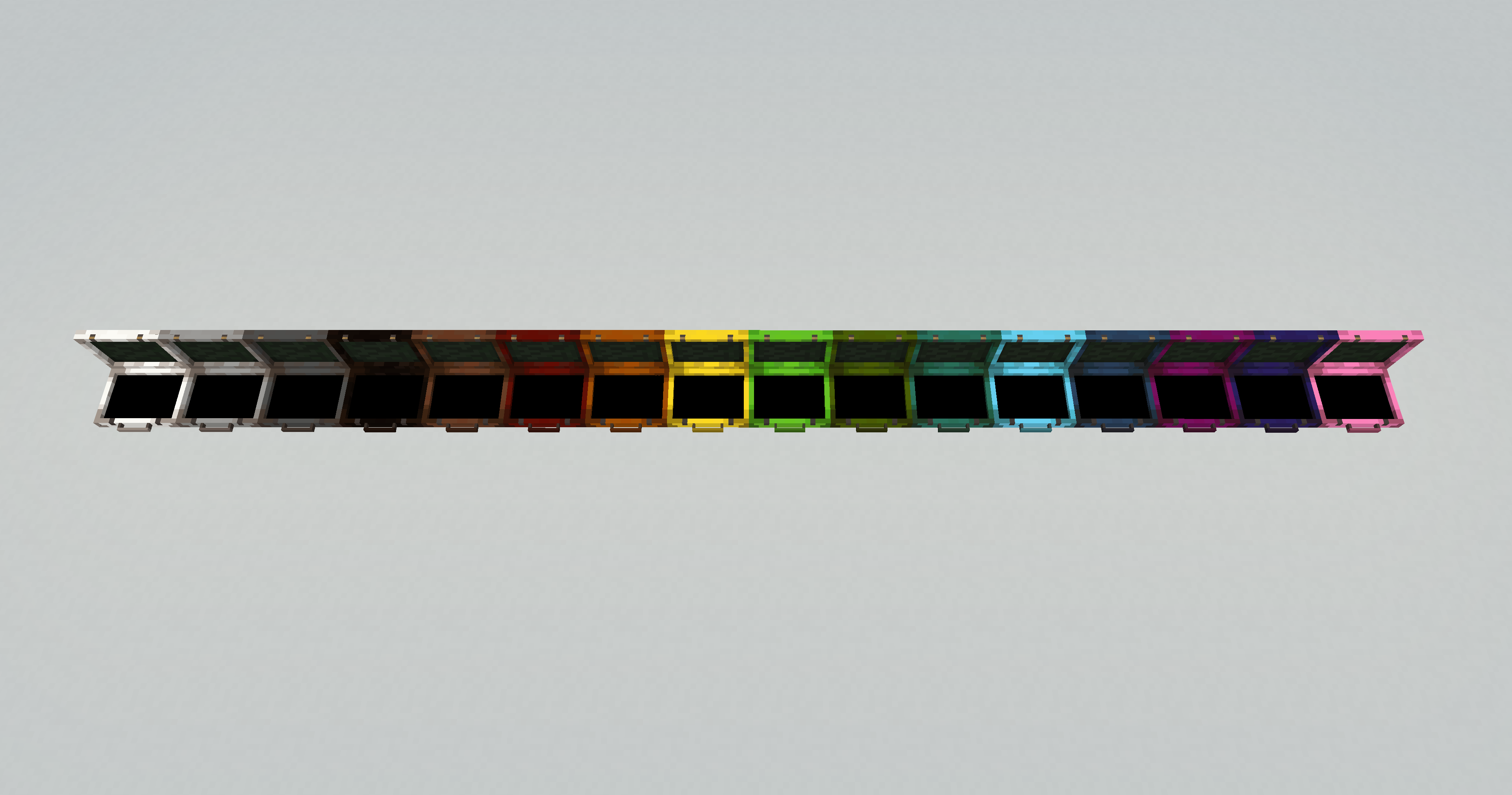
Adds the Traveler’s Suitcase block to Minecraft.
Unlock and climb inside the “bigger on the inside” suitcase.
Provides a Pocket Dimension that players can utilize and share.

💼 _The Traveler’s Suitcase_
Interact with a repaired Key to bind your dimension.
Sneak on an open suitcase to access your personal pocket dimension.
Build and utilize the area within however you see fit.
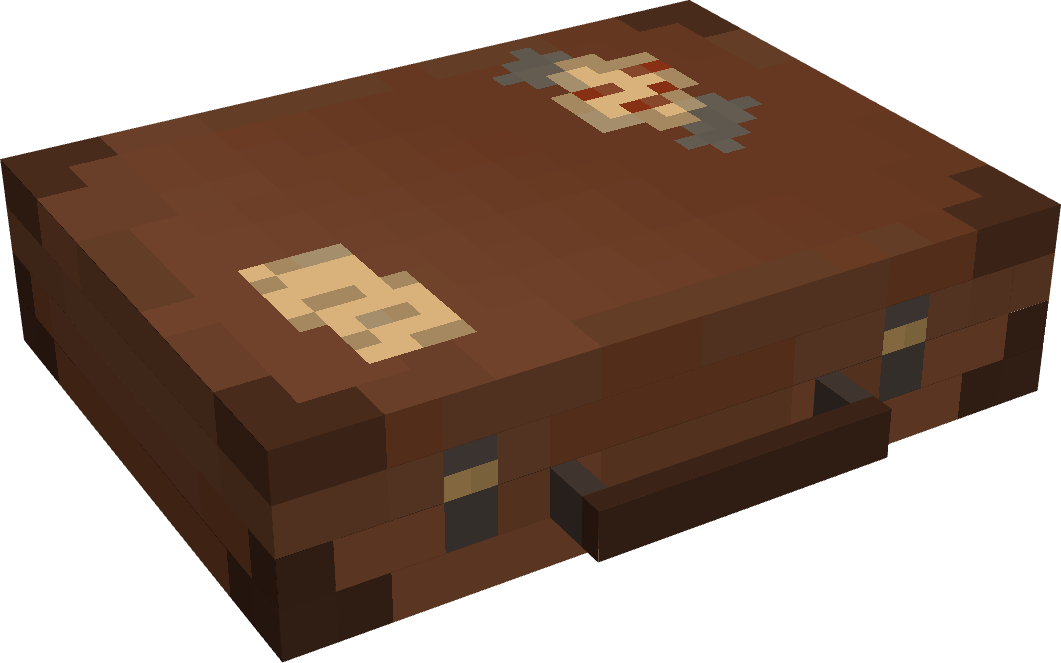
🗝️ _The Keystone_
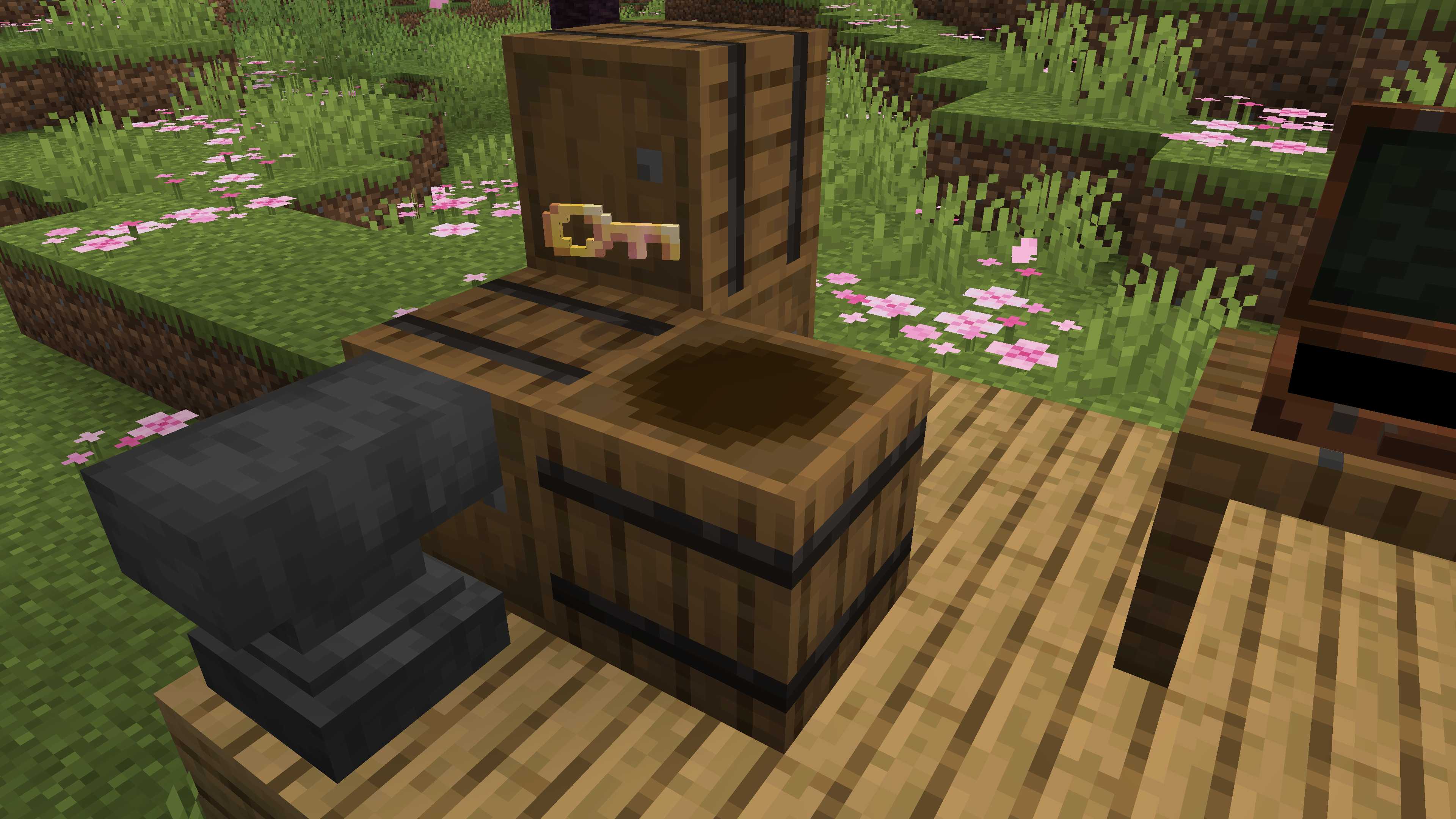
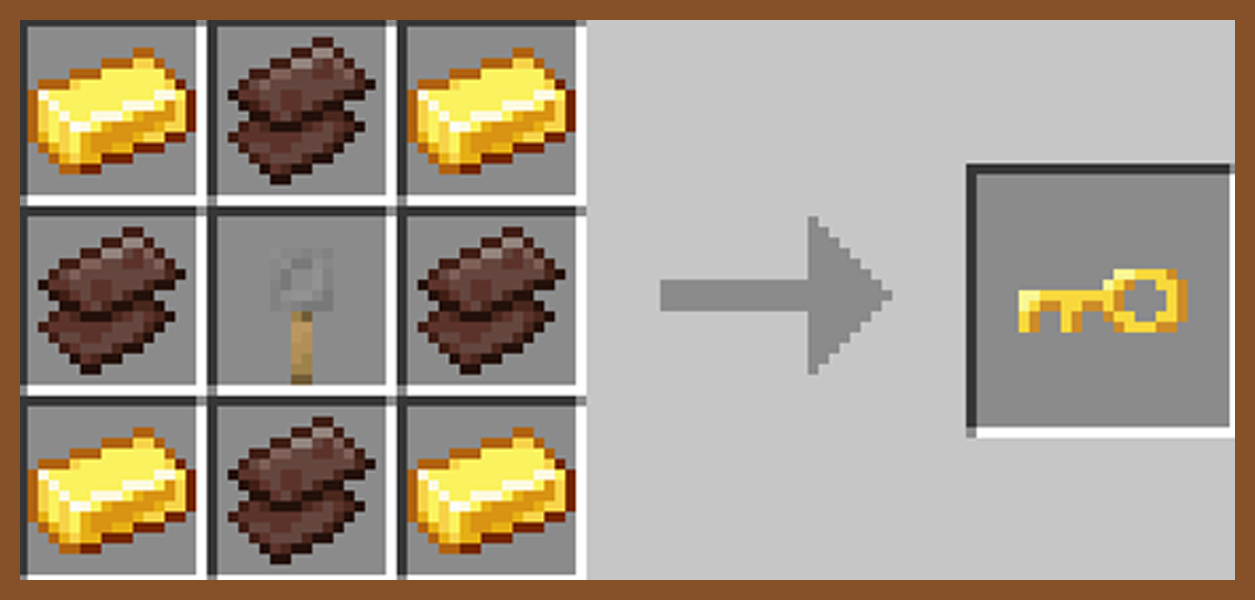
Craft, repair, and rename a broken key in order to unlock a suitcase and spawn a new pocket dimension.
Share Keystone names to allow other players to enter your private dimension from their own suitcase.

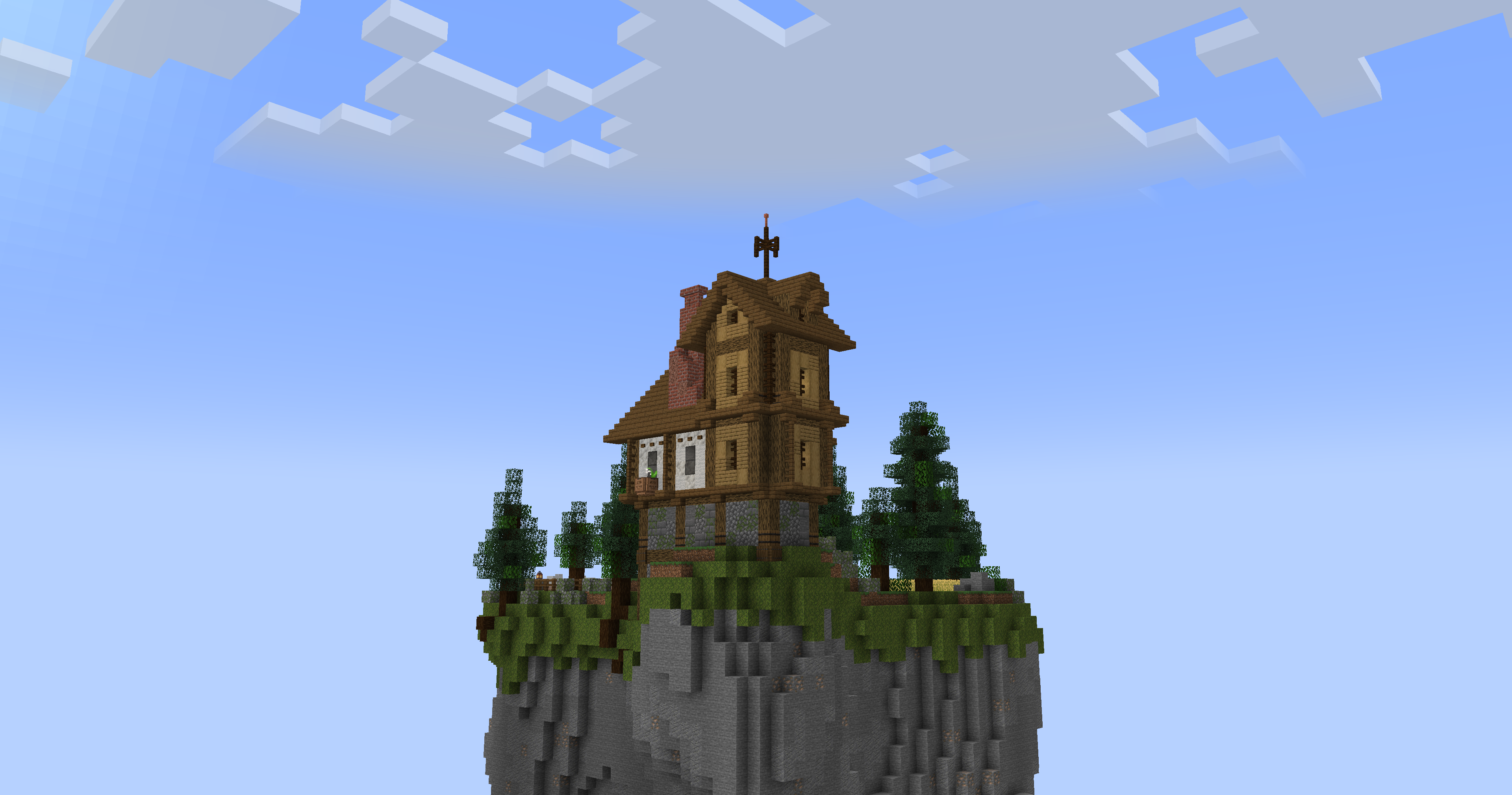
🕳️ _The Pocket Dimension_
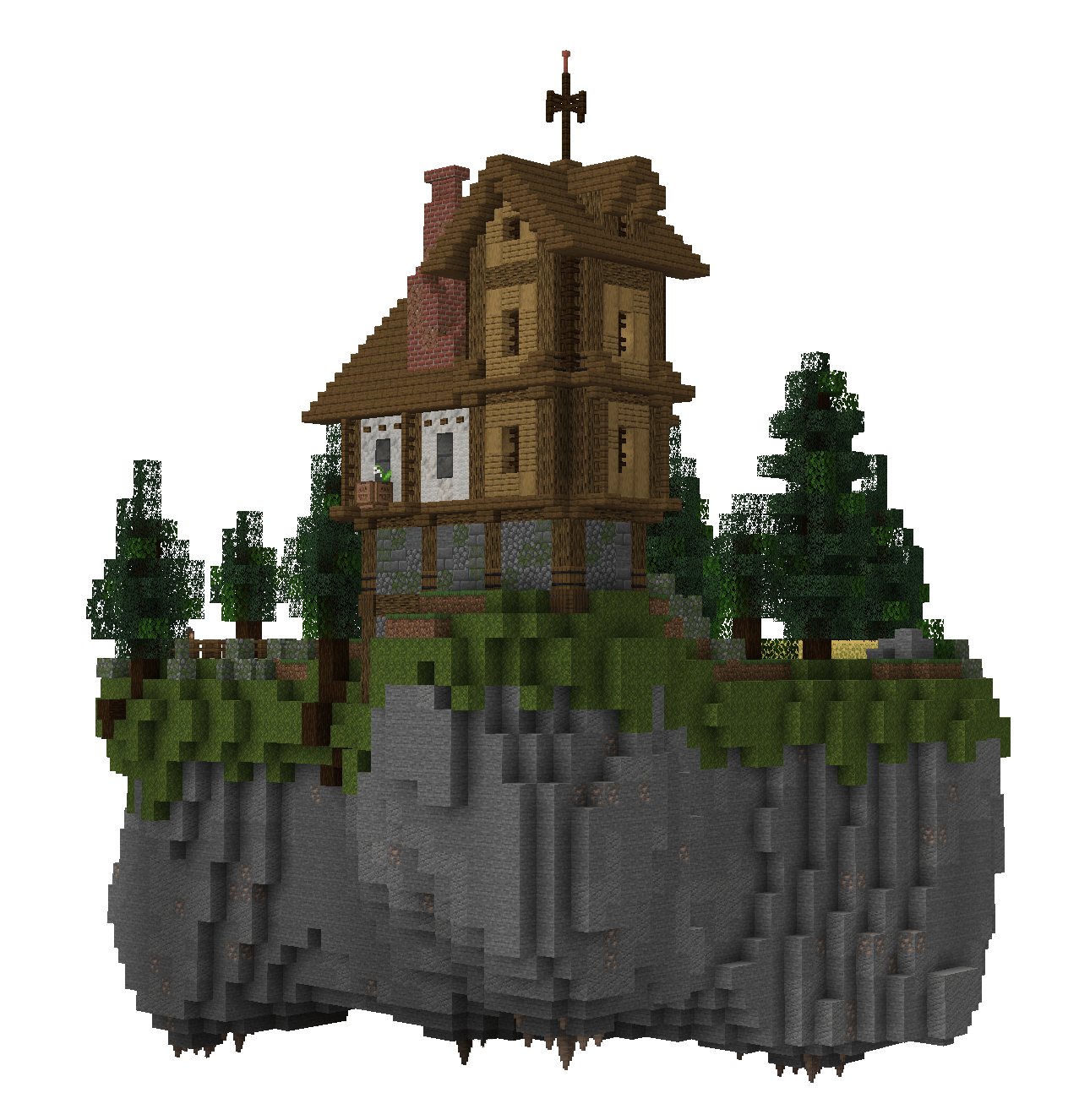
The pocket island is a safe space where mobs do not spawn.
Entering the suitcase will bring you to your very own pocket island, individual to your key’s name.
Right-click anywhere inside a pocket dimension with a bone to change the players entry location.
🪶 _Capture Creatures_
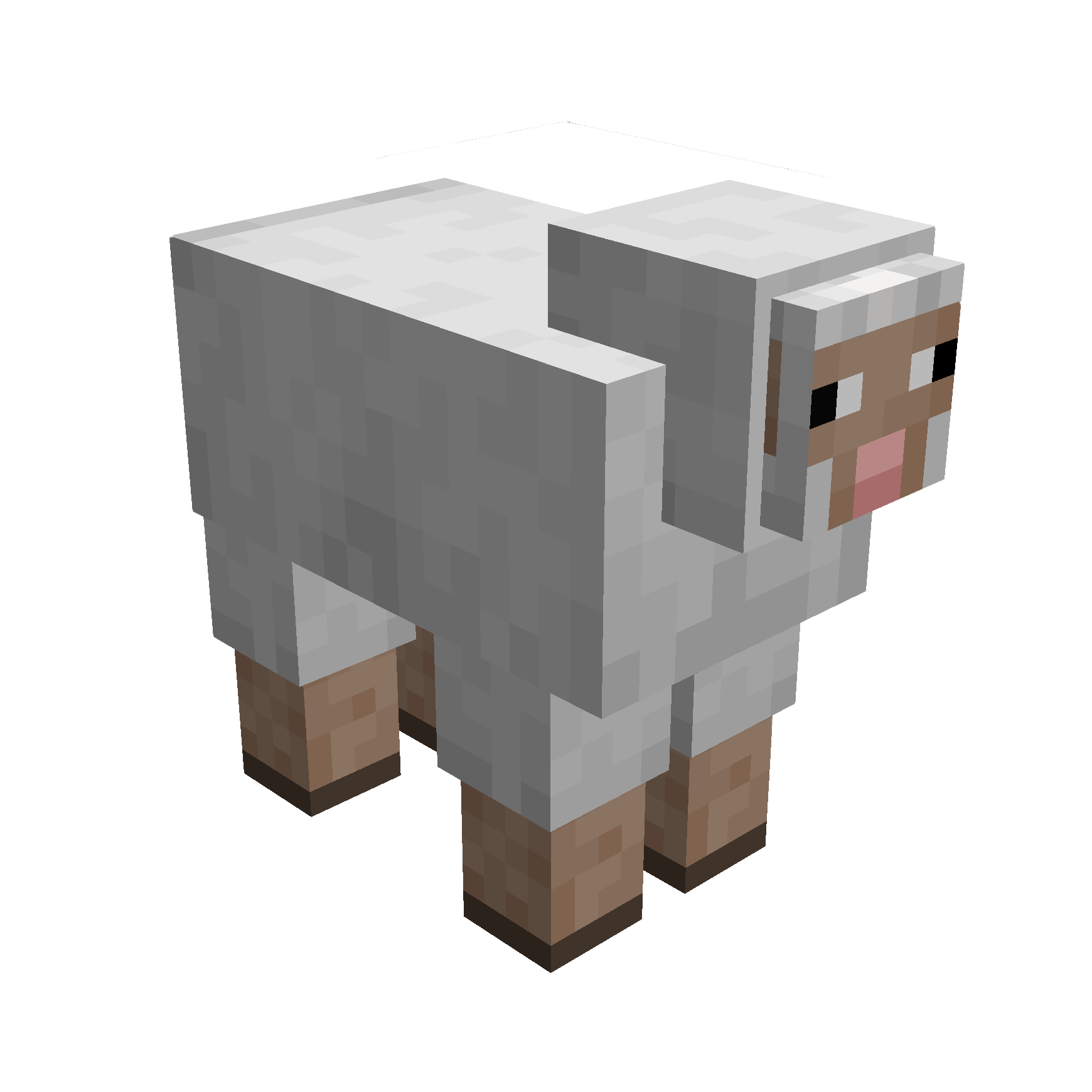
Simply right-click a mob with your suitcase to capture them.
While inside the pocket dimension you can change a mobs entry location with a lead.
Right-click a mob inside your pocket dimension with a key to release them.

_Traveller’s Key_
_Traveller’s Suitcase_
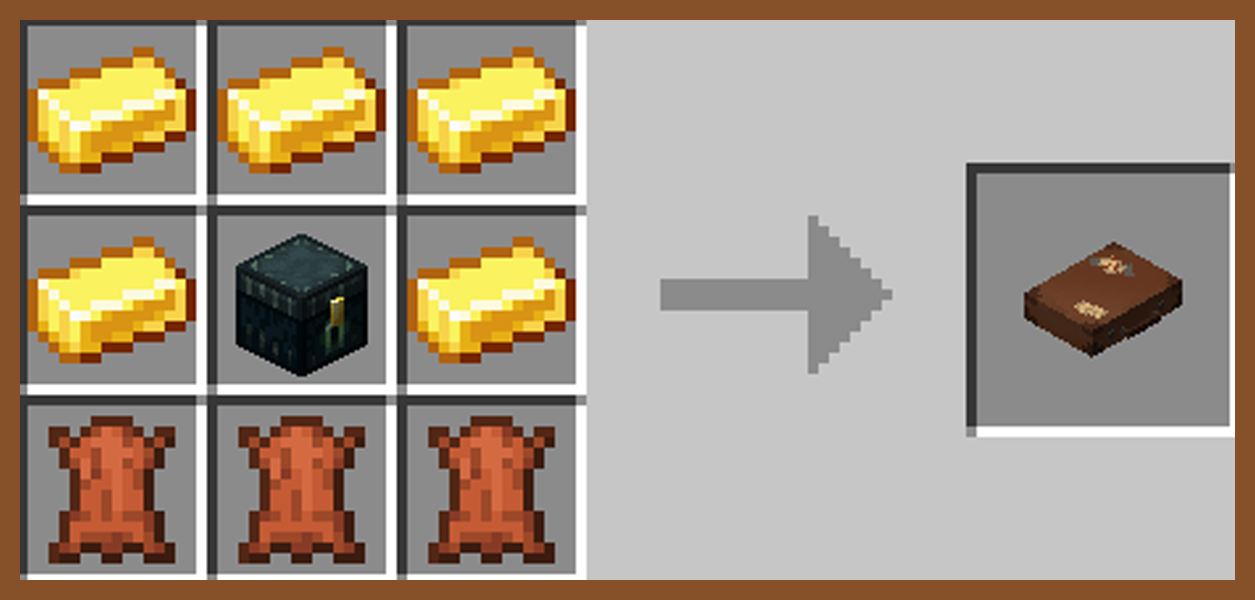
_Secret Barrel_
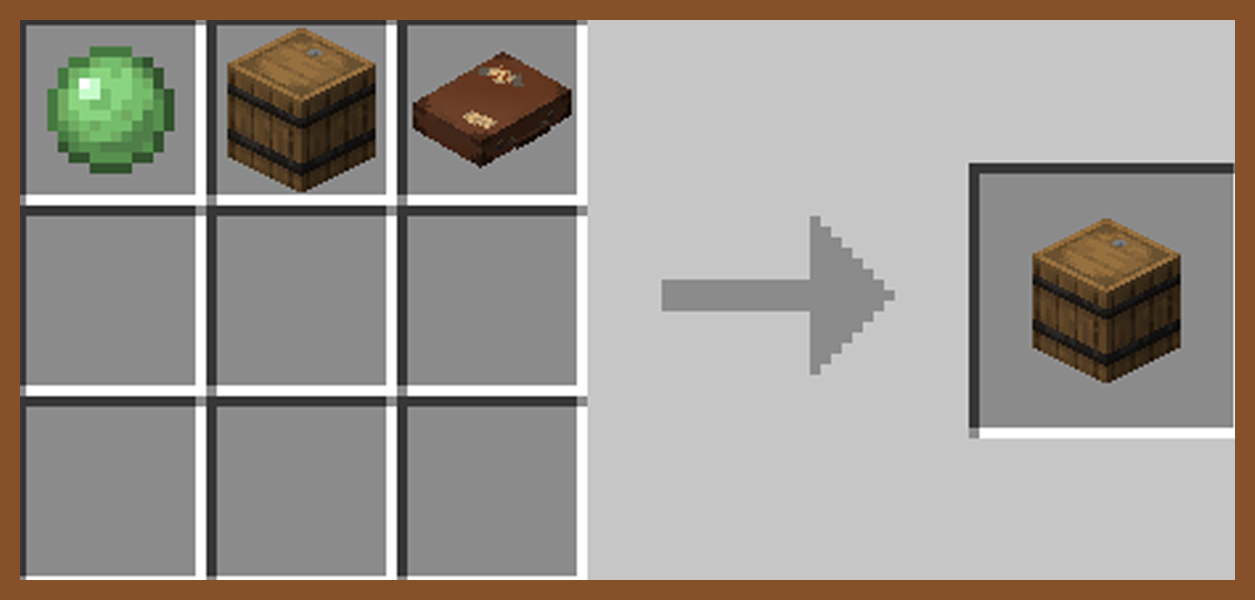

🧩 _Compatibilities_
This mod is singleplayer and multiplayer friendly.
Required on client and server if using on a server.
Fabric versions require Fabric API.
📟 _Commands_
Set Captured Mobs Entry Point: _Must be in a pocket dimension_
/pocketRepose setMobEntry
Set Player Entry Point: _Must be in a pocket dimension_
/pocketRepose setPlayerEntry
Reset Player Entry Point: _Can be anywhere_
/pocketRepose resetPlayerEntry
List Pocket Dimensions: _Must be an OP_
/pocketRepose listDimensions
Capture Mob Blacklist: _Must be an OP_
/pocketRepose MobBlacklist add/remove/list/clear
Can Capture Hostile Mobs: _Must be an OP_
/pocketRepose canCaptureHostile true/false (default false)
Spawn Pocket Island: _Must be an OP_
/pocketRepose spawnIsland true/false (default true)
If true, the pocket island will spawn when binding a new key.
If false, when binding a new key a grass block will spawn in place of the island.
Allow Recursion: _Must be an OP_
/pocketRepose allowRecursion true/false (default true)
Allows suitcases to work inside other suitcases.
Suitcases that match the dimension name will not work within eachother.
❓ _Q&A_
Q: How do you enter a suitcase?
A: Craft a key and suitcase, rename the key in an anvil, right click the key, right click the suitcase with the key, then finaly sneak to enter.
Q: How are the pocket dimensions handled?
A: Pocket dimensions are linked to the keys, not the suitcases. Every time a key is renamed and bound, a new dimension is created under that specific name.
Names can be shared or kept secret.
Q: What if my suitcase and key are destroyed?
A: Make a new key and rename it with the original name. Pocket dimensions cannot be lost.
常见问题
Pocket Repose 支持哪些 Minecraft 版本?
Pocket Repose 支持 Minecraft Java 版 1.20.1–1.21.1,共 2 个版本,可用的加载器:Fabric / Forge / NeoForge。下载时注意选择和你游戏版本一致的文件。
Pocket Repose 怎么安装?
先用 PCL2 或 HMCL 启动器安装对应版本的 Fabric / Forge / NeoForge,再把下载的 .jar 文件放进游戏目录的 mods 文件夹,重新启动游戏即可。开启了版本隔离的,mods 文件夹在 versions/版本名 下面。运行环境:客户端和服务端都要装。
BennyBoops 的其他作品
查看全部 →
Music Shuffle
Shuffle ALL released Minecraft songs. Add your own as well.

Basic Backpack
Adds a wearable backpack with easy access.

Where Did I Die
Displays coordinates on death in chat. Can teleport if permitted.
评论
登录后评论和评分