
截图
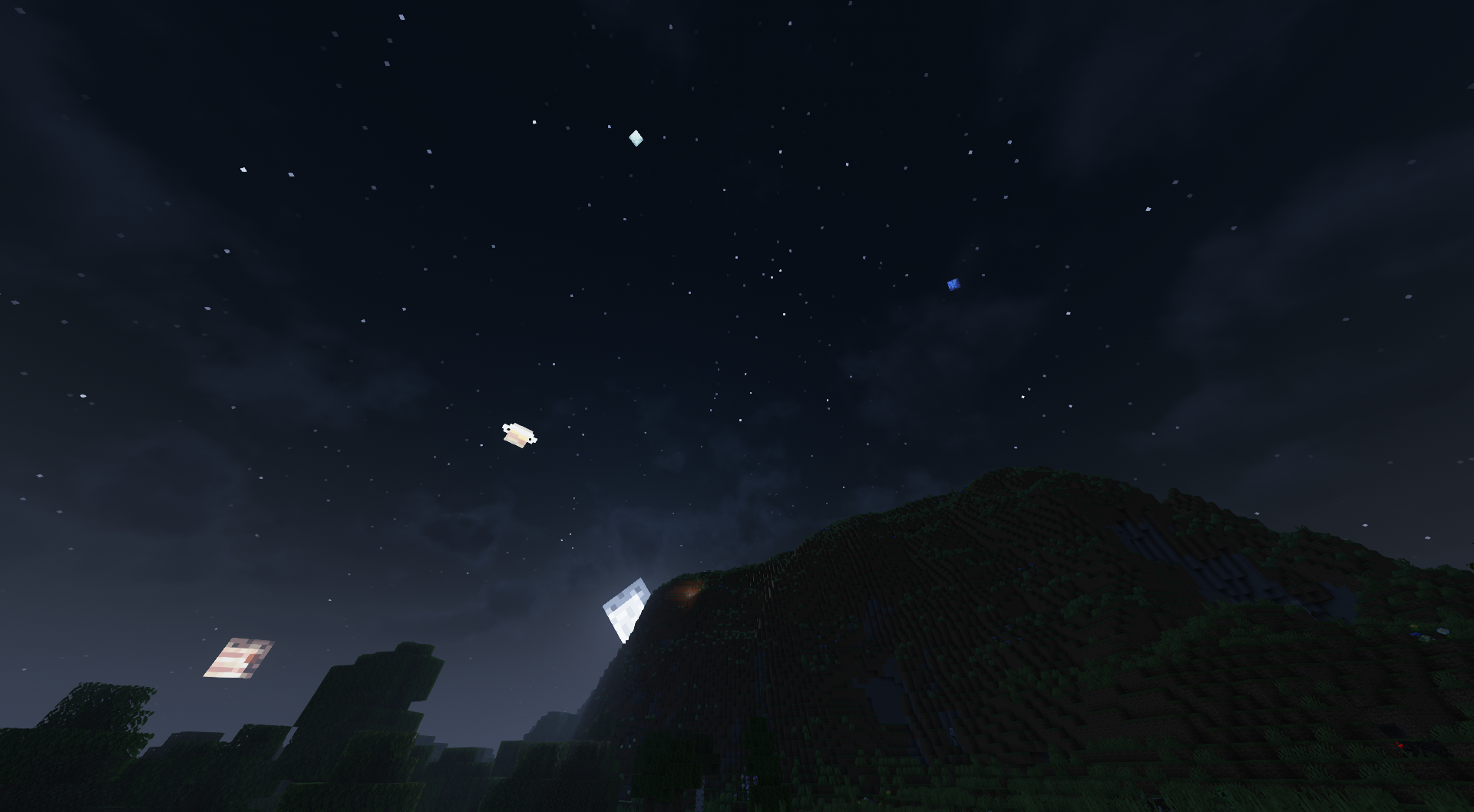


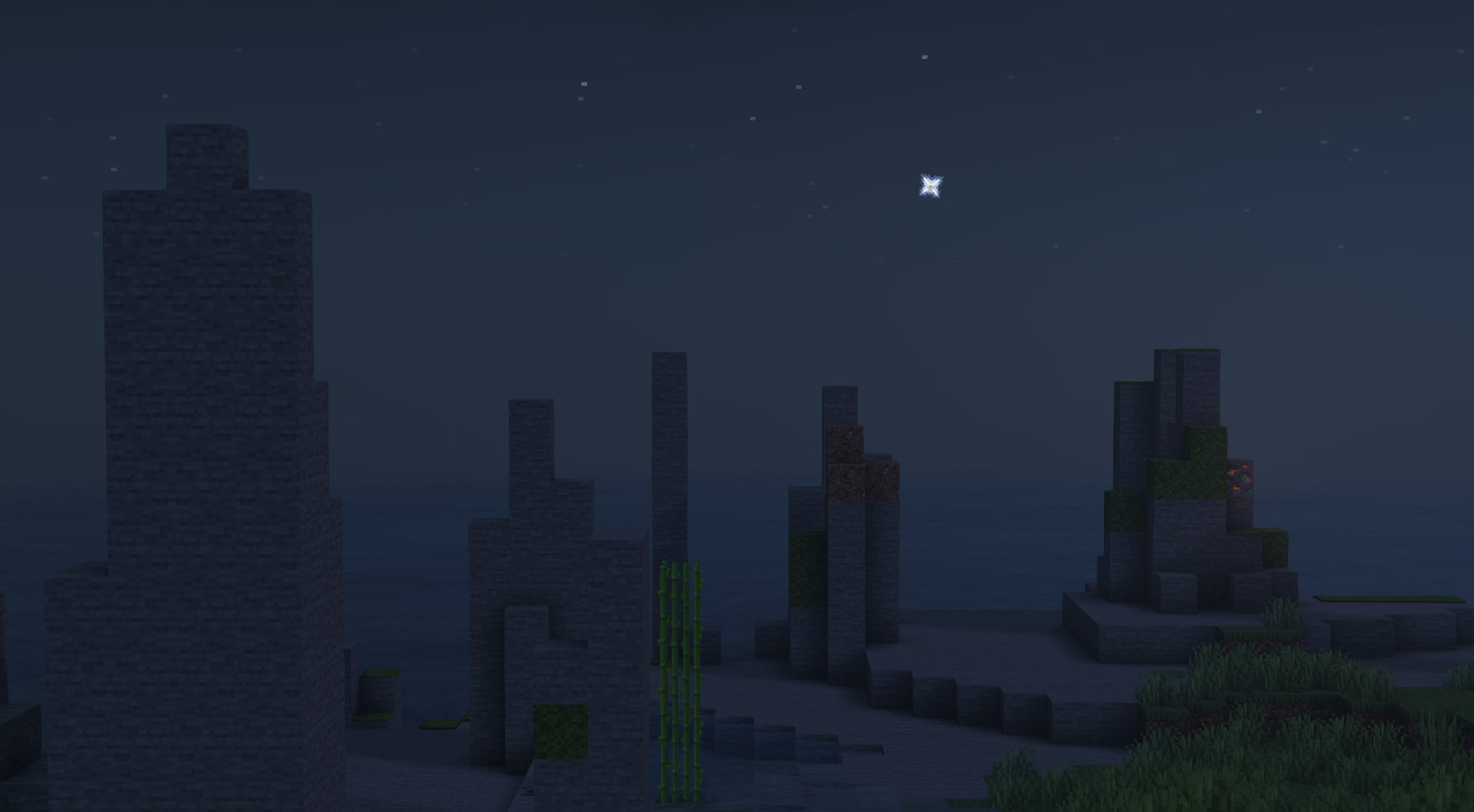
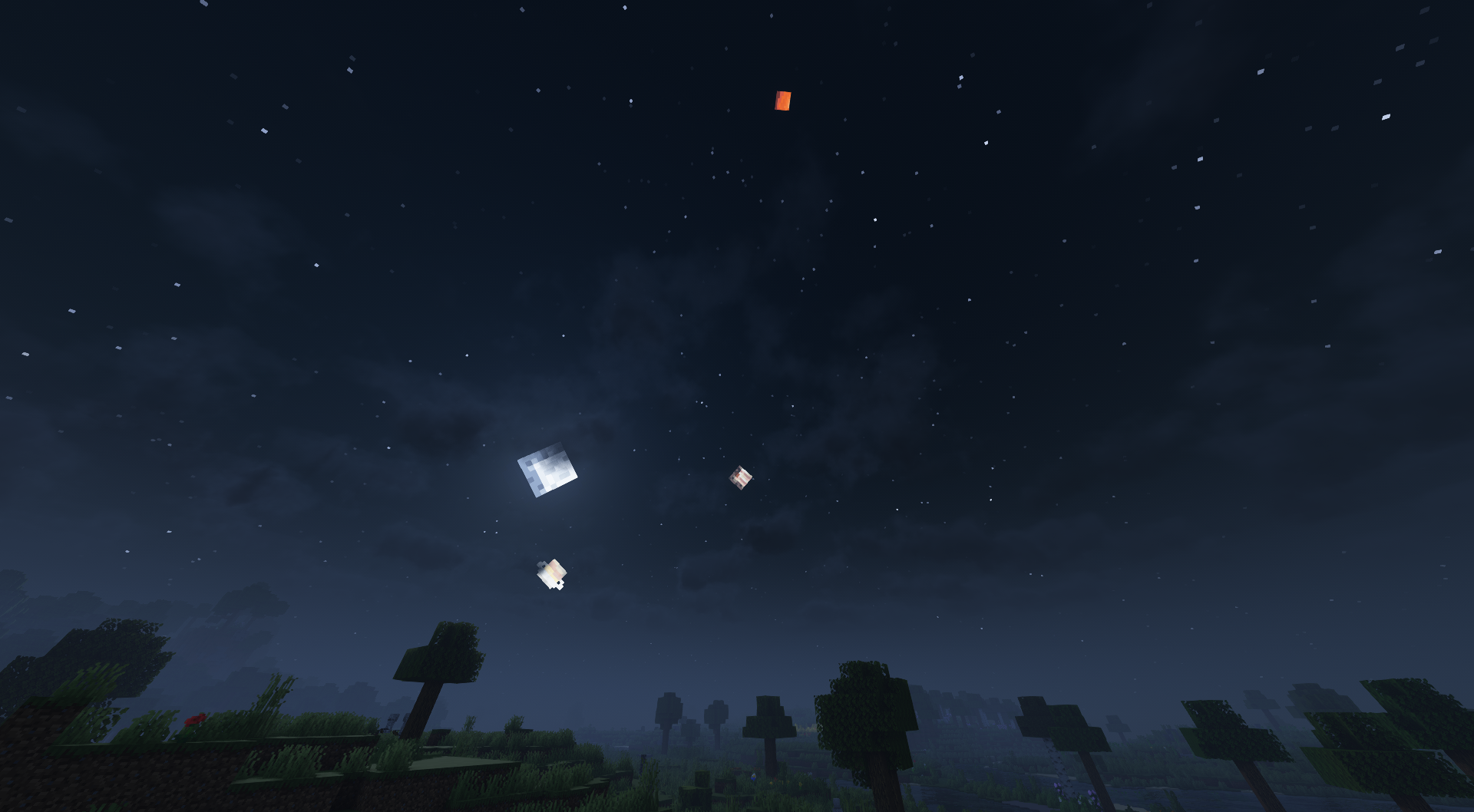


介绍


If using Quilt, use QSL/QFAPI; if using Fabric, use FAPI; or if using (neo)Forge, use Sinytra Connector + Forgified FAPI.
About
Planetarium simply renders the solar system planets in Minecraft’s skybox during the night. In a way, the MC skybox is a planetarium if you think about it.
The planet textures are made by @Crackers0106 (PR #1) and @lxly9 (PR #2).
The project source is licensed under the MIT license whereas the project assets are licensed under the
Creative Commons Attribution-NonCommercial-NoDerivs 4.0 International License.
FAQs
Q: Can I use Planetarium with Shaders?
A: Planetarium has been tested with Complementary Shaders and it works as long as you set the Sun/Moon Style to Reimagined.
Q: (1.21+ only) Can I configure what planets are visible and/or their sizes?
A: Yes, by making a datapack containing planet JSONs and textures.
Planet JSONs go in
src/main/resources/assets/your_mod/planetarium/planets
Planet textures go in src/main/resources/assets/your_mod/textures/planetarium/planets
Optionally, texture overrides can be done as shown here.
An example planet pack can be found here.
Q: Can I port Planetarium to another MC version?
A: Yes, as long as those ports are not for (neo)Forge.
Q: Can I port Planetarium to another modloader?
A: No, you cannot port Planetarium to a modloader that isn’t Quilt or Fabric such as (neo)Forge, or another non-Quilt/Fabric modloader.
Screenshots
常见问题
Planetarium 支持哪些 Minecraft 版本?
Planetarium 支持 Minecraft Java 版 1.19.3–26.1.2,共 11 个版本,可用的加载器:Fabric / Quilt。下载时注意选择和你游戏版本一致的文件。
Planetarium 怎么安装?
先用 PCL2 或 HMCL 启动器安装对应版本的 Fabric / Quilt,再把下载的 .jar 文件放进游戏目录的 mods 文件夹,重新启动游戏即可。开启了版本隔离的,mods 文件夹在 versions/版本名 下面。运行环境:仅客户端。
OroArmor 的其他作品
查看全部 →
Quilted Fabric API (QFAPI) / Quilt Standard Libraries (QSL)
Quilt 生态的标准前置库。Quilt 模组开发必不可少!

Netherite Plus Mod
Do you feel that netherite wasn't fully utilized? Do you want more netherite tools and blocks? Cause then this is the mod for you!
Planetarium
See the real-life solar system at night!

Multi Item Lib
A placeholder mod for the Fabric-Api until better unhardcoding exists.
评论
登录后评论和评分