
PixelSight
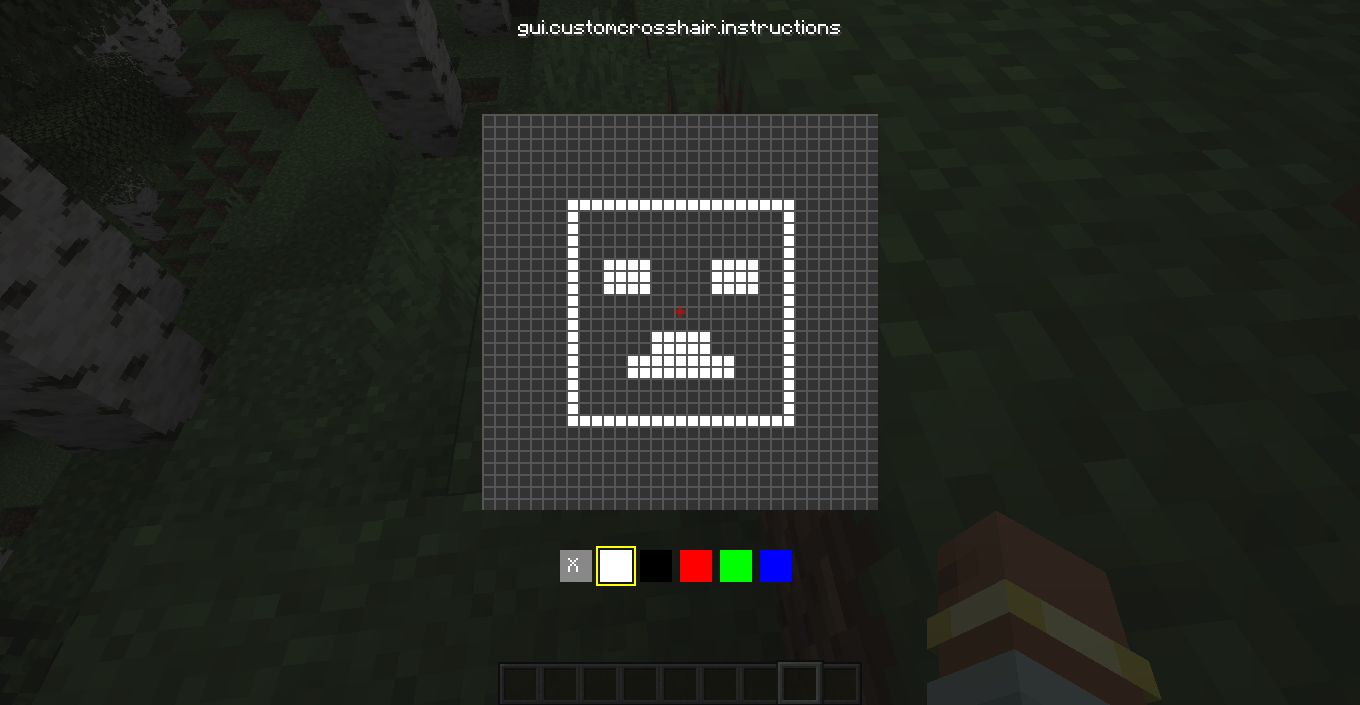
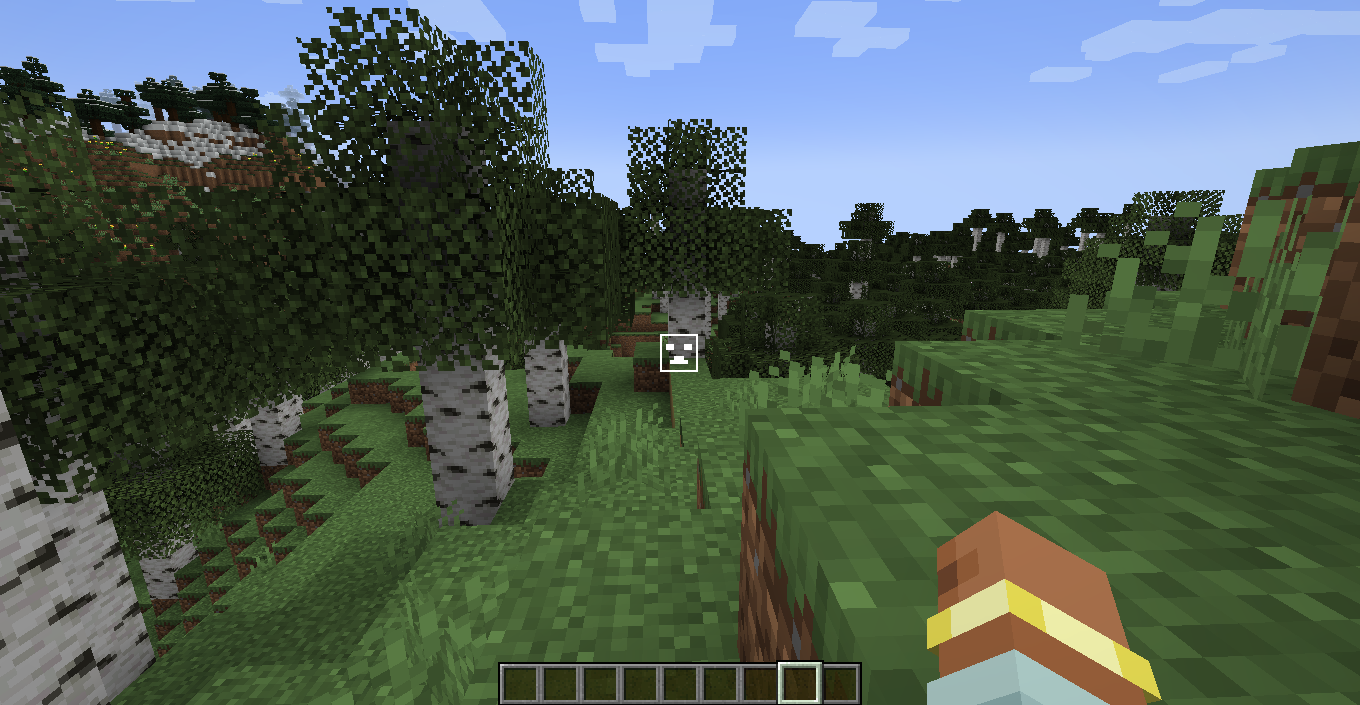
PixelSight is a professional in-game editor for Minecraft 1.20.1 that allows you to draw your own 16x16 pixel crosshair with full RGB color support. By pressing the "Period" key, you can instantly replace the vanilla aiming reticle with your unique cus
截图
介绍
PixelSight is a lightweight and powerful utility mod for Minecraft 1.20.1 that gives you total control over your aiming experience. Forget about boring standard crosshairs — now you can draw your own pixel by pixel!
Key Features:
In-Game Editor: No need to mess with texture packs or restart the game. Press “Period” (Ю) to open the 16×16 drawing grid.
RGB Color Picker: Use the built-in color controls to create a crosshair in any color you want. Want it neon pink? Or classic lime green? It’s up to you!
Clean Experience: The mod automatically hides the vanilla Minecraft crosshair, ensuring your custom creation is the only thing on your screen.
Real-Time Updates: Your changes are applied instantly the moment you close the editor.
How to use:
Enter your world.
Press the “> .” key on your keyboard.
Click on the pixels to draw your shape and use the RGB labels to adjust the color.
Press ESC to save and dominate!
常见问题
PixelSight 支持哪些 Minecraft 版本?
PixelSight 支持 Minecraft Java 版 1.20.1,可用的加载器:Forge。下载时注意选择和你游戏版本一致的文件。
PixelSight 怎么安装?
先用 PCL2 或 HMCL 启动器安装对应版本的 Forge,再把下载的 .jar 文件放进游戏目录的 mods 文件夹,重新启动游戏即可。开启了版本隔离的,mods 文件夹在 versions/版本名 下面。运行环境:仅客户端。
StutelYT 的其他作品
查看全部 →
Simple Durability HUD
A lightweight Forge 1.20.1 HUD that displays durability for your armor and main hand item. Fully draggable and resizable.

RealWorld Sync
brings total realism to your Minecraft experience by connecting the in-game day/night cycle and weather directly to real life
评论
登录后评论和评分