
OvercastUI
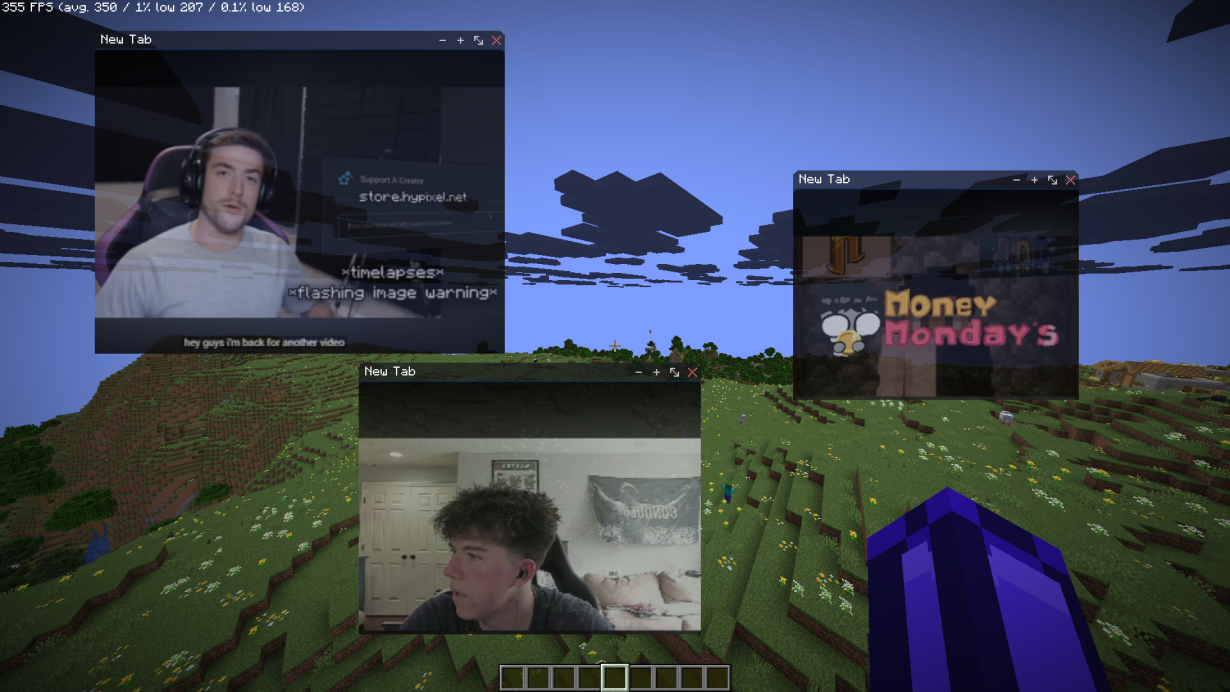
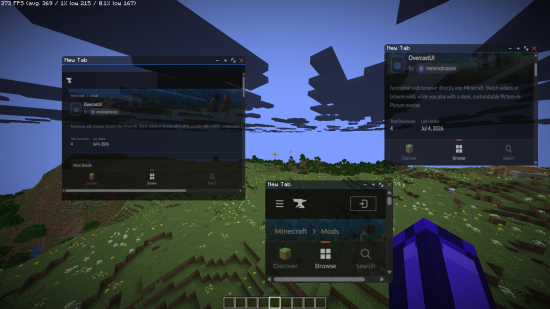
A full web browser overlay inside Minecraft, Steam-overlay style. Browse, read the wiki, or watch video in picture-in-picture without alt-tabbing or pausing draggable tabbed windows, split view, custom themes. Client-side.
截图
介绍
OvercastUI
A Steam Overlay-style Chromium browser, built into Minecraft. Browse the web without alt-tabbing or pausing your game. Client-side only, Fabric.
Features
* 🪟 Multiple windows — draggable, resizable, with tab support
* 🌐 Full browser — back/forward/reload/home, address bar, find-in-page, per-tab zoom
* 📺 Picture-in-Picture — videos keep playing after you close the overlay
* 🔲 Split view — two pages side by side
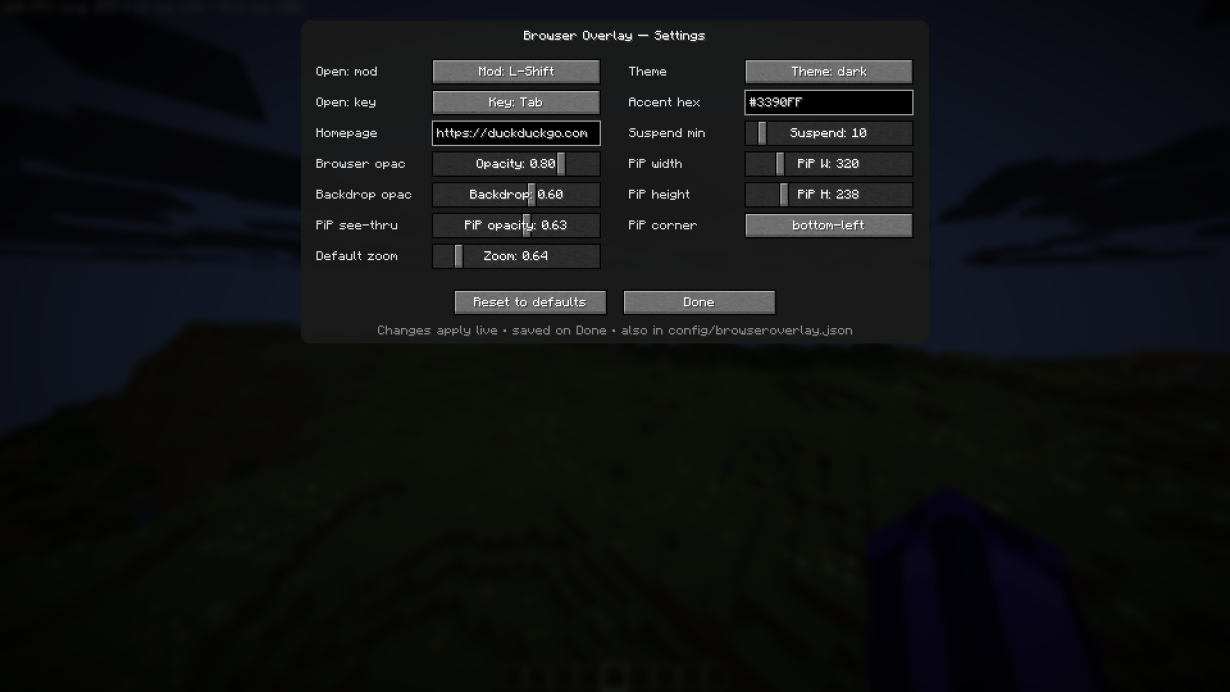
* 🎨 Theming — adjustable opacity and backdrop
* ⌨️ Rebindable hotkey — default Shift+Tab, in-game settings menu
* 💤 Tab suspension — sleeps idle tabs to save resources
* ⏸️ Never pauses your game
How to use
1. Install Fabric Loader + Fabric API, then drop OvercastUI in your mods folder.
2. Press Shift+Tab in-game to open the overlay (rebindable in settings).
3. Wait 10–15 seconds for Chromium to download (first install only).
4. Enjoy!
Compatibility
* Loader: Fabric
* Minecraft: 1.21.1, 1.21.11, 26.1, 26.1.1, 26.1.2
* Side: Client only
* Requires: Fabric API
Whether you want an in-game browser to keep a wiki open, a Steam-style web overlay to watch videos while you play, or picture-in-picture for a stream OvercastUI keeps it all inside Minecraft, no alt-tabbing.
🔗 Website & full docs: https://merenotnoonereal.github.io/overcastui/
常见问题
OvercastUI 支持哪些 Minecraft 版本?
OvercastUI 支持 Minecraft Java 版 1.21.1–26.2,共 6 个版本,可用的加载器:Fabric。下载时注意选择和你游戏版本一致的文件。
OvercastUI 怎么安装?
先用 PCL2 或 HMCL 启动器安装对应版本的 Fabric,再把下载的 .jar 文件放进游戏目录的 mods 文件夹,重新启动游戏即可。开启了版本隔离的,mods 文件夹在 versions/版本名 下面。
merenotnoone 的其他作品
查看全部 →
NoForcedPacks: Hypixel SkyBlock Pack Disabler & Texture Mixer
Disable, bypass, skip, ignore or remove the Hypixel SkyBlock texture pack or any forced server resource pack. Mix and combine textures from multiple packs, turn off individual item textures or UI. Smaller held items: item size, swing speed.
NoForcedPacks: Hypixel SkyBlock Pack Disabler & Texture Mixer
Disable, bypass, skip, ignore or remove the Hypixel SkyBlock texture pack or any forced server resource pack. Mix and combine textures from multiple packs, turn off individual item textures or UI. Smaller held items: item size, swing speed.

OverCastUI
Web browser directly into Minecraft. Watch videos or browse wikis while you play with a sleek, customizable Picture-in-Picture overlay
评论
登录后评论和评分