
截图
介绍
_OpenComputers II_ is a spiritual successor to _OpenComputers_. It carries some of the core ideas with it, such as configurability and sandboxing. However, there are also many changes, such as the mod using actual, emulated hardware.
Computers in this mod run on either a RISC-V or a Z80 architecture, based on the installed CPU. This allows running Linux and using it much like you’d use it normally. For example, networking uses an emulated network card and regular ethernet frames, so different Linux computers can communicate just as you’d expect. For the Z80 the mod ships CP/M, for that retro itch.
Overview
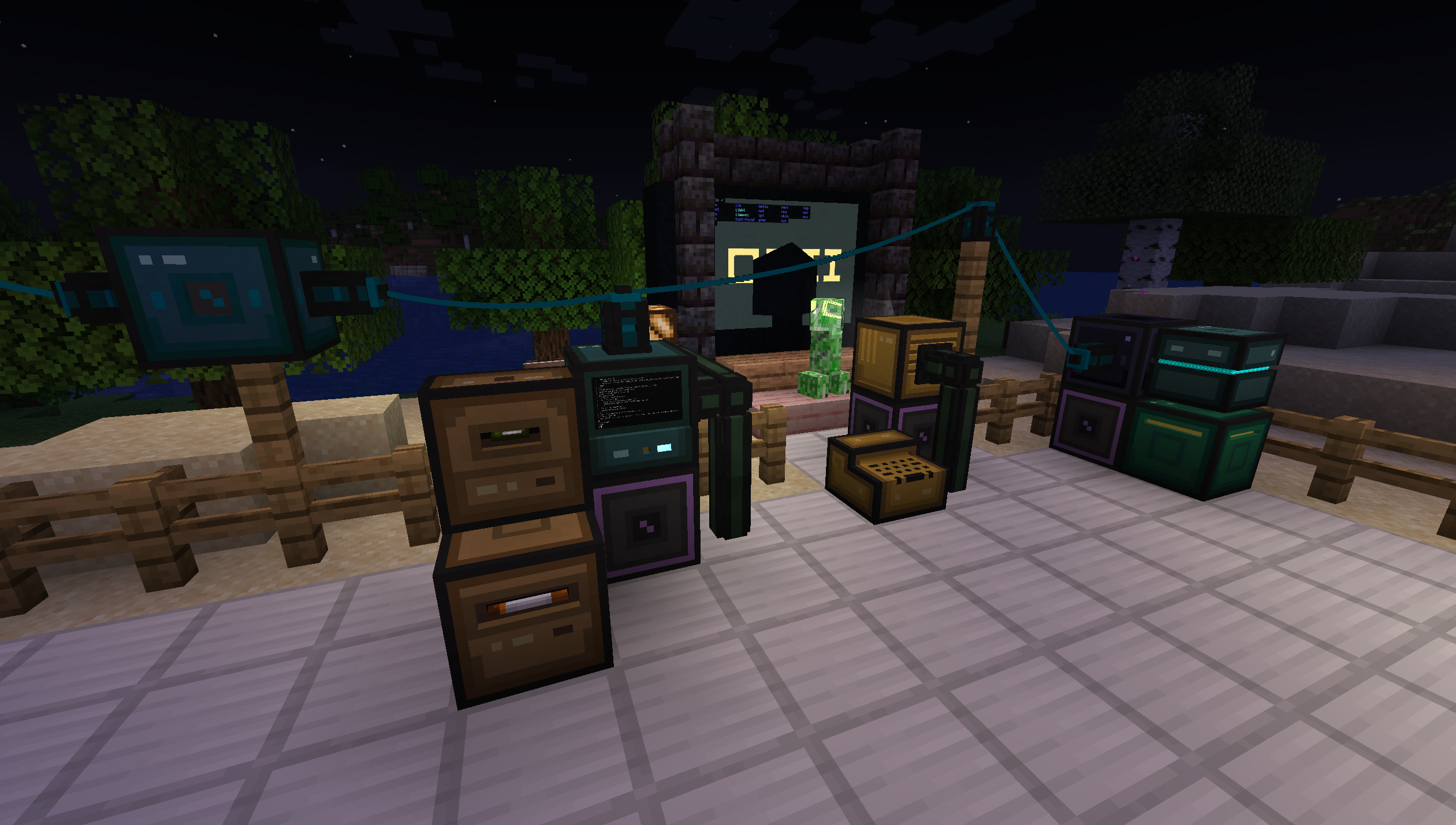
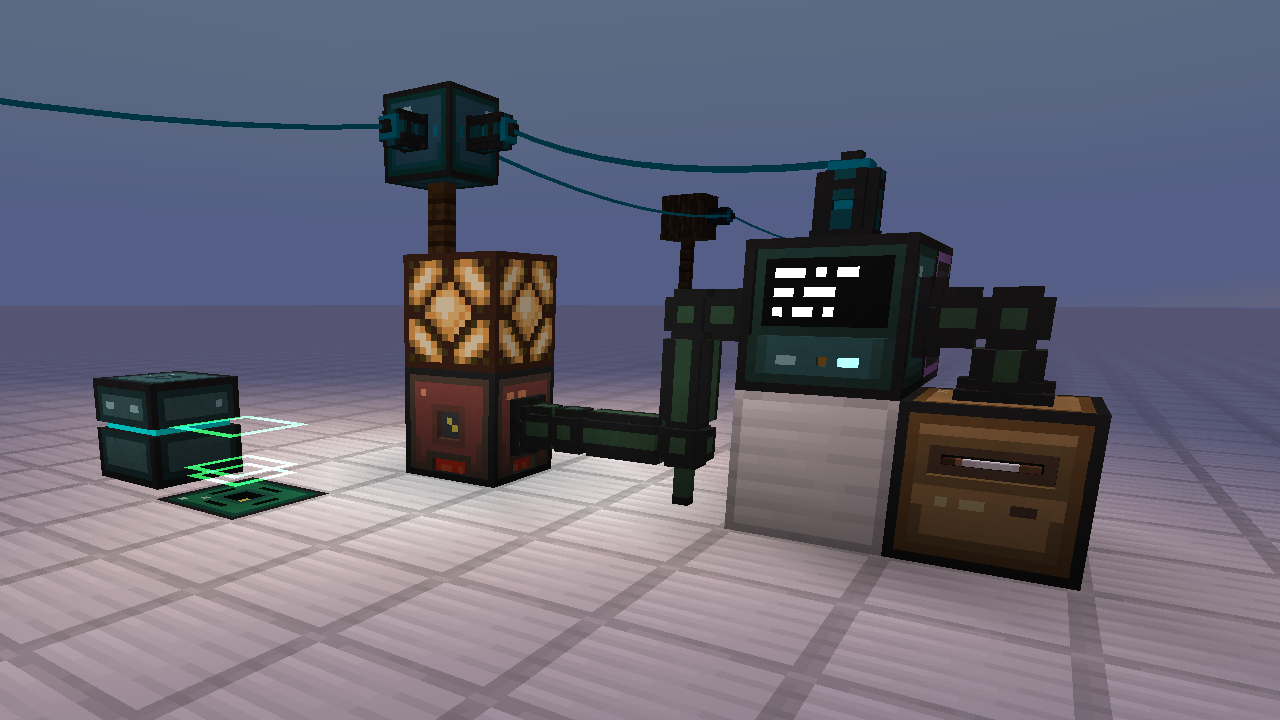
The mod provides stationary computers and mobile robots. While computers can connect to other in-world devices via bus cables and extension cards, robots can move through the world and interact with it via installed modules. Computers can communicate with each other using network or serial cards and cables.
To get started with the mod, it is strongly recommended to craft _The Computerists Handbook_, an in-game manual item with information on all the blocks, how to build your first computer and so on. It can also be read online.
Computers and robots consume energy (RF/FE), so it is recommended to play this mod in combination with some other mod that provides energy generation. This can be disabled in the configuration.
Operation
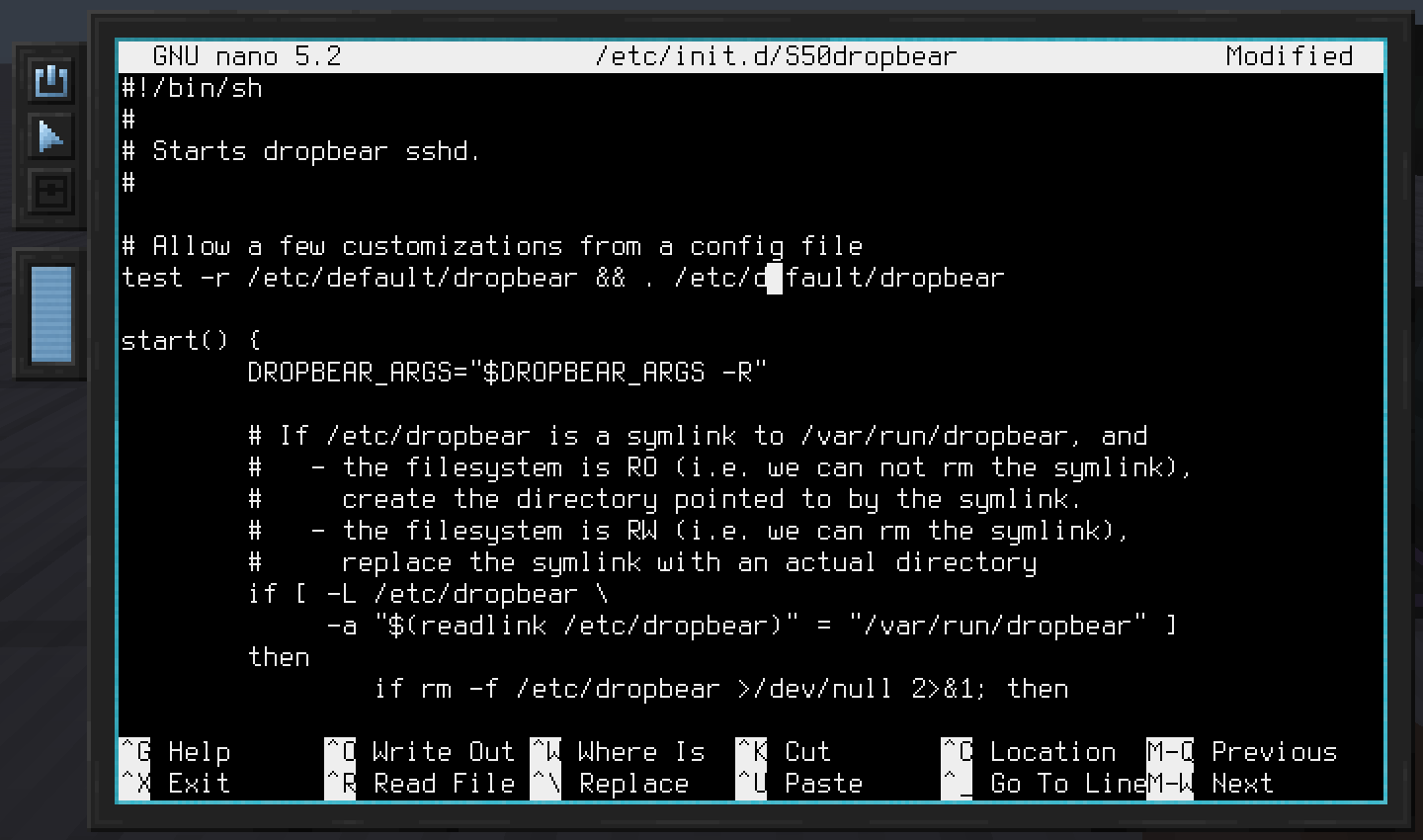
The main operating system used by the mod is Linux. It comes with a list of well-known utilities, such as the text-editors _vi_ and _nano_.
To enable easy scripting, Lua and Python is also included. Many of the Minecraft specific devices, such as inventories, the _Redstone Interface Block_ and general mod-interoperability use a high-level API that is intended to be used through Lua/Python. This eases both adding integrations with other mods, as well as using these APIs when scripting in the game.
Here’s an example snippet that sends a redstone signal through a _Redstone Interface Device_:
require("devices"):find("redstone"):setRedstoneOutput("up", 15)There’s also a mid-level API that uses a simpler, binary protocol. It is what’s used on the Z80 to talk to devices, but also available on RISC-V/Linux.
Modularity
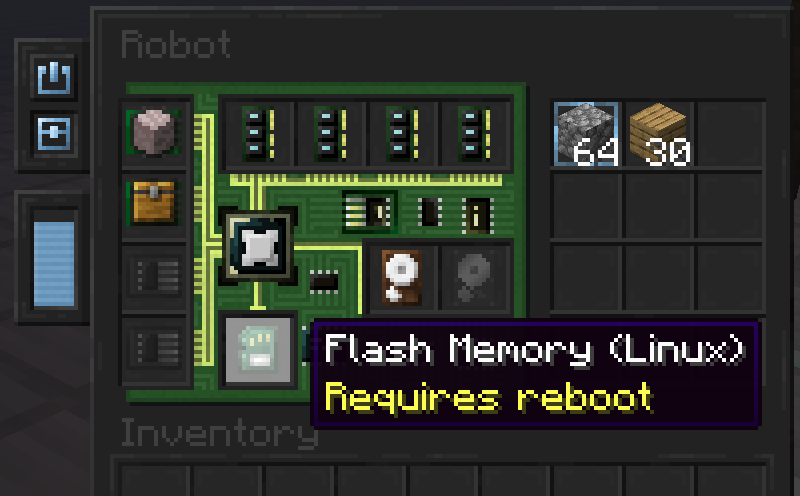
Computers and robots can be configured using various device items. Shared device types include memory (RAM), firmware and hard drives. Computers furthermore allow installation of extension cards, such as the _Network Interface Card_, whereas robots allow installation of modules, such as the _Block Operations Module_, which enables robots to break and place blocks.
常见问题
OpenComputers II 支持哪些 Minecraft 版本?
OpenComputers II 支持 Minecraft Java 版 1.21.1,可用的加载器:Fabric / NeoForge。下载时注意选择和你游戏版本一致的文件。
OpenComputers II 怎么安装?
先用 PCL2 或 HMCL 启动器安装对应版本的 Fabric / NeoForge,再把下载的 .jar 文件放进游戏目录的 mods 文件夹,重新启动游戏即可。开启了版本隔离的,mods 文件夹在 versions/版本名 下面。运行环境:客户端和服务端都要装。
Sangar 的其他作品
查看全部 →
OpenComputers
模块化、持久化、可编程的计算机与机器人。

Scannable
用一台扫描器找到它们,再用视觉盛宴将它们绑定。

TIS-3D
《Minecraft》低科技计算机技术

Bedrock Ores
新增嵌在基岩中的矿石,每个方块都能产出大量矿石,并加入可自动采集它们的机器。
评论
登录后评论和评分