NokhFrame
Nokh Frame is an in-game photo studio for Minecraft characters and items. Mod runs on the client with Minecraft 1.21.1 and NeoForge.
截图
介绍


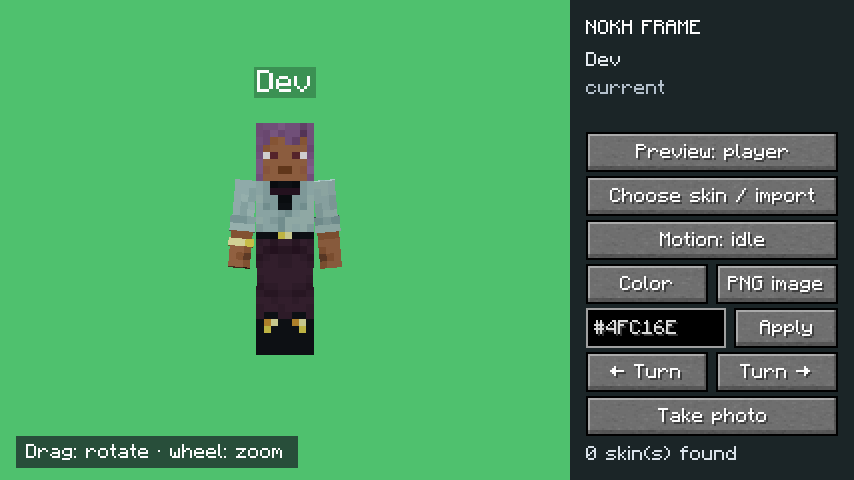
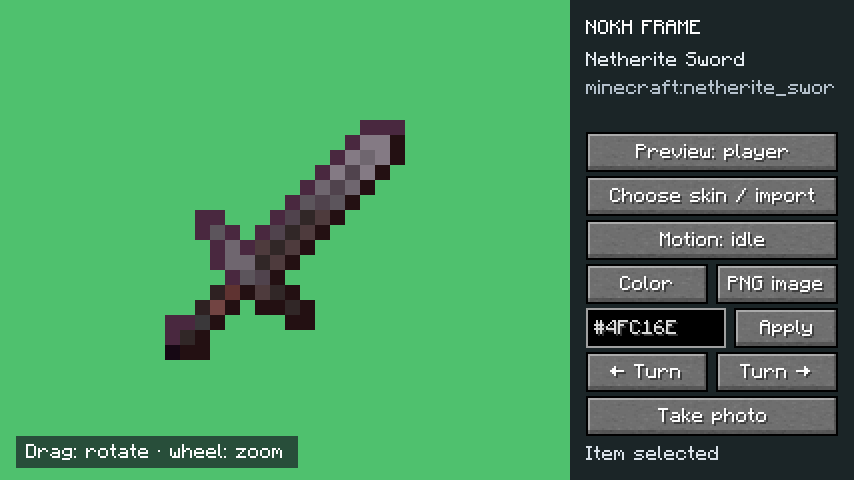
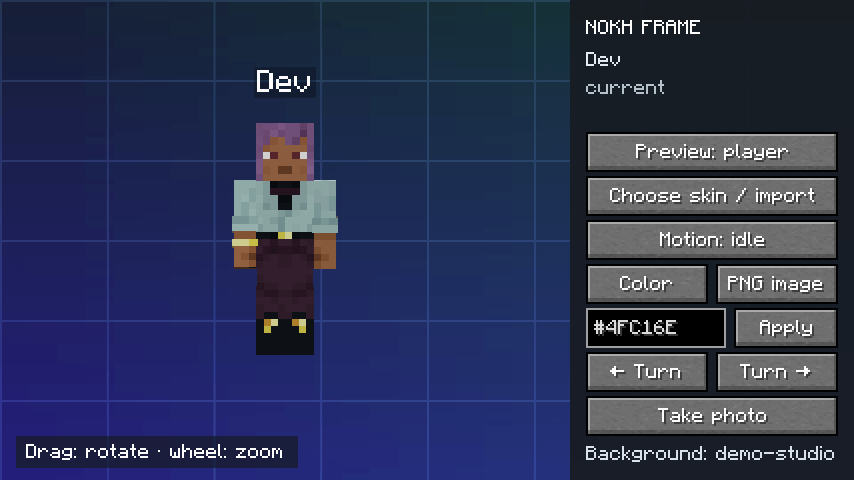
Nokh Frame is a photo studio inside Minecraft. Pose your character with its real cosmetics, or any item, on the backdrop of your choice, and save a clean PNG.
Type /nokhframe, pose, click: the photo is ready.


 Your real character: armor, cosmetic layers and your native name tag, as the game draws them.
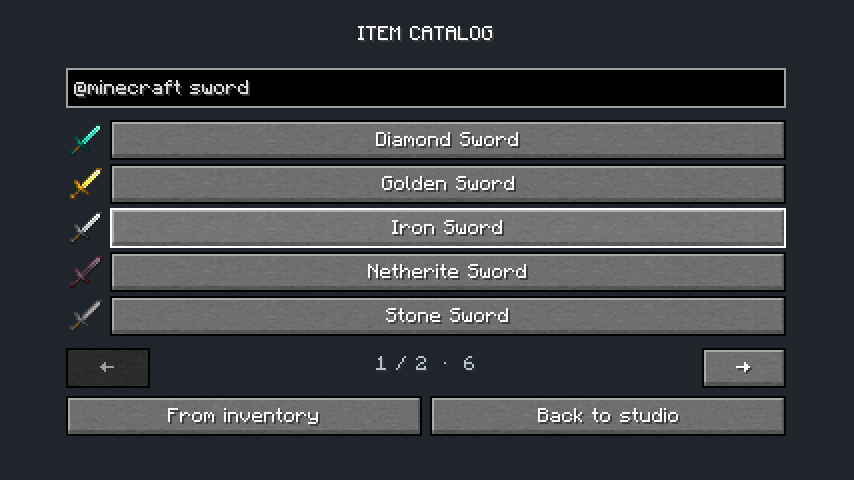
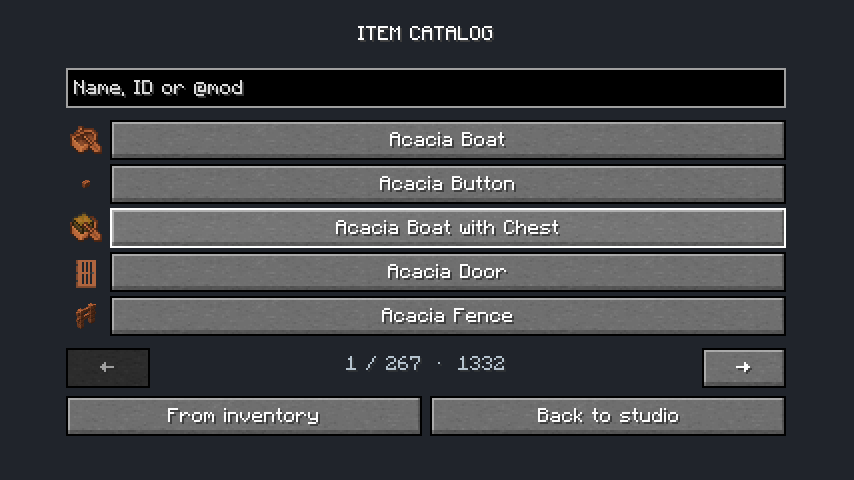
 Any item: from Minecraft or any mod, searched by name, ID or
@mod.
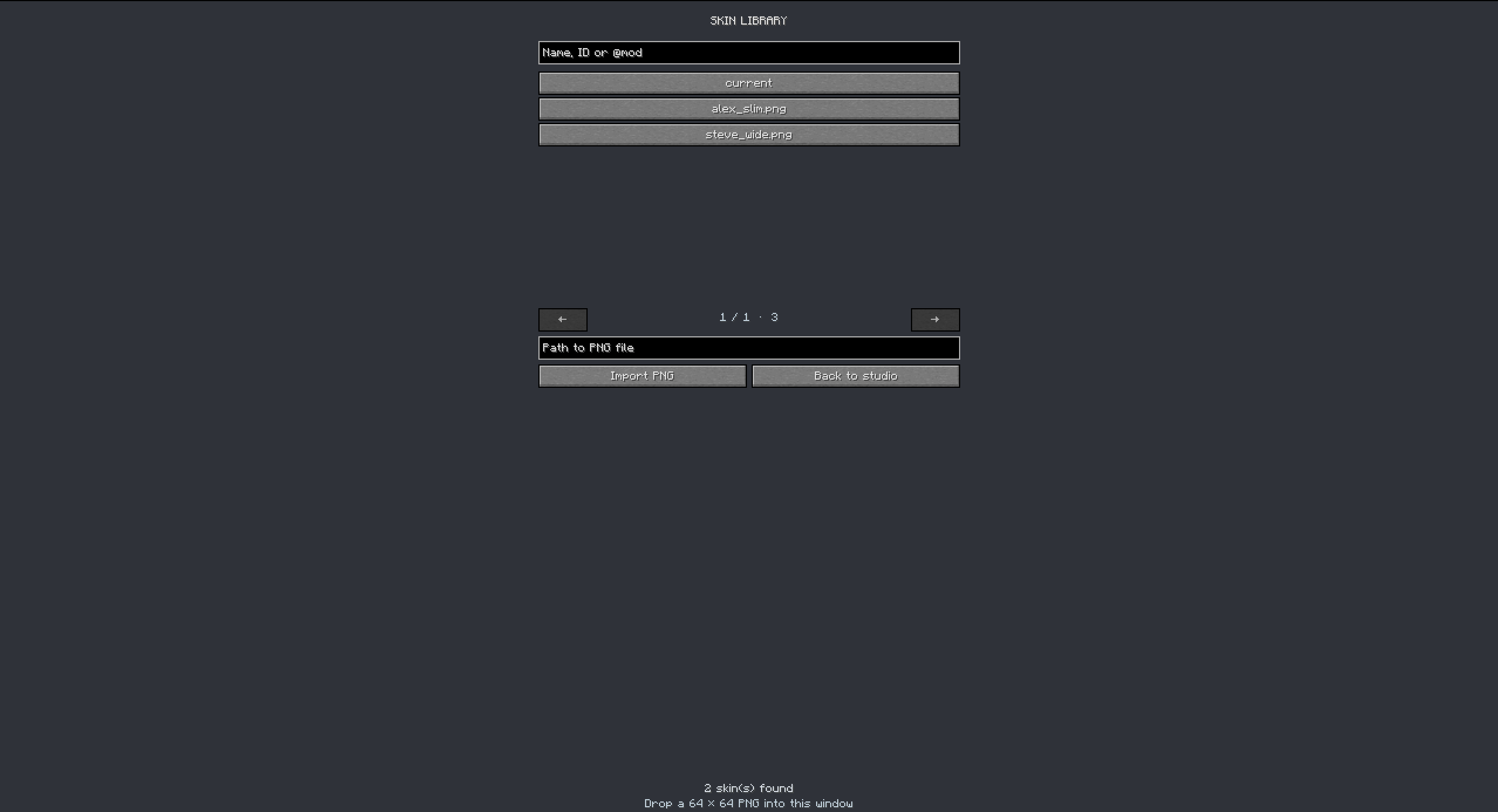
 Skin library: try any 64 × 64 PNG; other players still see your own skin.
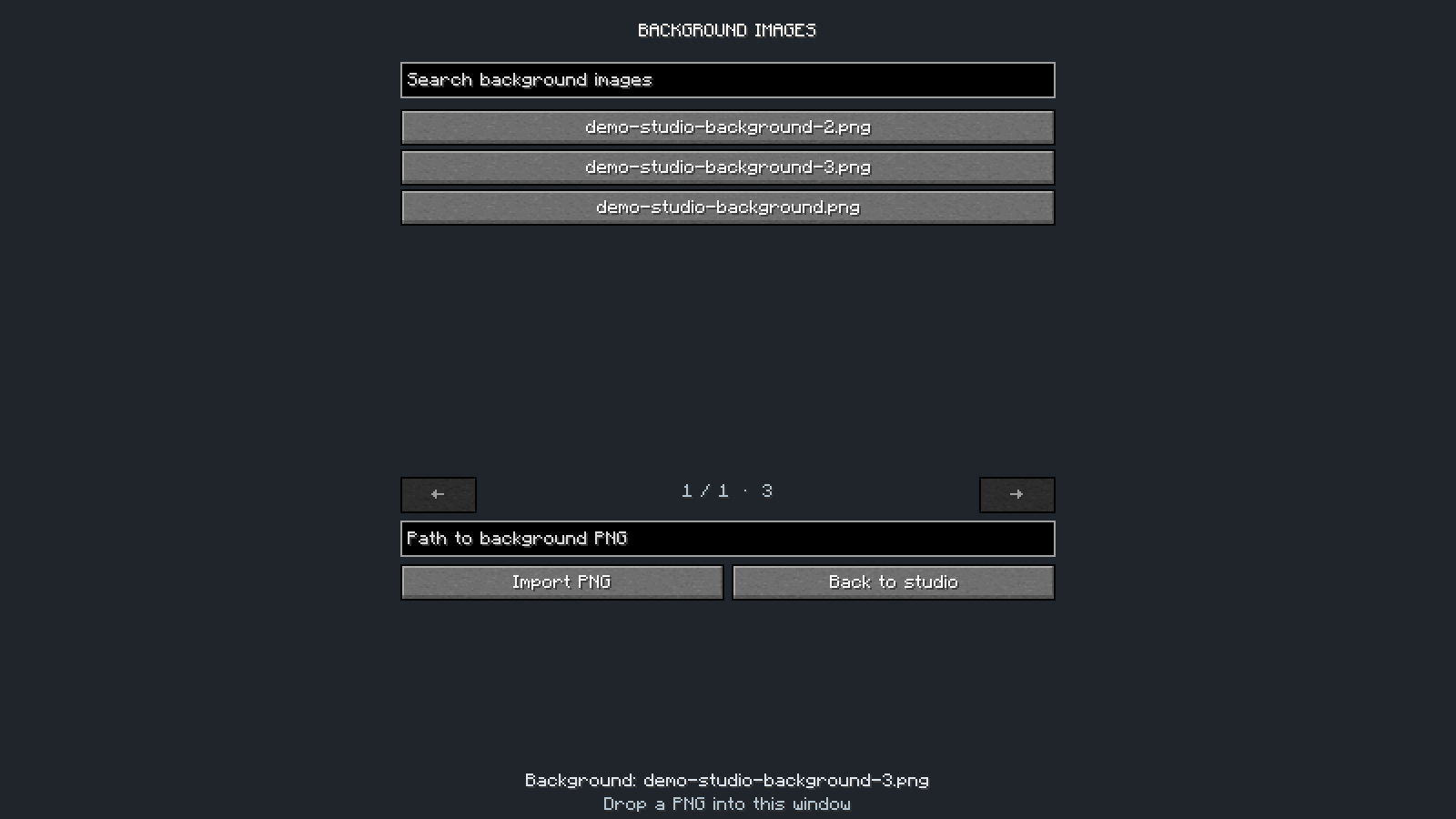
 Backdrops: a preset color, any
#RRGGBB, or your own PNG image.


 Poses: nine ready-made poses, or turn each limb on three axes.
 3D sets:
.nbt structures and Blockbench models built around the player.
 Placement: move, turn and resize the player, the set or the view.
 Shaders: World mode orbits the real camera, so Iris and Oculus shaderpacks apply.

1. Put the jar in mods: Minecraft 1.21.1, NeoForge 21.1.1 or newer.
2. Join a world and type /nokhframe in chat.
3. Pick Player or Item, a backdrop, a set and a pose.
4. Click Take photo: a clean PNG, without the panel, lands in screenshots.
5. On a server with the mod, the studio needs operator rights or the nokhframe.use permission.
Every option is in the user guide. A bug or an idea? Open an issue.

Nokh Frame est un studio photo dans Minecraft. Mettez en scène votre personnage avec ses vrais cosmétiques, ou n’importe quel item, sur le fond de votre choix, et enregistrez un PNG propre.
Tapez /nokhframe, posez, cliquez : la photo est prête.

Votre vrai personnage : armure, couches cosmétiques et pseudo natif, tels que le jeu les dessine.
N’importe quel item : de Minecraft ou de tout mod, cherché par nom, identifiant ou @mod.
Bibliothèque de skins : essayez n’importe quel PNG 64 × 64 ; les autres voient toujours votre skin.
Fonds : une couleur prédéfinie, un #RRGGBB ou votre propre image PNG.

Poses : neuf poses toutes faites, ou chaque membre réglé sur trois axes.
Décors 3D : structures .nbt et modèles Blockbench construits autour du joueur.
Placement : déplacez, tournez et redimensionnez le joueur, le décor ou la vue.
Shaders : le mode Monde fait tourner la vraie caméra : les shaderpacks Iris et Oculus s’appliquent.

1. Placez le jar dans mods : Minecraft 1.21.1, NeoForge 21.1.1 ou plus récent.
2. Entrez dans un monde et tapez /nokhframe dans le chat.
3. Choisissez Joueur ou Item, un fond, un décor et une pose.
4. Cliquez sur Prendre la photo : un PNG propre, sans le panneau, arrive dans screenshots.
5. Sur un serveur qui a le mod, le studio demande les droits d’opérateur ou la permission nokhframe.use.
Tout est détaillé dans le guide d’utilisation. Un bug ou une idée ? Ouvrez un ticket.

Author / Auteur: NokhXyr | License / Licence: All Rights Reserved
常见问题
NokhFrame 支持哪些 Minecraft 版本?
NokhFrame 支持 Minecraft Java 版 1.21.1,可用的加载器:NeoForge。下载时注意选择和你游戏版本一致的文件。
NokhFrame 怎么安装?
先用 PCL2 或 HMCL 启动器安装对应版本的 NeoForge,再把下载的 .jar 文件放进游戏目录的 mods 文件夹,重新启动游戏即可。开启了版本隔离的,mods 文件夹在 versions/版本名 下面。
NokhXyr 的其他作品
查看全部 →
MostLight
71 decorative lamps in 16 colours: ceiling, wall, table and floor lights, LED strips and string lights, with switches, redstone control and coloured shader lighting.
ChiseledBlocks
Chisel any block into pixels, 16 to a side, and mix materials inside a single block. Carve lines, planes, cubes and spheres, keep every pixel, copy and print patterns.

WhereWasI
Never ask "where was I?" again. This client-side mod automatically journals your playthrough — builds, crafts, deaths — and greets you with a recap when you log back in. Works on any server, no server-side install.
ChiseledBlocks : Create
Blocks to pixels, on a belt. Three Create machines slice, cut and crush whole blocks into Chiseled Blocks pixels.
评论
登录后评论和评分