ChiseledBlocks
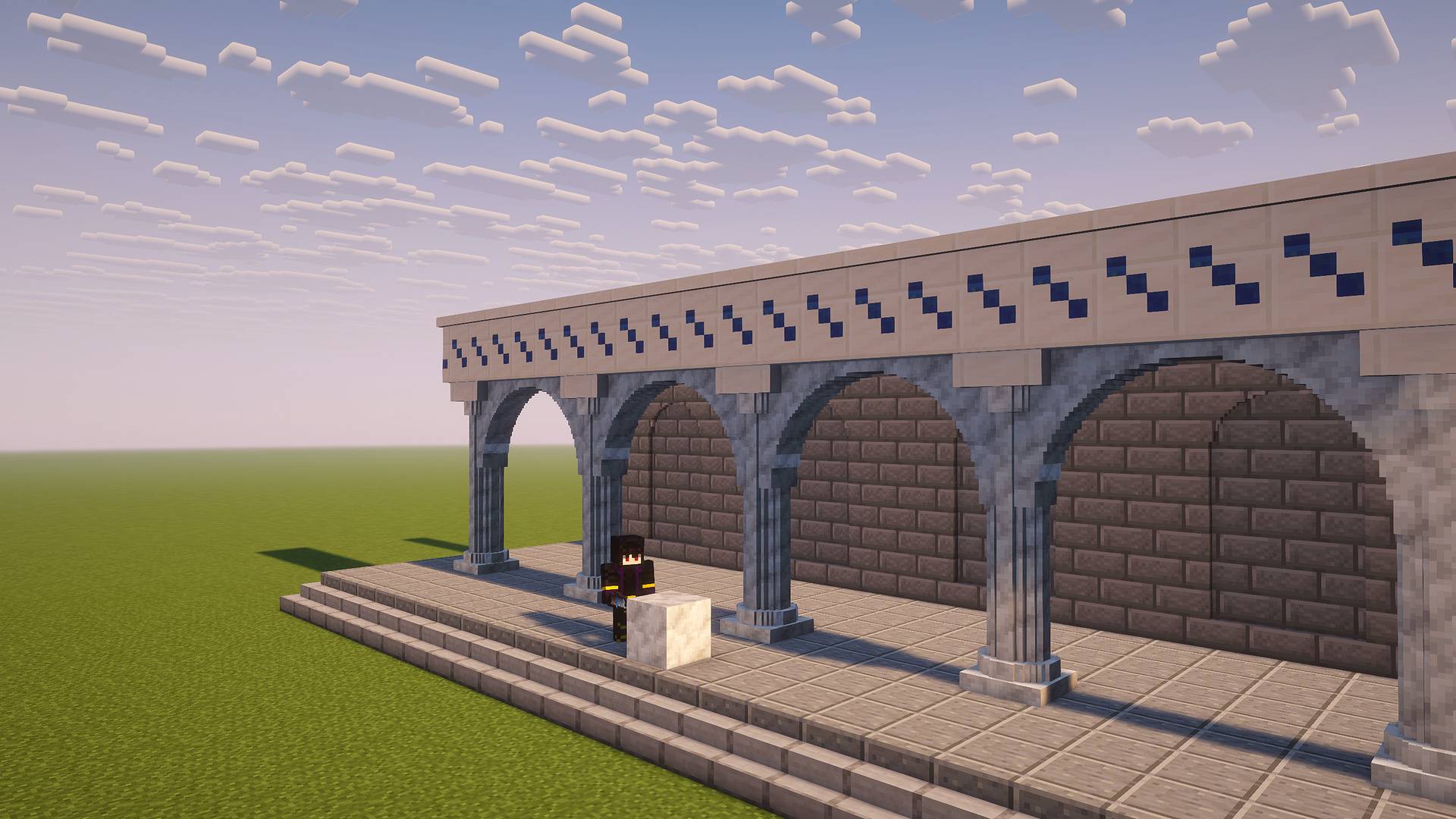
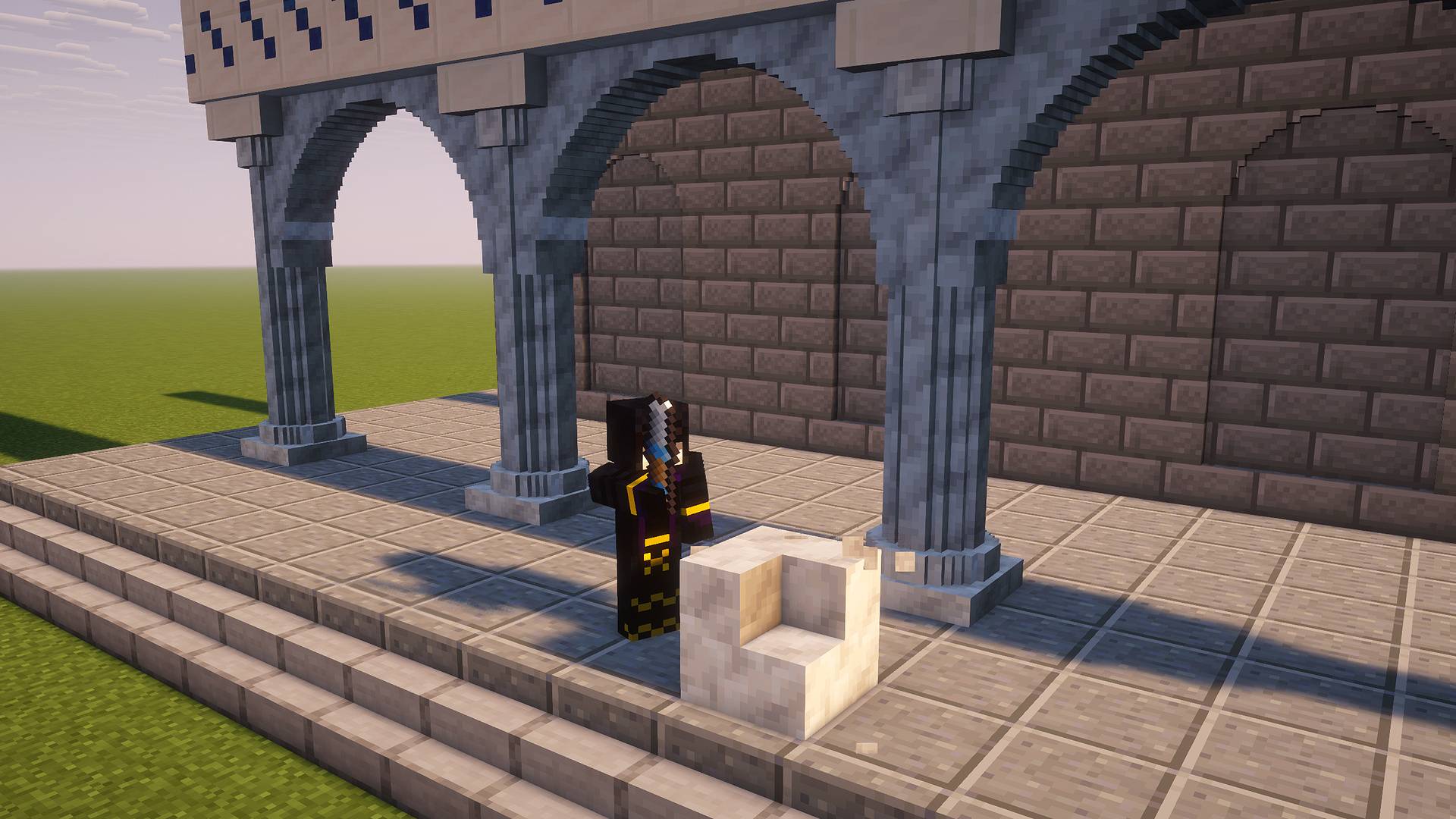
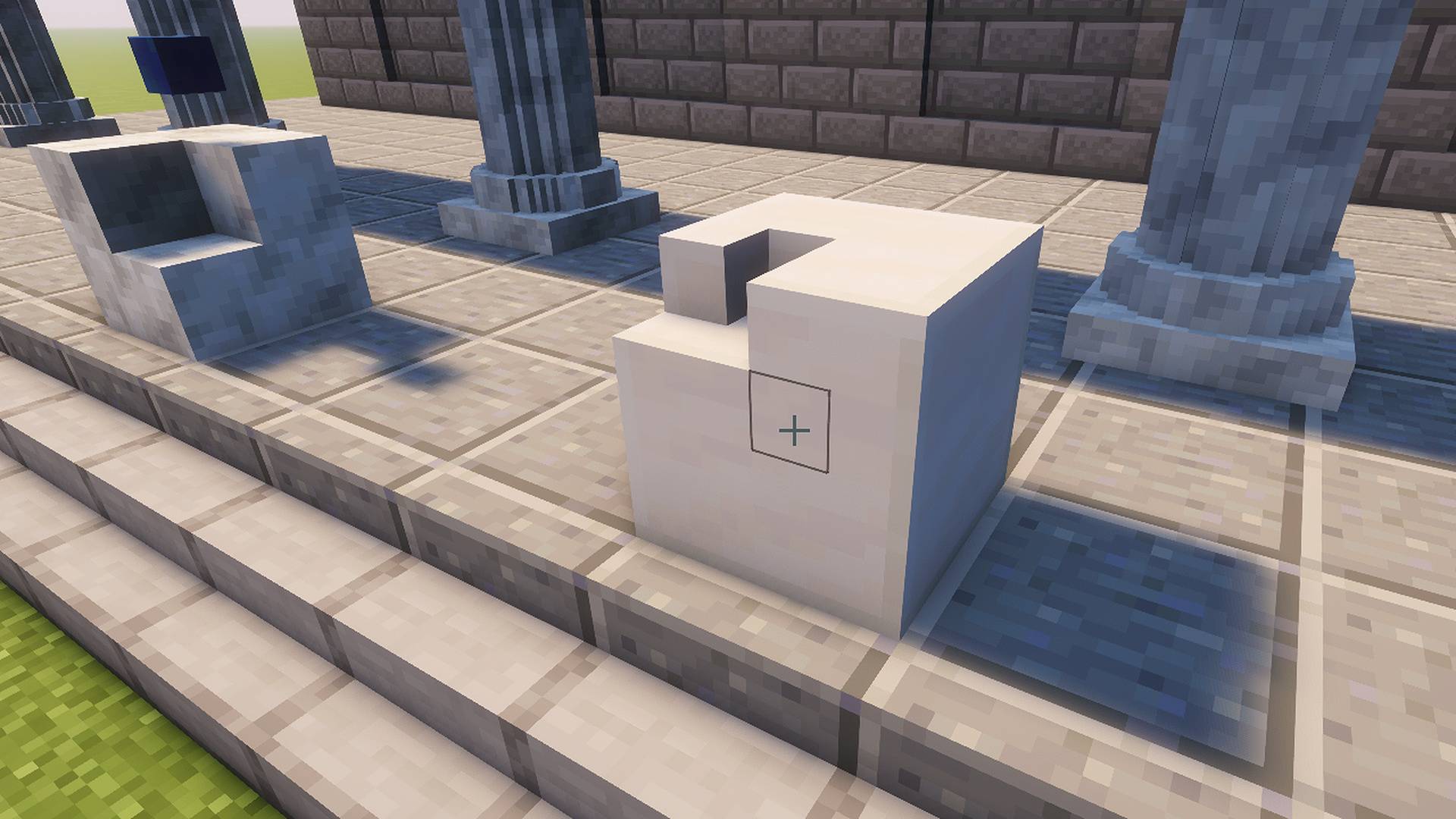
Chisel any block into pixels, 16 to a side, and mix materials inside a single block. Carve lines, planes, cubes and spheres, keep every pixel, copy and print patterns.
截图
介绍


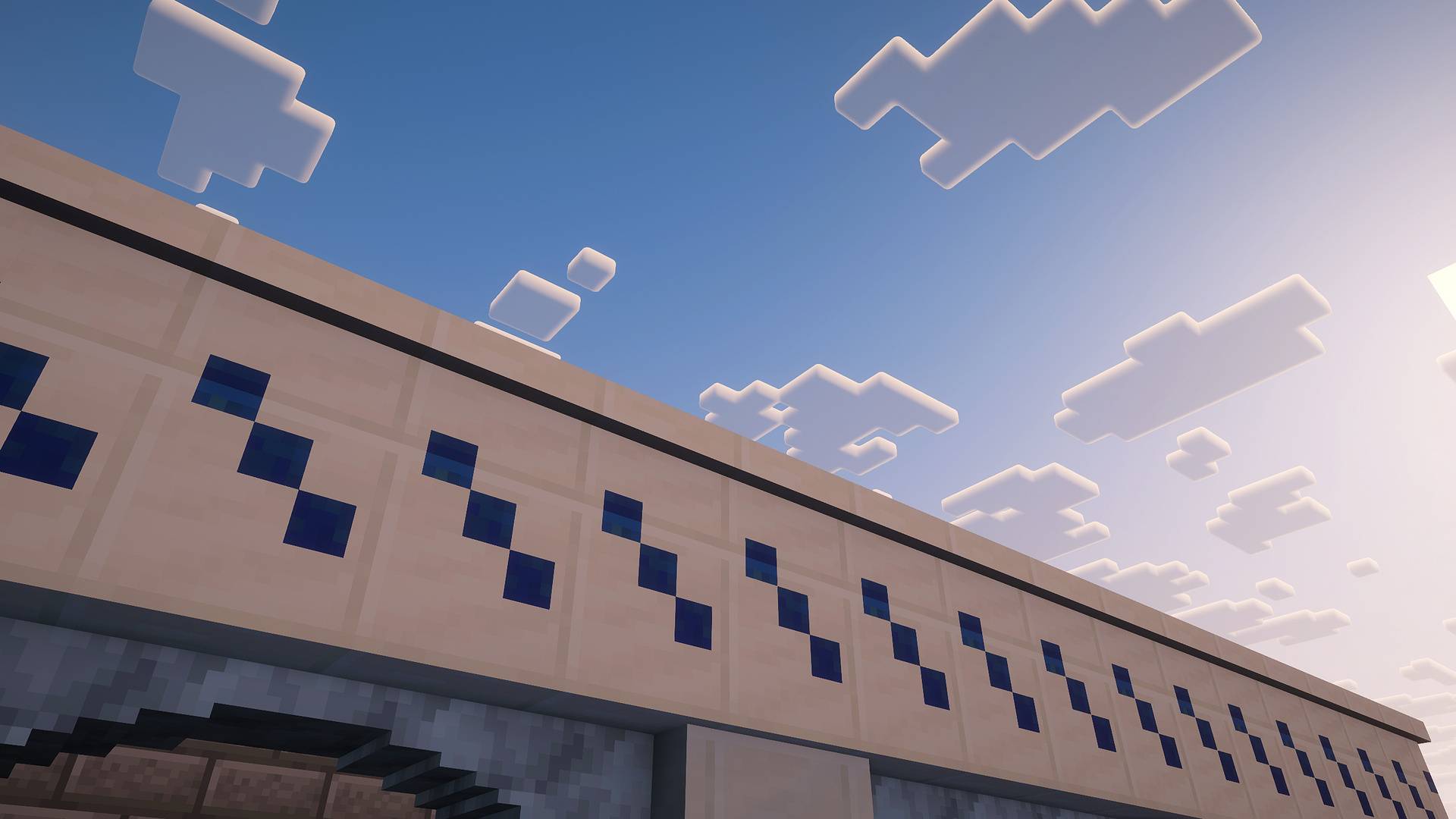
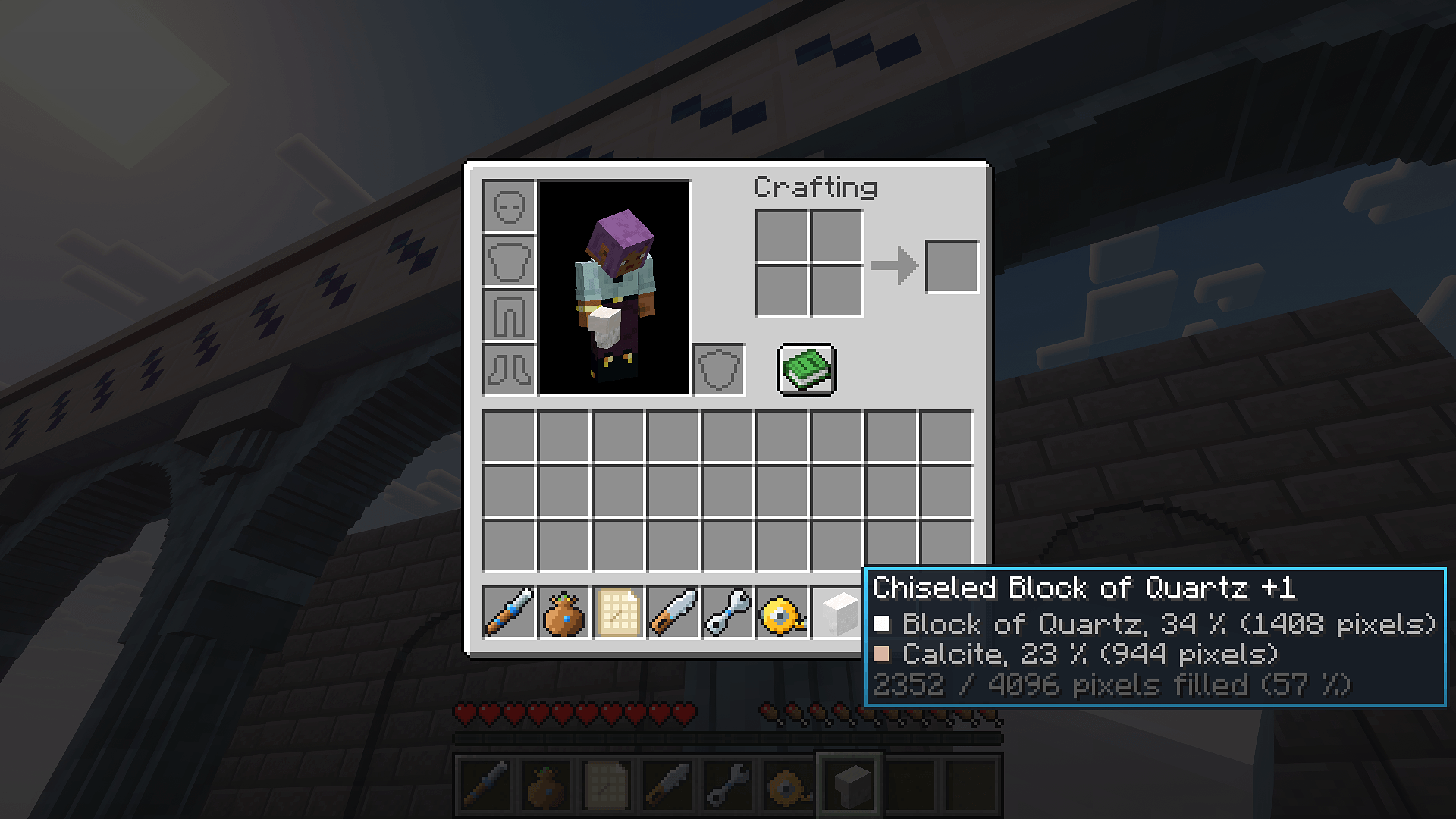
Chiseled Blocks lets you chisel any block into pixels, 16 to a side, and mix materials inside a single block.
Chisel any block, pixel by pixel.
Inspired by Chisels & Bits, written from scratch.


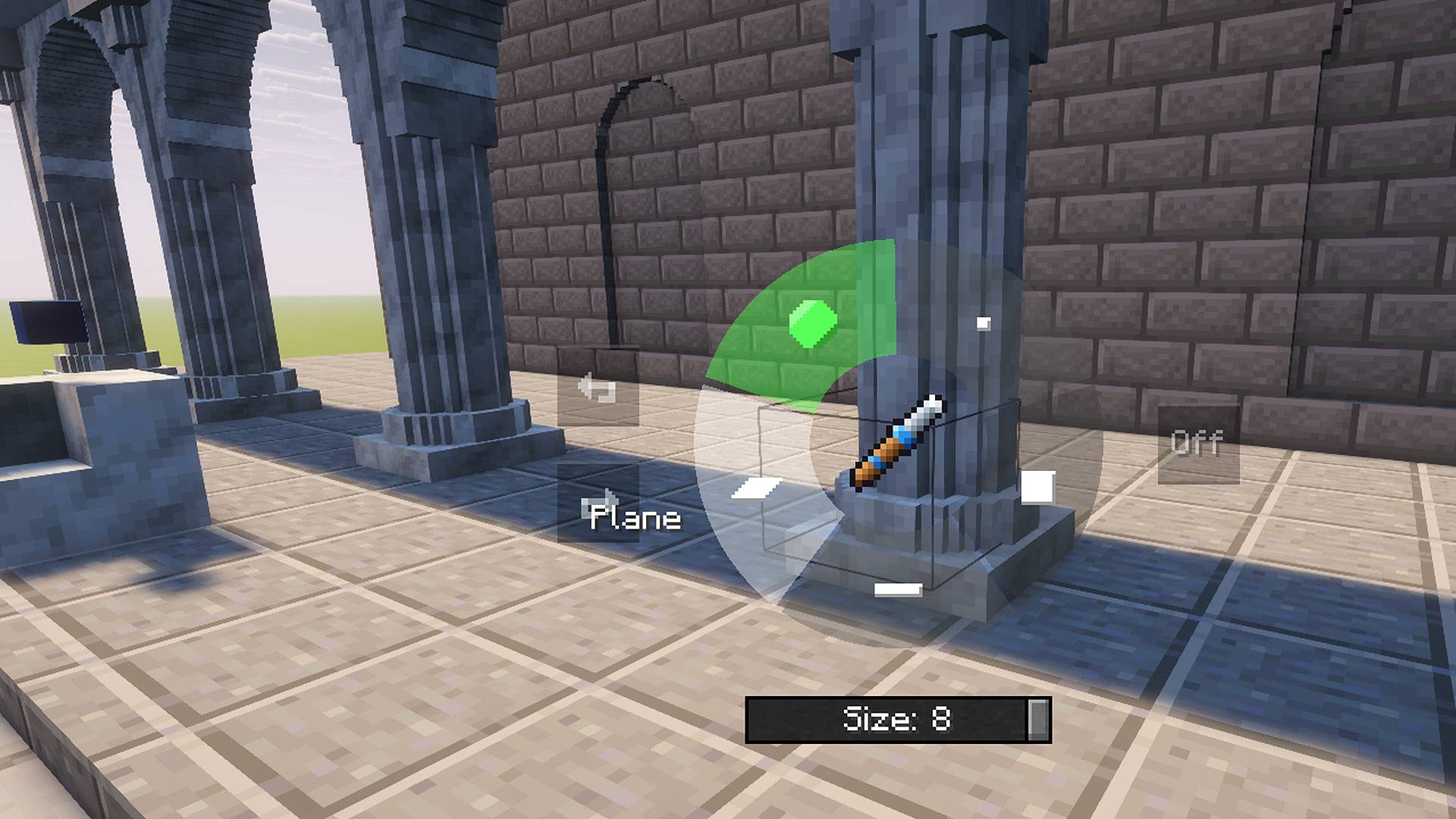
 Chisel: single pixel, line, plane, cube or sphere, from 1 to 8 pixels.
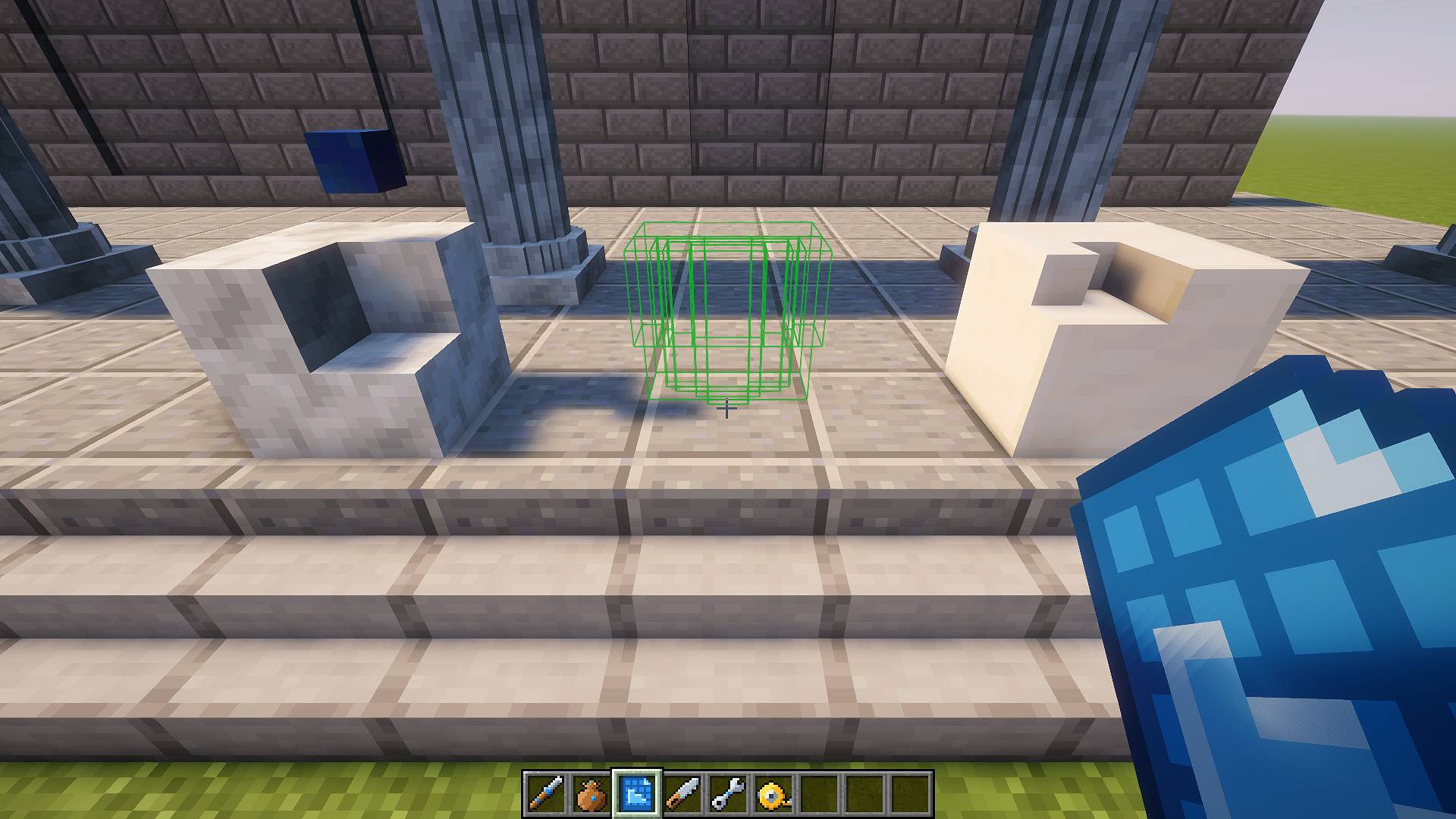
 Pixels and bag: every pixel is kept; place them back by hand, in lines, planes or boxes.
 Patterns: copy a chiseling, print it again or carve with it.
 Tools: mirror, wrench, saw, tape measure, and undo for the last 64 actions.


 Shared meshes: identical chiselings share one mesh and one collision shape.
 Light updates: an edit rebuilds its section once and sends only what changed.
 Compatible: checked with Sodium, Iris, ModernFix, WorldEdit and KubeJS.

1. Craft an iron chisel and left click a block to carve it.
2. Hold Left Alt for the tool menu: mode, size, mirror, undo.
3. Keep a pixel bag in your inventory and right click with it to place pixels.

Create Addon
Chiseled Blocks: Create, a separate download, cuts whole blocks into pixels with Create machines.

Chiseled Blocks permet de ciseler n’importe quel bloc en pixels, 16 par côté, et de mêler plusieurs matériaux dans un seul bloc.
Ciselez n’importe quel bloc, pixel par pixel.
Inspiré de Chisels & Bits, écrit de zéro.

Ciseau : pixel seul, ligne, plan, cube ou sphère, de 1 à 8 pixels.
Pixels et sac : chaque pixel est gardé ; reposez-les à la main, en lignes, plans ou boîtes.
Modèles : copiez une sculpture, imprimez-la ailleurs ou taillez avec.
Outils : miroir, clé, scie, mètre ruban, et annulation des 64 dernières actions.

Maillages partagés : les sculptures identiques partagent un maillage et une forme de collision.
Mises à jour légères : une modification reconstruit sa section une fois et n’envoie que ce qui change.
Compatible : testé avec Sodium, Iris, ModernFix, WorldEdit et KubeJS.

1. Fabriquez un ciseau en fer et faites un clic gauche sur un bloc pour le tailler.
2. Maintenez Alt gauche pour le menu de l’outil : mode, taille, miroir, annulation.
3. Gardez un sac à pixels dans l’inventaire et faites un clic droit avec pour poser des pixels.
Extension Create
Chiseled Blocks: Create, un téléchargement à part, découpe des blocs entiers en pixels avec des machines Create.
Author / Auteur: NokhXyr | License / Licence: All Rights Reserved
常见问题
ChiseledBlocks 支持哪些 Minecraft 版本?
ChiseledBlocks 支持 Minecraft Java 版 1.21.1,可用的加载器:NeoForge。下载时注意选择和你游戏版本一致的文件。
ChiseledBlocks 怎么安装?
先用 PCL2 或 HMCL 启动器安装对应版本的 NeoForge,再把下载的 .jar 文件放进游戏目录的 mods 文件夹,重新启动游戏即可。开启了版本隔离的,mods 文件夹在 versions/版本名 下面。
NokhXyr 的其他作品
查看全部 →
MostLight
71 decorative lamps in 16 colours: ceiling, wall, table and floor lights, LED strips and string lights, with switches, redstone control and coloured shader lighting.

WhereWasI
Never ask "where was I?" again. This client-side mod automatically journals your playthrough — builds, crafts, deaths — and greets you with a recap when you log back in. Works on any server, no server-side install.

WhereWasI
Never ask "where was I?" again. This client-side mod automatically journals your playthrough — builds, crafts, deaths — and greets you with a recap when you log back in. Works on any server, no server-side install.
评论
登录后评论和评分