Modpack Manager (Assets Manager)
A mod that lets you organize mods/modpacks/datapacks and resourcepacks in-game!
截图
介绍
Modpack Manager
Ever wanted to manage your mods without having to keep opening your Minecraft folder everytime?
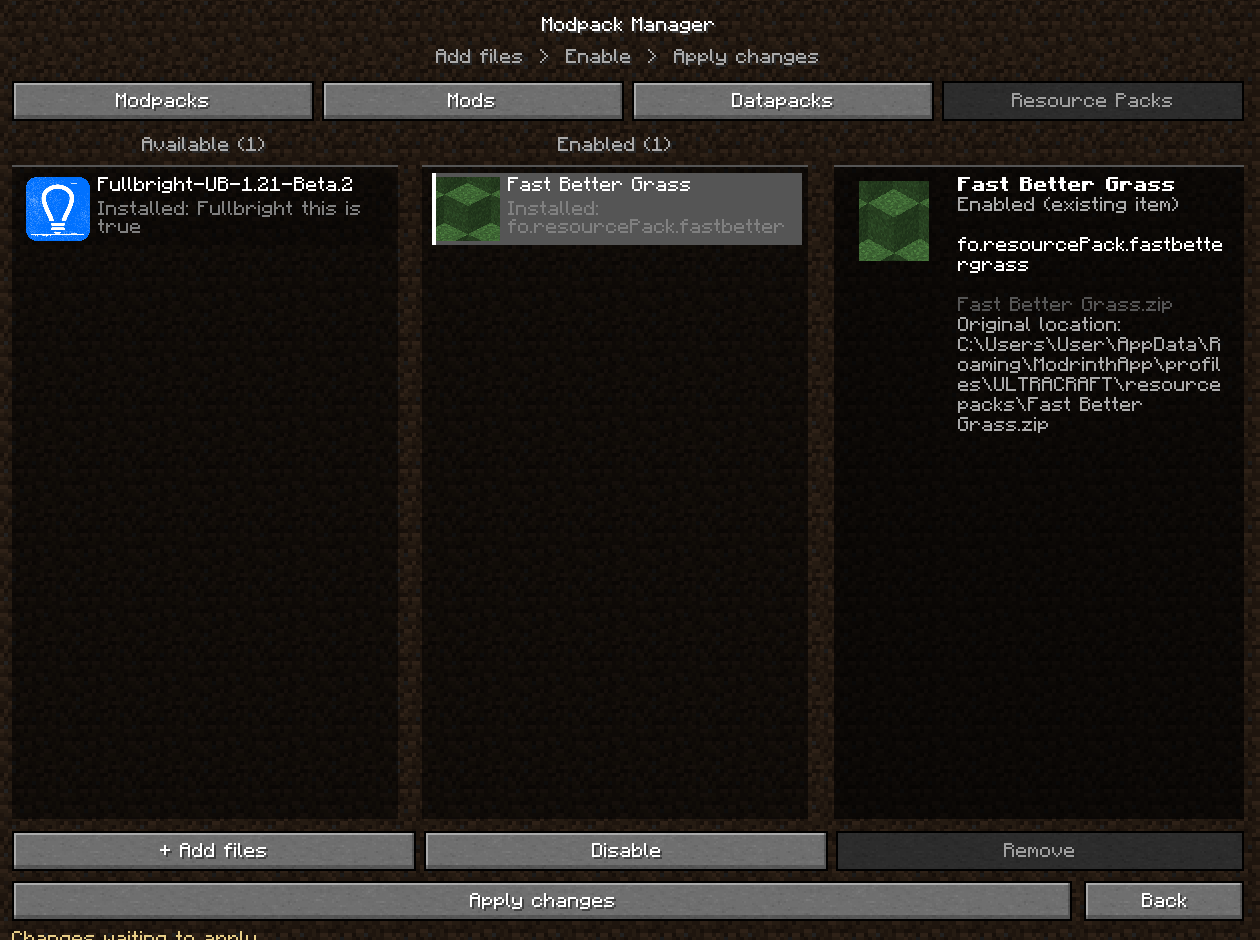
Modpack Manager adds a simple in-game manager that lets you enable, disable and manage mods, modpacks, datapacks and resource packs directly from Minecraft.
The goal is pretty simple: make managing your pack less annoying.
Features
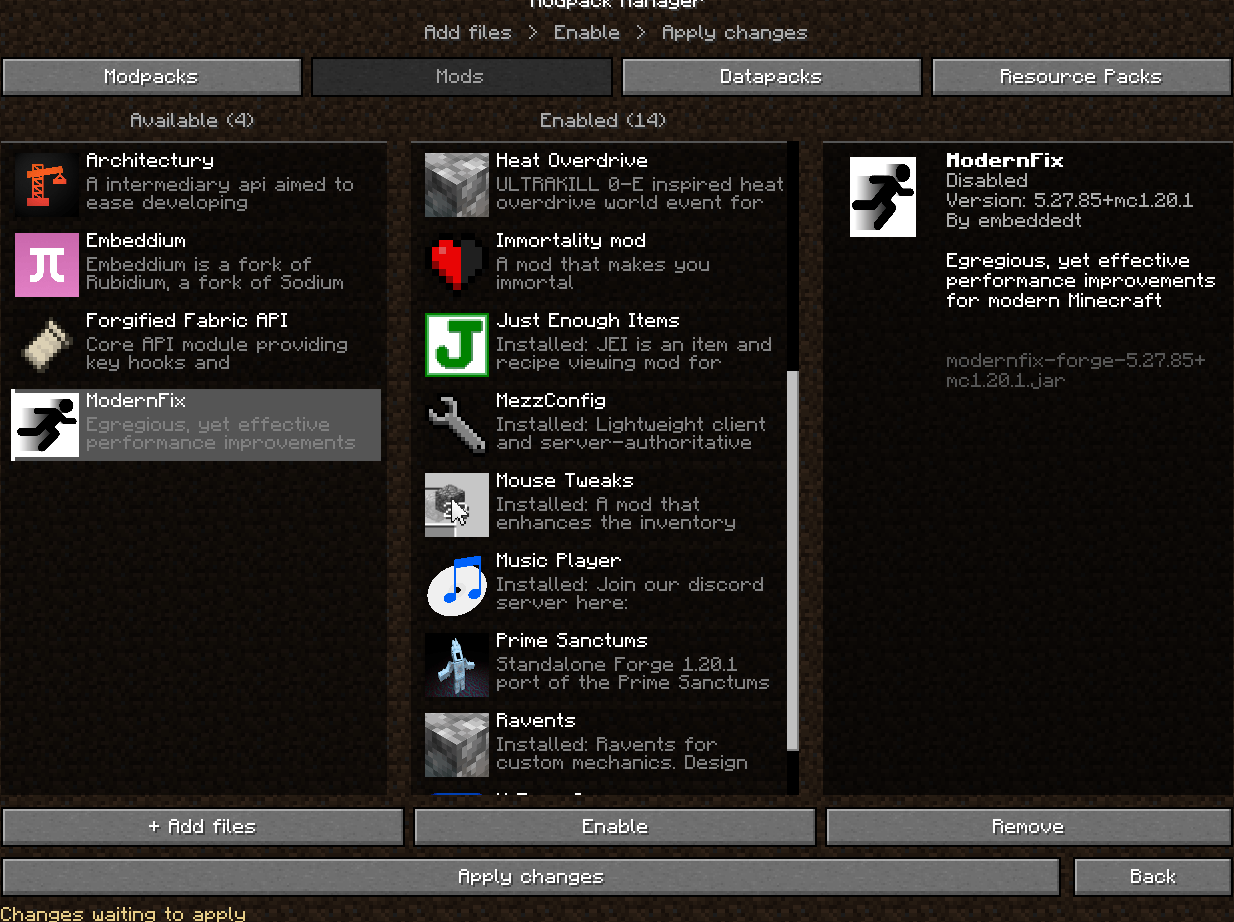
- Manage mods directly inside Minecraft
- Enable or disable .jar mods
- Manage entire modpacks
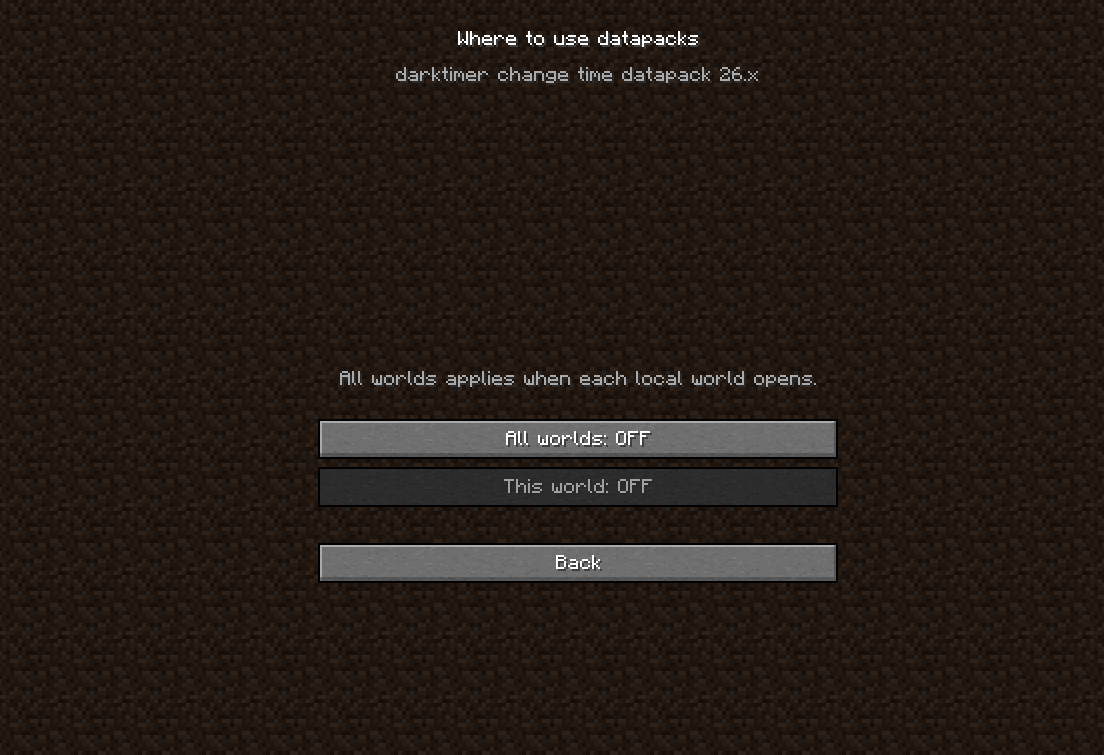
- Manage datapacks and resource packs
- See mod information like name, version, description and file name
- Add files directly through the manager
- Separate lists for available and enabled content
- Apply multiple changes at once
- Simple UI made to fit Minecraft’s style
How does it work?
For mods and modpacks that use .jar files, Minecraft needs to restart before the changes can actually take effect.
So if you enable or disable a mod, just apply the changes and restart the game. When Minecraft opens again, your changes will already be applied.
This is needed because mods are loaded when Minecraft starts, so they cant really be safely unloaded while the game is already running.
Why did I make this?
Mostly because constantly going into the mods folder, moving files around, renaming stuff or opening a launcher just to test different mods gets annoying pretty fast.
I wanted something that feels more integrated into the game itself, basically a small modpack manager built directly into Minecraft.
Important
Some changes require a restart, specially when enabling or disabling mods. Datapacks and resource packs may behave differently depending on what you’re changing.
If you find a bug or something doesnt work correctly, feel free to report it.
More features may be added later depending on what I feel like adding lol.
常见问题
Modpack Manager (Assets Manager) 支持哪些 Minecraft 版本?
Modpack Manager (Assets Manager) 支持 Minecraft Java 版 1.20.1,可用的加载器:Forge。下载时注意选择和你游戏版本一致的文件。
Modpack Manager (Assets Manager) 怎么安装?
先用 PCL2 或 HMCL 启动器安装对应版本的 Forge,再把下载的 .jar 文件放进游戏目录的 mods 文件夹,重新启动游戏即可。开启了版本隔离的,mods 文件夹在 versions/版本名 下面。
ToastedJohn 的其他作品
查看全部 →
Chunkbound
Makes finite Minecraft worlds with custom sizes, including modes like "Classic" "Old" (Pocket Edition 16x16) and "Custom"

JukePlus
Be able to play any minecraft song at any place, any time!

Universal Storage Search
Search and locate items across storage containers you've already opened
Annoying Spawners
Recreates old-school Minecraft spawner tricks with a creative editor for launching blocks, entities, items, potions, TNT and etc
评论
登录后评论和评分