
截图
介绍
JUKE+
This mod allows YOU (yes, you!) to play any Minecraft music, anywhere, anytime!
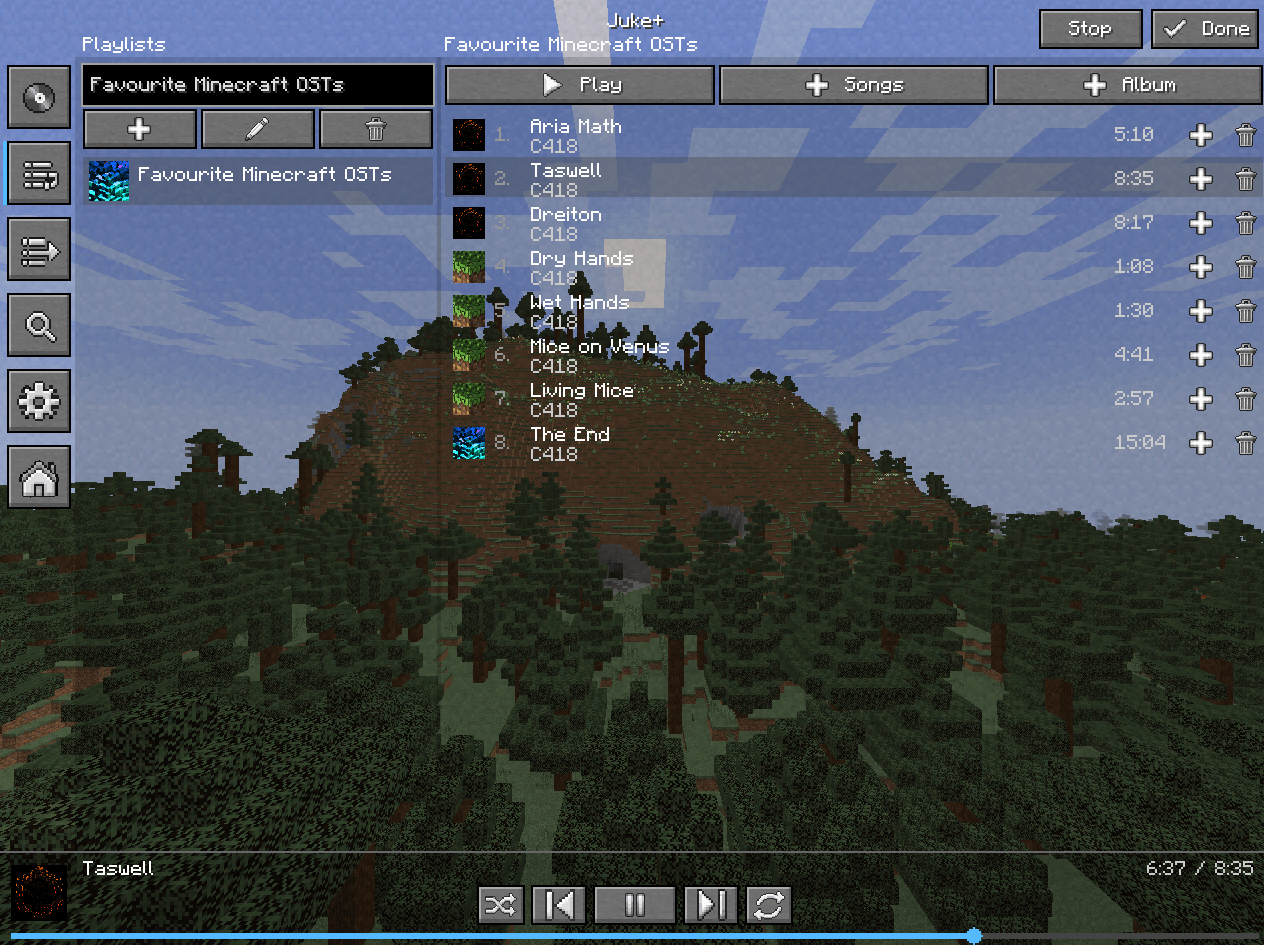
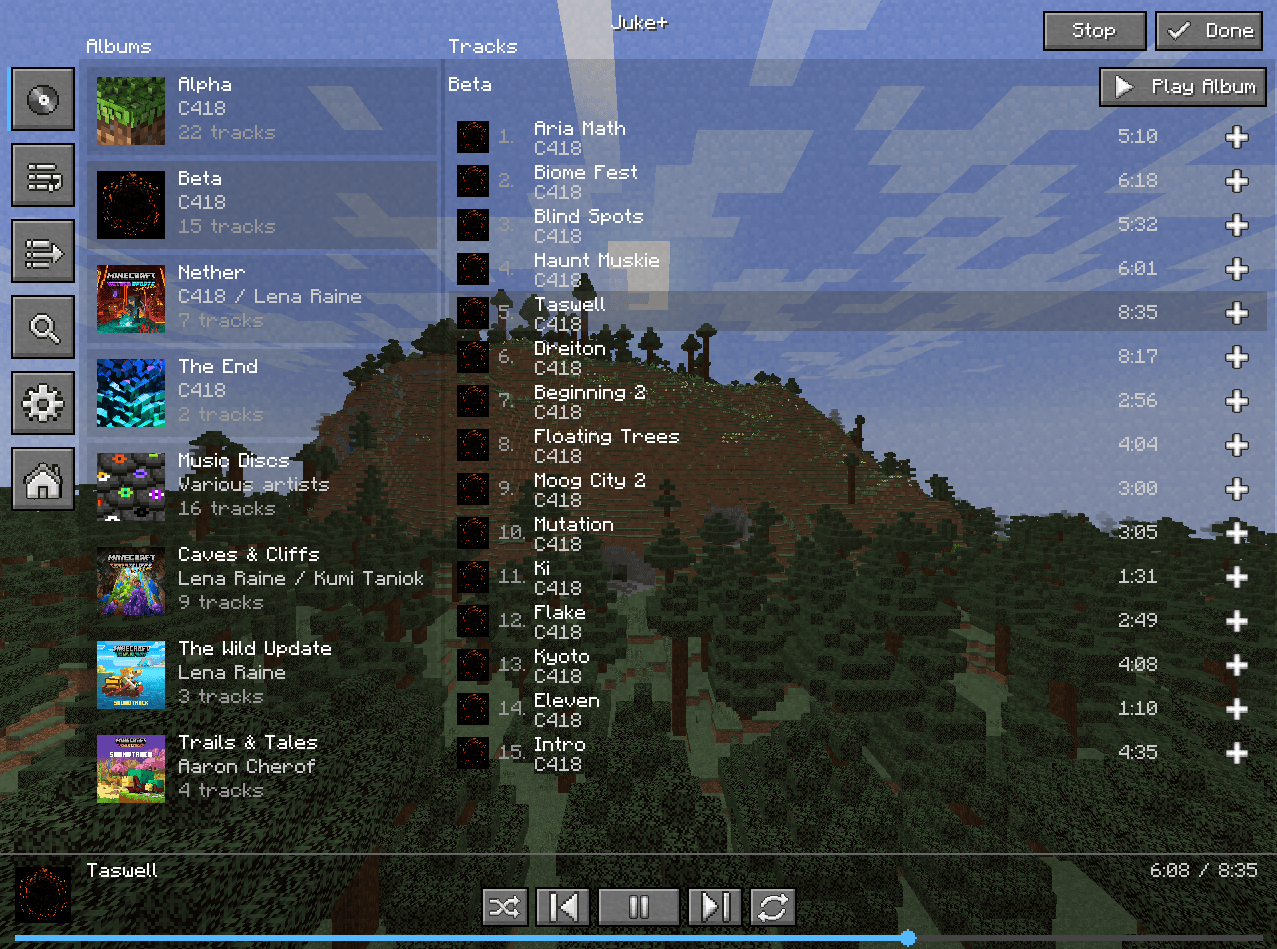
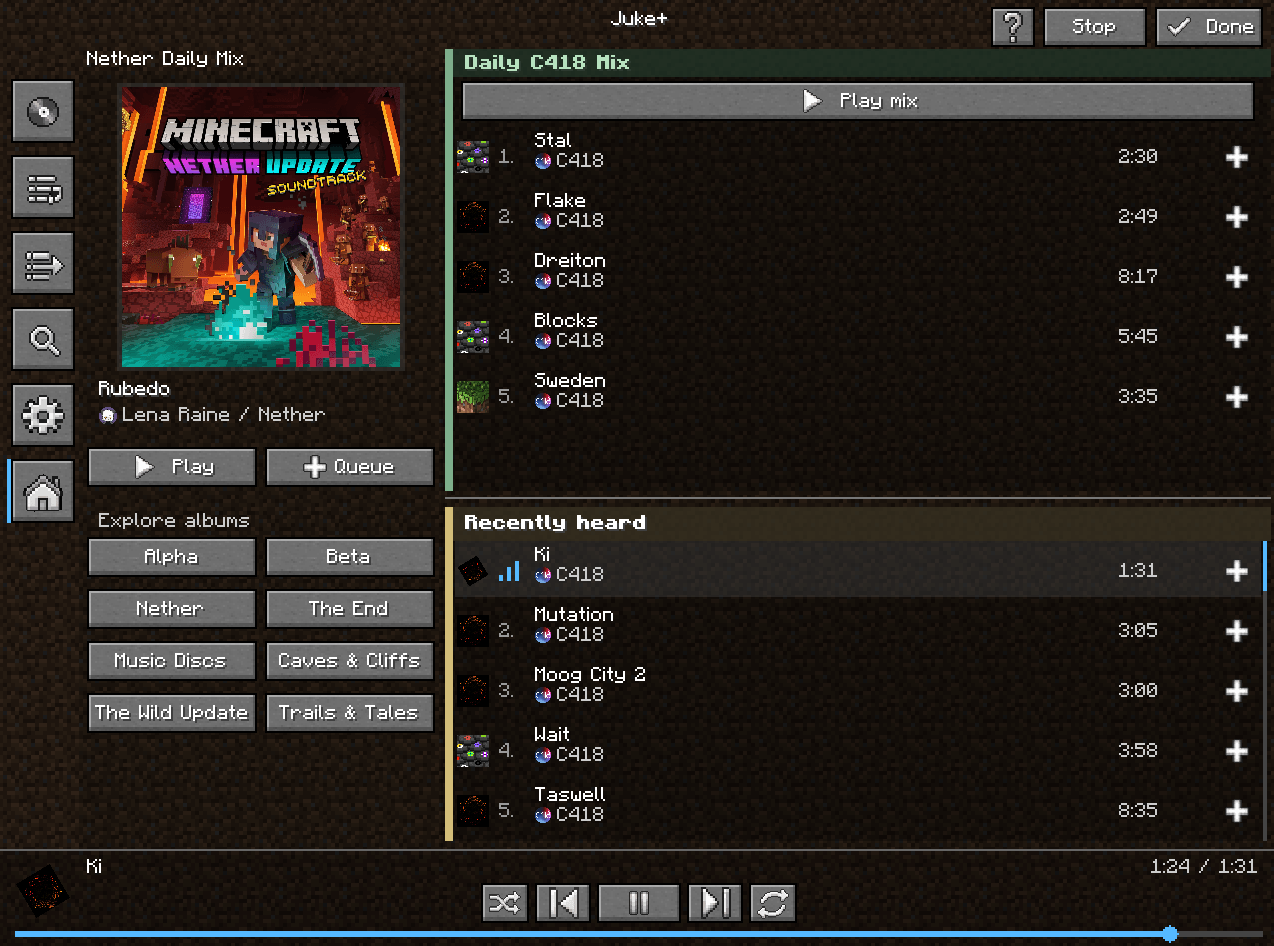
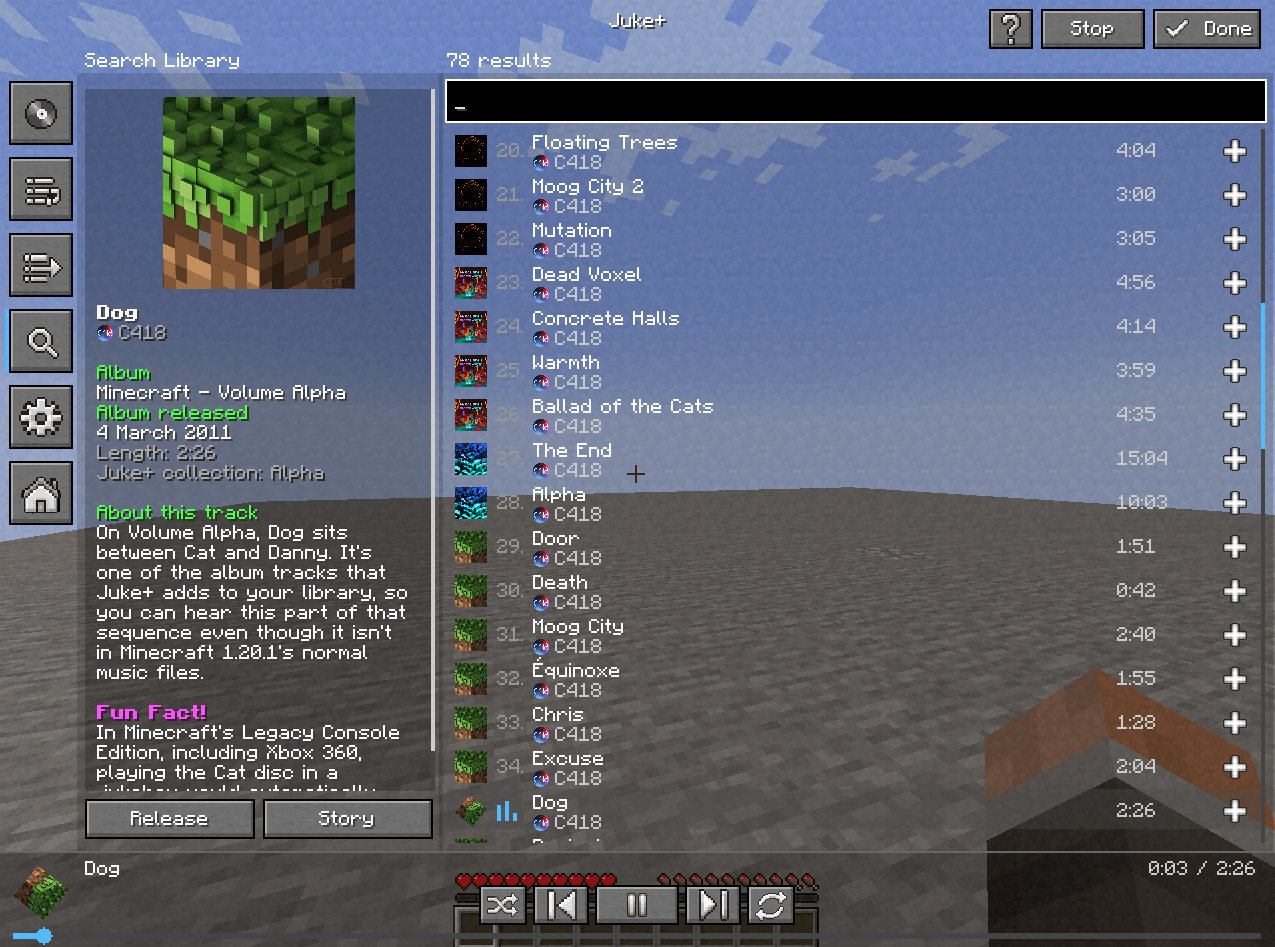
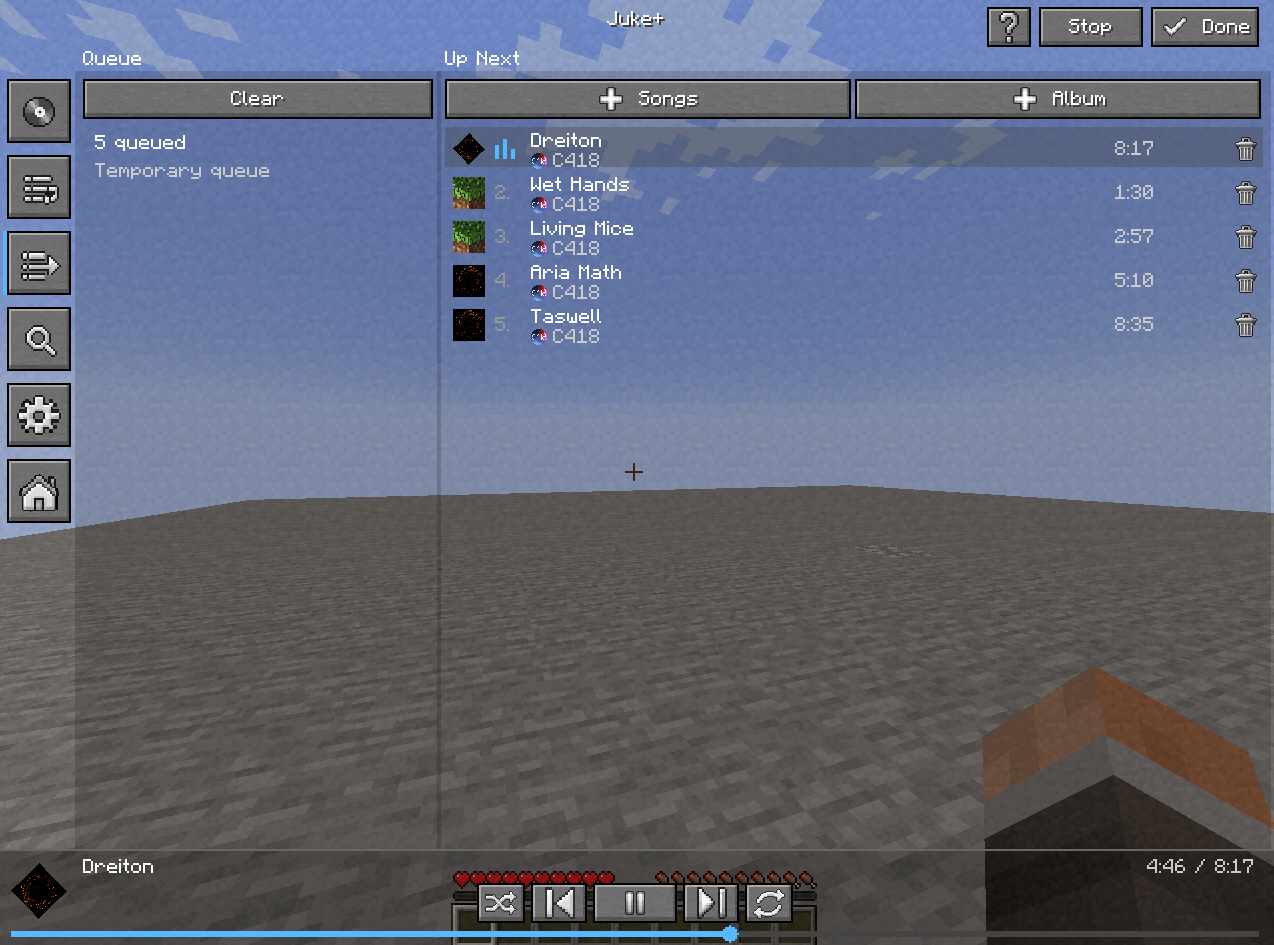
Juke+ gives you a custom panel made specifically for messing around with Minecraft’s music.
Tired of waiting 10–20 minutes for random RNG just so you can finally hear your favorite Minecraft song while playing? Then you eventually give up, search for it on a streaming platform, and mute Minecraft just so you can enjoy it?
Well, fear NOT, because Juke+ is the right mod for you!
To open the mod’s panel, simply press the “J” key. There are also buttons in the pause menu, main menu, and music options menu.
The music you’ll find ranges from C418 all the way to the newer Minecraft music artists. This mod also includes unused Minecraft OSTs, so feel free to listen to them if you want!
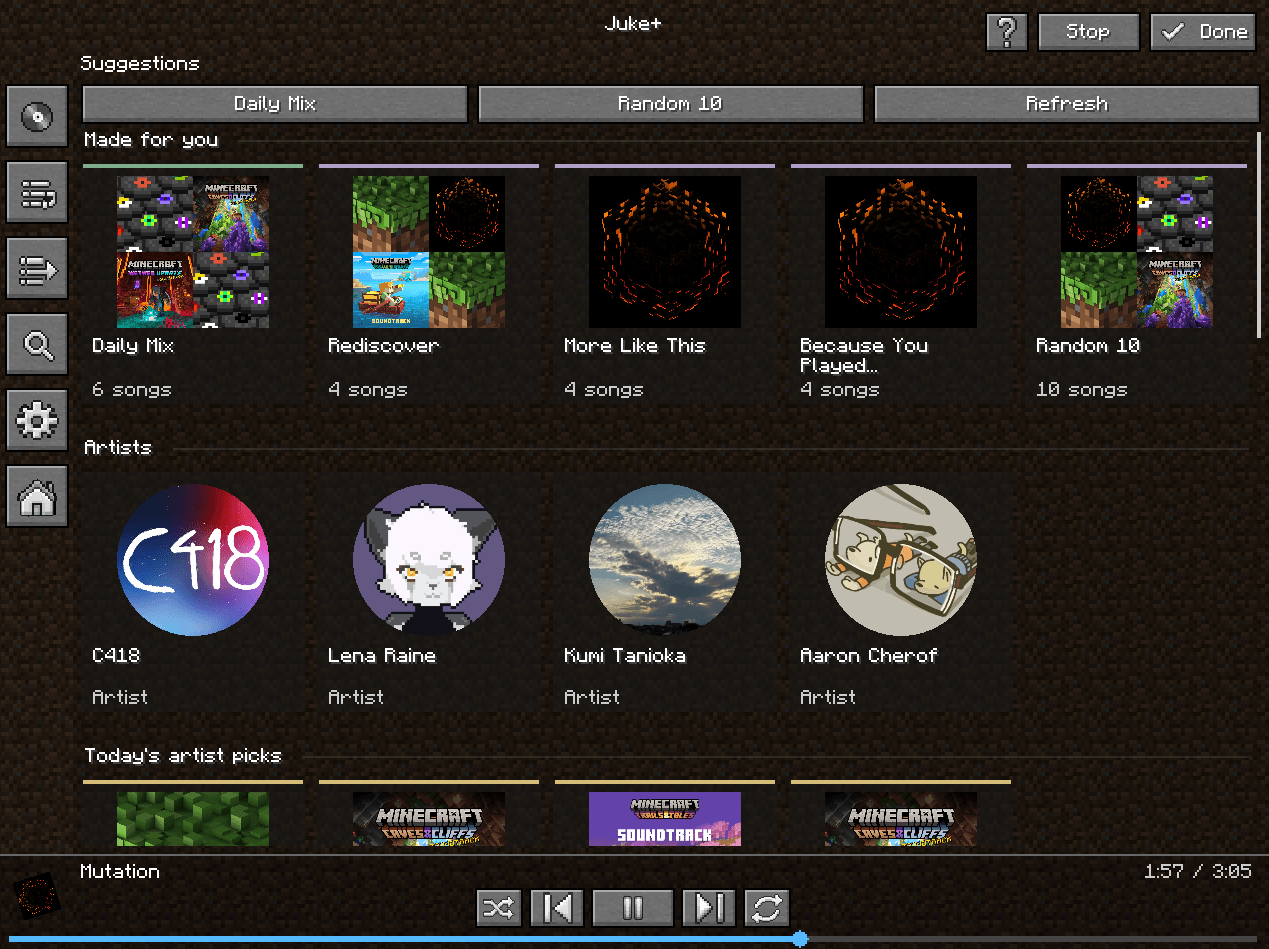
And if you don’t know what to choose, you can also listen to the Daily Mix the mod suggests for you, or even the Daily Song it picks for you.
Or, if you’re a boring boomer, just stick with the normal Minecraft RNG, whatever.
This mod also gives you access to the entire collection of music discs in the game without needing to actually have them!
(Who needs to collect music discs when you’ve got this?)
Juke+ is fully client-side, so you’re able to use it on multiplayer servers without causing any issues or affecting the server in any way.
BUT THAT’S NOT ALL!
Ever wondered about the story behind your favorite Minecraft tracks? Who made them, what inspired them, or where you can find more of their music?
Well, now you can!
Juke+ lets you discover the stories behind the tracks you listen to, right from within the mod!
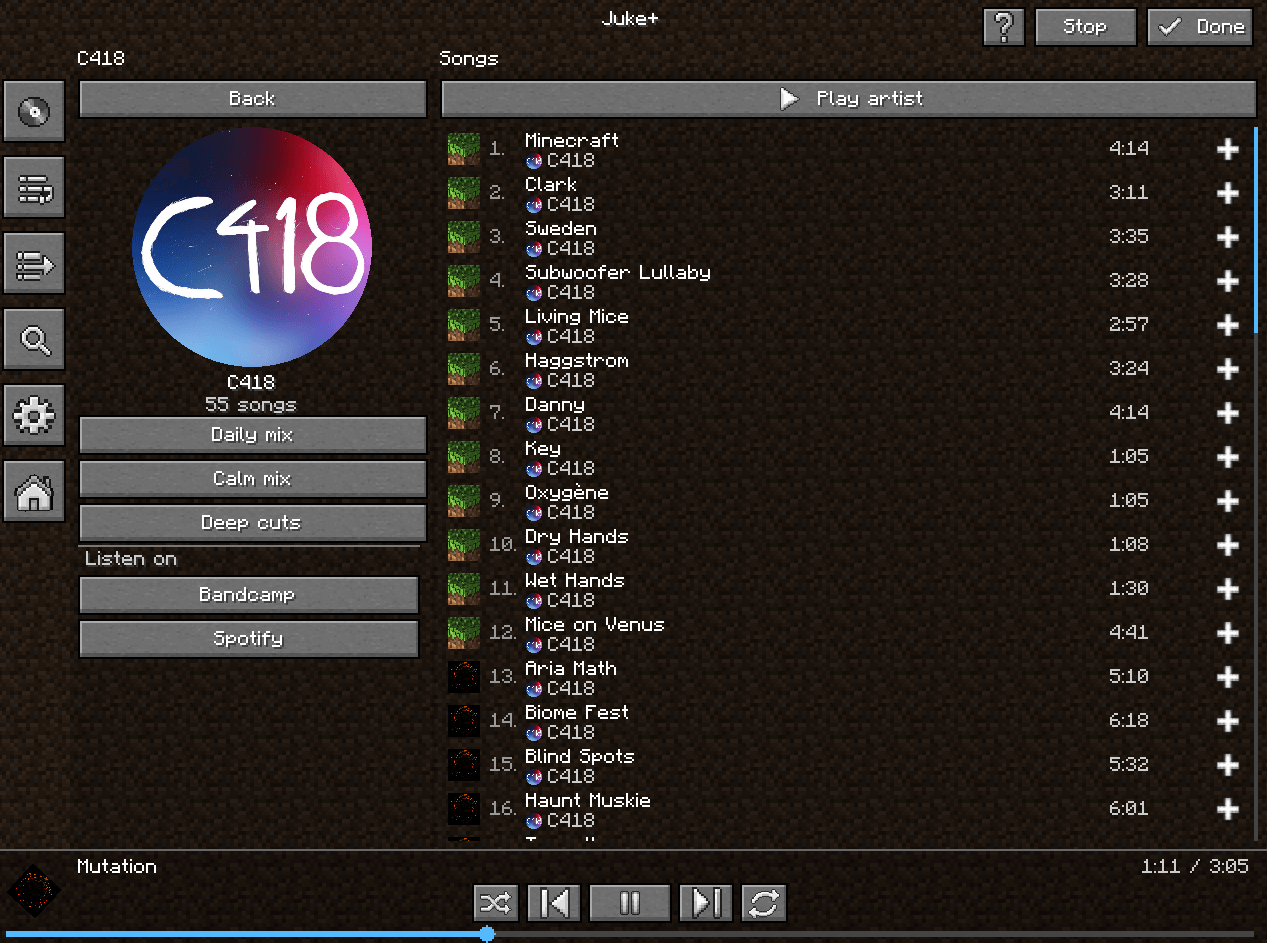
You can also check out dedicated profiles for the artists themselves, take a look at the external platforms where they share their music, and see all the music they’ve contributed to Minecraft for the specific game version you’re currently playing.
常见问题
JukePlus 支持哪些 Minecraft 版本?
JukePlus 支持 Minecraft Java 版 1.20.1,可用的加载器:Forge。下载时注意选择和你游戏版本一致的文件。
JukePlus 怎么安装?
先用 PCL2 或 HMCL 启动器安装对应版本的 Forge,再把下载的 .jar 文件放进游戏目录的 mods 文件夹,重新启动游戏即可。开启了版本隔离的,mods 文件夹在 versions/版本名 下面。
ToastedJohn 的其他作品
查看全部 →
Chunkbound
Makes finite Minecraft worlds with custom sizes, including modes like "Classic" "Old" (Pocket Edition 16x16) and "Custom"

Universal Storage Search
Search and locate items across storage containers you've already opened
Annoying Spawners
Recreates old-school Minecraft spawner tricks with a creative editor for launching blocks, entities, items, potions, TNT and etc
Modpack Manager (Assets Manager)
A mod that lets you organize mods/modpacks/datapacks and resourcepacks in-game!
评论
登录后评论和评分