
截图
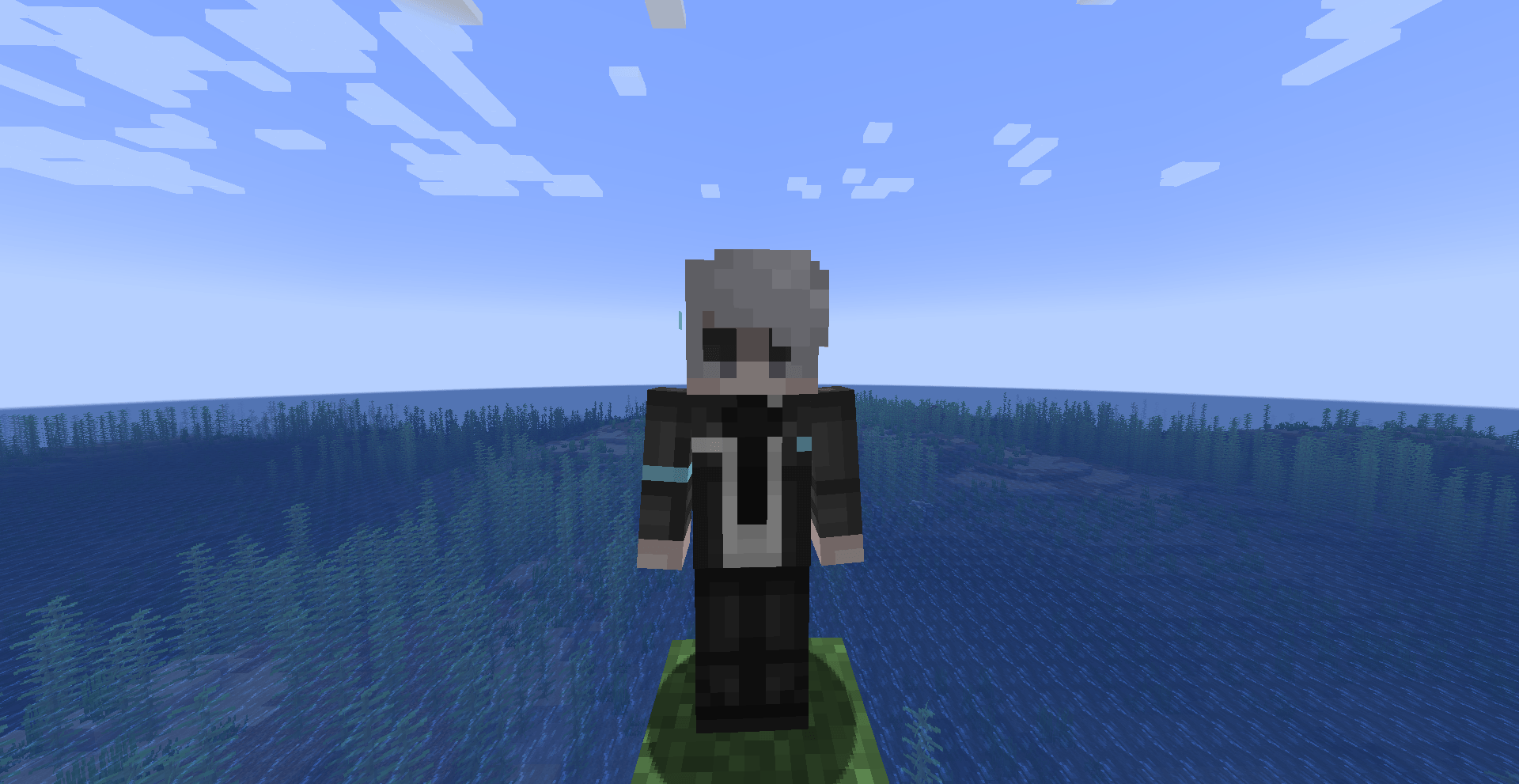
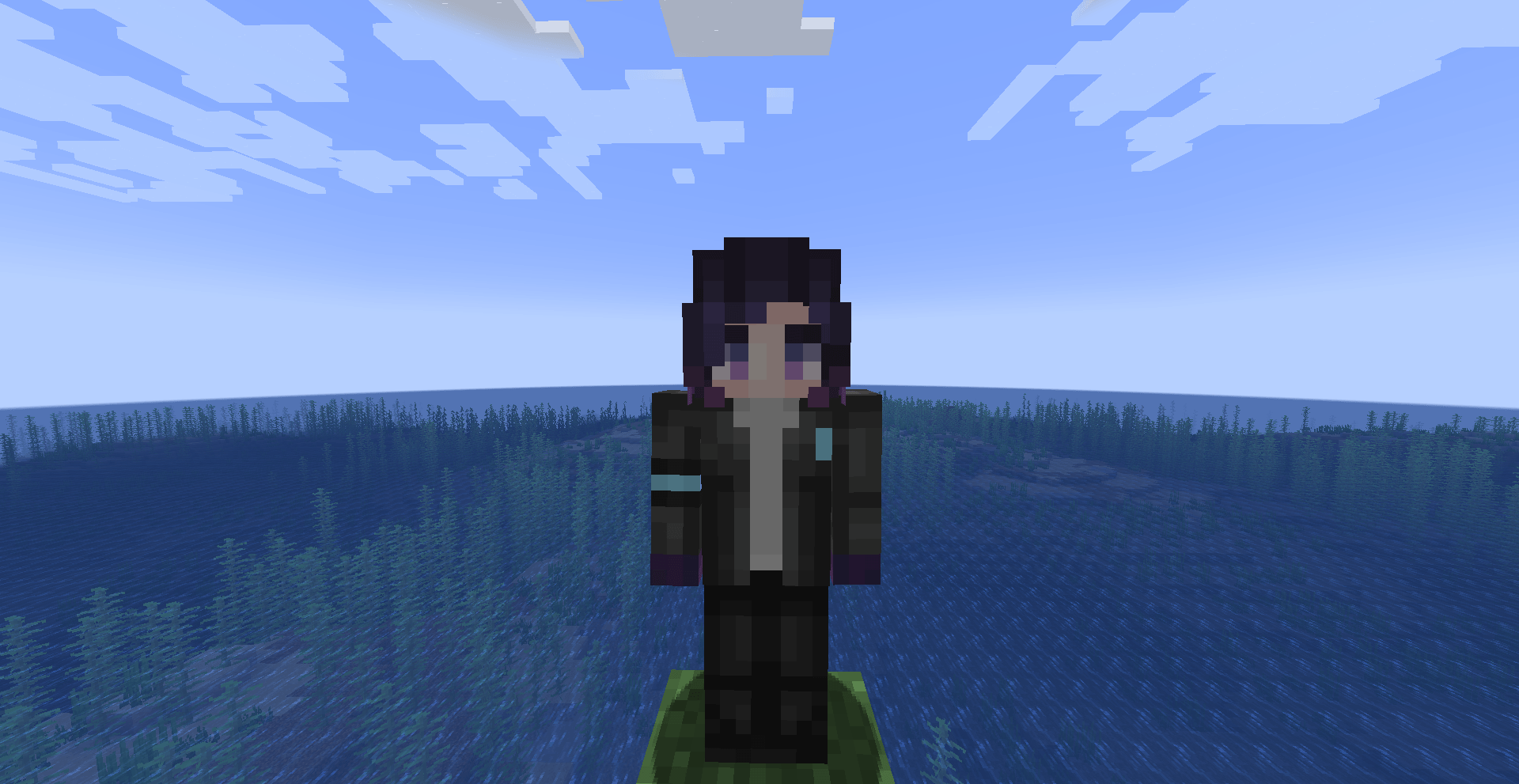
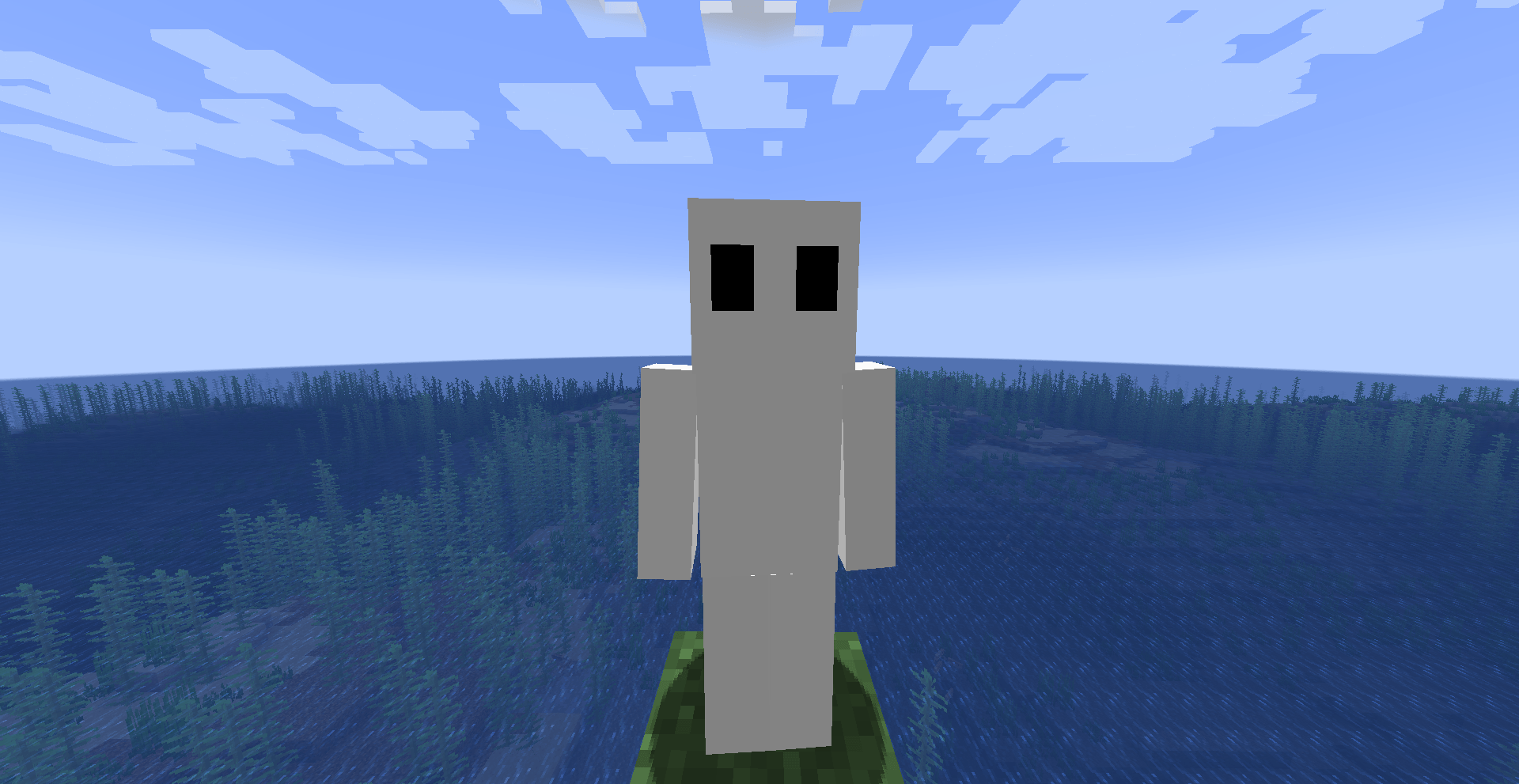


介绍

Mit’s Synths – Minecraft: Become Players
Mit’s Synths is a Minecraft Forge mod that adds Synths (robots) from popular games and TV shows such as Detroit: Become Human and Humans. These Synths are able to follow you around, act as an extra inventory, and protect you from dangers. But be warned, treat them badly, and you may have an uprising on your hands.
Want to play with friends? Try Godlike.Host

Features
- Synths: Synthetic robots that will aid you in your day-to-day activities. Whether it be carrying your luggage, protecting you from mobs, or even just being a friend, they can do it!
- Synth Personalization: During the setup process, you are able to select different options for your synth. Such options include their name and gender.
- Synth Inventories: As they walk around, Synths will pick up items left on the floor and store them in their inventories. These inventories can be accessed by crouching and right-clicking a synth with an empty hand. Please note, you must own the Synth to do this. They will also drop their inventories upon death.
- Synth Protectors: When you attack or are attacked by a mob, your nearby synths will come to your aid and attempt to assist you.
Synth Instructions
When communicating with your synth, it is important to state their name with each instruction. Then again, you could just say “synths” and all of your owned synths in a 25-block radius will follow that command.
- stay: Tell your synth/s to stay where they are and not move.
- follow: Tell your synth/s to follow you around.
- roam: Tell your synth/s to roam around randomly. (careful not to lose them)
Examples: _phrasing doesn’t have to match but it must have the name and the instruction_
- “_Alex stay_“, “_Alex please stay_” – Tell your synth (Alex) to stay.
- “_Synths stay_“, “_Synths, stay._” – Tell all your synths to stay. _(within 25 blocks)_
常见问题
Mit’s Synths 支持哪些 Minecraft 版本?
Mit’s Synths 支持 Minecraft Java 版 1.20.1,可用的加载器:Forge / NeoForge。下载时注意选择和你游戏版本一致的文件。
Mit’s Synths 怎么安装?
先用 PCL2 或 HMCL 启动器安装对应版本的 Forge / NeoForge,再把下载的 .jar 文件放进游戏目录的 mods 文件夹,重新启动游戏即可。开启了版本隔离的,mods 文件夹在 versions/版本名 下面。运行环境:客户端和服务端都要装。
Mitlit 的其他作品
查看全部 →
Maleficium: Vampires, Magic & More!
Adds magic and vampires into Minecraft.

Maleficium: Vampires, Magic & More!
Adds magic and vampires into Minecraft.

Craftable Command Block
Adds a crafting recipe for the command block.

Bubbled
Adds bubbles that can hold your items and be sent back home with a flick of your wrist. Inspired by Steven Universe.
评论
登录后评论和评分