
Machine Metrics
Machinemetrics is a lightweight, high-performance telemetry and diagnostics HUD for industrial machines.
截图
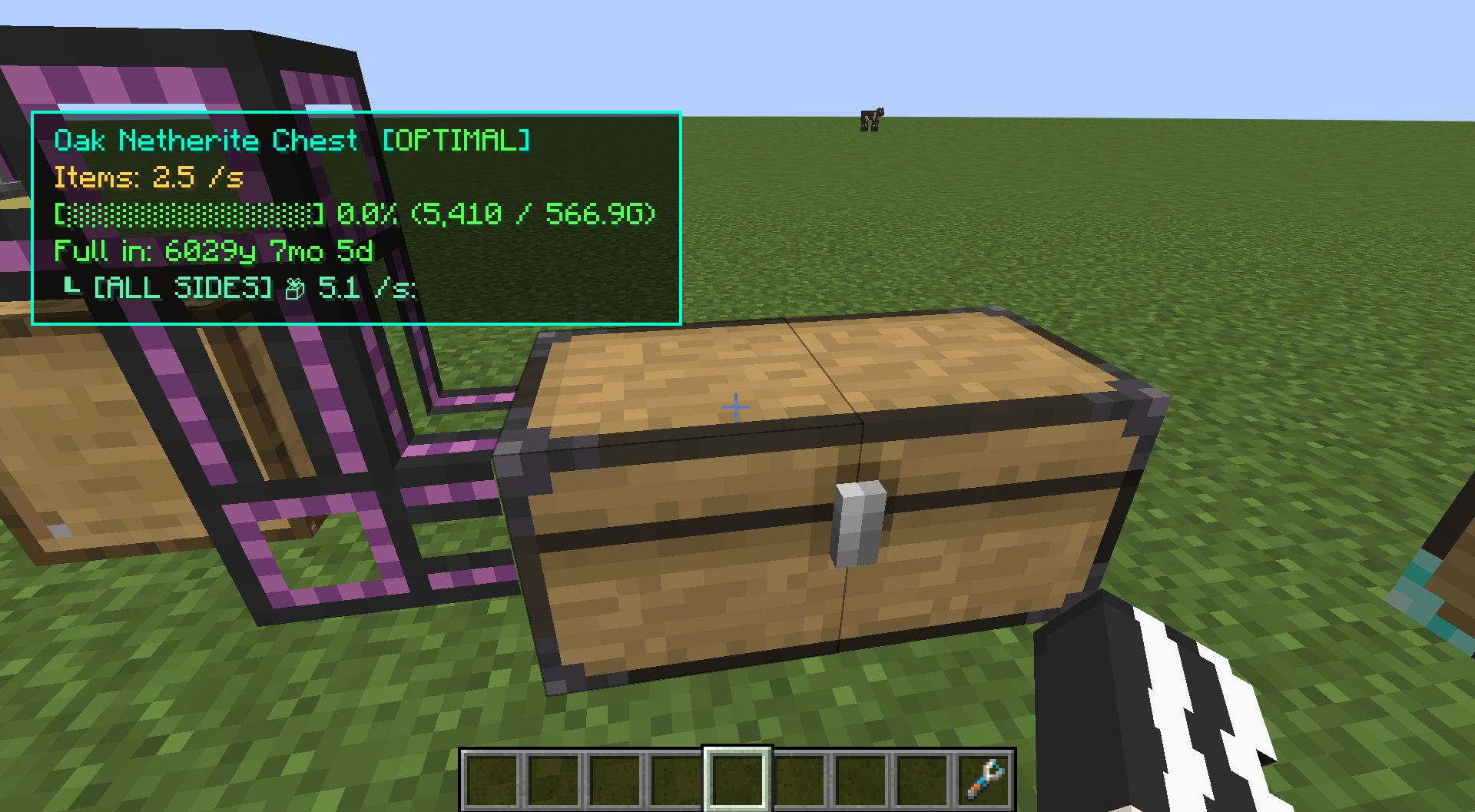
介绍
Machine Metrics
A client-server telemetry HUD that inspects real-time throughput, energy transfer, and kinetic networks directly without opening machine interfaces.
Features
-
Kinetic Diagnostics (Create):
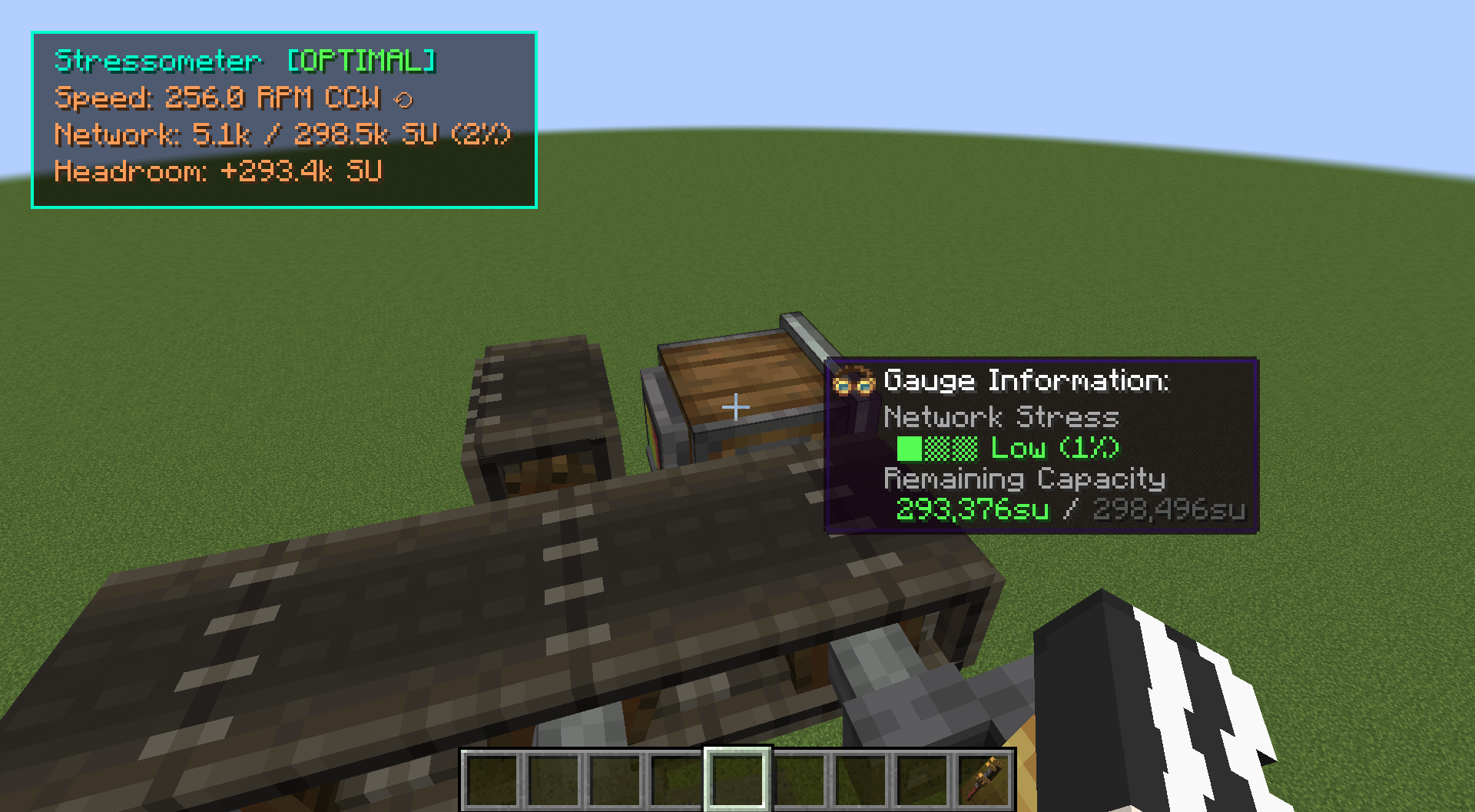
- Displays rotation speed (RPM) and direction (CW / CCW, with per-face gearbox modifier detection).
- Measures network-wide stress capacity and load (SU) across gear ratios and multi-engine setups.
- Separates individual machine load from total kinetic network capacity.
- Shows
OVERSTRESSEDstate and remaining capacity headroom.
-
Network Telemetry (Applied Energistics 2):
- Real-time ME cable channel usage and limits.
- Grid power drain monitoring and average usage telemetry.
-
Energy & Fluid Throughput:
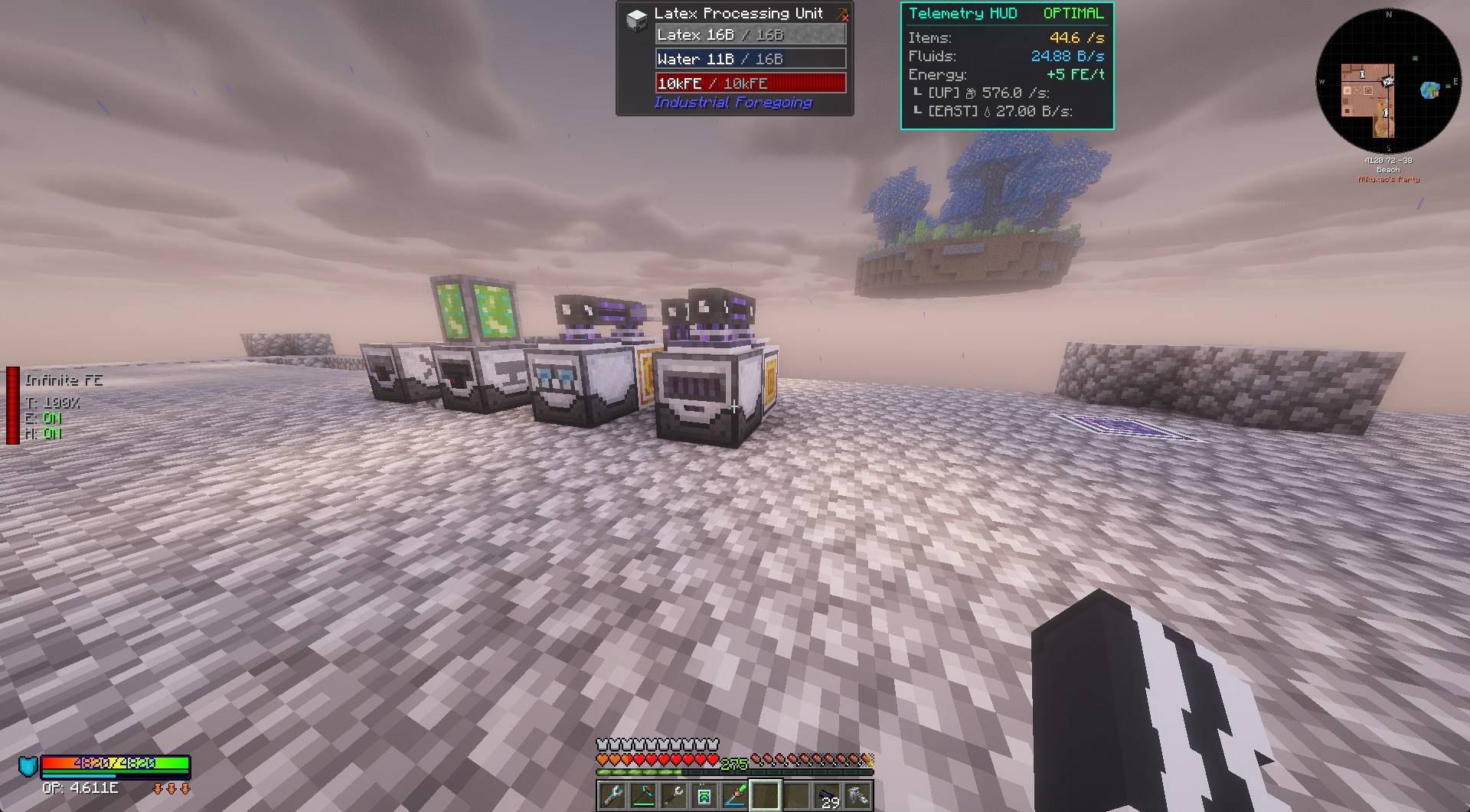
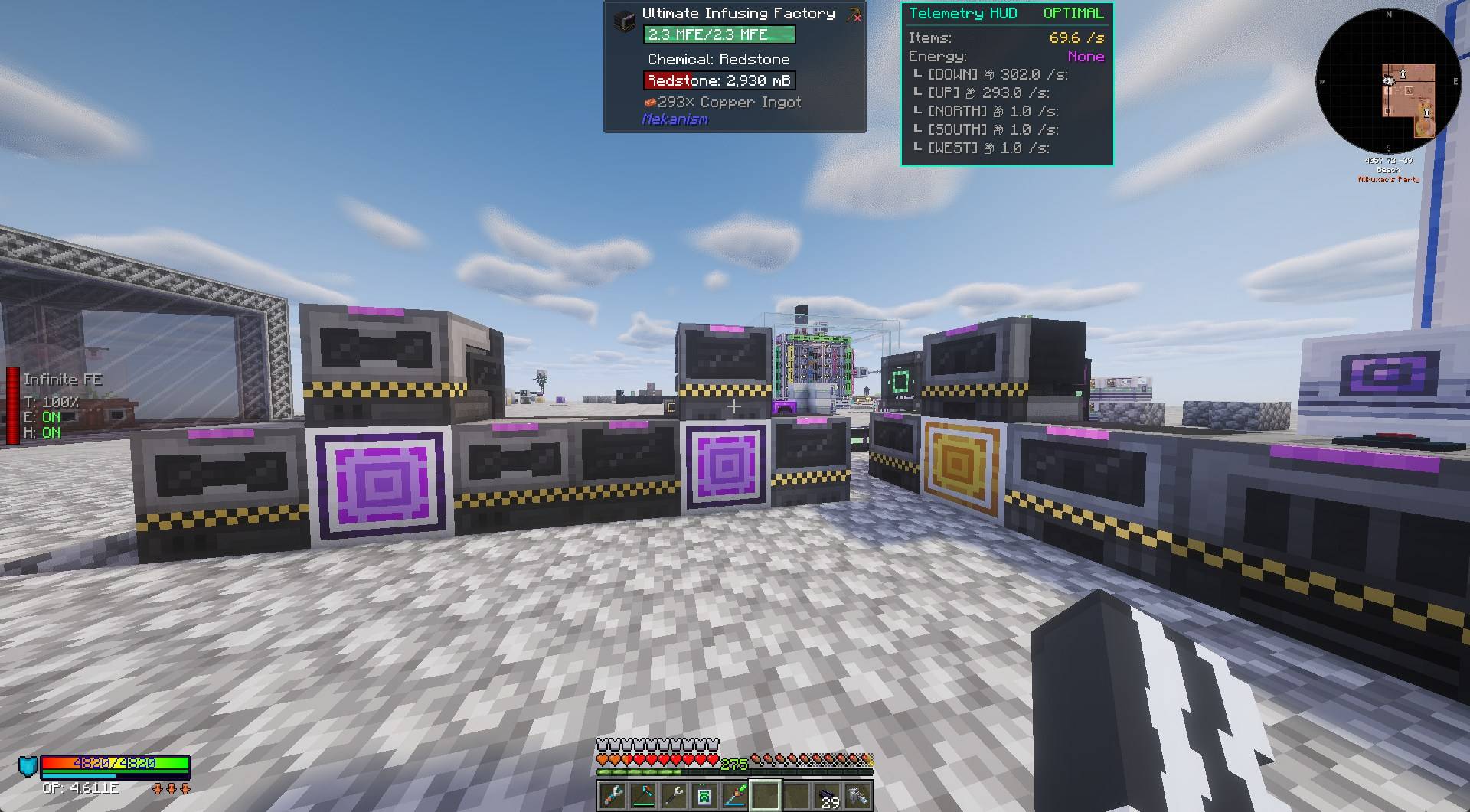
- Tracks live transfer rates for FE/t, Items/s, and Fluid (mB/s).
- Supports per-face inspection on directional blocks.
- Reads Mekanism chemicals (Gases, Infuse Types, Pigments, and Slurries).
-
Operational Status Indicators:
OPTIMAL: Running within capacity.STARVED: Missing input items, fluid, or kinetic power.CLOGGED: Output buffer or connected line is full.IDLE: Inactive (metrics hide to clear screen space).
-
HUD Configuration:
- Auto-fits window dimensions to active metrics.
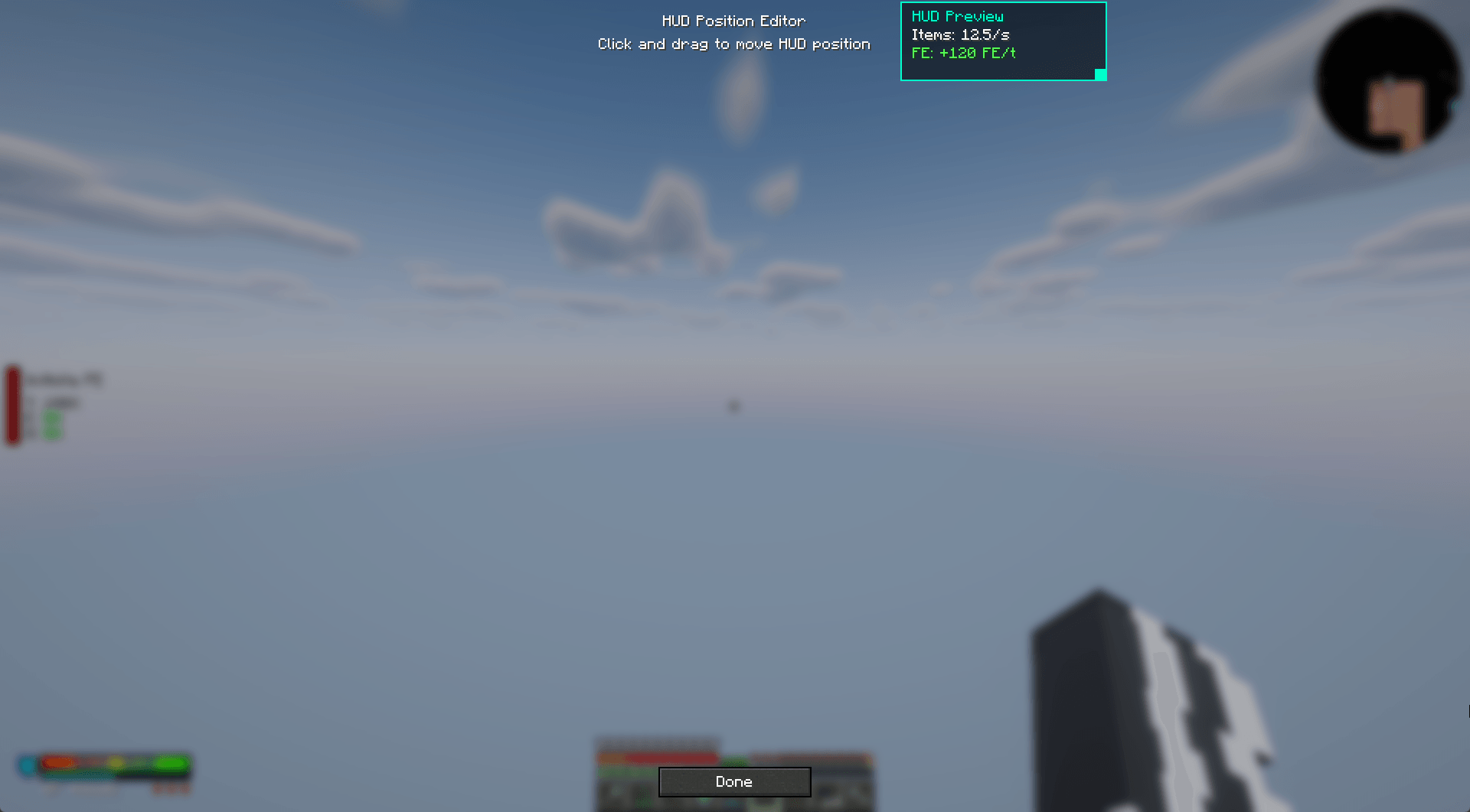
- Drag-and-drop position editor accessible via the in-game
ESCmenu. - Includes anchor presets for screen corners and edges.
- Hides redundant block titles when Jade, WTHIT, or The One Probe is present.
Compatibility & Integrations
Runs completely standalone. Optional integrations activate automatically when supported mods are installed:
-
Create: Kinetic telemetry (RPM, SU network load, CW/CCW rotation).
-
Applied Energistics 2: ME cable channel loads and grid power drain.
-
Mekanism: Gas, slurry, pigment, and chemical transfer throughput.
-
Jade / WTHIT / The One Probe: Automatically suppresses redundant diagnostic lines to prevent HUD overlap.
Architecture & Network Performance
-
Zero-Allocation Sampling: Skips checks when inspected blocks lack relevant capabilities.
-
Delta-Throttled Sync: Server syncs telemetry packets only when metrics exceed change thresholds, preventing network spam on large bases.
-
Network Modes:
- Client + Server: High-precision throughput sampling and full kinetic resolution.
- Client Only: Reads client-side block entities directly on unmodded or vanilla servers.
- Server Only: Zero tick overhead while no modded clients are inspecting blocks.
Controls & Configuration
-
Toggle HUD:
H(configurable inOptions -> Controls -> Key Binds). -
Open HUD Editor:
- Main Menu: Go to
Mods-> selectMachine Metrics-> click Config. - In-Game: Press
ESCand click Machinemetrics HUD in the top right.
- Main Menu: Go to
-
Client Settings:
config/machinemetrics-client.toml(toggles for metric lines, offsets, colors, and layout presets). -
Server Settings:
config/machinemetrics-server.toml(sync thresholds, polling rates, and module toggles).
常见问题
Machine Metrics 支持哪些 Minecraft 版本?
Machine Metrics 支持 Minecraft Java 版 1.21.1–26.1.2,共 2 个版本,可用的加载器:Forge / NeoForge。下载时注意选择和你游戏版本一致的文件。
Machine Metrics 怎么安装?
先用 PCL2 或 HMCL 启动器安装对应版本的 Forge / NeoForge,再把下载的 .jar 文件放进游戏目录的 mods 文件夹,重新启动游戏即可。开启了版本隔离的,mods 文件夹在 versions/版本名 下面。
alikuxac 的其他作品
查看全部 →
Human Nature
A survival-realism Minecraft mod enhances gameplay depth by introducing realistic human physiology, environmental survival mechanics, and injury systems.
Alchemy 2048
Transmute raw materials into higher-tier resources through an energy-powered 4x4 sliding puzzle machine.
评论
登录后评论和评分