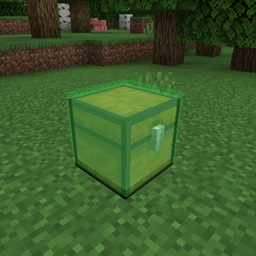
截图
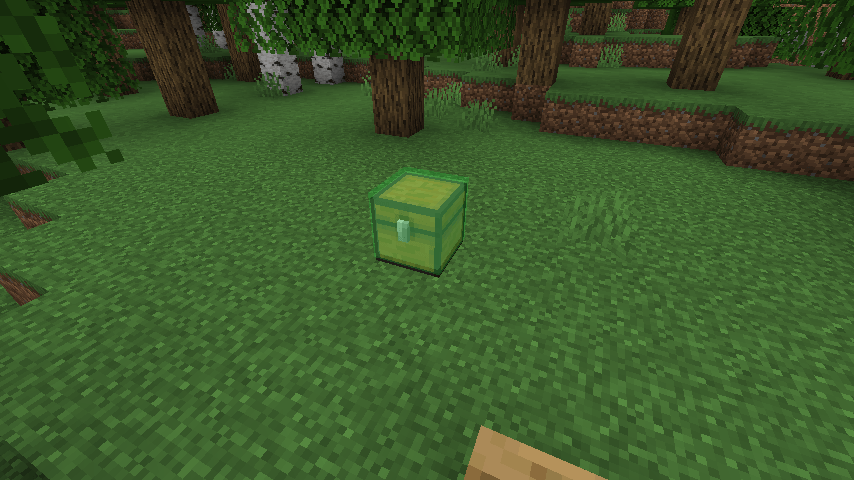
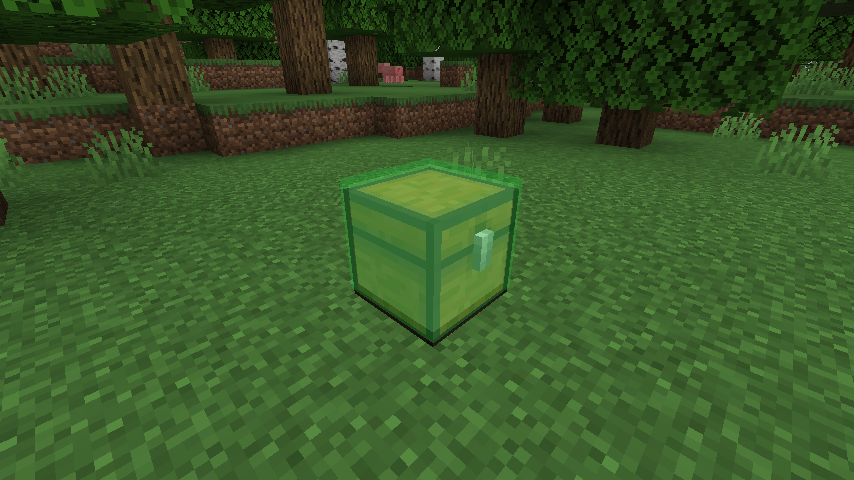
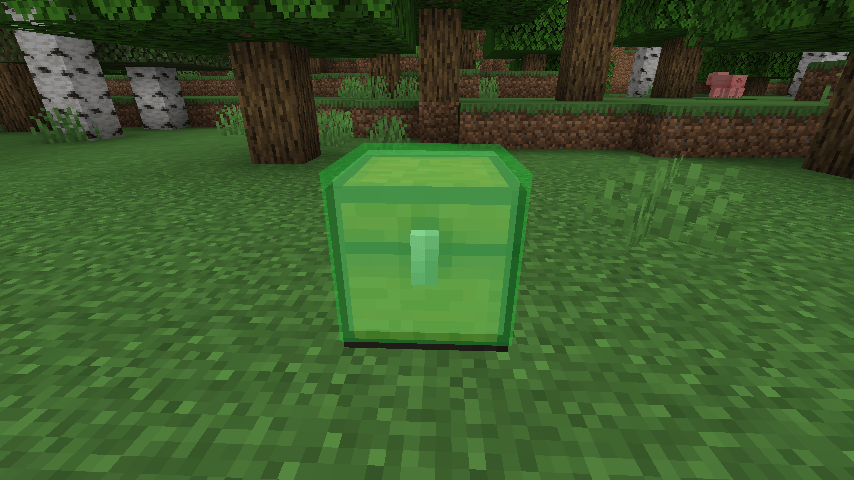
介绍
Loot Locator helps you quickly find where your items are stored.
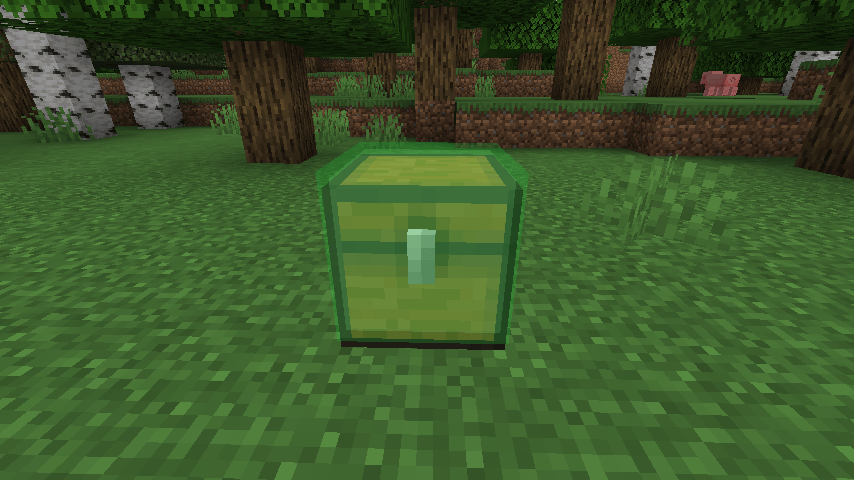
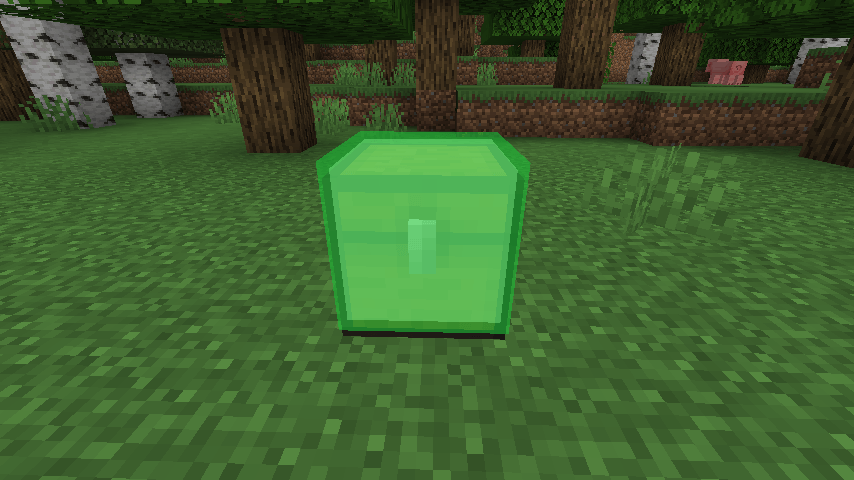
Hold an item in your main hand and press a key to highlight nearby containers that contain matching items. Containers will glow so you can easily spot them, even through walls.
Features:
– Highlights containers with matching items
– Visible through walls
– Fast scan with cooldown
– Simple keybind (default: G)
– Works with common vanilla containers
How to use:
1. Hold an item in your main hand
2. Press G
3. Nearby containers with that item will glow
Supported:
– Chests
– Barrels
– Shulker Boxes
– Hoppers
– Furnaces and similar blocks
Notes:
– Designed for vanilla-style containers
– Modded storage support may vary
常见问题
Loot Locator 支持哪些 Minecraft 版本?
Loot Locator 支持 Minecraft Java 版 1.21.1,可用的加载器:Fabric。下载时注意选择和你游戏版本一致的文件。
Loot Locator 怎么安装?
先用 PCL2 或 HMCL 启动器安装对应版本的 Fabric,再把下载的 .jar 文件放进游戏目录的 mods 文件夹,重新启动游戏即可。开启了版本隔离的,mods 文件夹在 versions/版本名 下面。
评论
登录后评论和评分