Easy Locate
A simple server-side locate menu that lets players browse, search, and locate structures, biomes, and POIs with server-controlled permissions.
截图
介绍
Easy Locate is a simple and server-controlled locate menu.
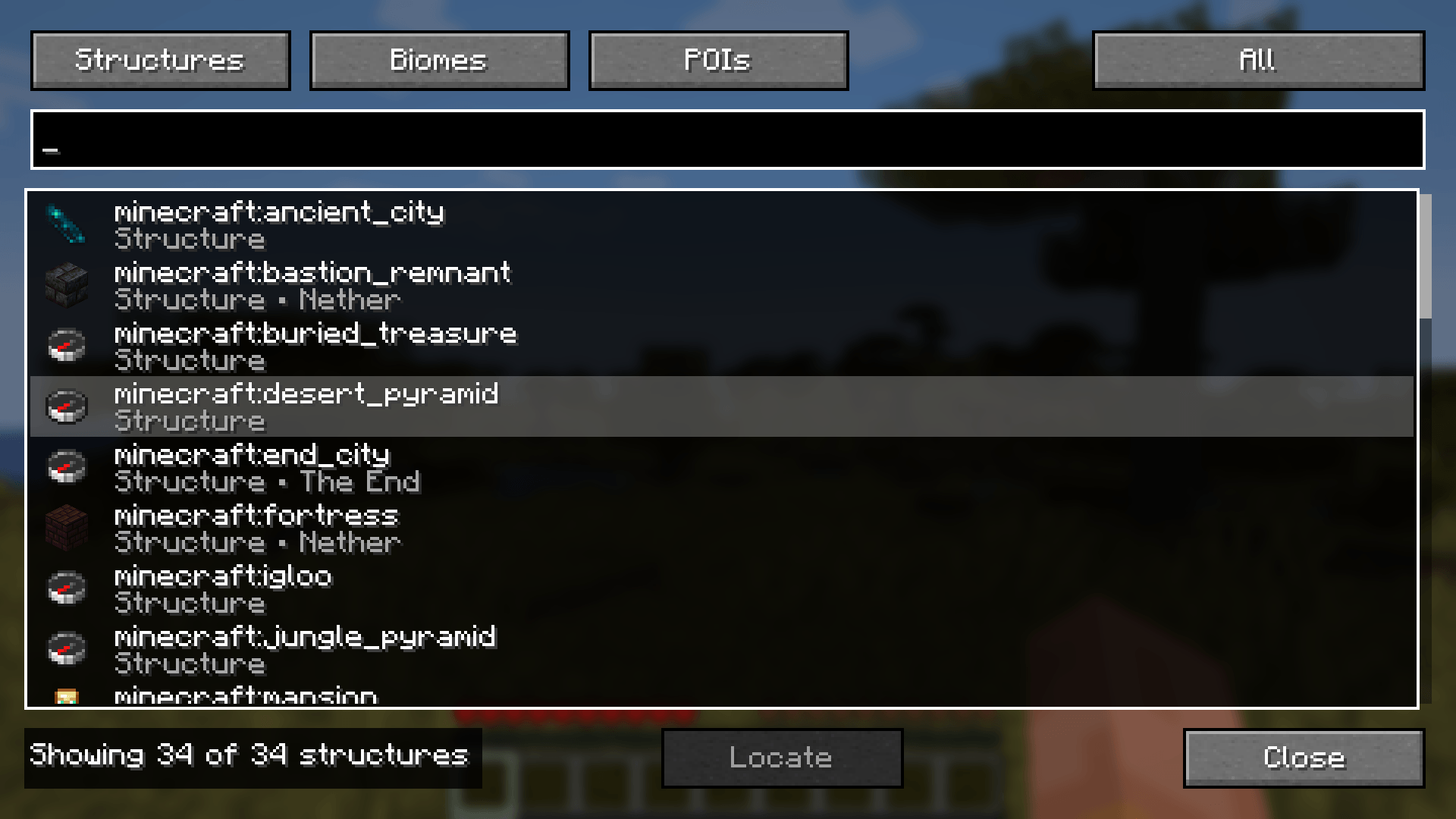
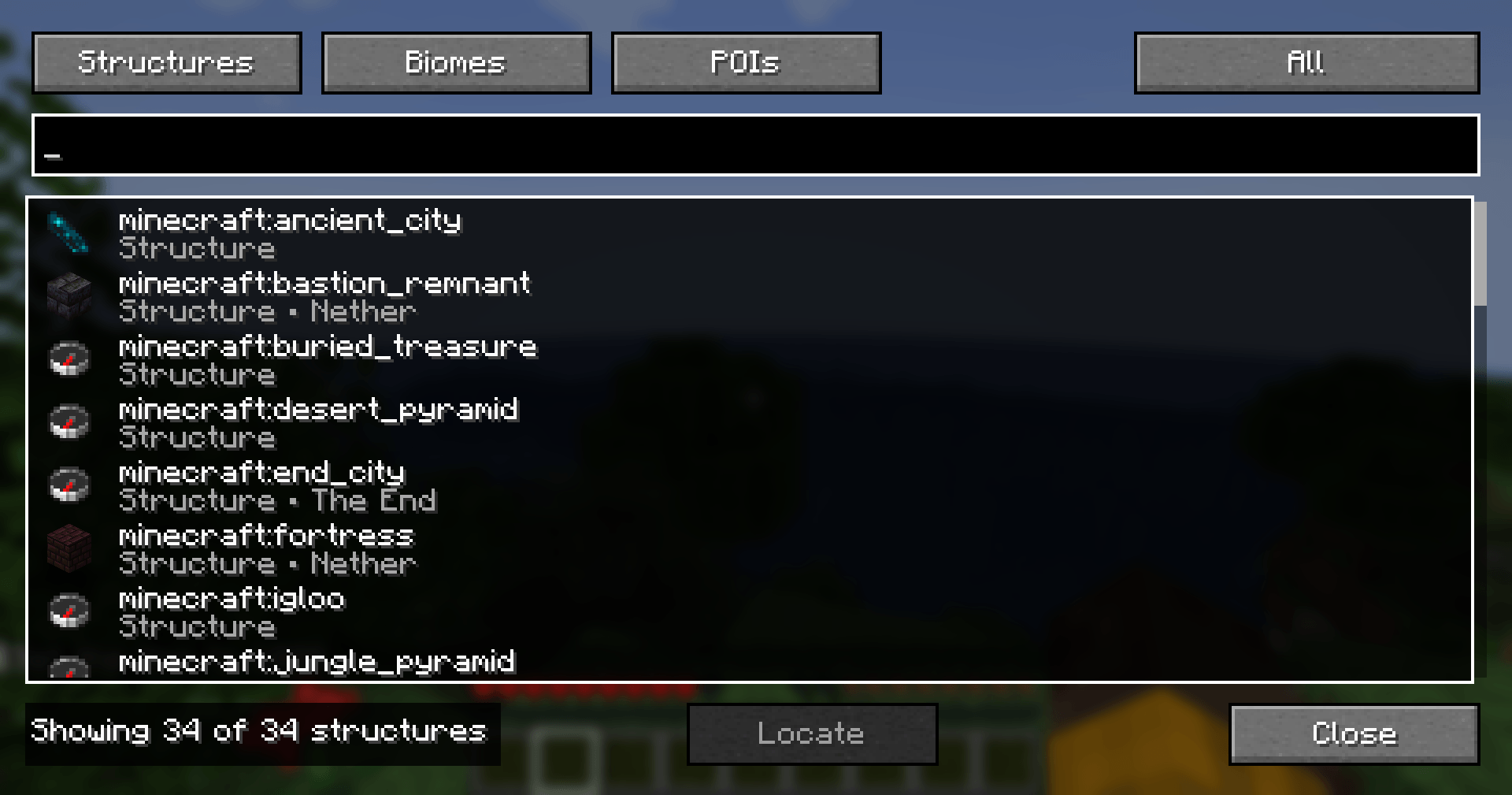
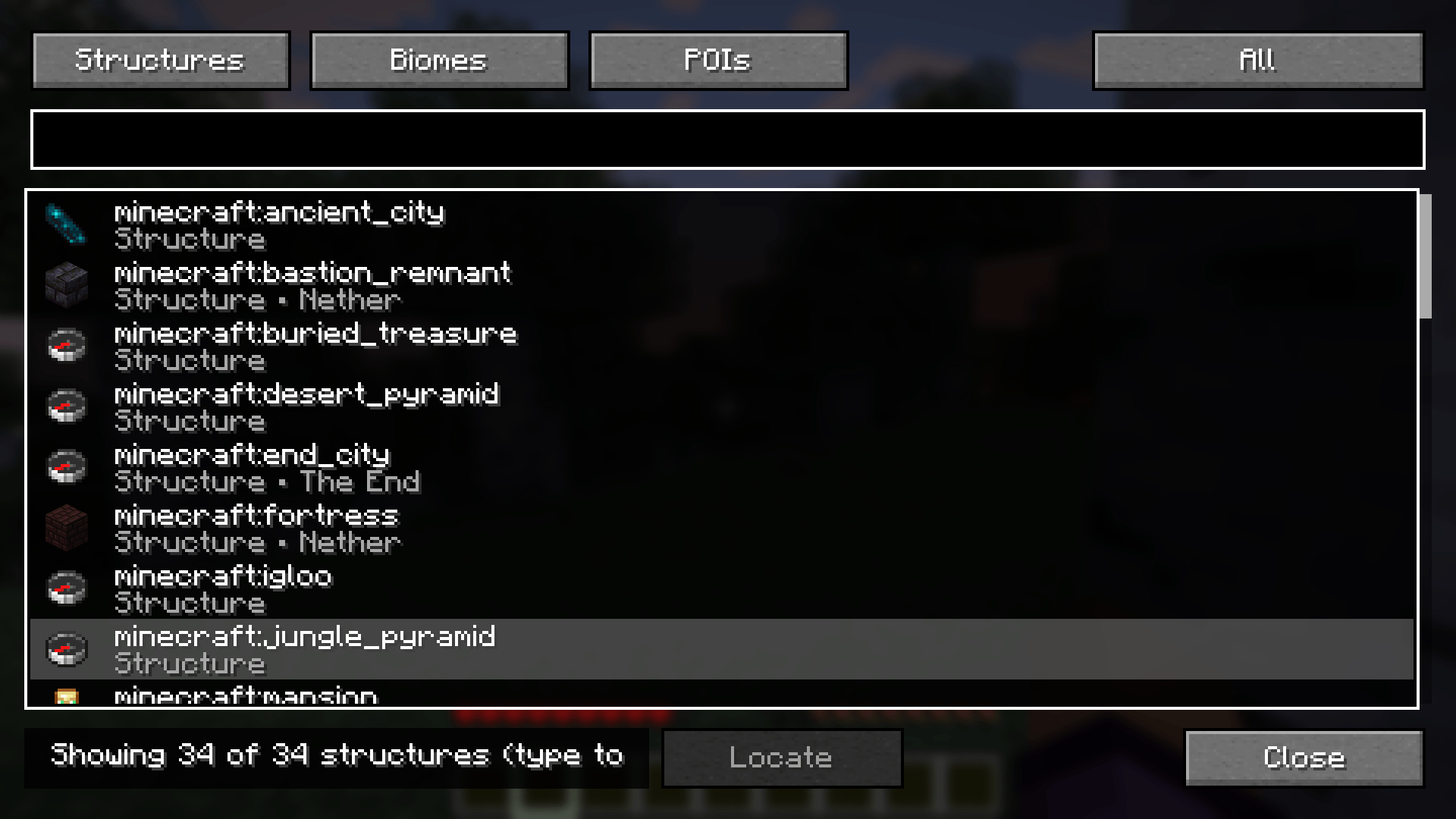
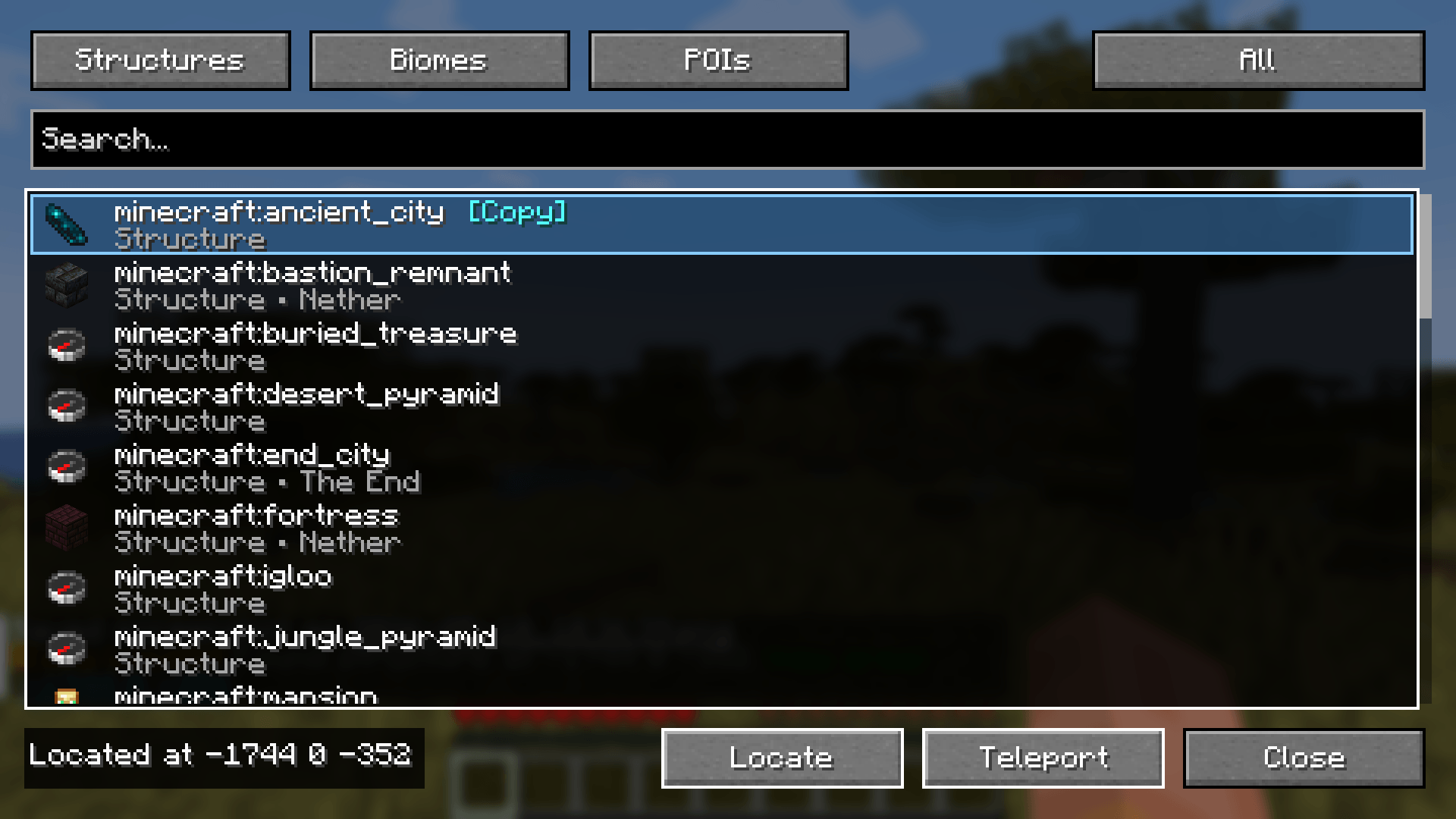
Press L to open a clean GUI where you can browse and search for structures, biomes, and points of interest. Instead of typing long /locate commands, you can select what you want from a list and press Locate.
How it works:
1. Open the GUI with the L key.
2. Pick Structures, Biomes, or POIs.
3. Search or browse the list.
4. Select a target.
5. Press Locate.
6. If the server finds a result, the location is shown.
7. If teleporting is enabled and you have permission, you can teleport to the result.
Server safety:
Easy Locate does not let the client decide where to teleport. The server validates locate requests, permissions, cooldowns, and teleport access. This makes it safer for multiplayer servers compared to client-only locate tools.
Config options include:
– Cooldown ticks
– Max locate radius
– Required permission level
– Required teleport permission level
– Allow teleport
– Allow creative players
– Allow spectator players
– Allow multiplayer use
– Disabled targets
Important:
On multiplayer servers, the server must allow Easy Locate through config and permissions. If the server blocks locate or teleport, the client GUI will not bypass those rules.
Easy Locate is meant to make locating cleaner and easier while keeping control in the hands of the server.
常见问题
Easy Locate 支持哪些 Minecraft 版本?
Easy Locate 支持 Minecraft Java 版 1.21.1,可用的加载器:Fabric。下载时注意选择和你游戏版本一致的文件。
Easy Locate 怎么安装?
先用 PCL2 或 HMCL 启动器安装对应版本的 Fabric,再把下载的 .jar 文件放进游戏目录的 mods 文件夹,重新启动游戏即可。开启了版本隔离的,mods 文件夹在 versions/版本名 下面。

评论
登录后评论和评分