
截图


介绍

Development Builds & Scheme Download for Default Spawn Island
Video
Want video demonstrations? Here are some videos made by some awesome people!
Video by KasaiSora in English:
About
If your server always has a few players that AFK forever and causes a waste of server resources, or if you want something that can hold lots of players like a waiting room or server lobby, you can consider using a Limbo server.
This standalone server program can act as any other backend server in your bungeecord network (tho can also work without, options in server.properties).
Currently, the program is still under development and things will continue to be added.
Limbo Server is built against 26.1.1 and wouldn’t work with other versions. However, you can use the Limbo plugin ViaLimbo do make it possible!
A small .schem can be loaded as the default world (the current sponge/worldedit schematic format) and player skins are also supported.
Limbo Server also has an API which allows you to create simple plugins and change the behaviour of the Limbo, such as listening to chat events, adding custom commands, sending custom packets, or even adding more worlds.
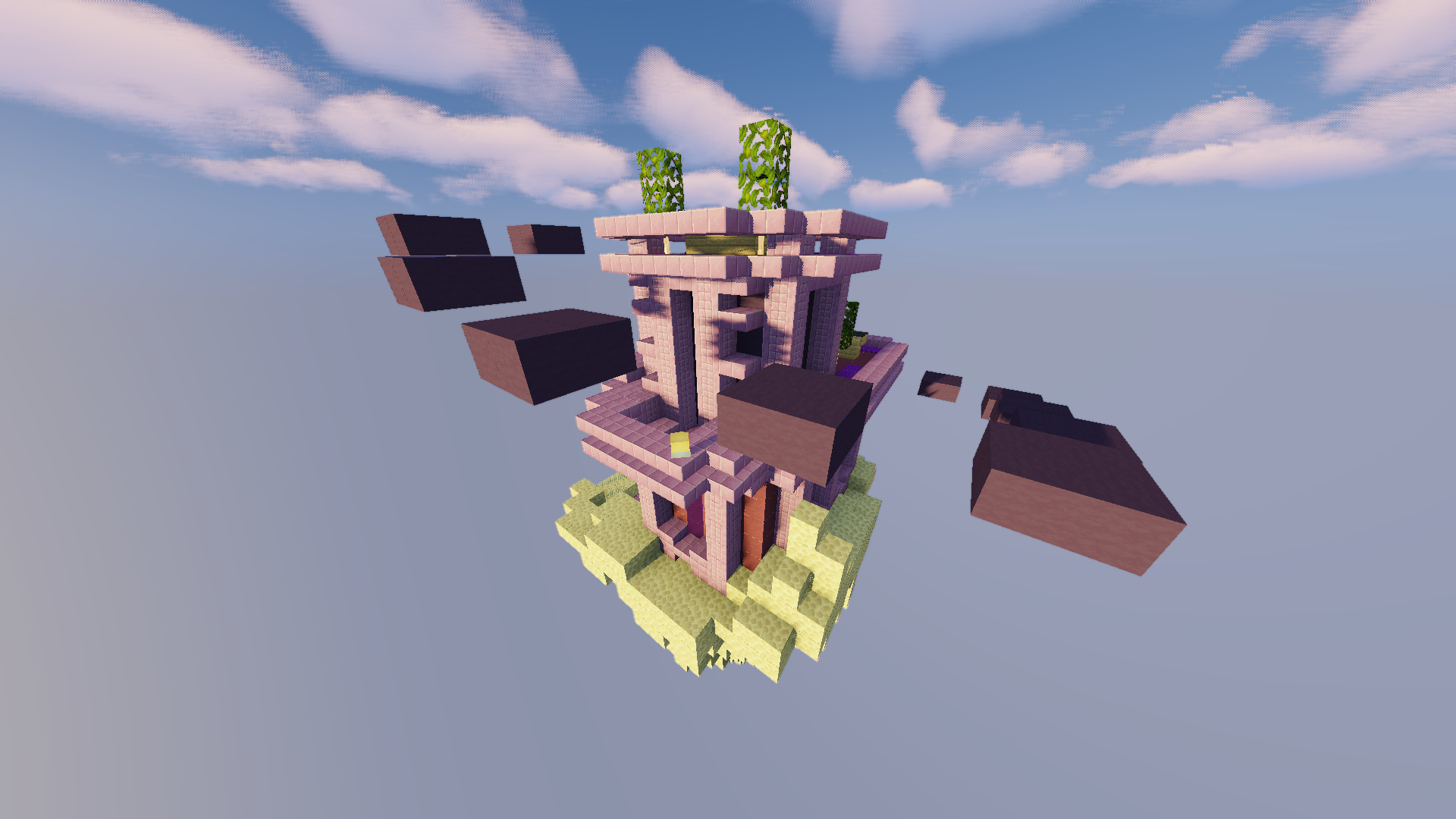
_A screenshot from the demo server, download the scheme here_
Demo Limbo Server
Want to take a look at a live demo?
IP: mc.loohpjames.com
Installation
- Put Limbo.jar in a folder you like
- Start the server just like any other spigot server with
java -jar Limbo.jar --nogui_(Or without –nogui flag if you for some reason like the annoying GUI)_ - Edit the server.properties
- Restart the server
- Set up and link the server to your bungeecord proxy if you use that (Remember to set bungeecord to true in step 3)
Data usage
Usage statistics at https://bstats.org/plugin/server-implementation/Limbo will be visible to the public with your server included in the statistics. No private information of your server is sent.

常见问题
Limbo 支持哪些 Minecraft 版本?
Limbo 支持 Minecraft Java 版 1.17.1–26.3,共 33 个版本。下载时注意选择和你游戏版本一致的文件。
Limbo 怎么安装?
先用 PCL2 或 HMCL 启动器安装对应版本的 模组加载器,再把下载的 .jar 文件放进游戏目录的 mods 文件夹,重新启动游戏即可。开启了版本隔离的,mods 文件夹在 versions/版本名 下面。运行环境:仅服务端。


评论
登录后评论和评分