
截图
介绍
KubePackages
Package manager for KubeJS.
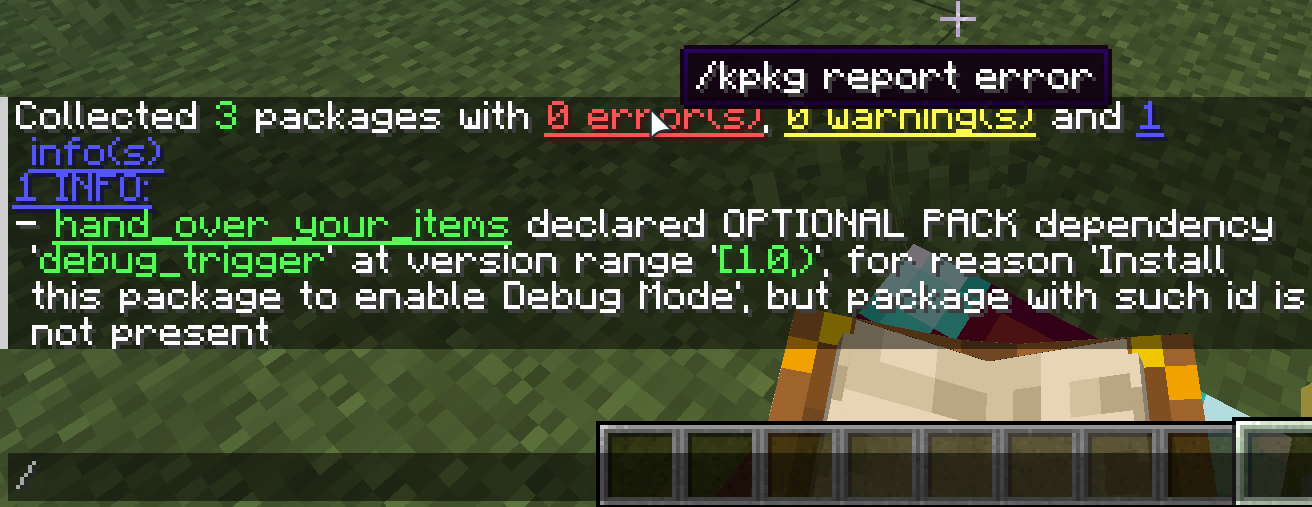
KubePackages introduces the concept of “package” for KubeJS, redefining how scripts are distributed. It allows scripts
to
be encapsulated like modules, loaded like resource packs, and distributed like mods.
This page provides a brief introduction to the core feature of KubePackages: the KubePackage. For more detailed
explanations and tutorials, please refer to:
WIKI
KubePackage (Yes, without the ‘s’)
To support package management, distribution, and dependency management, KubePackages introduces “KubePackage” as the
carrier for the “package” concept. It provides a complete loading framework, enabling developers to build, integrate,
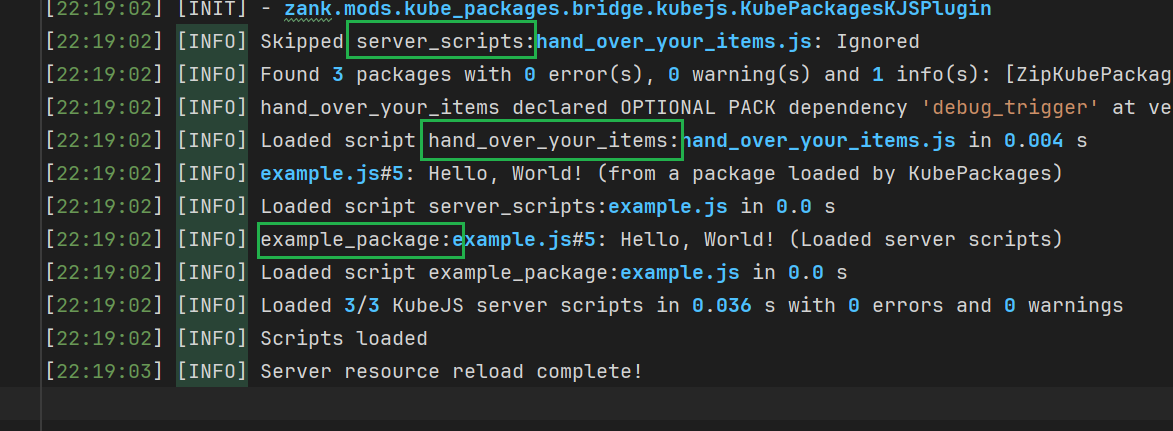
and publish KubeJS functionalities in a modular way. This resolves the issue of flattened script
loading, namespace pollution, and tight coupling between scripts.
Did you know that: Rhino’s handling of variable scopes has always been quite peculiar. Combined with KubeJS’s
flattened script loading, declaring variables with same name can easily lead to hard-to-find bugs.
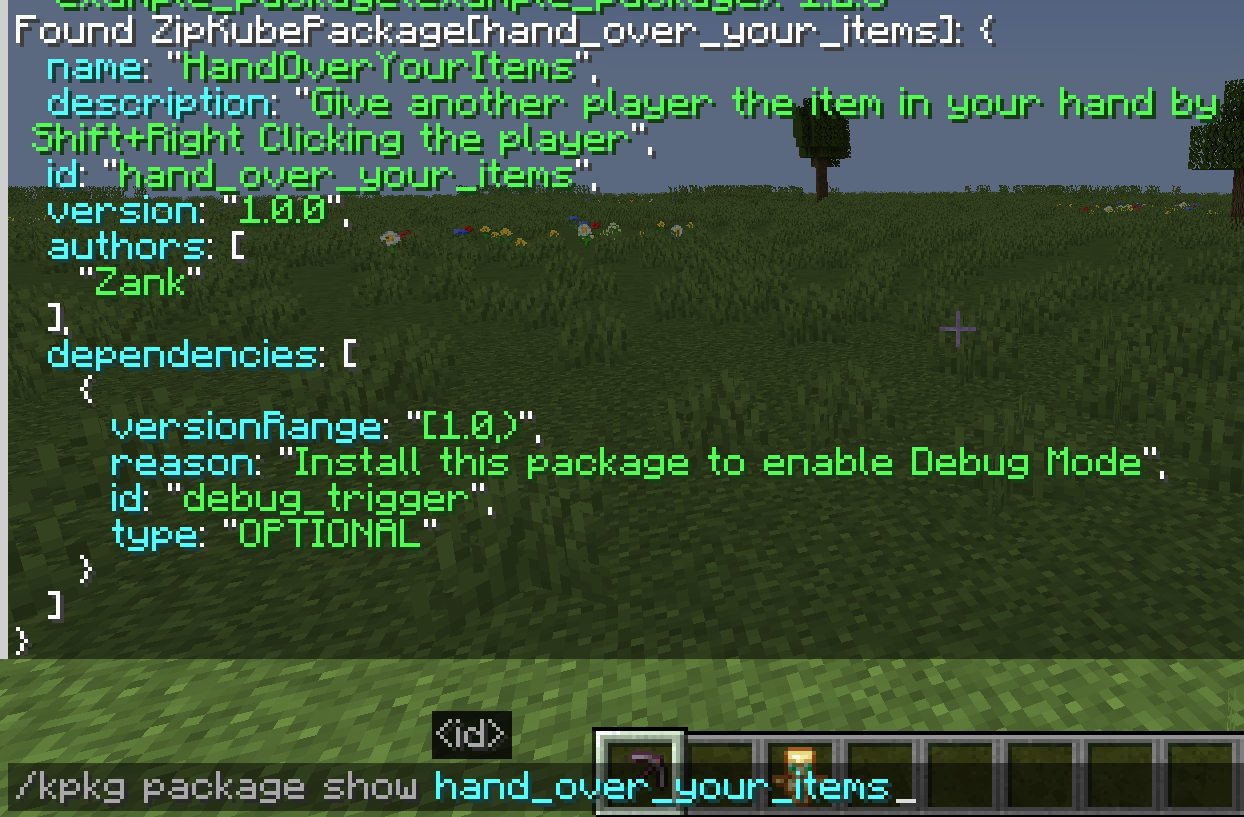
KubePackage is not just a container for script files, but can also provide assets and data resources. Combined with
metadata with dependency info, KubePackage goes a step further than resource packs and data packs.
With KubePackage, developers can do more than just writing scripts and inadvertently reinventing the wheel. Instead,
they
can leverage reusable modules to improve development QoL. You can:
- Write scripts like developing mods: KubePackage provides independent dependency management and script scope.
- Load functionalities like installing mods: Using the JS binding named
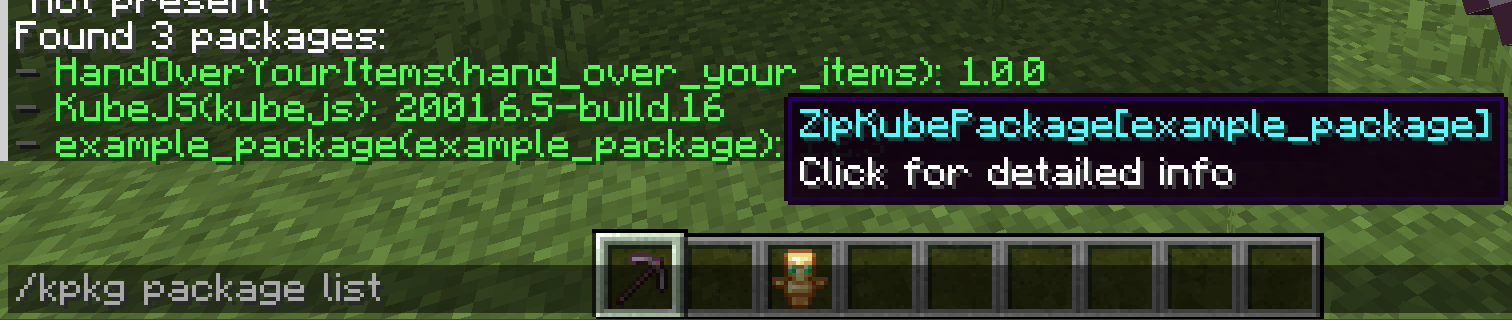
KubePackages, you can easily check if specific packages exist, integrate packages developed by others, communicate data between packages, and quickly build complex projects. - Share your work like publishing mods: Export packages effortlessly as
.jarfiles,.zipfiles, or directories, and publish them directly as mods on CurseForge or Modrinth.
KubePackages aims to become the standard package management system for the KubeJS ecosystem and provide a unified standard for the entire community.
常见问题
KubePackages 支持哪些 Minecraft 版本?
KubePackages 支持 Minecraft Java 版 1.20.1–1.20.6,共 6 个版本,可用的加载器:Forge。下载时注意选择和你游戏版本一致的文件。
KubePackages 怎么安装?
先用 PCL2 或 HMCL 启动器安装对应版本的 Forge,再把下载的 .jar 文件放进游戏目录的 mods 文件夹,重新启动游戏即可。开启了版本隔离的,mods 文件夹在 versions/版本名 下面。运行环境:客户端和服务端都要装。
ZZZank 的其他作品
查看全部 →
FastEvent
加速 Forge/NeoForge 中的事件系统

EventJS
适用于 KubeJS 的分侧可重载原生事件

EfficientHashing
为Vec3i和BlockPos提供更好的哈希算法
JEI Area Fixer
修复 JEI 界面与模组界面重叠的问题
评论
登录后评论和评分