
Keep my Options
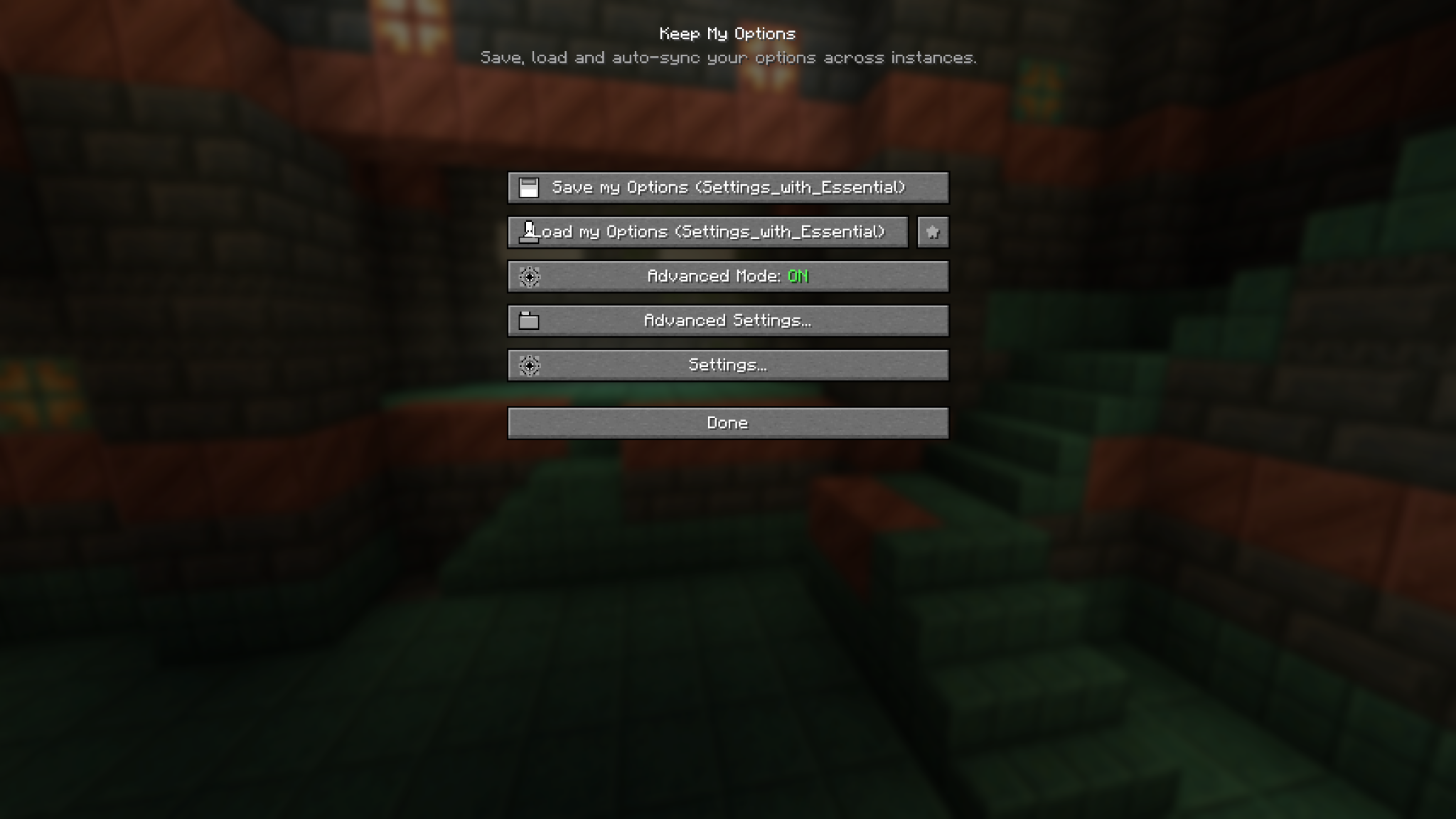
Keep My Options saves, loads, and syncs your Minecraft settings and resource packs across different instances. Create profiles, make backups, and switch between your preferred setups with one click.
截图
介绍
Keep My Options
Keep My Options lets you save, load, and reuse your Minecraft settings and resource packs across different instances.
Features
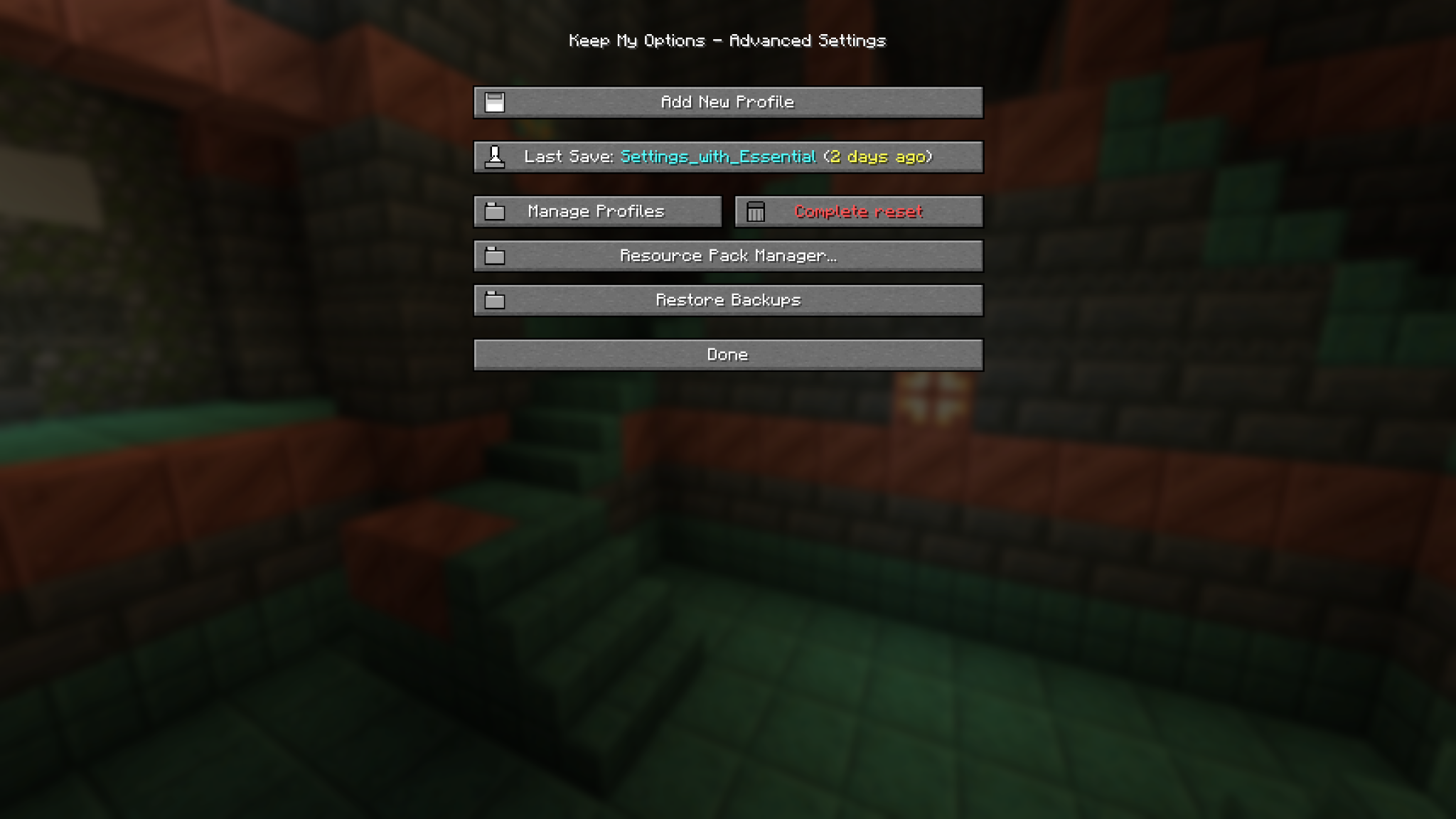
- Create multiple settings profiles
- Save and load options with one click
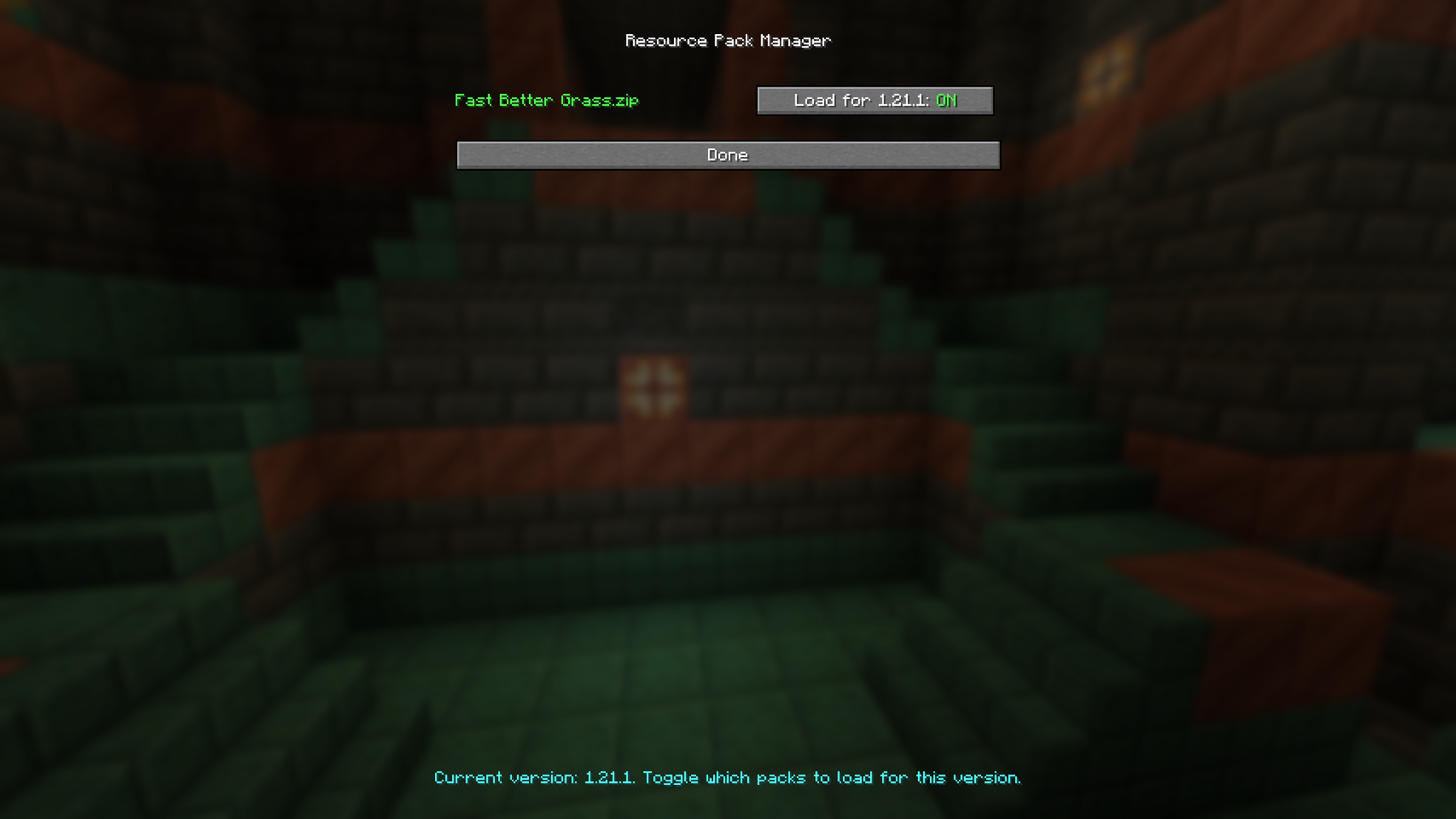
- Include enabled resource packs
- Mark profiles as favorites or defaults
- Optional automatic profile loading
- Create and restore backups
- Reset the mod and its settings
- Sort profiles by name, creation date, or last update
Your settings stay under your control—Auto Load is disabled by default.
Supported versions
Fabric for Minecraft 1.20.1 through 26.2.
Each Minecraft version has its own compatible JAR. Always download the file made for your exact game version.
常见问题
Keep my Options 支持哪些 Minecraft 版本?
Keep my Options 支持 Minecraft Java 版 1.20.1–26.3,共 23 个版本,可用的加载器:Fabric / Forge / NeoForge。下载时注意选择和你游戏版本一致的文件。
Keep my Options 怎么安装?
先用 PCL2 或 HMCL 启动器安装对应版本的 Fabric / Forge / NeoForge,再把下载的 .jar 文件放进游戏目录的 mods 文件夹,重新启动游戏即可。开启了版本隔离的,mods 文件夹在 versions/版本名 下面。运行环境:仅客户端。
drbaum 的其他作品
查看全部 →
tame every mob
Tame every regular Minecraft mob, then command, ride, store and upgrade your companions.

Compact BedWars HUD
A compact client-side BedWars HUD with TNT timers, resource and wool counters, kill effects, messages and a movable editor.

Cursed Breeding
Use special items to breed with supported mobs and create cursed offspring with parts of your skin. Vanilla breeding remains unchanged.

Throwable Slimeballs
Throw bouncing slimeballs, slime your enemies, and brew Bouncy Potions.
评论
登录后评论和评分