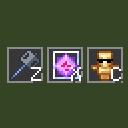
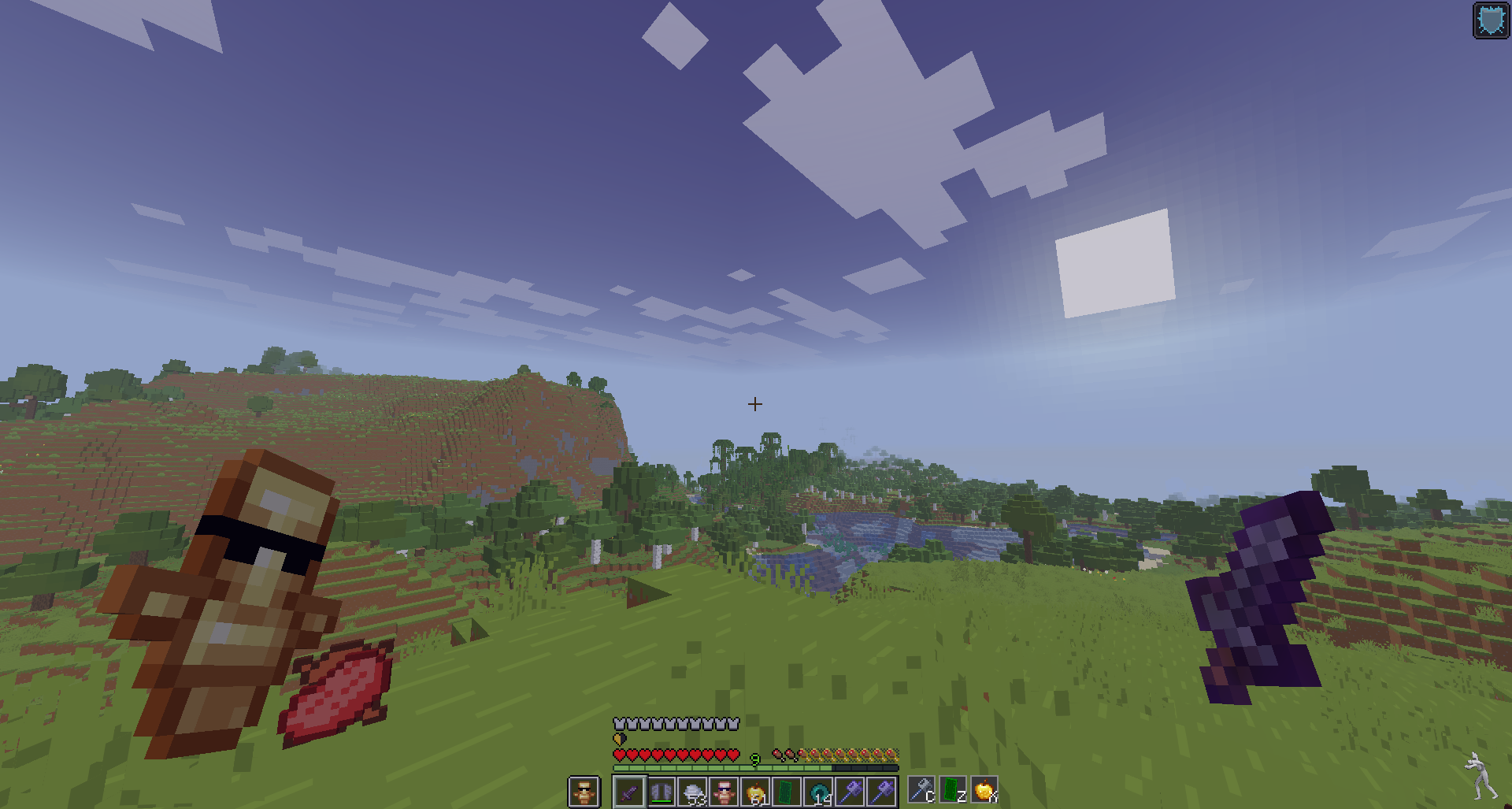
截图
介绍
Features
Instant hotbar selection — press a key, the slot with that item gets selected immediately
Unlimited binds — configure as many item→key pairs as you need
HUD overlay — shows all your binds as item slots with key labels, just like the vanilla hotbar
Draggable HUD — reposition the overlay anywhere on screen
How to use
- Open Mod Menu and click Config on ItemKeybind
- Add a bind: enter an item ID (e.g. minecraft:end_crystal) and a key (e.g. key.keyboard.z)
- Press Save & Close
- In-game, press your configured key to instantly switch to that item in your hotbar.
If the item is not in your hotbar, nothing happens.
常见问题
ItemKeybind 支持哪些 Minecraft 版本?
ItemKeybind 支持 Minecraft Java 版 1.21.11,可用的加载器:Fabric。下载时注意选择和你游戏版本一致的文件。
ItemKeybind 怎么安装?
先用 PCL2 或 HMCL 启动器安装对应版本的 Fabric,再把下载的 .jar 文件放进游戏目录的 mods 文件夹,重新启动游戏即可。开启了版本隔离的,mods 文件夹在 versions/版本名 下面。运行环境:仅客户端。
LD1InThisWorld 的其他作品
查看全部 →
ClientCapes
Add your own custom cape to your Minecraft character

CustomOverlay
CustomOverlay allows placing images over your Minecraft screen. Access the menu with I, edit with O, and use Shift for grid snapping. Supports many formats like PNG and GIF.
LD’s ServerInfo
A lightweight client-side Fabric mod that displays detailed information about the server you're connected to.
评论
登录后评论和评分