Immersive Level Up: XP, Advancement & Quest Effects
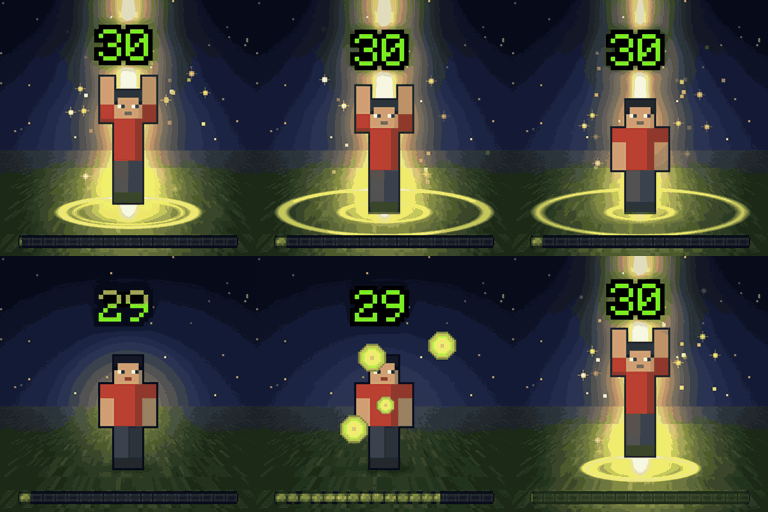
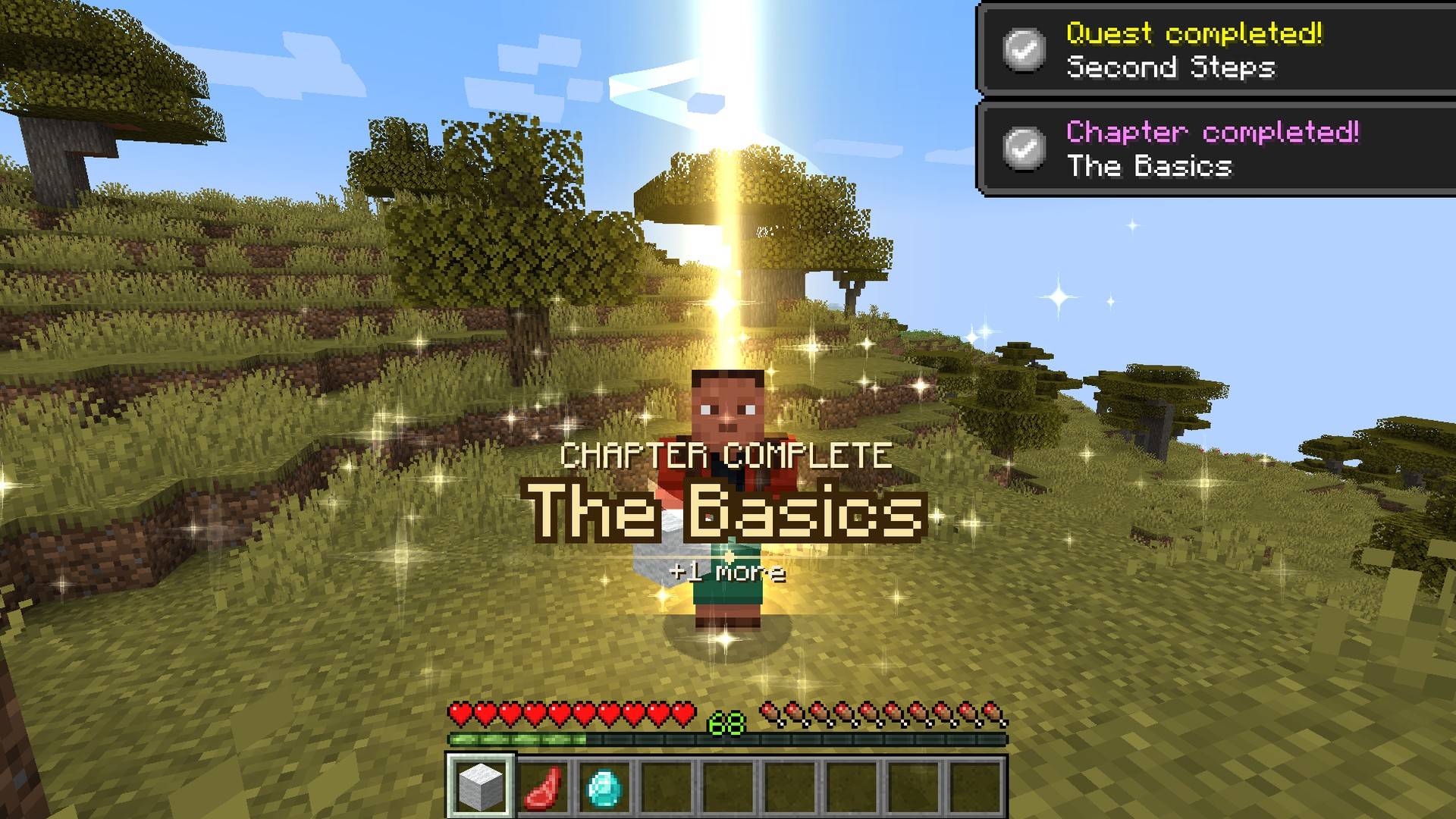
Level up effects in the world around you: a pillar of light and a ring on the ground for level ups, advancements, first diamonds and FTB Quests. Small for everyday moments, epic for milestones. Client-side.
截图
介绍






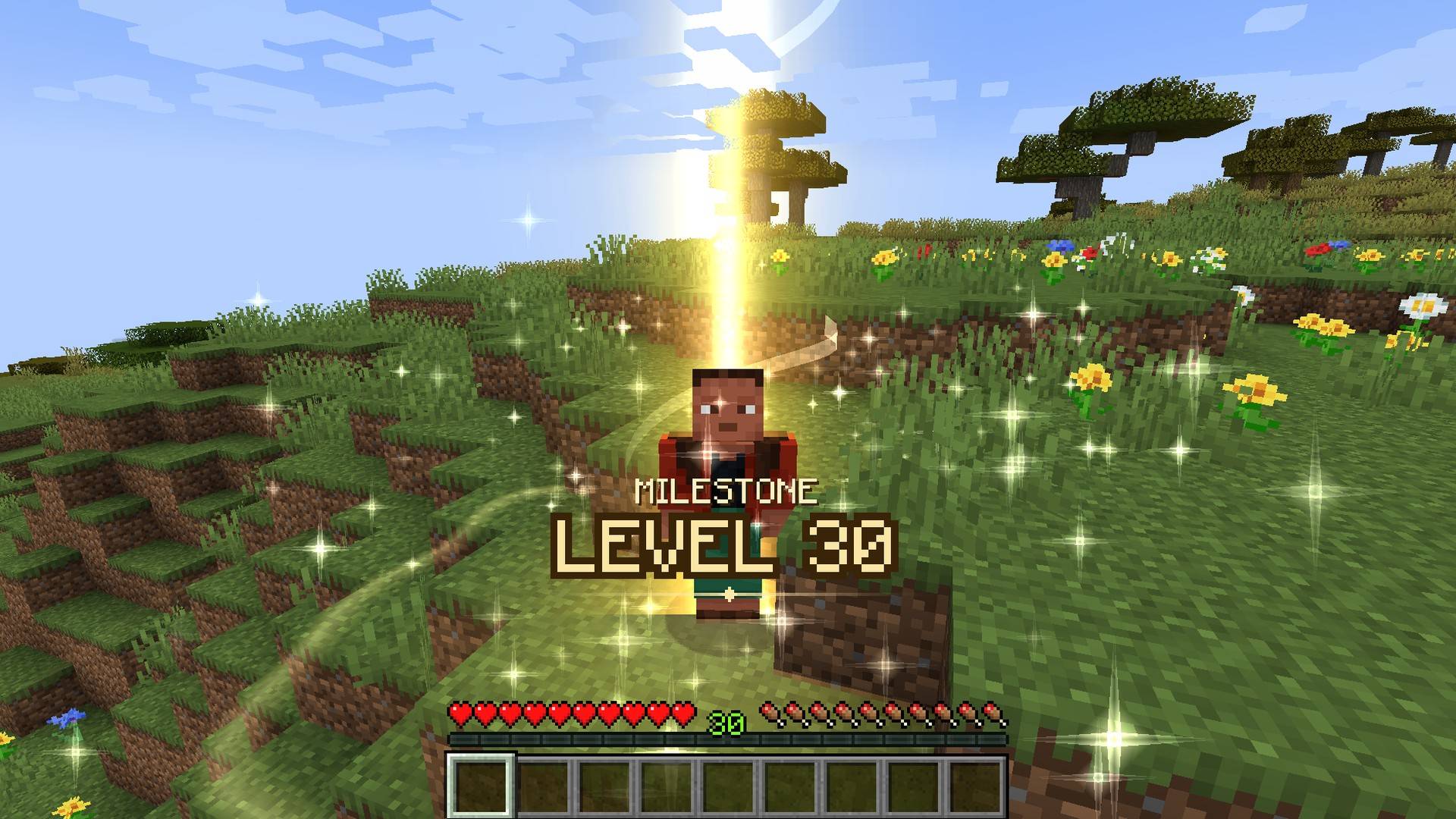
Level up effects in the world around you: when you level up, earn an advancement, find your first diamond or finish an FTB Quests chapter, a pillar of light comes down and a ring runs round your feet. Small for everyday moments, epic for milestones.
Client-side only. Servers don’t need it. No dependencies.

Level 30 deserves more than a ding
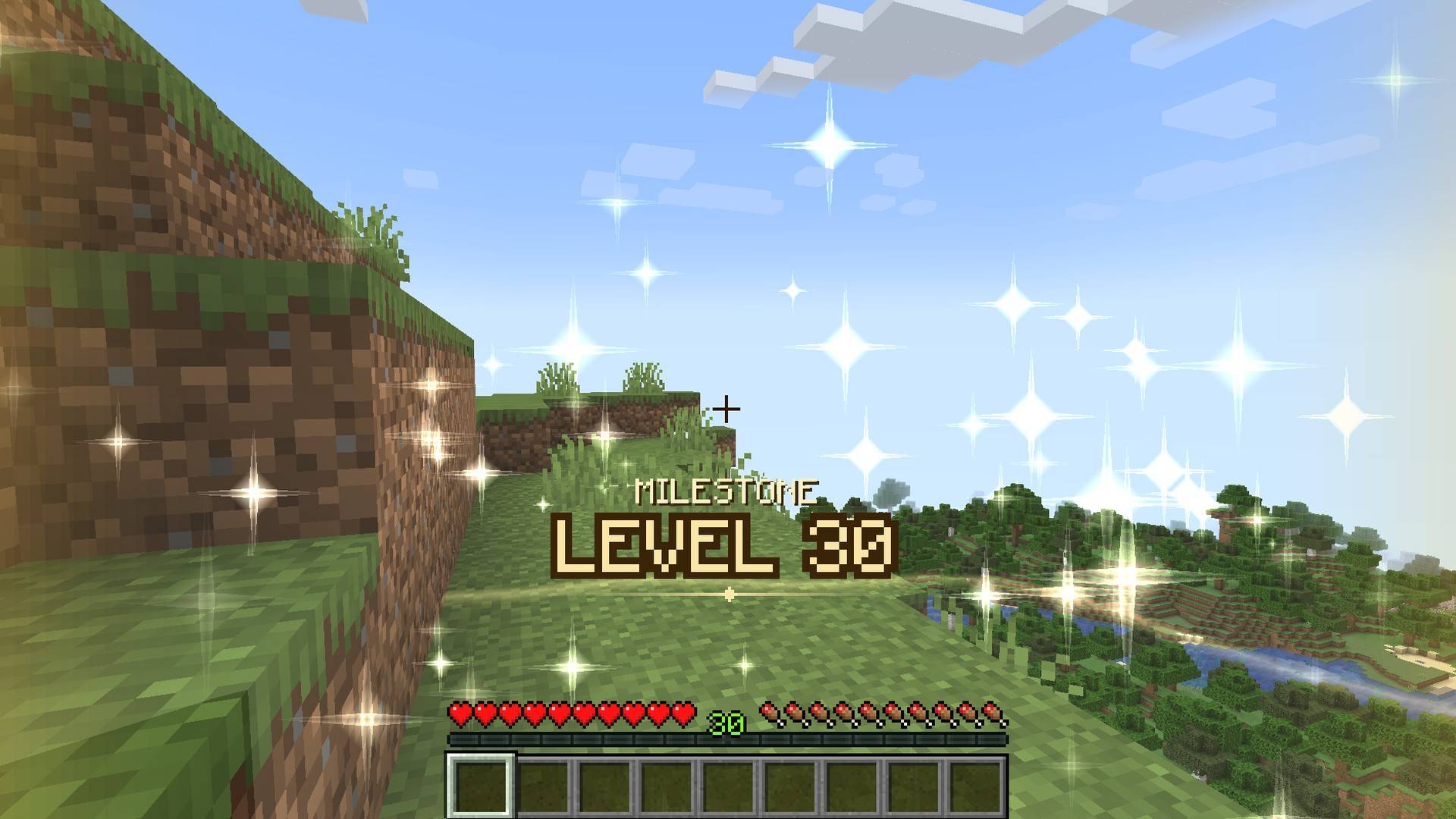
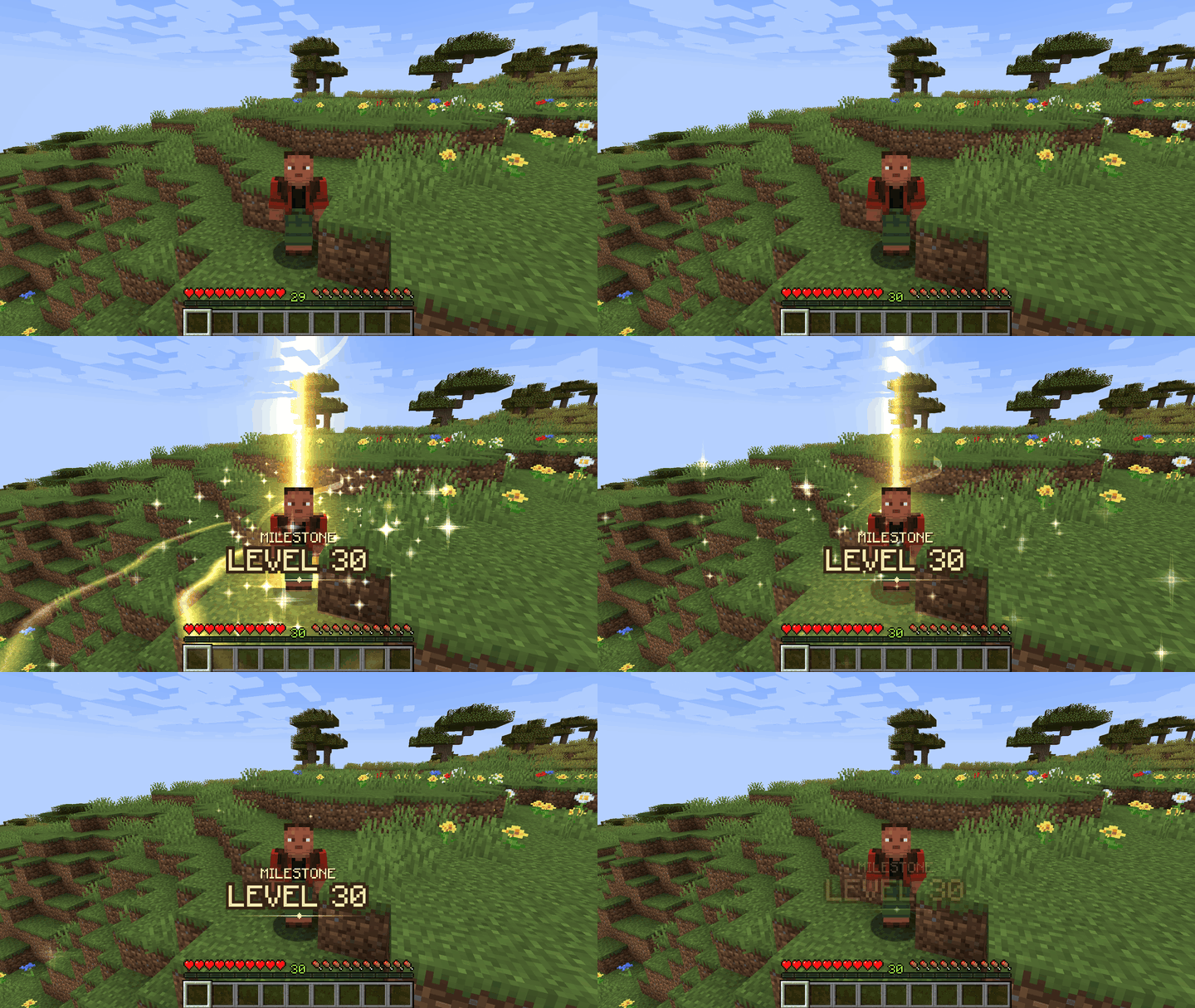
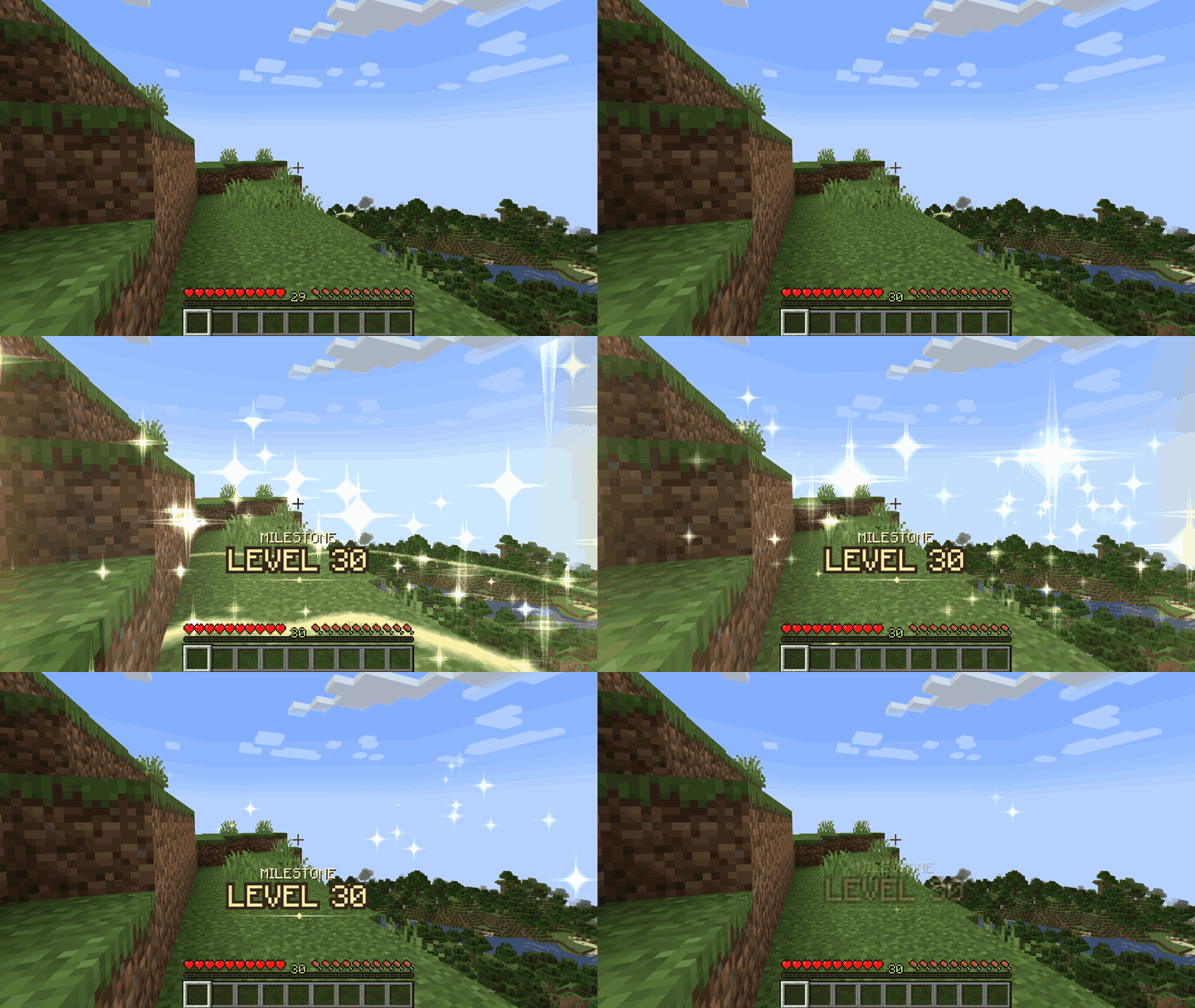
Every level gets a small ring on the ground and the new number above your XP bar. Milestones (5, 10, 20, 30, 50, 100) get the full show: a pillar of light from the sky, a double ring and a burst of sparks.
It looks right in third person and in first person: from your own eyes the ring opens ahead of you and the sparks rise at the sides, never over the crosshair.
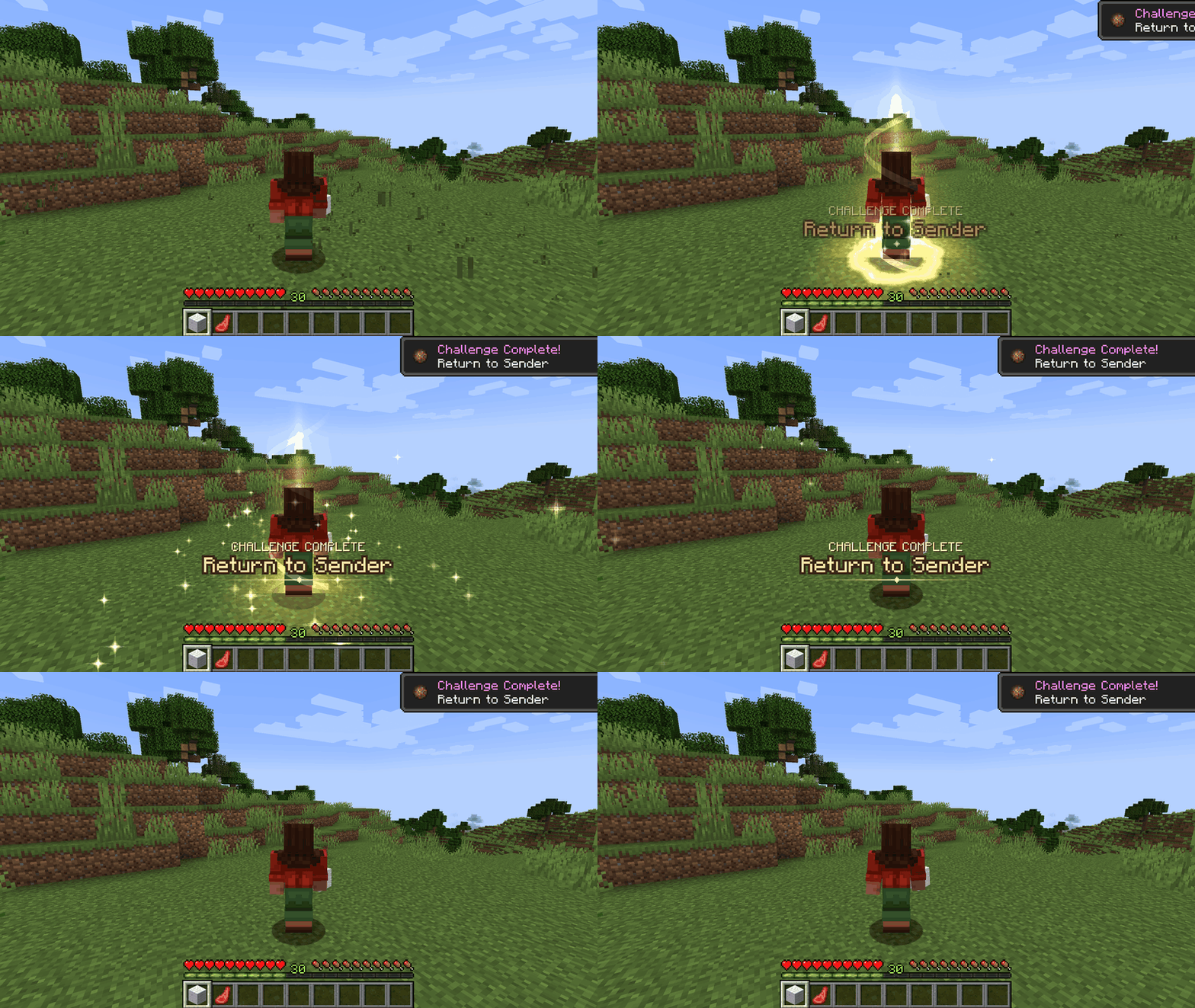
Advancements, celebrated around you
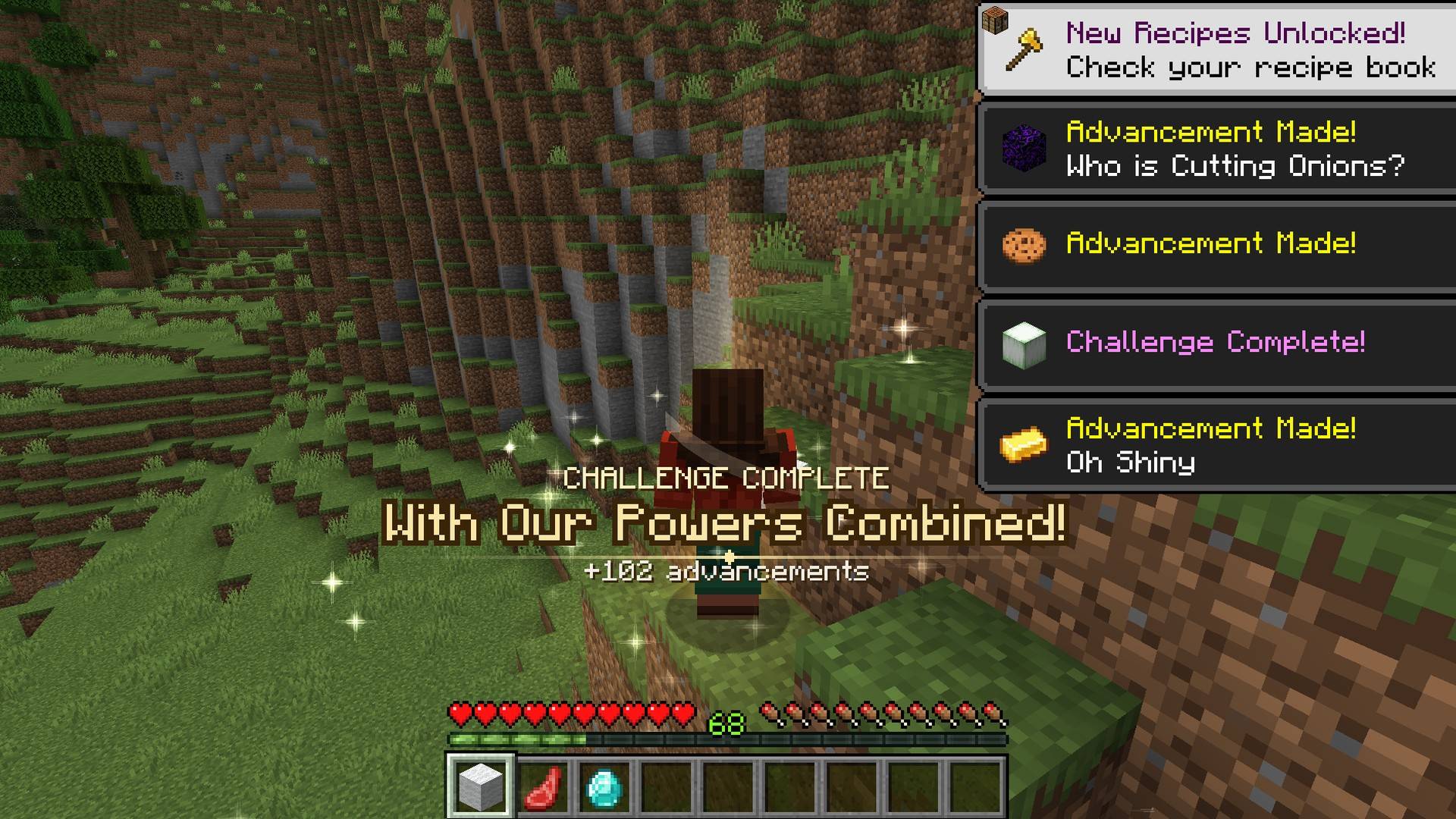
Tasks get a small ring, challenges a short pillar of light. The size follows the frame of the advancement: vanilla, modded or from your pack’s datapack.
Your advancement popup is never touched. The game’s popup in the corner stays exactly as it is, and the celebration still plays when popups are switched off.
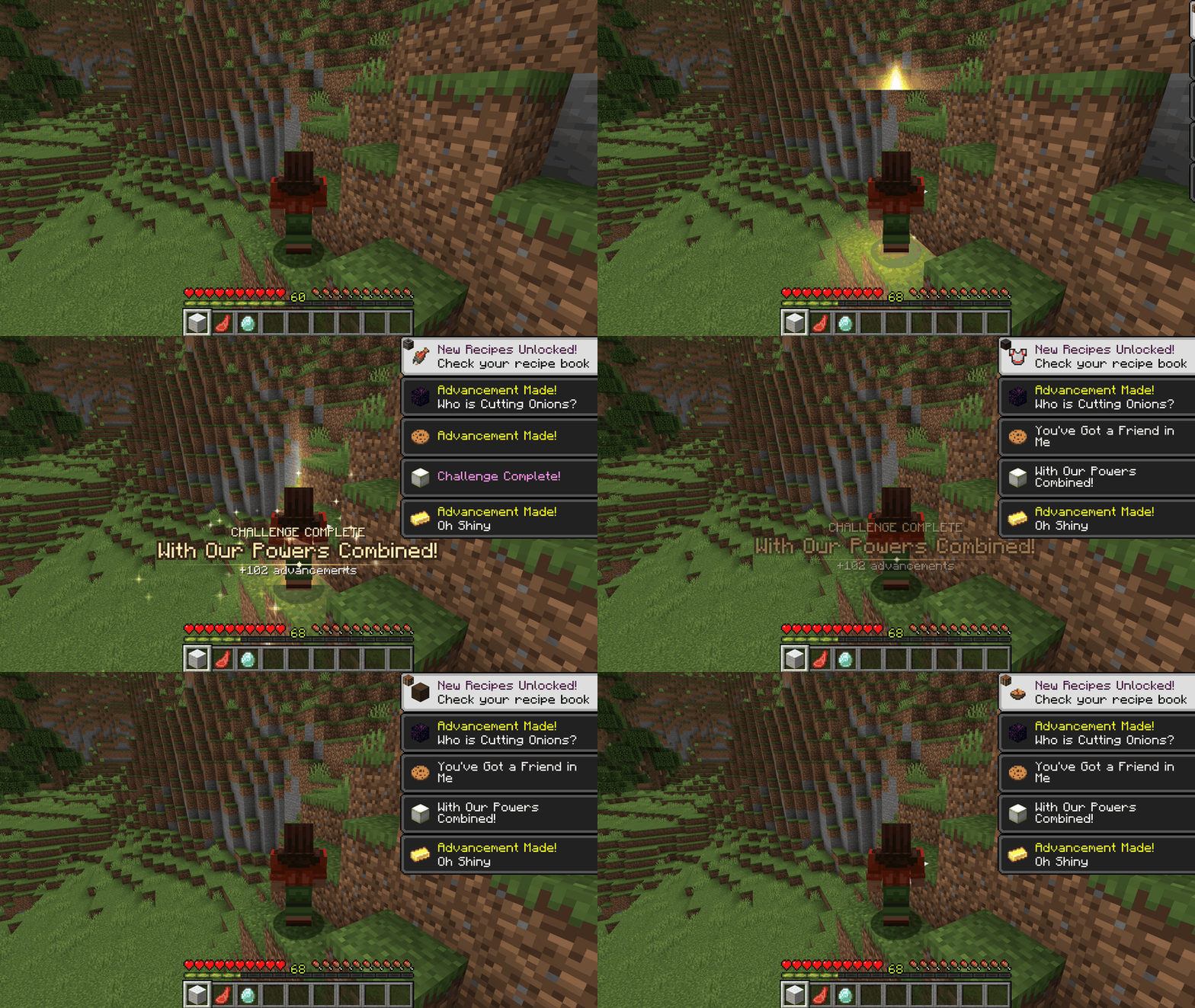
One celebration, never a flood
Twenty advancements at once? One celebration with “+20 advancements”. A big one at most every 20 seconds, the rest stay small.
Nothing plays when you join a world, change dimension or respawn. An XP farm levelling you every second does not light up the screen, and getting back to level 30 after spending levels does not count twice.
In a fight, or with a boss bar on screen, big celebrations wait until things calm down.
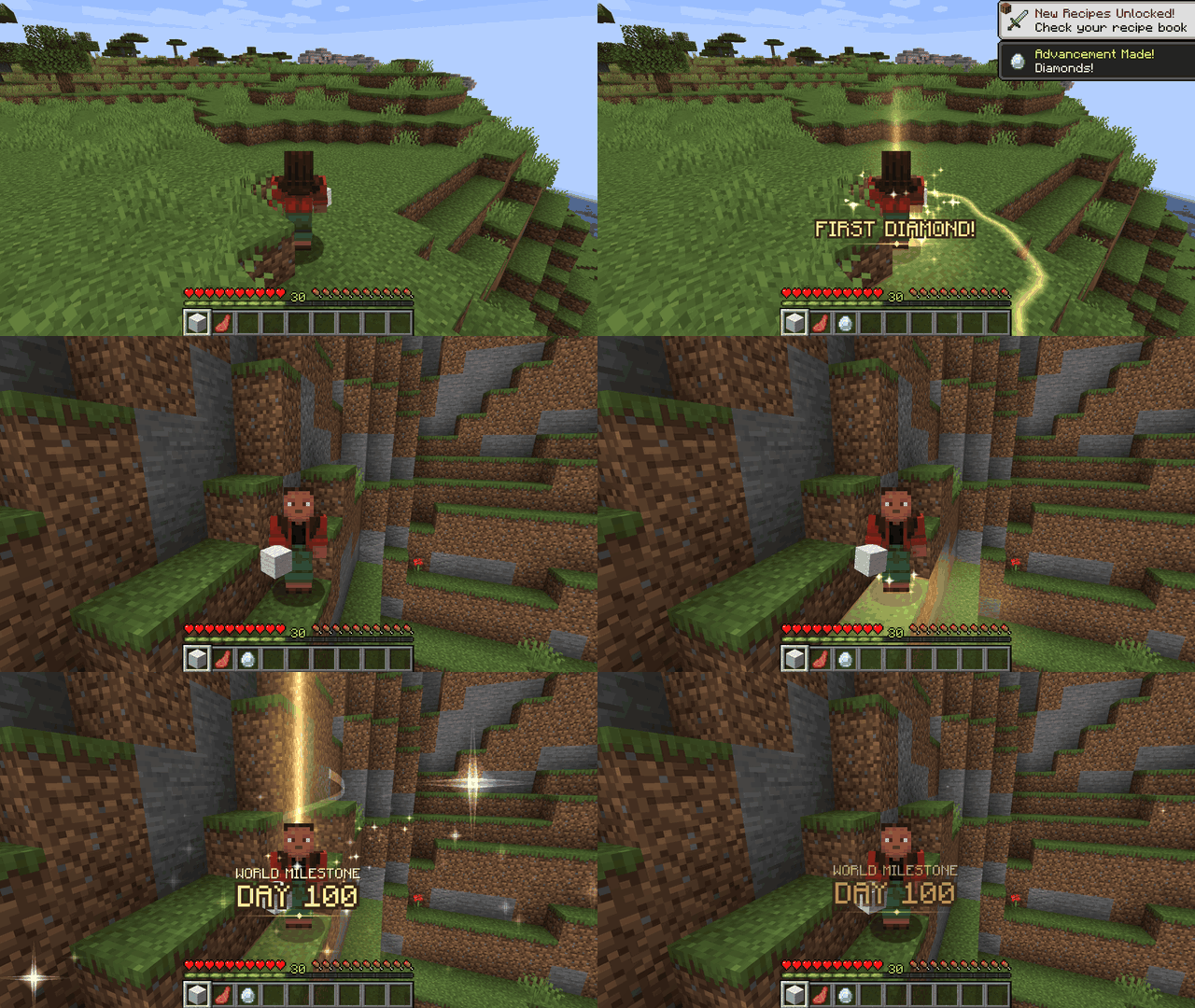
The moments that matter
First diamond, first time in the Nether and the End, first enchantment, first ancient debris, first elytra. A new dimension, from mods too (“First time in Twilight Forest!”). World day 10, 50, 100 and 365. Saved by a totem. A full diamond or netherite set. Rock bottom and the top of the world. A close call. Days in a row played.
Each one only once per world, and each one can be switched off or resized.
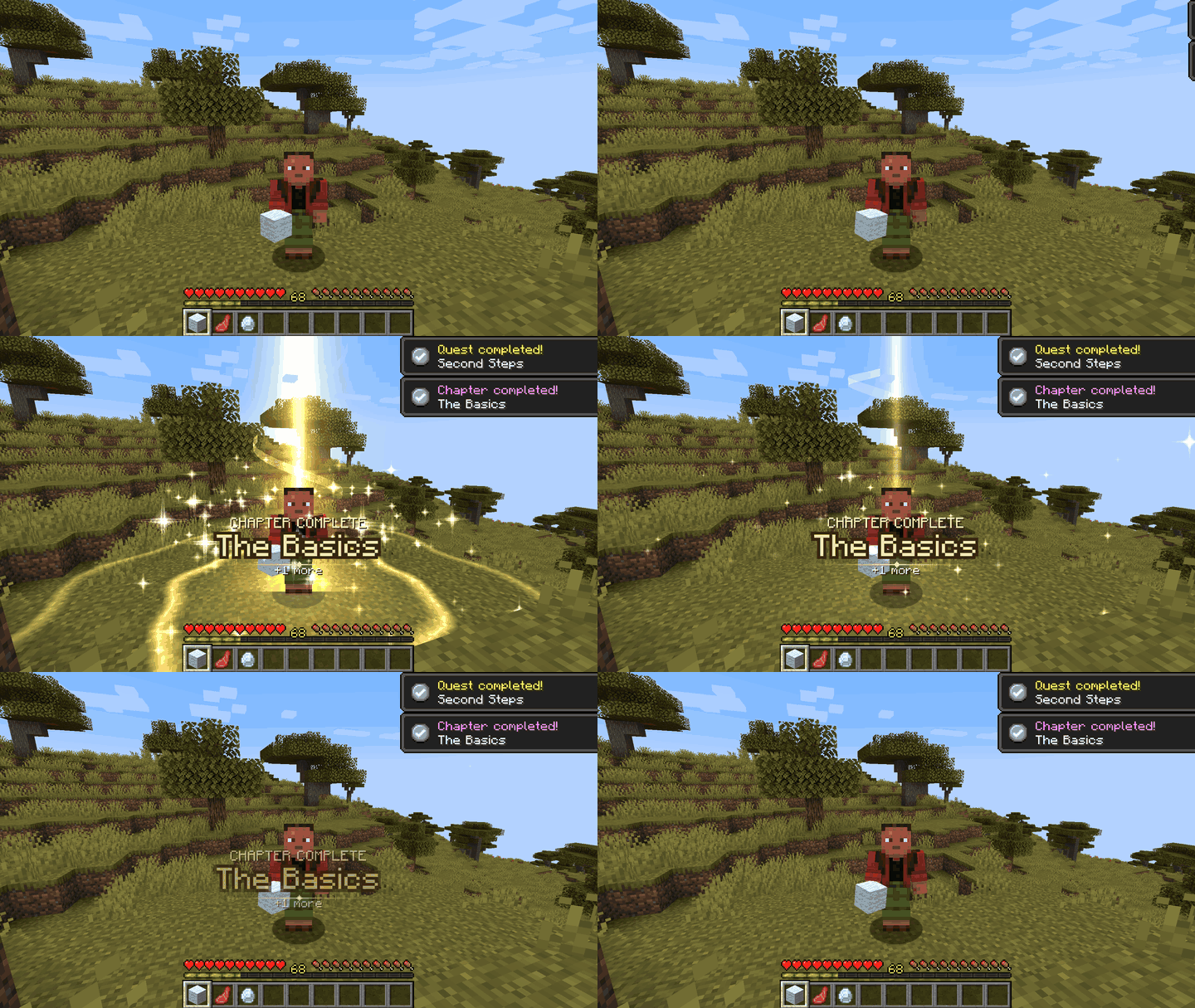
FTB Quests: chapters feel like chapters
With FTB Quests installed, a finished quest gets a small celebration, a finished chapter an epic one, and the whole book the biggest of all. Tasks are off by default.
What the pack maker hid stays hidden: quests with their popup disabled and invisible chapters are skipped. A repeatable quest celebrates once a minute at most.
Tested with FTB Quests on Forge 1.20.1. No FTB Quests? Nothing changes; the mod never needs it.
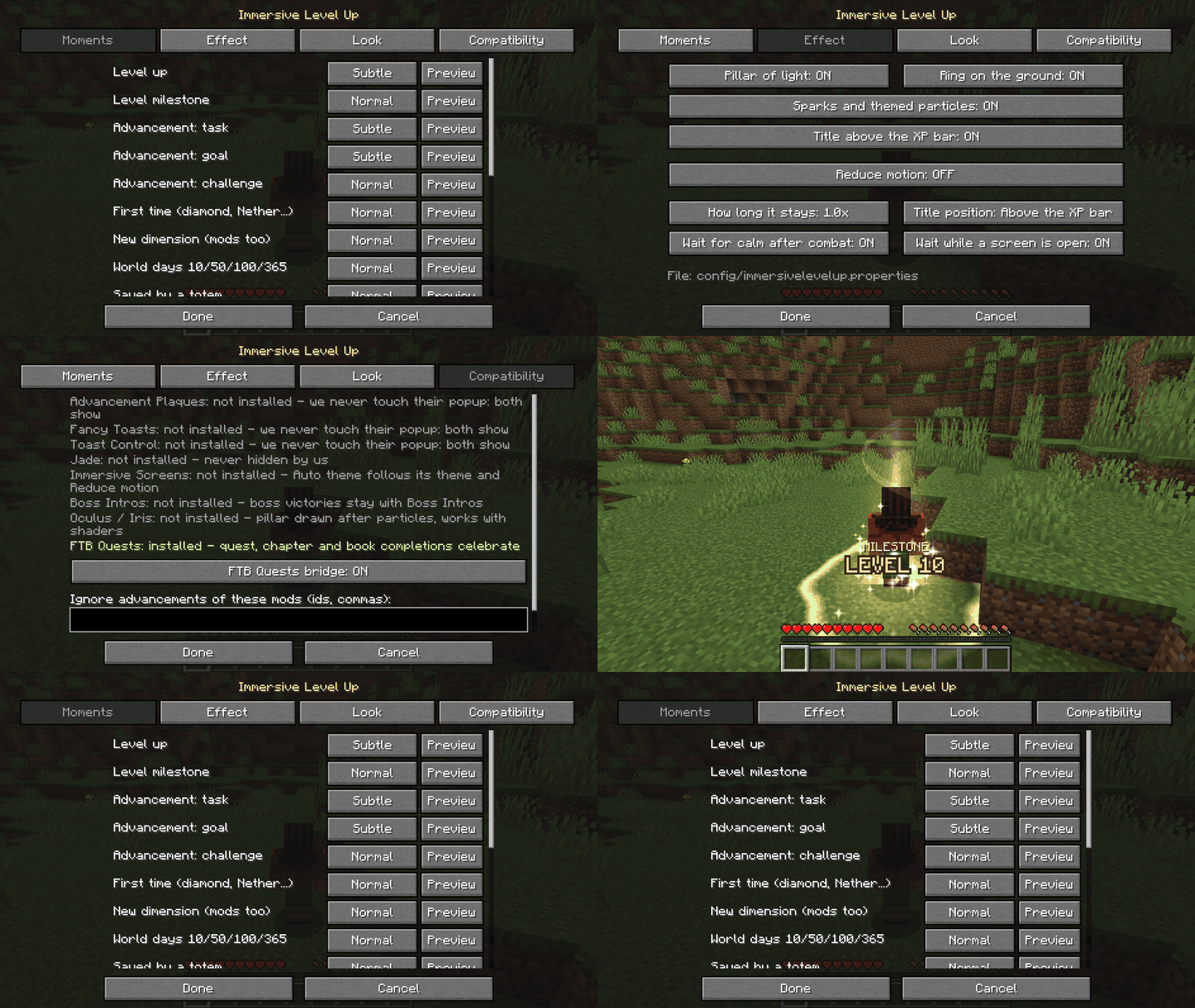
Every moment, every piece, your call
Each moment can be Off, Subtle, Normal or Epic, with a Preview button that plays it right there in your world.
Switch off any piece on its own (pillar, ring, sparks, title), move the title, change the duration, pick the colours in hex. Reduce motion keeps it calm.
No sounds by default, no camera moves, no screen flash, nothing over your crosshair, hearts or hotbar.
Pair it with Immersive Screens
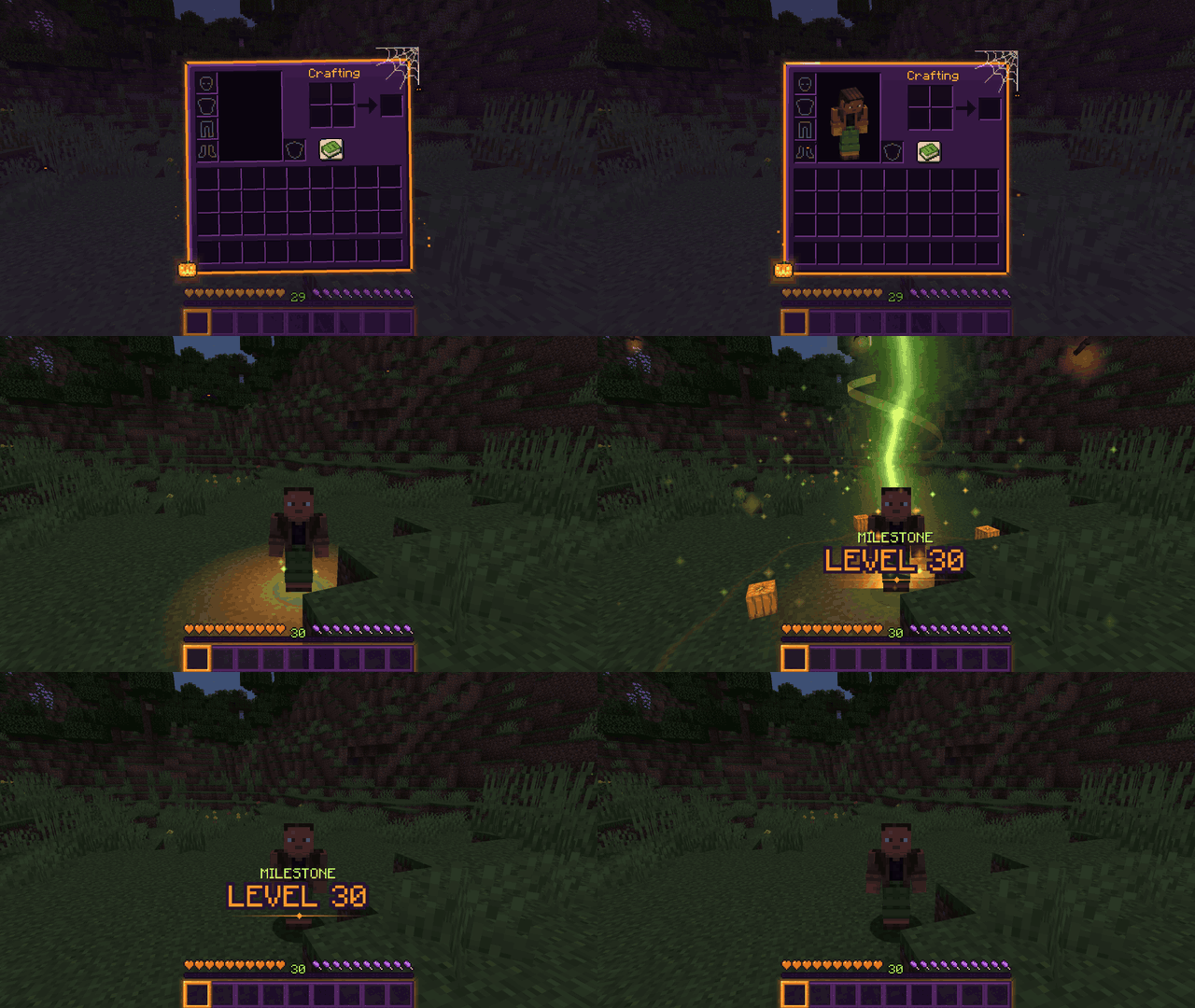
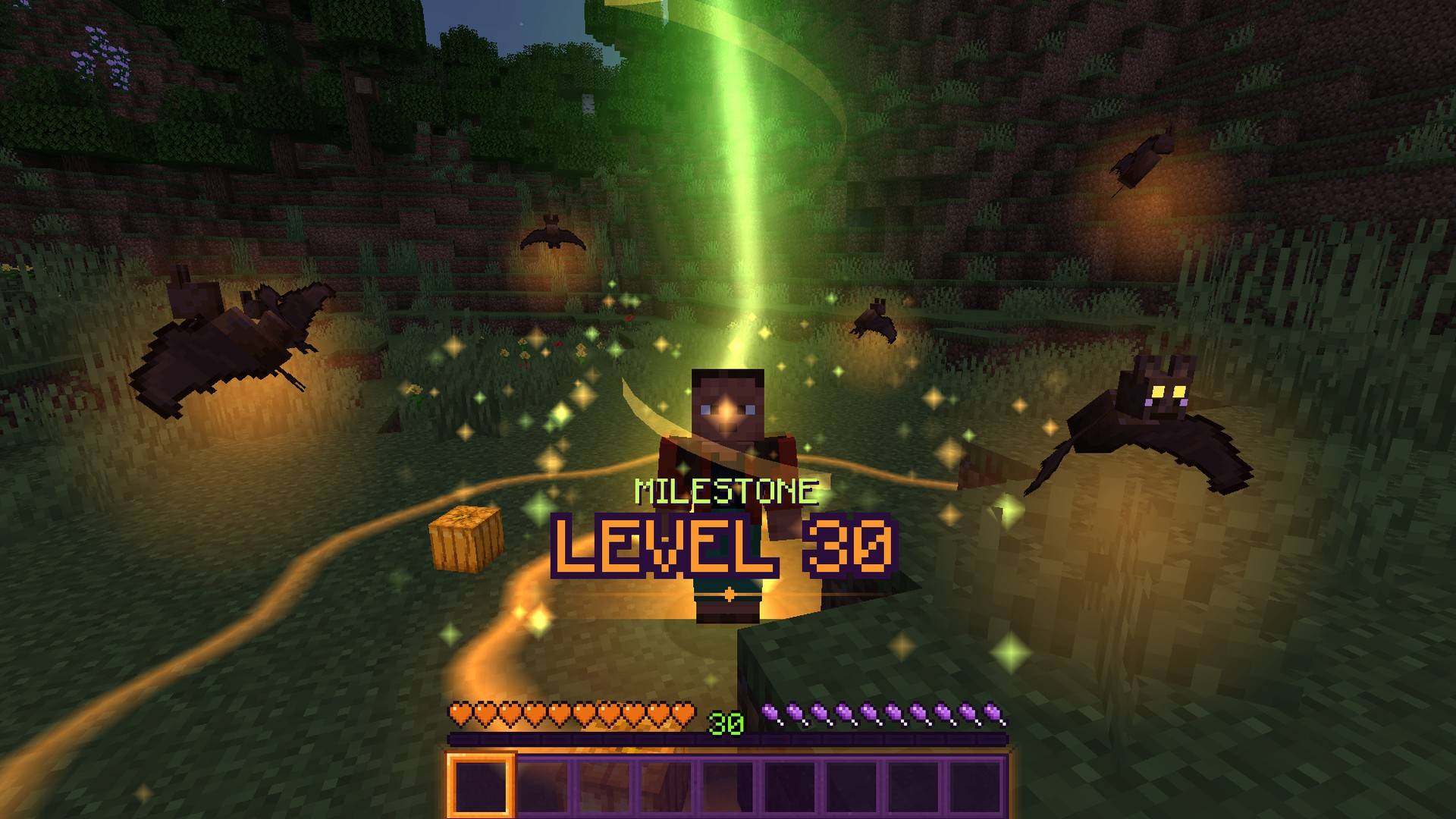
Two looks: Classic gold (the default) and Halloween, with an orange-to-green flame, bats with glowing eyes and pumpkins.
Have Immersive Screens? The theme follows it on its own, so your menus and your level ups match. Its Reduce motion switch counts here too.

For modpack makers
✔ Free to include in any modpack, including monetized ones. No need to ask.
✔ Client-side only: nothing on the server. Works on any server, in single player and on Realms. Safe to leave in a server pack: it does nothing there.
✔ No required libraries (Fabric API only on Fabric). FTB Quests and Immersive Screens are optional.
✔ Nothing loud on by default: no sounds, no camera moves, no screen flash.
✔ Never replaces anyone’s popup: it listens to the advancement and XP updates themselves, not to the popups.
✔ Respects what you hid: advancements with show_toast: false, recipes, silent quests and invisible chapters never celebrate.
Ship your defaults in config/immersivelevelup.properties (every key is commented):
theme=automoment.level=subtlemoment.milestone=normalmilestones=5,10,20,30,50,100moment.milestone.epicAt=30,50,100moment.ftbq.chapter=epicignoreNamespaces=myserver,questpackcolors.classic.pillar=#FFC44A
Everything is also in the in-game settings: Mods > Immersive Level Up > Config, or /levelup (preview, last, reload).
Tested in game
Forge 1.20.1 (47.4) · NeoForge 1.21.1 · Fabric 26.3 · Fabric 26.2 · NeoForge 26.2 · NeoForge 26.1.2.
Every file was opened in game and passed the same 94-check test run before release.
Works with
Forge 1.20.1: FTB Quests (quests, chapters and the whole book) · Embeddium + Oculus with Complementary Reimagined and BSL · Immersive Screens (theme follows)
NeoForge 1.21.1: Sodium + Iris with Complementary Reimagined
NeoForge 26.1.2: Immersive Screens (theme follows)
Multiplayer
Each player sees only their own moments, with the look they picked. Nothing to install on the server.

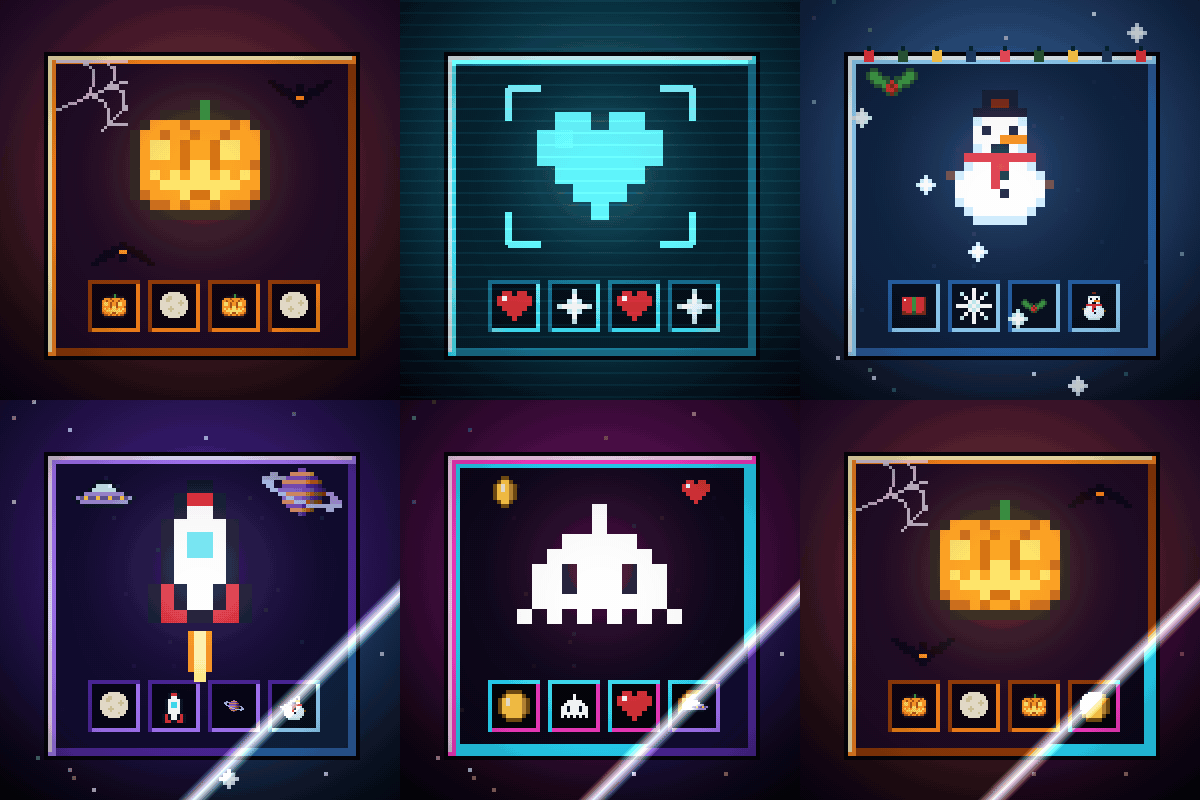
Immersive Screens

Every screen of the game in a theme, with small animations: Halloween, Hologram, Winter, Space and Retro Arcade.
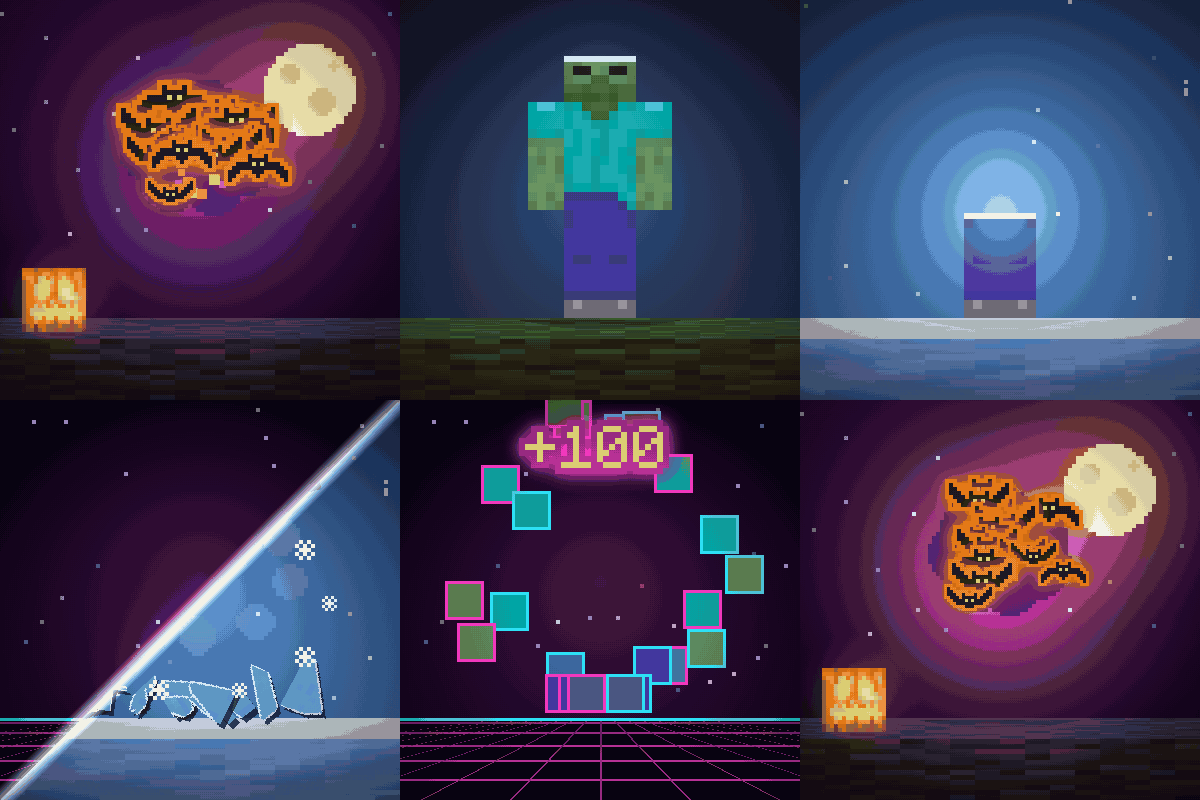
Kill Shatter
New death animations for every mob: they shatter into shards of their own skin. Halloween bats, Winter ice and Retro Arcade styles.
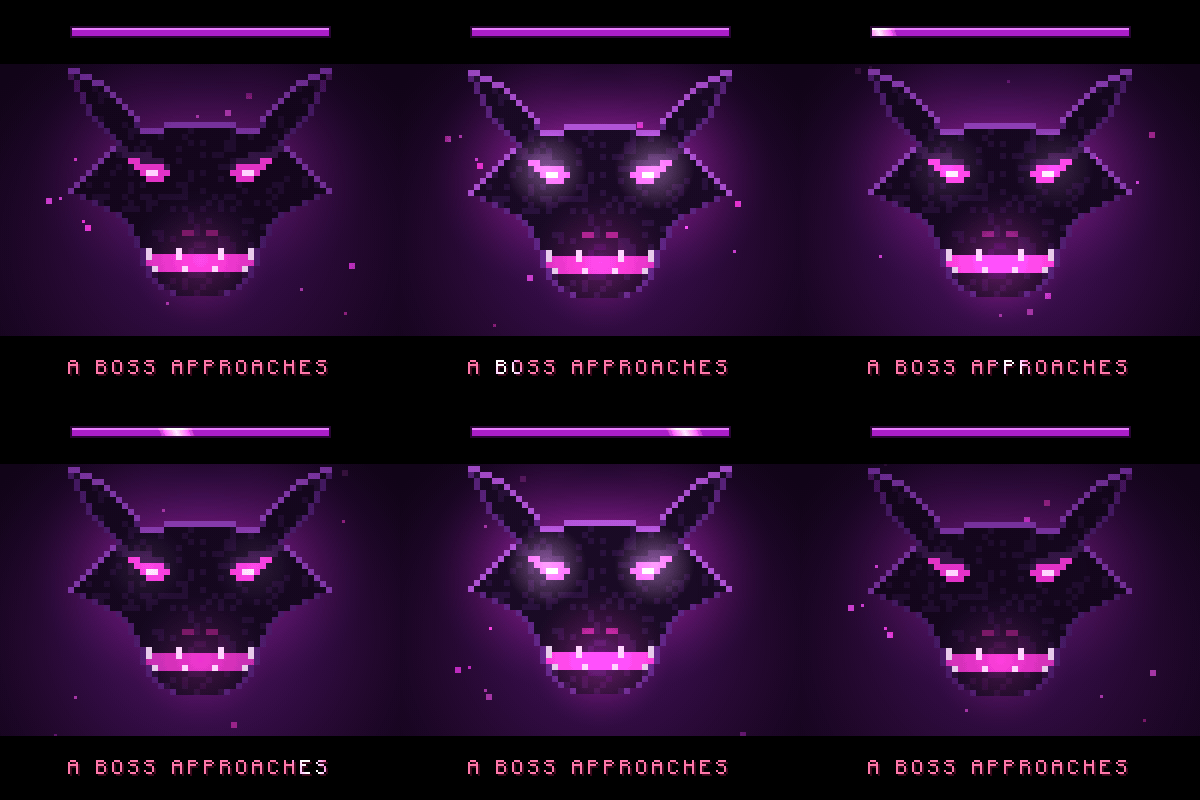
Boss Intros
Cinematic boss titles: black bars slide in and the boss name comes up in big letters, with a victory card when you win.

Boss Bars
Every boss bar gets its own animated frame, a damage trail, cracks and a shattering death.
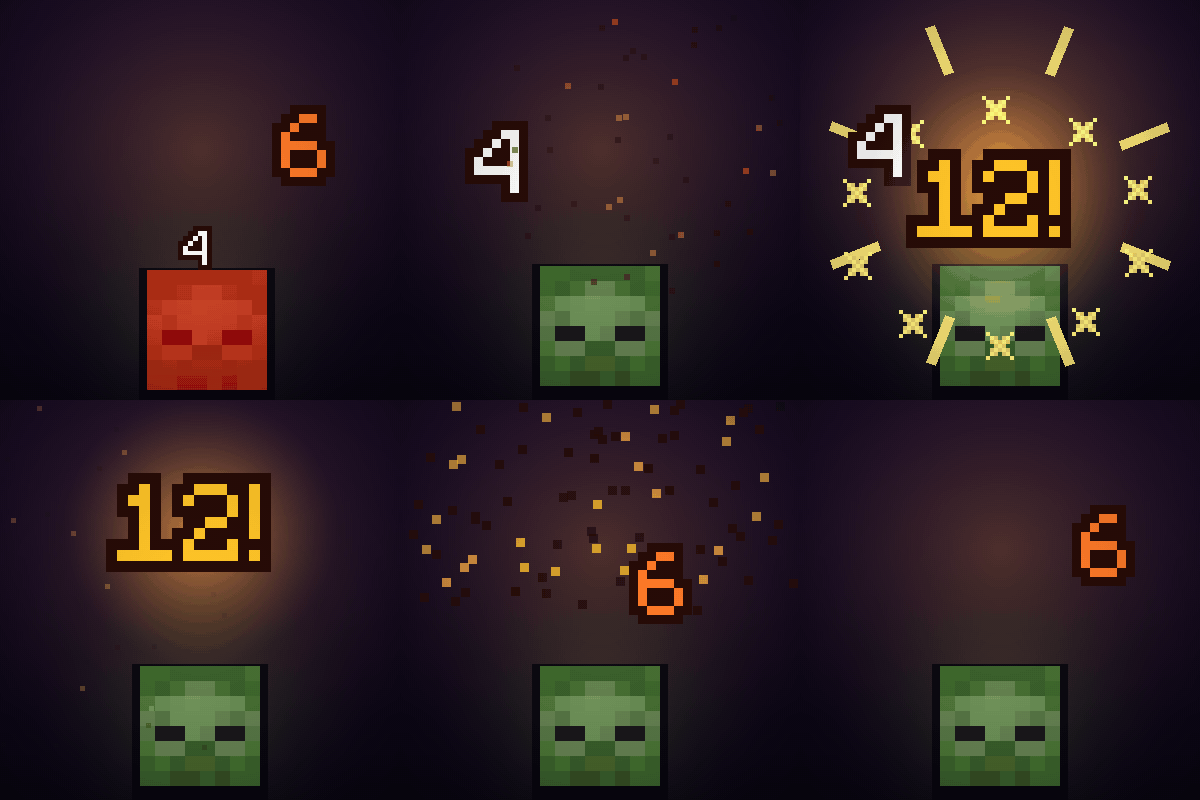
Made by an indie dev with help from AI tools; every version is tested in game. Written from scratch; not a port of any older mod.

Like the mod? You can support future updates and new mods on Ko-fi. Totally optional, everything stays free.
常见问题
Immersive Level Up: XP, Advancement & Quest Effects 支持哪些 Minecraft 版本?
Immersive Level Up: XP, Advancement & Quest Effects 支持 Minecraft Java 版 1.20.1–26.3,共 5 个版本,可用的加载器:Fabric / Forge / NeoForge。下载时注意选择和你游戏版本一致的文件。
Immersive Level Up: XP, Advancement & Quest Effects 怎么安装?
先用 PCL2 或 HMCL 启动器安装对应版本的 Fabric / Forge / NeoForge,再把下载的 .jar 文件放进游戏目录的 mods 文件夹,重新启动游戏即可。开启了版本隔离的,mods 文件夹在 versions/版本名 下面。
Vitral 的其他作品
查看全部 →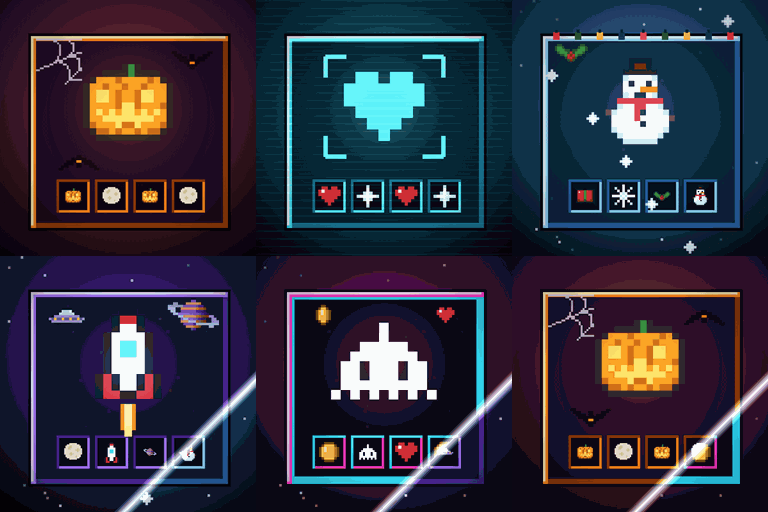
Immersive Screens: Animated Halloween & Hologram GUI
为每个界面提供动态主题:万圣节、全息、冬季/圣诞、太空和复古街机。箱子面板会升起,边框会发光,熔炉会燃烧。物品保留原本的颜色。仅限客户端。
Boss Intros: Cinematic Boss Titles & Entrances
电影感 Boss 登场提示:Boss 出现时,黑边滑入,名称以大字呈现;获胜后还会播放胜利卡片。支持模组和服务器中的 Boss。仅客户端生效。
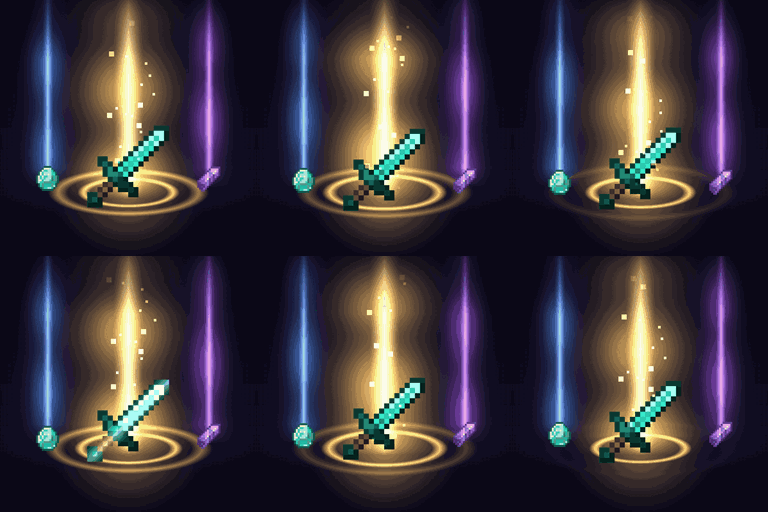
Loot Beams – Rarity Light Beams for Dropped Items
珍贵掉落物会发出光柱,颜色取决于物品等级或物品本身的颜色。支持游戏内配置和 ItemPhysic。仅客户端。
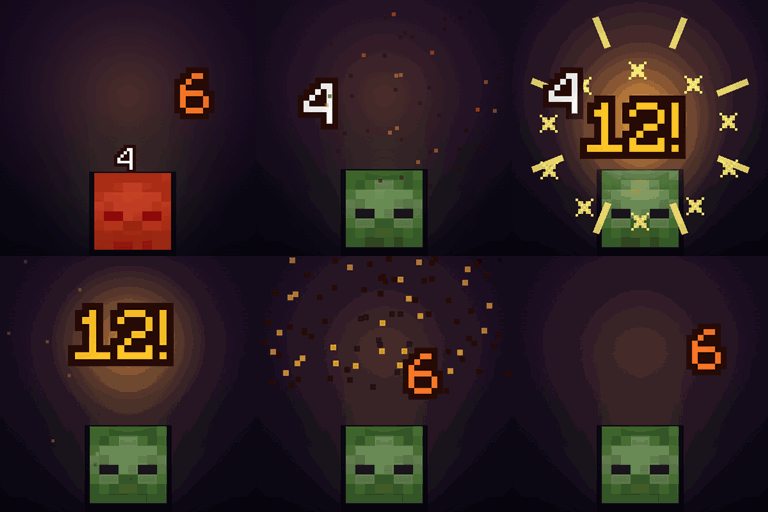
Damage Numbers: Floating Damage Indicators & Crits
每次击中生物都会弹出漂浮的伤害数字并碎裂成像素。金色暴击带有命中标记,每种伤害类型有专属颜色,绿色代表治疗,红色代表击杀和连击。客户端模组。
评论
登录后评论和评分