
Glazed Menu
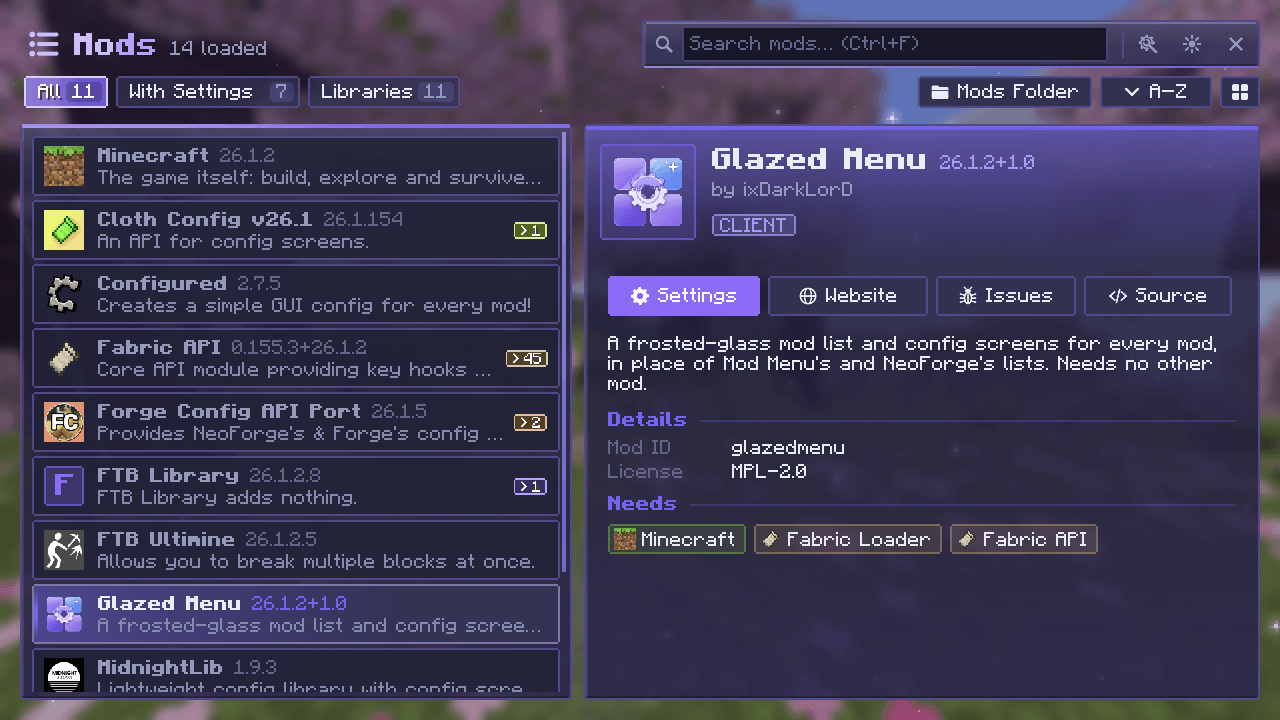
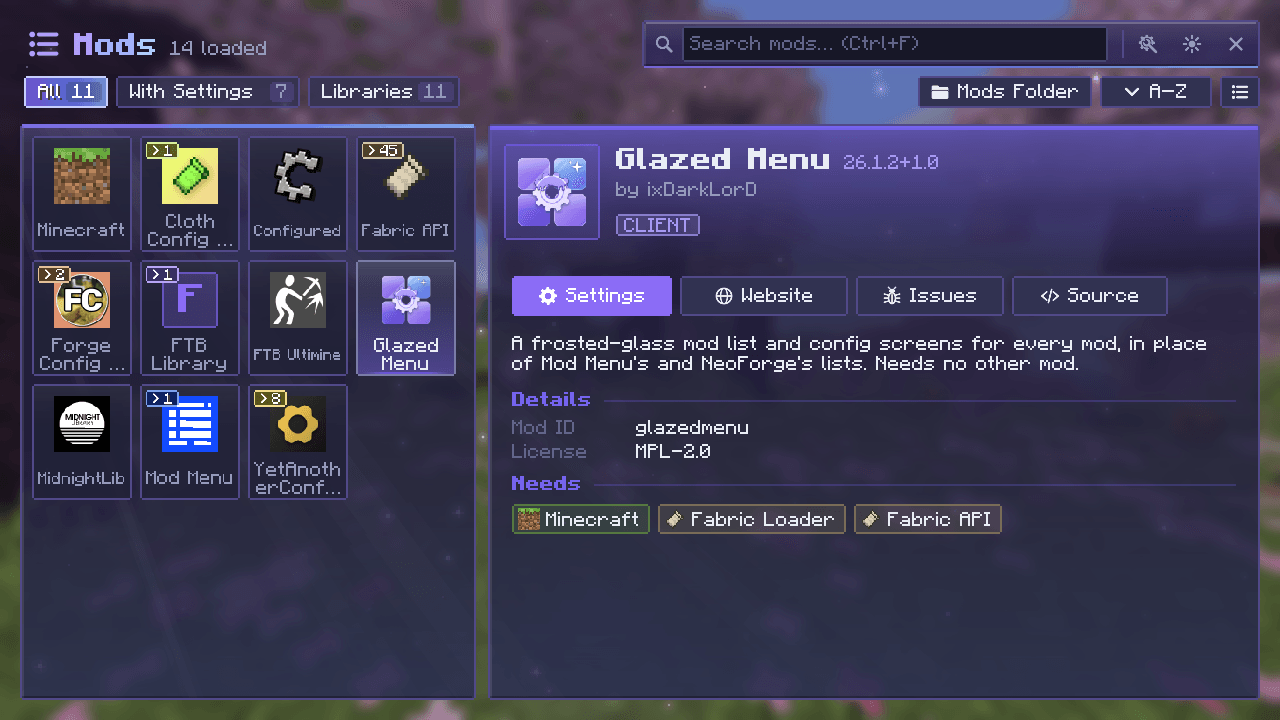
A frosted-glass mod list and config screens for every mod, with grid and list views, groups, themes and update notices.
截图
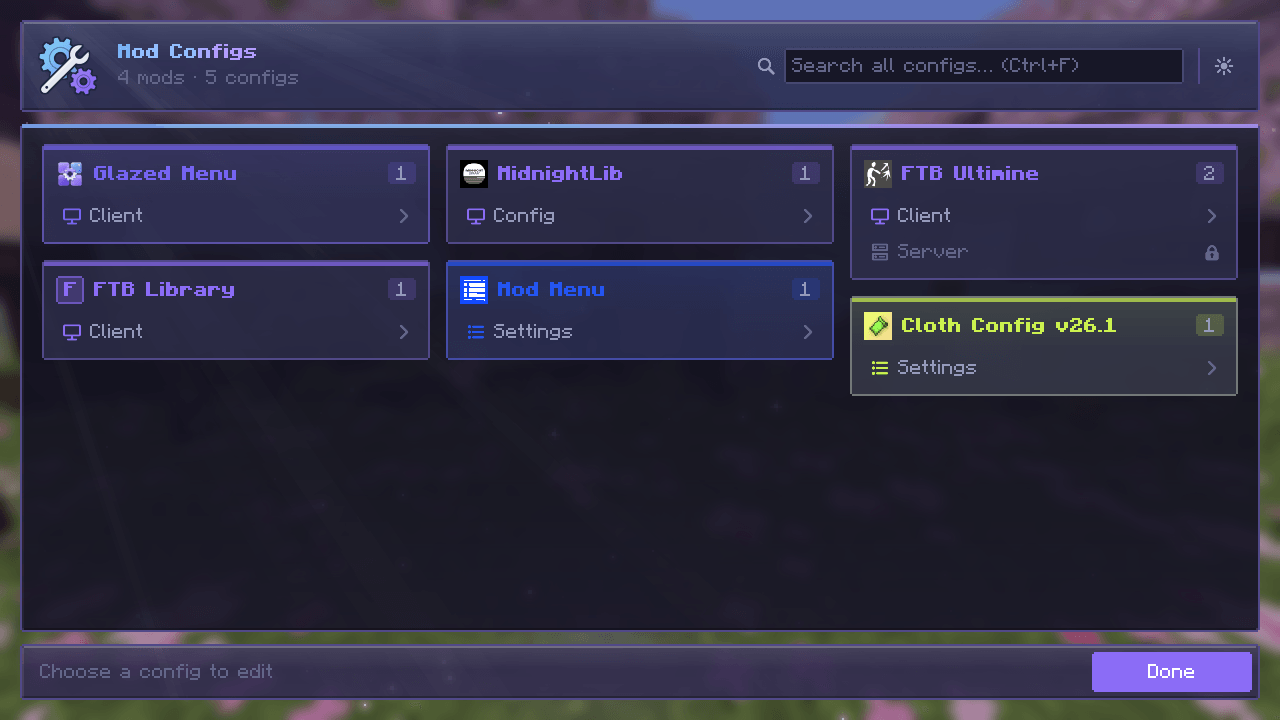
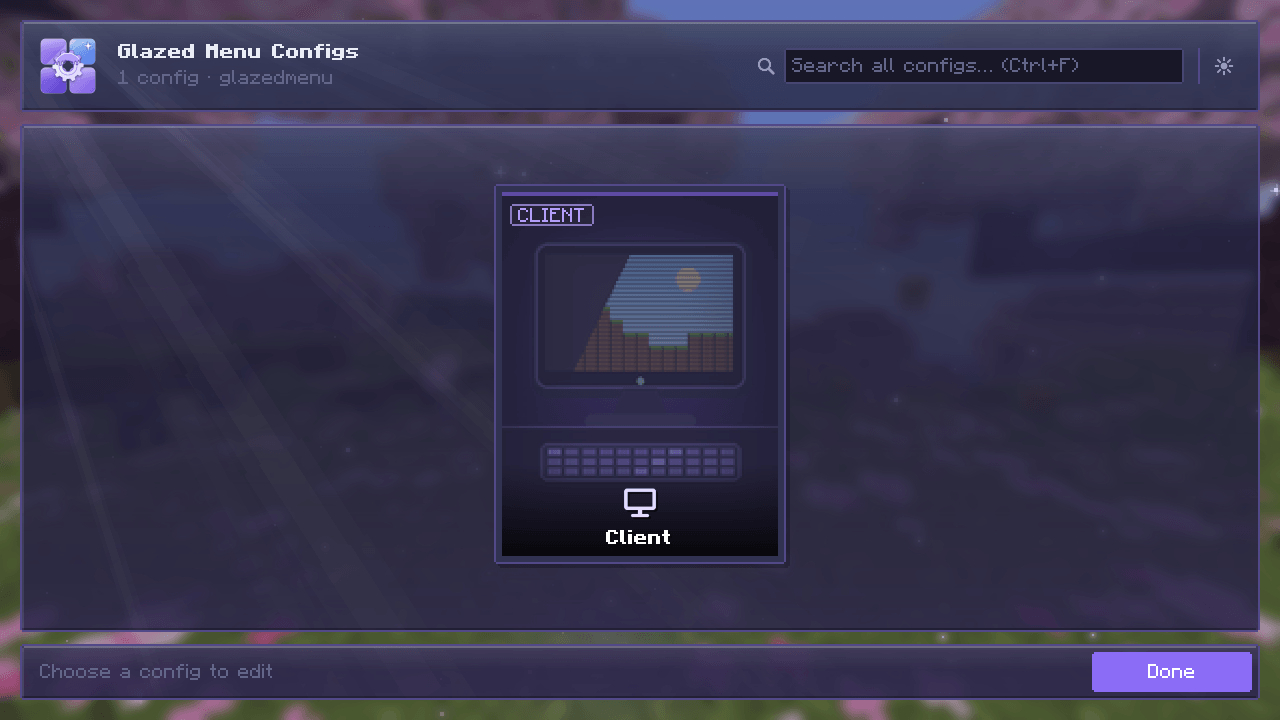
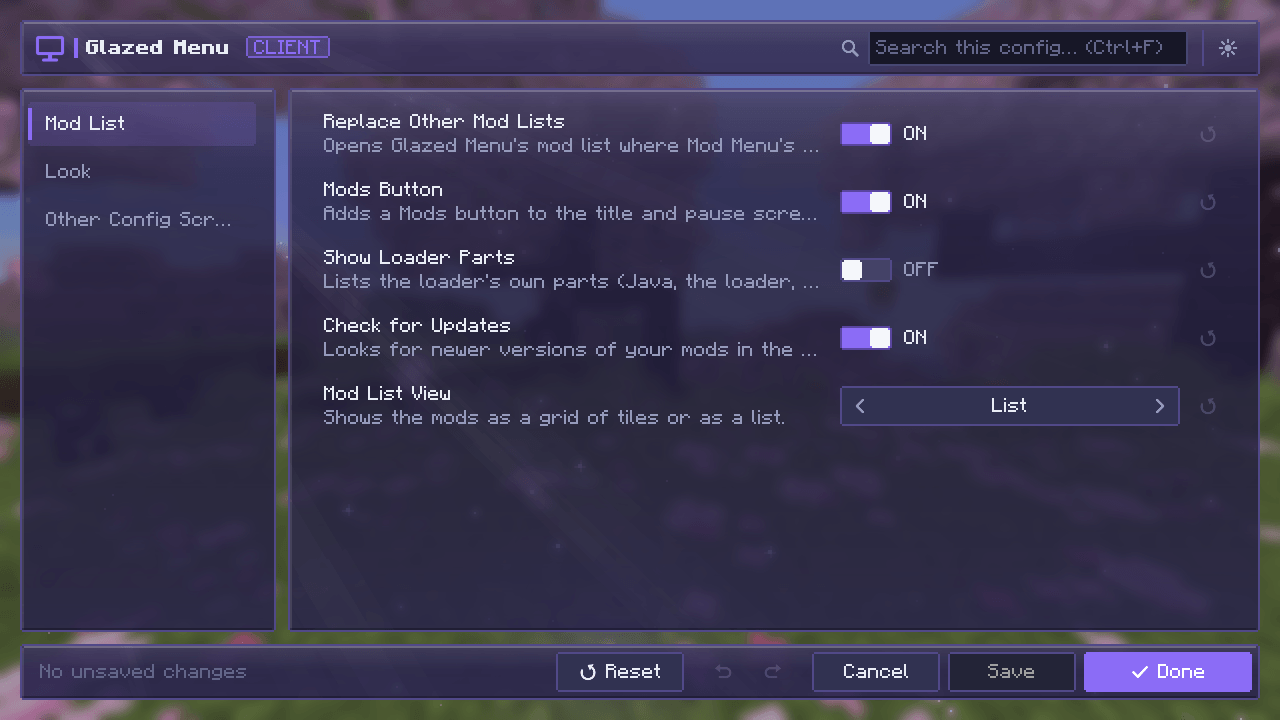
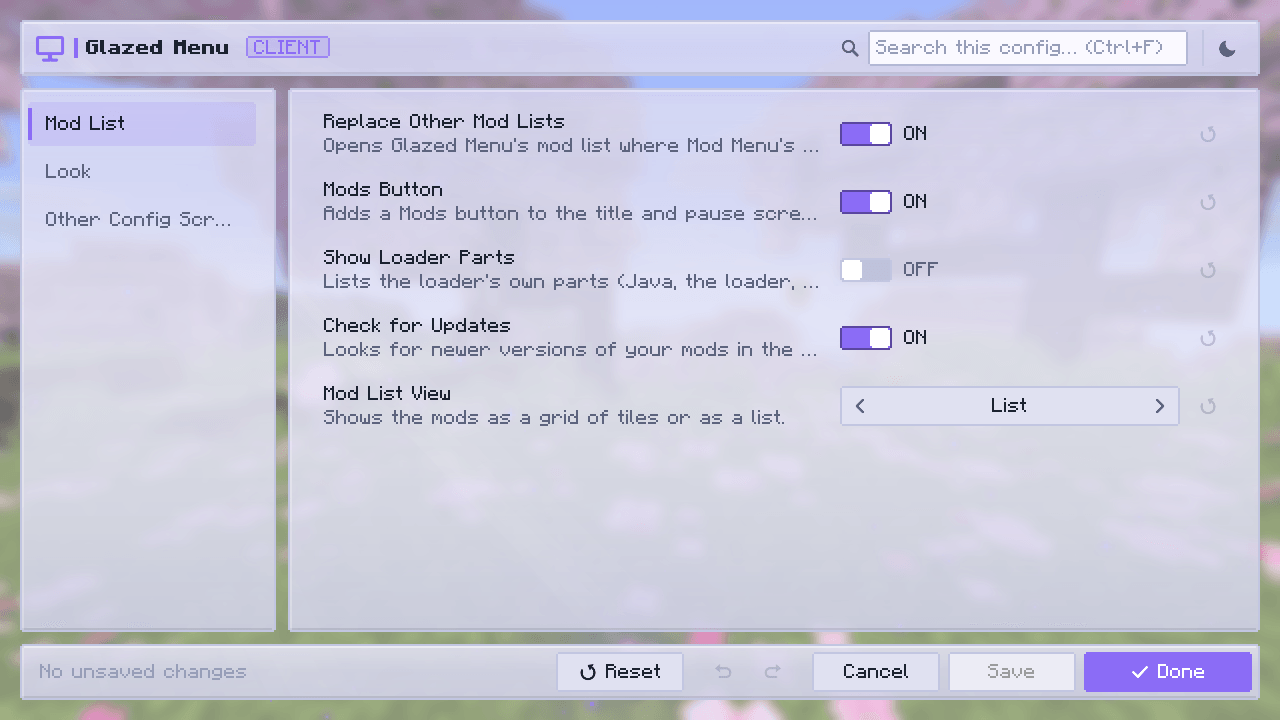
介绍







✨ About
Glazed Menu gives Minecraft’s menus one frosted-glass look: a new mod list, one config screen for almost every mod, and the game’s own screens to match.
Install it and press Mods. There is nothing to set up, it needs no other mod, and every part of it can be turned off on its own.
- 📋 Mod list: a list or a grid, tinted in each mod’s own colors
- ⚙️ Config screens: the same editor for almost any mod’s settings
- 🎮 Game screens: title, pause, worlds, servers, chat and more
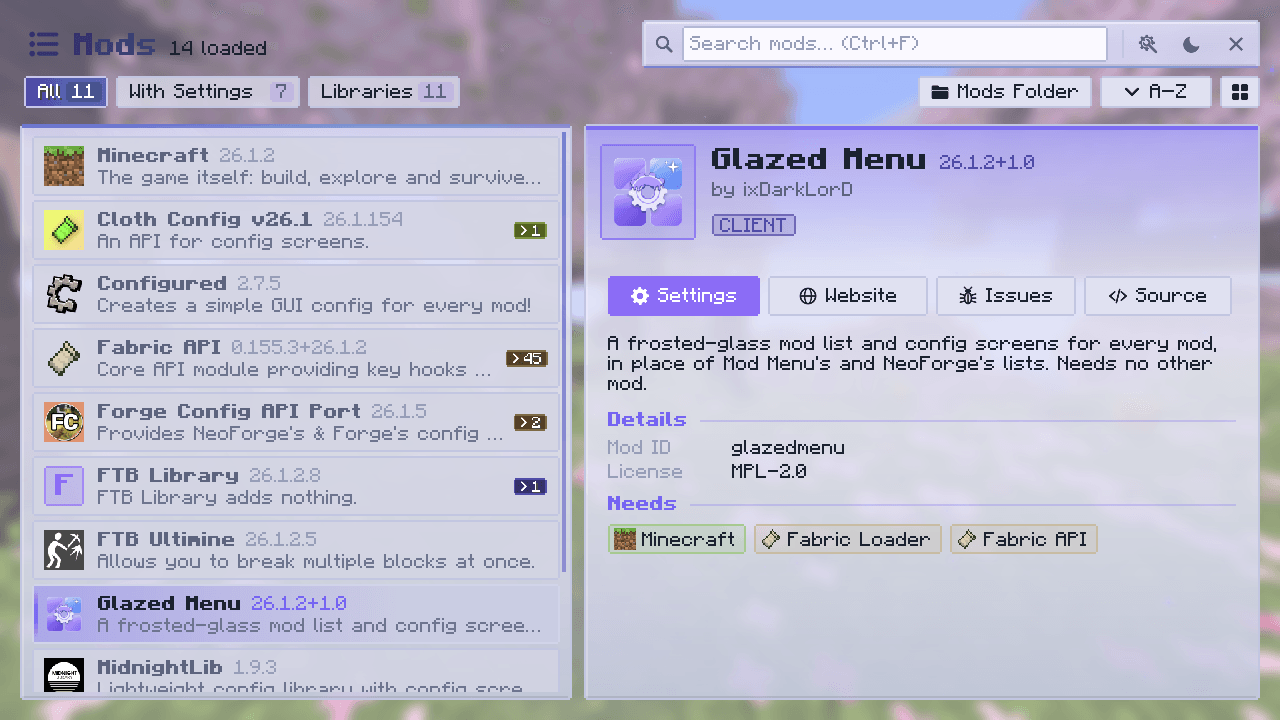
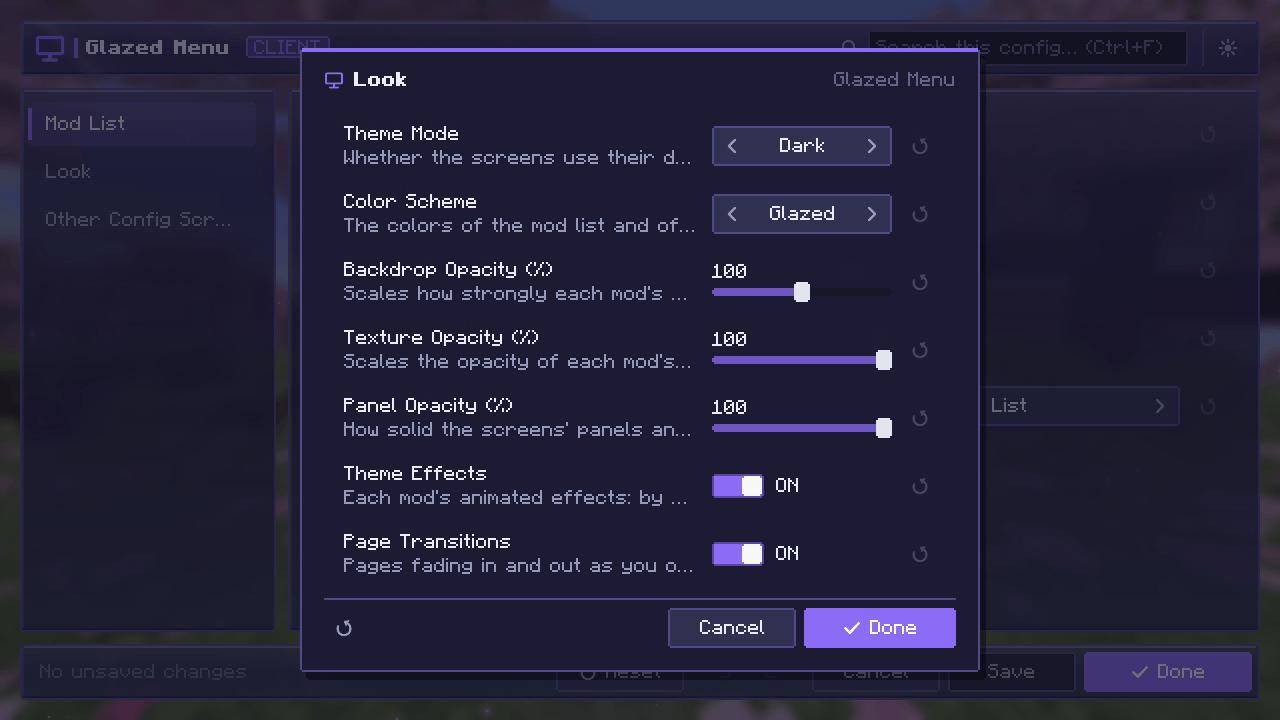
- 🎨 Your style: dark and light modes, seven color schemes, adjustable glass
📸 Screenshots of every screen are in the Gallery tab.
📋 Mod list
Replaces the mod list you already have, from Mod Menu or from the loader.
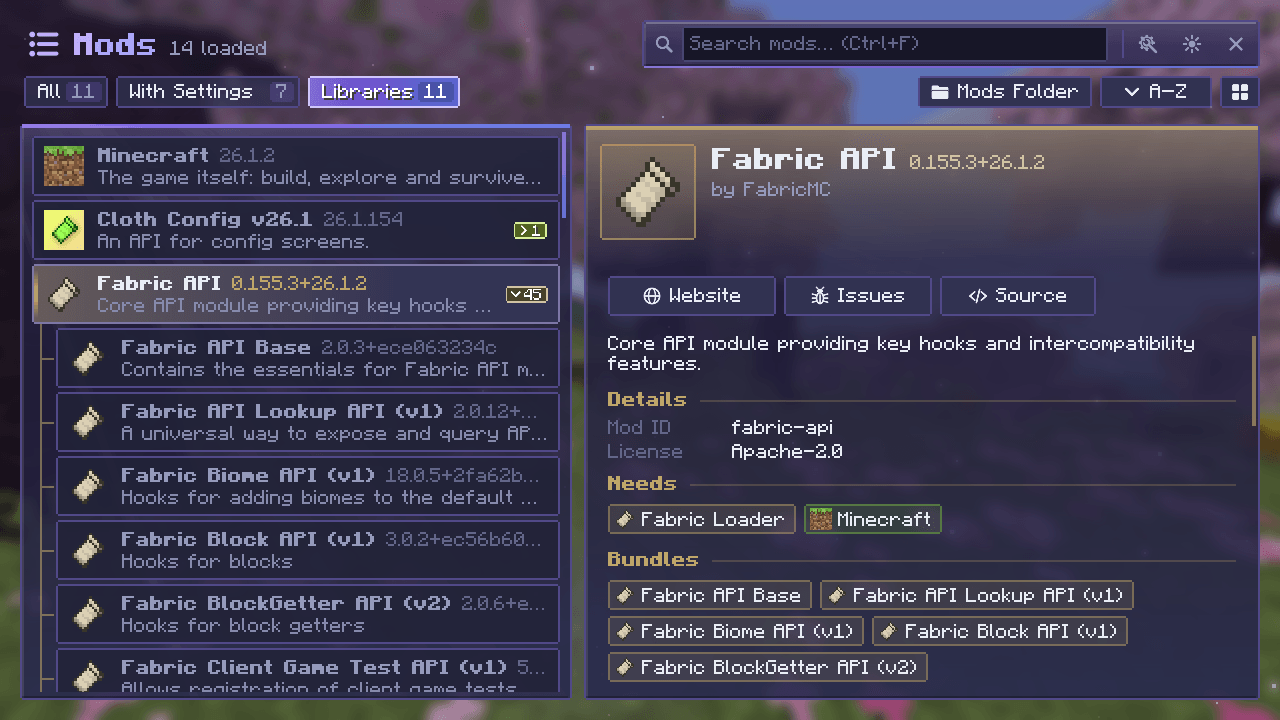
- 🔎 Find things fast: search, sorting, and filters for All, With Settings and Libraries
- 📦 Less clutter: a mod and the modules it bundles fold into one group
- 📖 Everything about a mod: description, authors, license, links, what it needs and what it bundles
- 🔔 Update notices for mods that publish an update file
⚙️ Config screens
Every mod’s settings in one place, edited in one consistent screen.
- ✏️ A real editor: categories, search, undo and redo, reset to default and validation
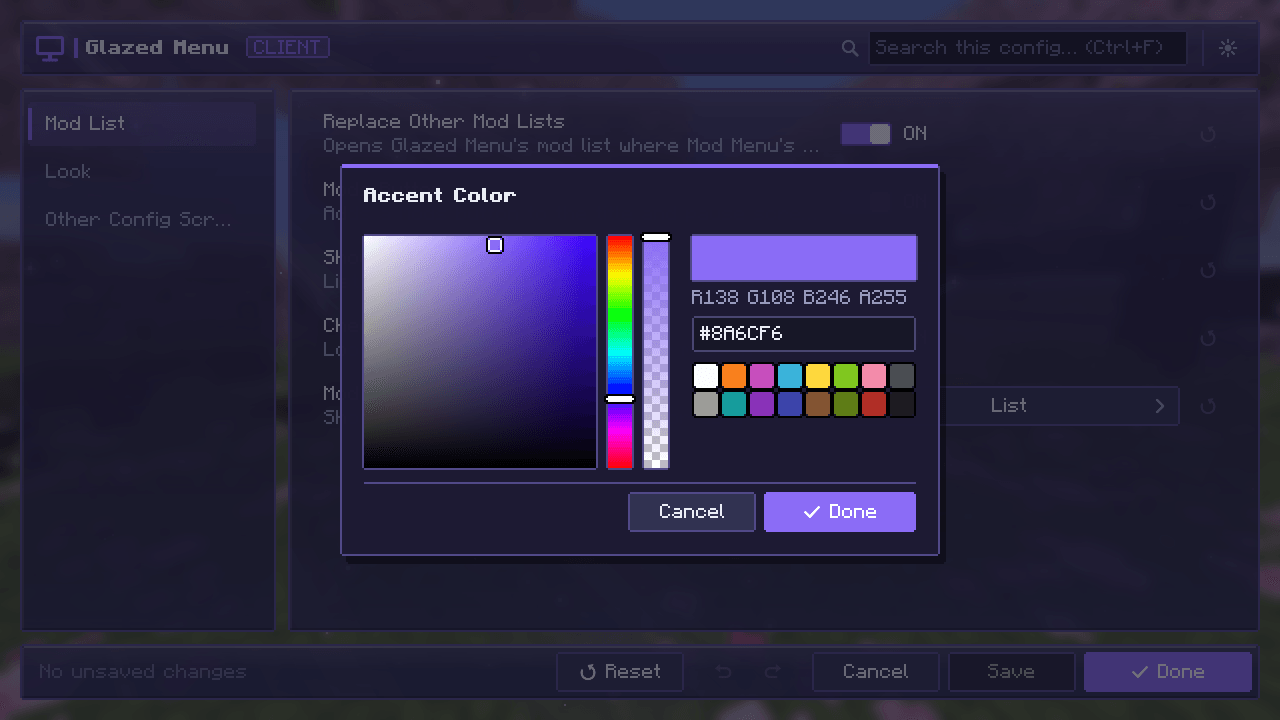
- 🎚️ The right control for each value: toggles, sliders, dropdowns, lists and a color picker
- 🔍 Search across every mod, and a list of everything you have changed from its default
- 💾 Nothing is written until you say so: Save, Done or Cancel
- 🤝 Mods with their own config screen keep it: their Settings button opens that screen
🎮 Game screens
New in 1.1. The game’s own screens in the same glass look. Each one has its own switch under Game Screens in Glazed Menu’s settings, so you keep only the ones you like.
- 🏠 Menus: title, pause, options, key binds, controls, language and packs
- 🌍 Worlds and servers: singleplayer, multiplayer, create and edit world, add and edit server, direct connect
- 💬 In game: chat with player heads and tabs, a death screen that tells you where you died, advancements and statistics
- ⏳ Joining: loading screens that show each step as it happens, and a disconnected screen with Reconnect
👥 Playing together
Two chat extras work when the server has Glazed Menu too. Your own worlds and LAN games always do.
- ✍️ Typing indicators: see who is writing, and hide your own if you prefer
- 🗡️ Item showcase: show the item in your hand to everyone, tooltip included
On any other server the rest of the mod works as usual, and these two stay out of the way.
🎨 Make it yours
- 🌗 Dark and light modes, switched from any screen
- 🌈 Seven color schemes: Glazed, Classic, Ocean, Forest, Ember, Rose and Slate
- 🧊 Adjustable glass: panel opacity, sun rays, falling stars and page transitions
- 🧱 Layouts: two for the title screen, three for the pause screen
🧩 Compatibility
| Fabric | NeoForge | Forge | |
|---|---|---|---|
| 26.1 – 26.3 | ✅ | ✅ | – |
| 1.21 – 1.21.1 | ✅ | ✅ | ✅ |
| 1.20 – 1.20.1 | ✅ | – | ✅ |
- 📚 Configs it reads: NeoForge and Forge configs, Cloth Config, YACL, MidnightLib and FTB Library
- 🖥️ Client side: the server never needs it; installing it there is optional
❓ FAQ
Does the server need it? No. Everything works on the client alone. Adding it to a server only brings typing indicators and item showcases to the chat.
Can I keep my old mod list, or one of the game’s own screens? Yes. Turn off Replace Other Mod Lists, or the switch of that screen under Game Screens, in Glazed Menu’s settings.
Will it change my config files? Only when you save. Each config is written by the system it belongs to, in its own file and format.
A mod’s settings don’t show up. Why? Glazed Menu shows the configs it can read. A mod with its own config screen still opens it from its Settings button.
🛠️ For developers
Glazed Menu works with your mod as it is. To list your mod under Libraries, show update notices, theme your config screens or add your own card artwork, see the mod author guide on GitHub.
常见问题
Glazed Menu 支持哪些 Minecraft 版本?
Glazed Menu 支持 Minecraft Java 版 1.20–26.3,共 9 个版本,可用的加载器:Fabric / Forge / NeoForge。下载时注意选择和你游戏版本一致的文件。
Glazed Menu 怎么安装?
先用 PCL2 或 HMCL 启动器安装对应版本的 Fabric / Forge / NeoForge,再把下载的 .jar 文件放进游戏目录的 mods 文件夹,重新启动游戏即可。开启了版本隔离的,mods 文件夹在 versions/版本名 下面。
ixDarkLorD 的其他作品
查看全部 →
CoolCatLib
一次编写,处处运行。事件、网络通信、注册表和配置一应俱全,还支持屏幕特效、自定义天空、过场动画和 GUI 组件——为你的模组打造喵不可言的完美基础。

FTB Ultimine Addition (Forge/NeoForge/Fabric)
满足特定条件后才能使用Ultimine!完成挑战即可解锁挖掘技能,让游戏体验更有趣。

Modpack Manager
允许整合包作者修改游戏界面。新增视觉效果!

Modpack Manager (Discontinued)
让整合包作者能够修改游戏界面,并加入全新的视觉效果!
评论
登录后评论和评分