
Ghostbys Skyboxes
Shows custom skies from your texture packs without OptiFine, plus built-in sky presets you can switch between
截图



介绍
GhostbyTMGs Skyboxes
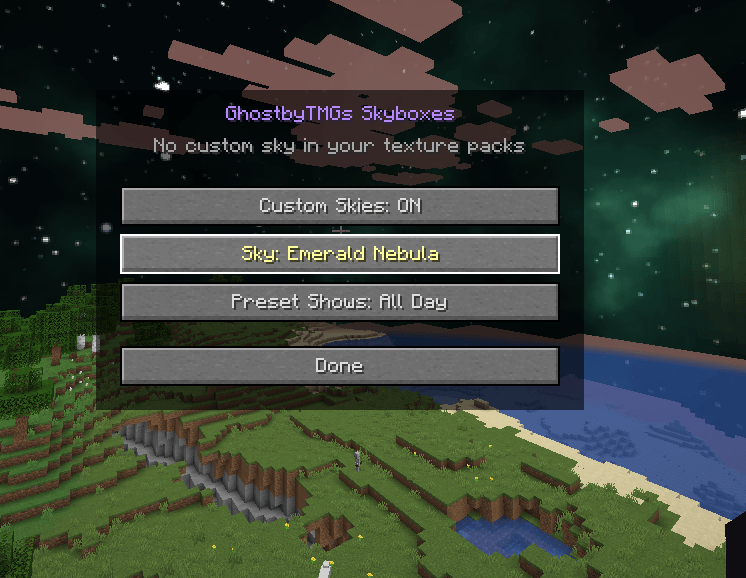
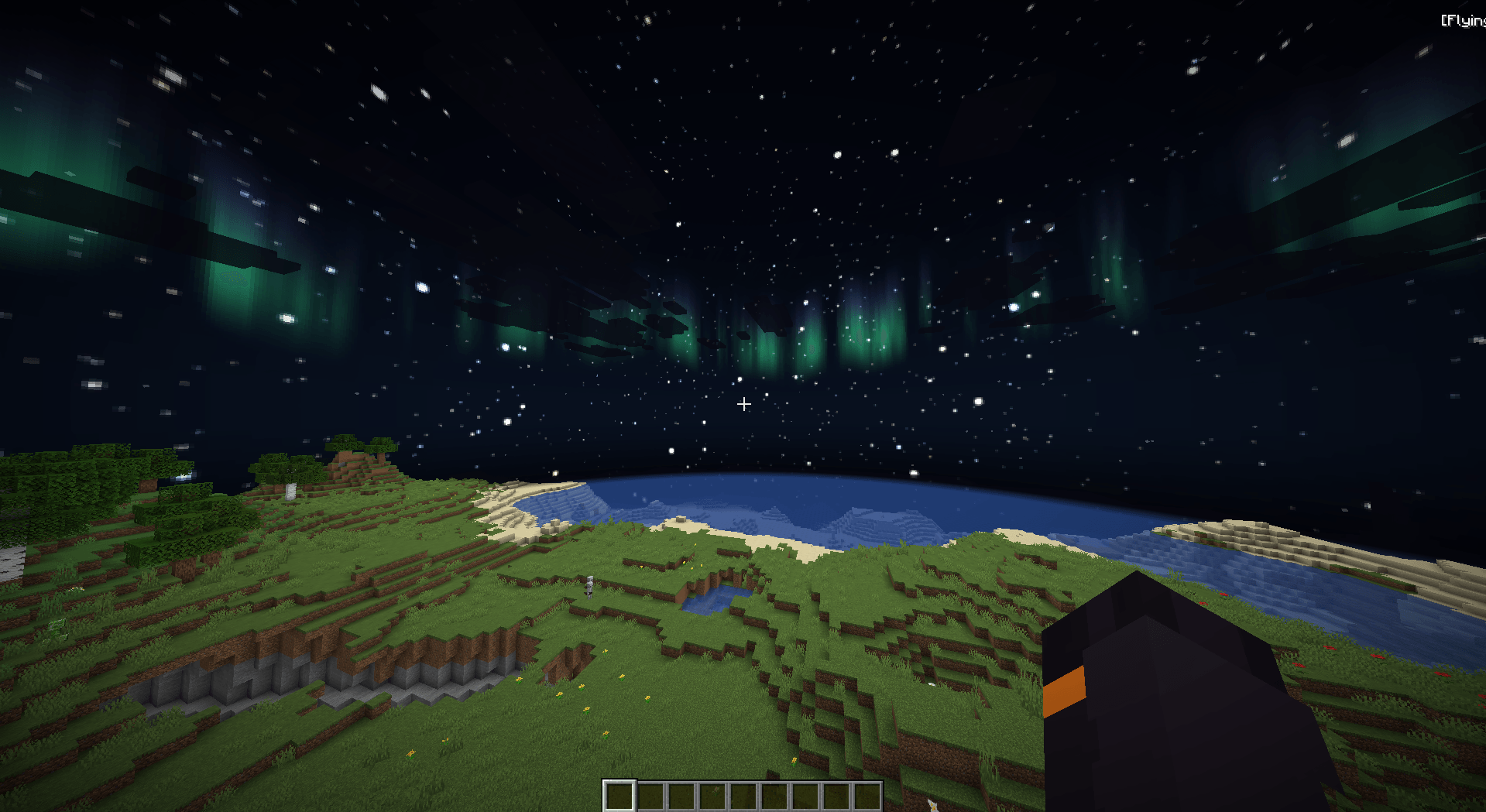
Tired of texture packs with beautiful custom skies that you can’t see because you’re not on OptiFine? This mod shows OptiFine-format custom skies on Fabric, and also comes with built-in sky presets you can switch to anytime.
Features
- Texture pack skies: reads custom skies from your resource packs (OptiFine and MCPatcher format) for the Overworld and The End
- Supports the common sky settings: fade-in and fade-out times, blend modes, rotation, speed and weather
- 5 built-in presets:
- Starry Night
- Galaxy
- Emerald Nebula
- Aurora
- Rose Nebula
- Preset timing: show a preset only at night (it fades in at sunset) or all day
- Toggle on and off in the settings or with a keybind
- Live preview: the sky stays visible behind the settings menu, so you can flip through presets and watch them change
- Client-side only: works on any server
How to use
- Press K to open the settings. You can change the key under Options → Controls → Key Binds.
- Set a key for Toggle custom skies in Key Binds if you want quick on/off.
- With Mod Menu installed, you can also open the settings from the mod list.
Requirements
- Minecraft 1.21.11
- Fabric Loader
- Fabric API
- Mod Menu (optional)
Notes
- Biome, height and day-specific sky settings aren’t supported yet. Those sky layers still show, just without the conditions.
- Custom skies may not show while shaders (Iris) are turned on.
常见问题
Ghostbys Skyboxes 支持哪些 Minecraft 版本?
Ghostbys Skyboxes 支持 Minecraft Java 版 1.21–26.3,共 17 个版本,可用的加载器:Fabric。下载时注意选择和你游戏版本一致的文件。
Ghostbys Skyboxes 怎么安装?
先用 PCL2 或 HMCL 启动器安装对应版本的 Fabric,再把下载的 .jar 文件放进游戏目录的 mods 文件夹,重新启动游戏即可。开启了版本隔离的,mods 文件夹在 versions/版本名 下面。
GhostbyTMG 的其他作品
查看全部 →
Ghostbys Totem Highlights
Highlights every Totem of Undying in your inventory and containers with a customizable color, so you can spot and grab them instantly.

Ghostbys Shulker Previews
Hover a shulker box to see everything inside it. Also remembers your ender chest, so you can check what’s in it from any inventory.
评论
登录后评论和评分