跳到正文

Gear Compare

作者:Vitral

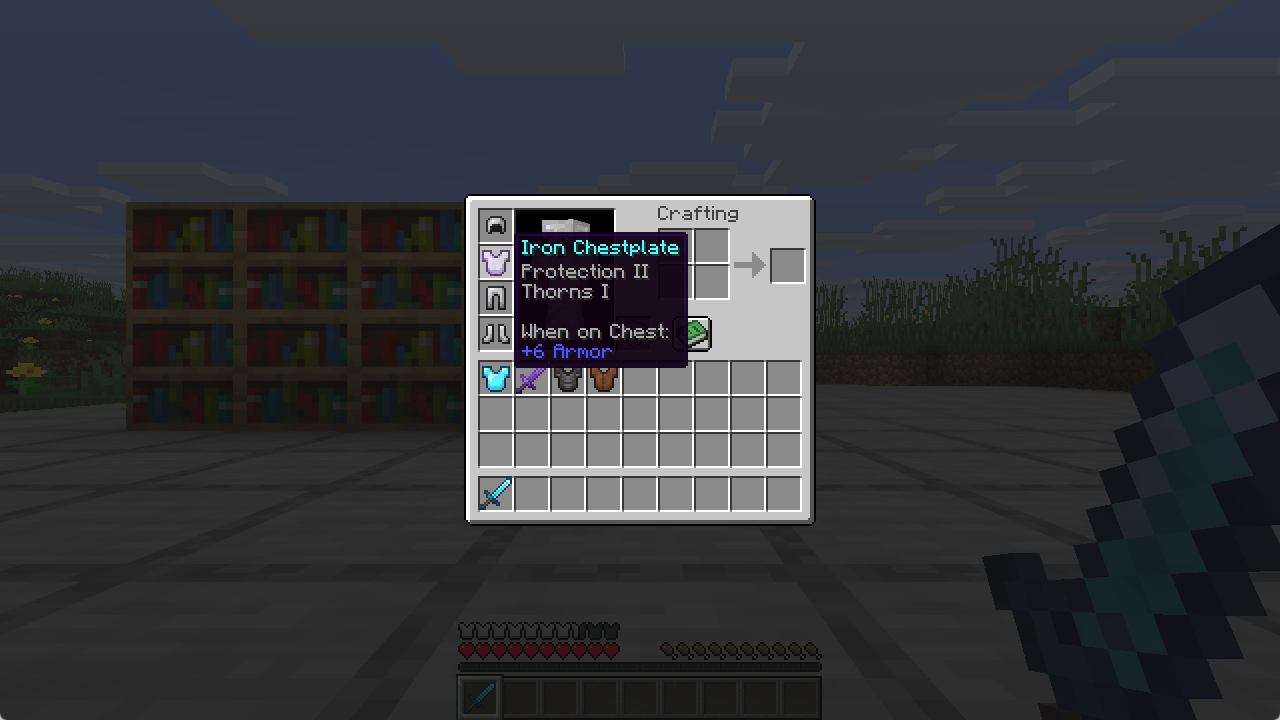
Hover any armour, tool or weapon and the tooltip tells you how it compares to the one you are already using, as a plain difference. Client-side, works on any server.

收藏

截图

介绍

中文介绍正在准备中,下面暂时显示原文。
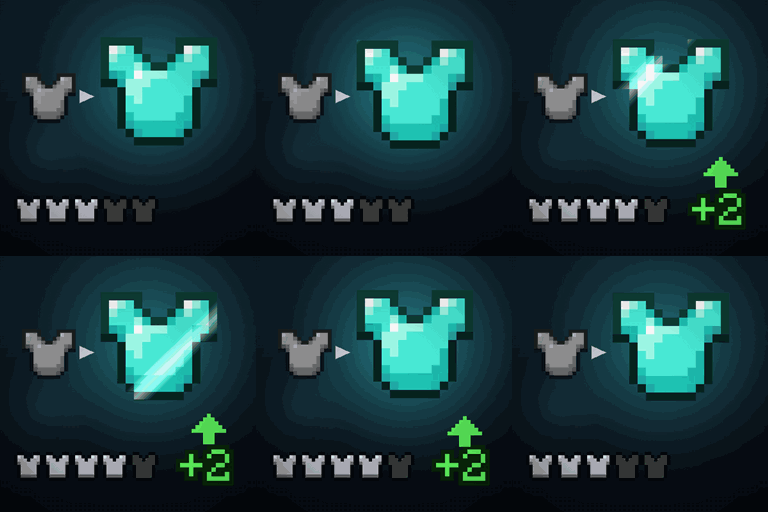
You find a chestplate in a chest. Is it better than the one you are wearing?

The tooltip tells you what the new one gives. It says nothing about what you are giving up, and that is the only number that decides it. So you close the chest, open your inventory, hover your own chestplate, read its numbers, go back, and try to hold both sets in your head.

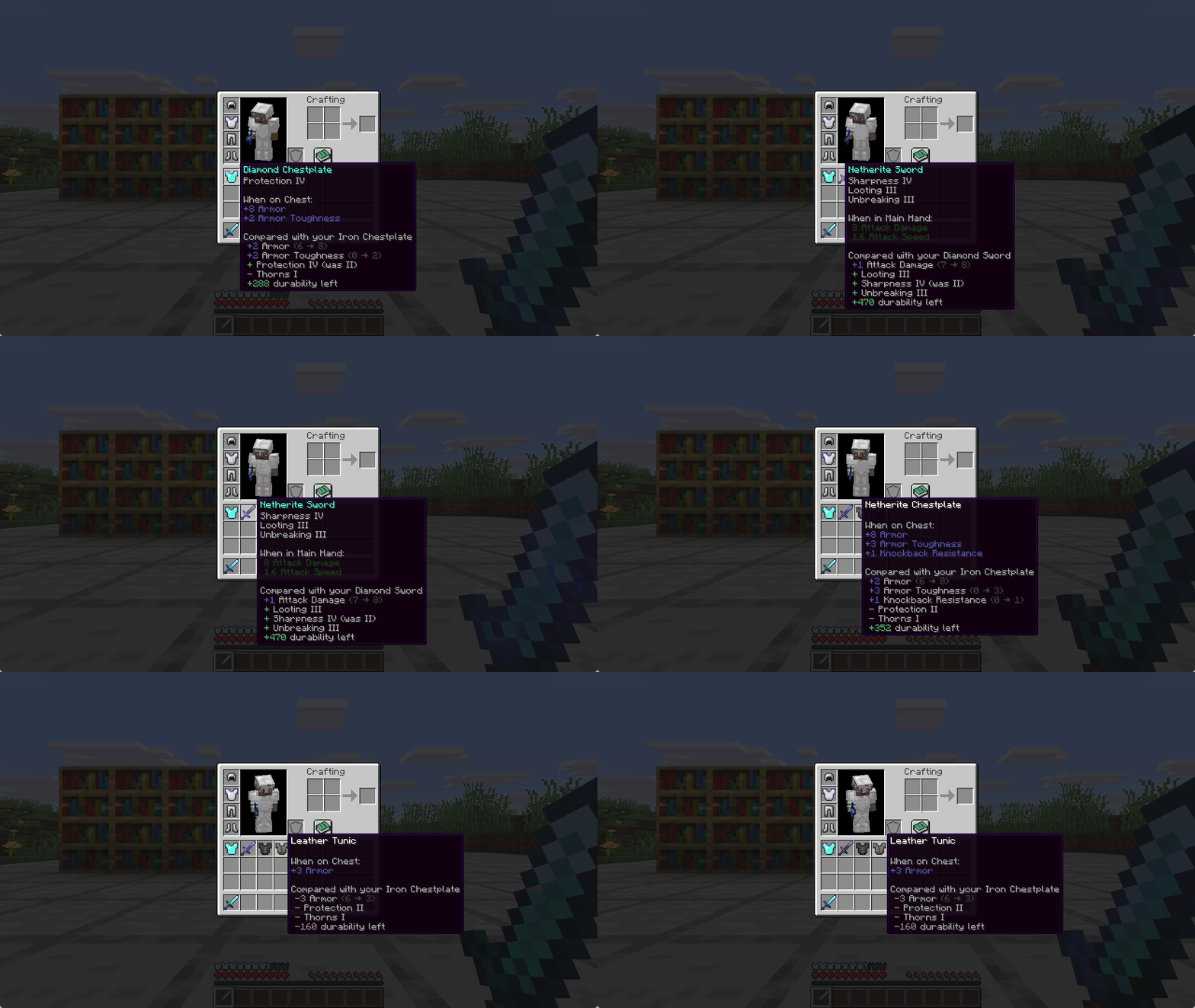
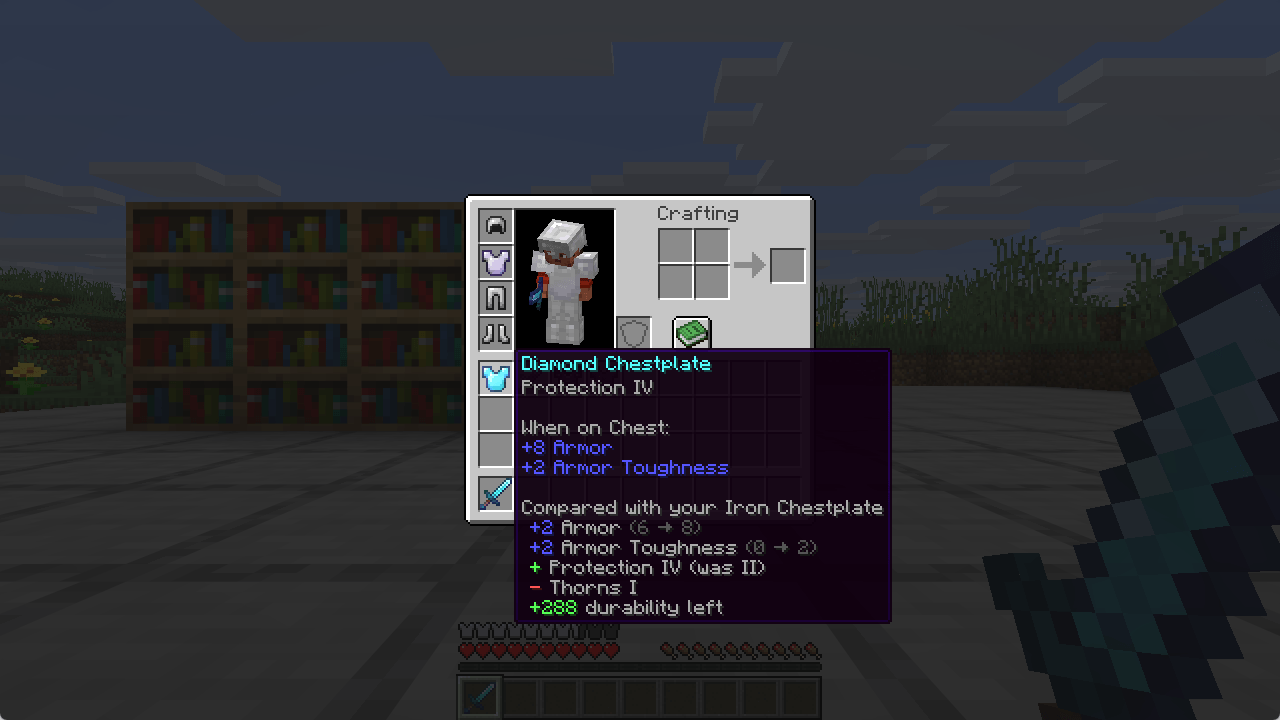
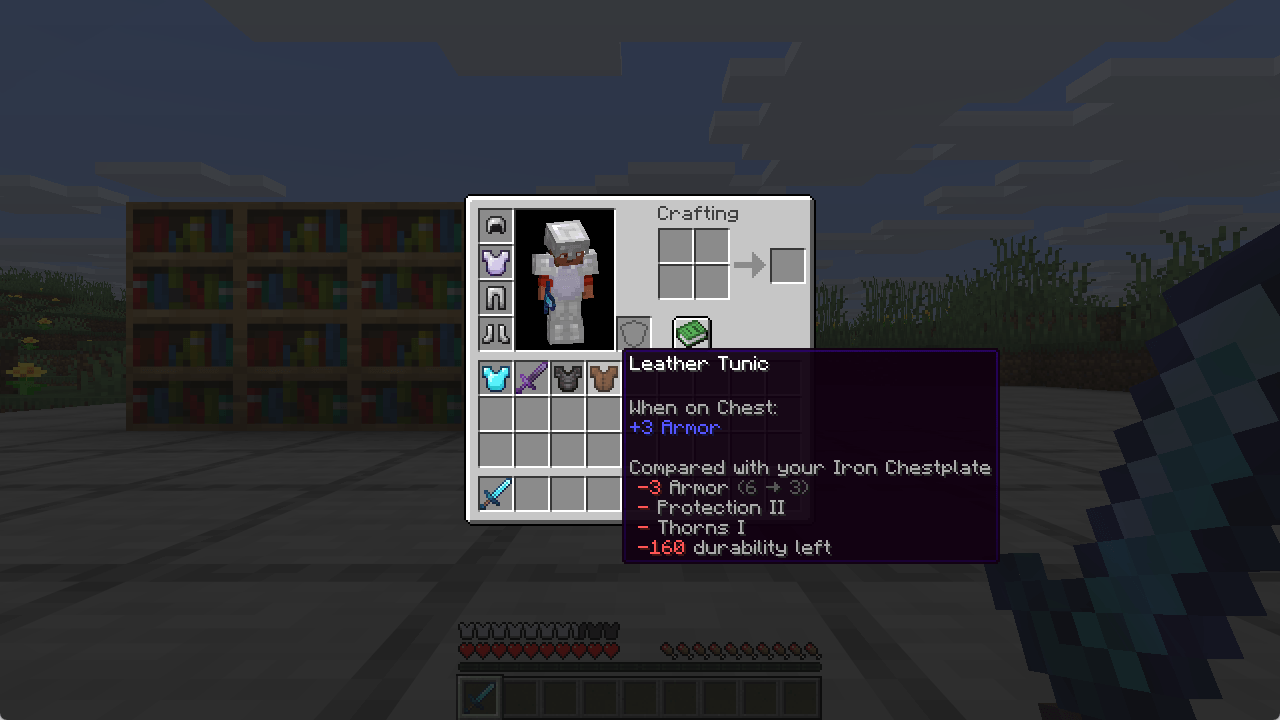
Gear Compare puts the difference in the tooltip:

“`
Diamond Chestplate
When on Chest:
 +8 Armor
 +2 Armor Toughness

Compared with your Iron Chestplate
 +2 Armor (6 → 8)
 +2 Armor Toughness (0 → 2)
 + Protection IV (was II)
 − Thorns I
 +288 durability left
“`

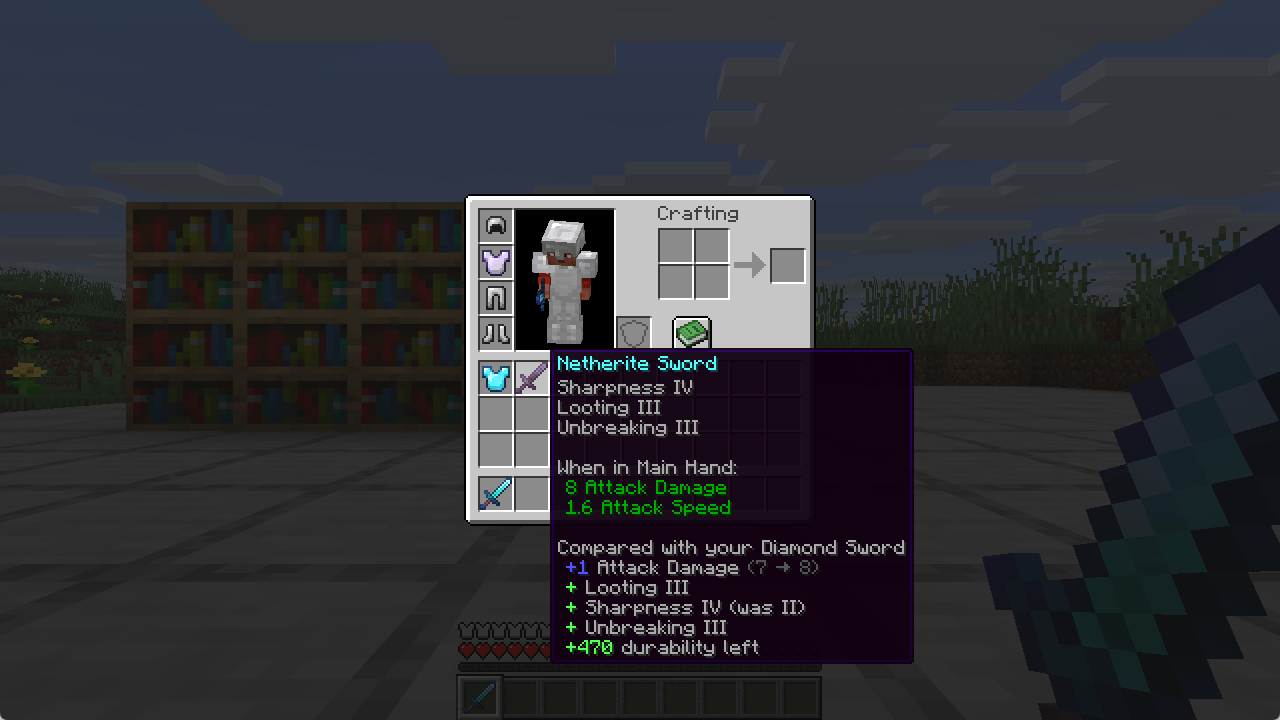
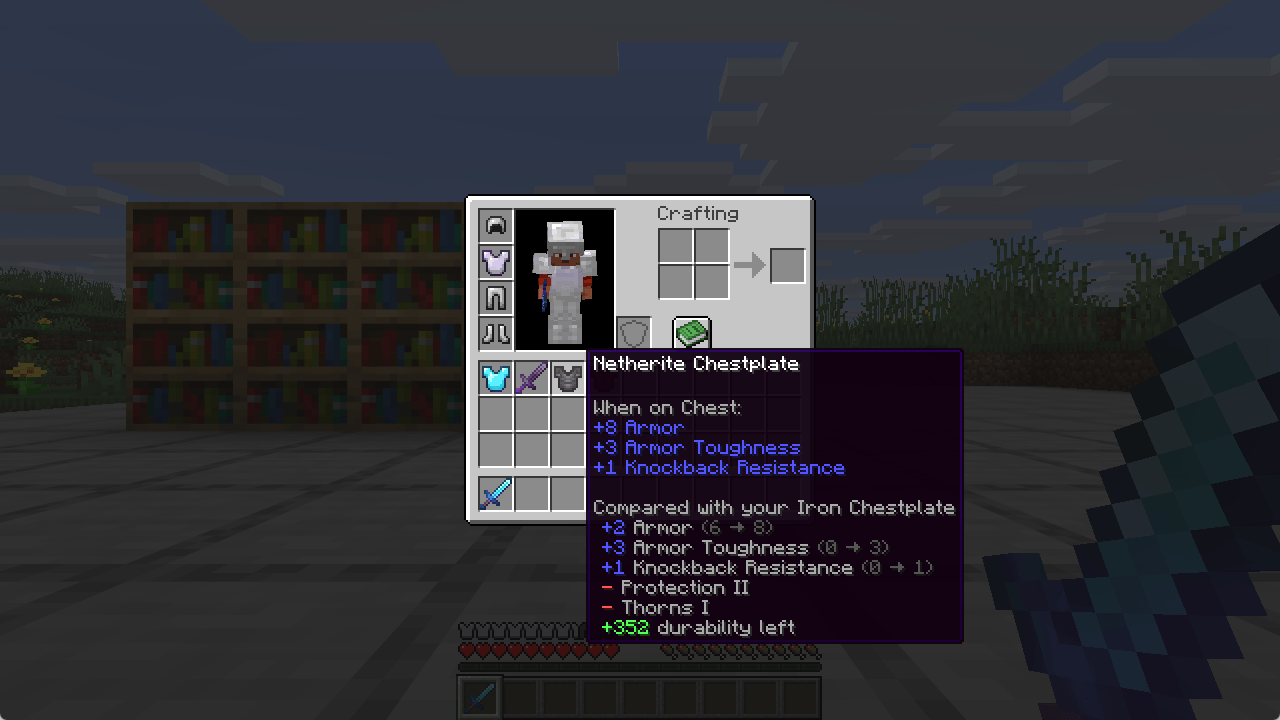
Each line is coloured the way the game itself colours that attribute, so a value where a smaller number is better reads correctly, and so does one added by another mod. Enchantments and durability, which have no such colour of their own, are green when the swap helps and red when it costs you.

### What it covers

– **Armour, tools, weapons and shields.** Anything the game lets you wear or hold.
– **Every attribute that changes**, with both values beside the difference.
– **Enchantments** gained, lost, or moved to a different level.
– **Durability left**, when both items wear out.
– A shield is compared against your off hand when that hand is busy, because that is the item it would replace.

### What it deliberately does not do

It never turns an enchantment into a damage number. What Sharpness is worth depends on what you are hitting and how, so a single figure there would look precise and be wrong. Enchantments are named instead.

### Notes

– Client-side only. Nothing is installed on the server, and it works on servers you do not run.
– No configuration. It does the right thing on first launch.

### Installing

Pick the file that matches your setup and drop it in your mods folder.

  Fabric, Minecraft 26.3   – needs Fabric Loader and Fabric API
  Fabric, Minecraft 26.2   – needs Fabric Loader and Fabric API
  Fabric, Minecraft 26.1   – needs Fabric Loader and Fabric API
  NeoForge, Minecraft 26.2 – no extra dependency

Every one of these four was opened in a world made on that exact version and had its accuracy test run there:
4,252 item pairs compared against an independent oracle read from the game’s own code, with no disagreement. The same test is run with the tooltip hook switched off, where it has to fail – otherwise a passing run would prove only that the arithmetic works, not that anything reaches your screen.

Like the mod? You can support future updates and new mods on Ko-fi. Totally optional, everything stays free.

常见问题

Gear Compare 支持哪些 Minecraft 版本?

Gear Compare 支持 Minecraft Java 版 26.1–26.3,共 5 个版本,可用的加载器:Fabric / NeoForge。下载时注意选择和你游戏版本一致的文件。

Gear Compare 怎么安装?

先用 PCL2 或 HMCL 启动器安装对应版本的 Fabric / NeoForge,再把下载的 .jar 文件放进游戏目录的 mods 文件夹,重新启动游戏即可。开启了版本隔离的,mods 文件夹在 versions/版本名 下面。

评论

登录后评论和评分

Vitral 的其他作品

查看全部 →