
截图
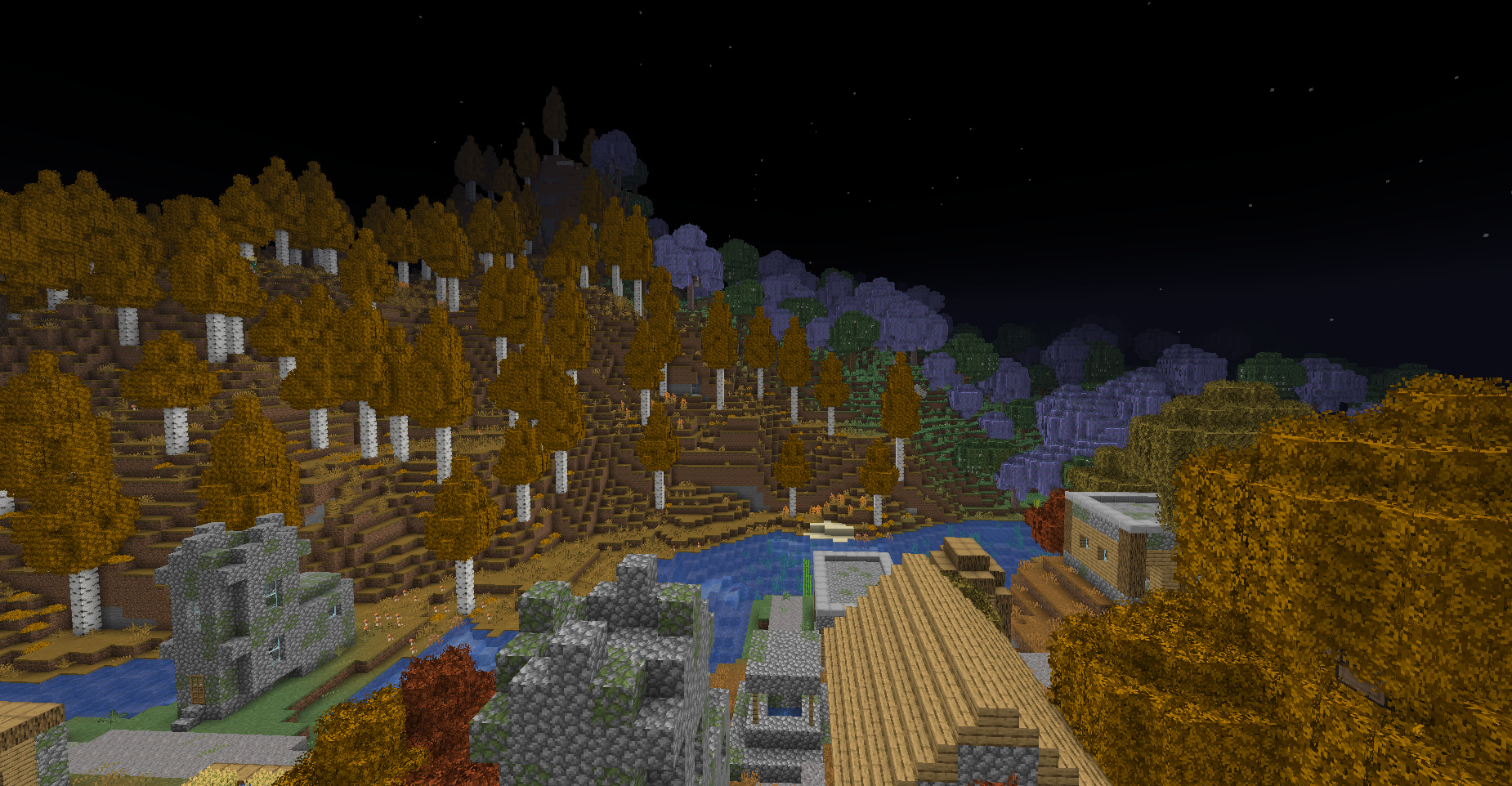
介绍
Gama
Client-side brightness and fullbright toggle for Minecraft 1.21.1 on NeoForge.
Gama gives you a quick way to brighten dark caves, night areas, and shader-heavy scenes without opening Minecraft’s video settings every time. Toggle it with a key, switch between Brightness and Night Vision modes, and adjust the behavior through a client-side config file. No server-side installation is required.
What It Does
Gama adds a configurable brightness toggle to your client. It is useful for mining, exploring, building, screenshots, and playing with shaderpacks where the normal brightness slider may not be enough.
You can use it to:
- Toggle fullbright without opening video settings.
- Use a lightmap-based Brightness mode.
- Optionally boost the vanilla Minecraft brightness/gamma value safely.
- Apply Night Vision as a dedicated mode without vanilla’s ending flicker during normal use.
- Switch modes while playing.
- Restore your previous brightness when Gama is disabled.
Features
- Client-side fullbright toggle.
- Two brightness modes.
- Lightmap-based Brightness mode.
- Optional vanilla gamma boost in Brightness mode.
- Night Vision mode.
- Configurable brightness values.
- Configurable default mode.
- Optional enabled-on-startup setting.
- Optional actionbar status messages.
- Works without a server-side mod.
Modes
Brightness
Forces the vanilla lightmap brightness and can also set Minecraft’s vanilla brightness/gamma value to max. This is the main fullbright mode.
Night Vision
Applies a normal visible Night Vision effect and refreshes it before vanilla’s ending flicker starts.
Usage
- Press G to toggle Gama on or off.
- Press H to cycle between Brightness and Night Vision.
- Change the keybinds in Options -> Controls -> Gama if needed.
- Edit the client config if you want different default values.
Configuration
After launching the game once, open:
config/gama-client.tomlAvailable settings include:
- Enable Gama on startup.
- Default mode.
- Brightness gamma value.
- Night Vision refresh duration.
- Actionbar messages.
- Restore previous brightness when disabled.
- Remove Gama’s own Night Vision effect when disabled.
Requirements
| Requirement | Version |
| — | — |
| Minecraft | 1.21.1 |
| Loader | NeoForge 21.1.x |
Compatibility Notes
This mod is client-side. It should not need to be installed on servers.
Shader behavior can vary depending on the shaderpack. Brightness mode affects shaderpacks that still use Minecraft’s vanilla lightmap.
📩 For questions and bug reports: Telegram / Discord — @b1nt1n
常见问题
Gamma for NeoForge 支持哪些 Minecraft 版本?
Gamma for NeoForge 支持 Minecraft Java 版 1.21.1,可用的加载器:NeoForge。下载时注意选择和你游戏版本一致的文件。
Gamma for NeoForge 怎么安装?
先用 PCL2 或 HMCL 启动器安装对应版本的 NeoForge,再把下载的 .jar 文件放进游戏目录的 mods 文件夹,重新启动游戏即可。开启了版本隔离的,mods 文件夹在 versions/版本名 下面。运行环境:仅客户端。
b1nt1n 的其他作品
查看全部 →
Chest Tracker (NeoForge port)
Client side item storage - remember where you've put things. Unofficial port for NeoForge

FunTime AH Helper
Smart Auction Deal Highlighter

LockSlot
Prevents accidental drop of an item
LockSlot
Prevents accidental drop of an item
评论
登录后评论和评分