
Chest Tracker (NeoForge port)
Client side item storage - remember where you've put things. Unofficial port for NeoForge
截图
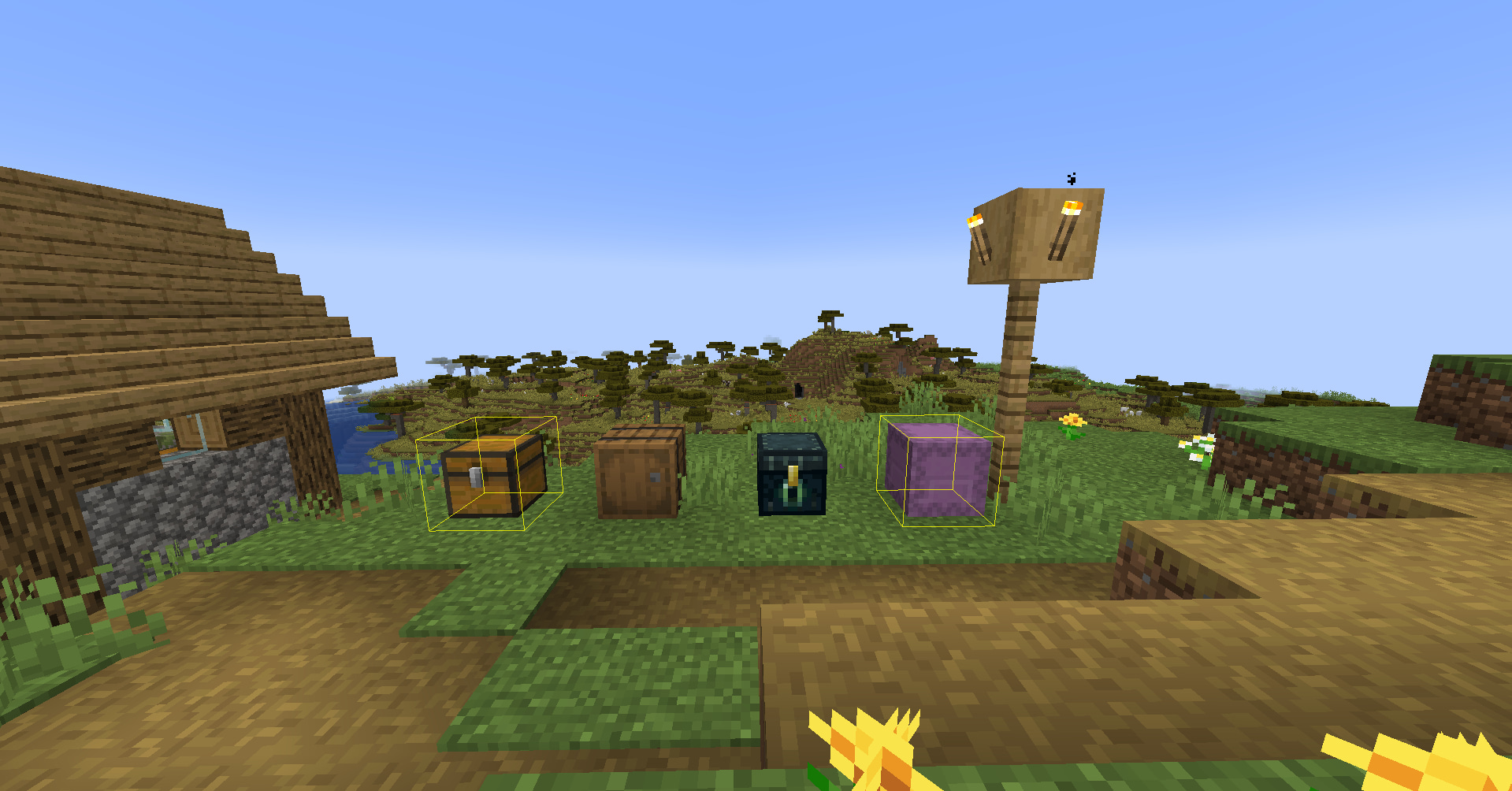
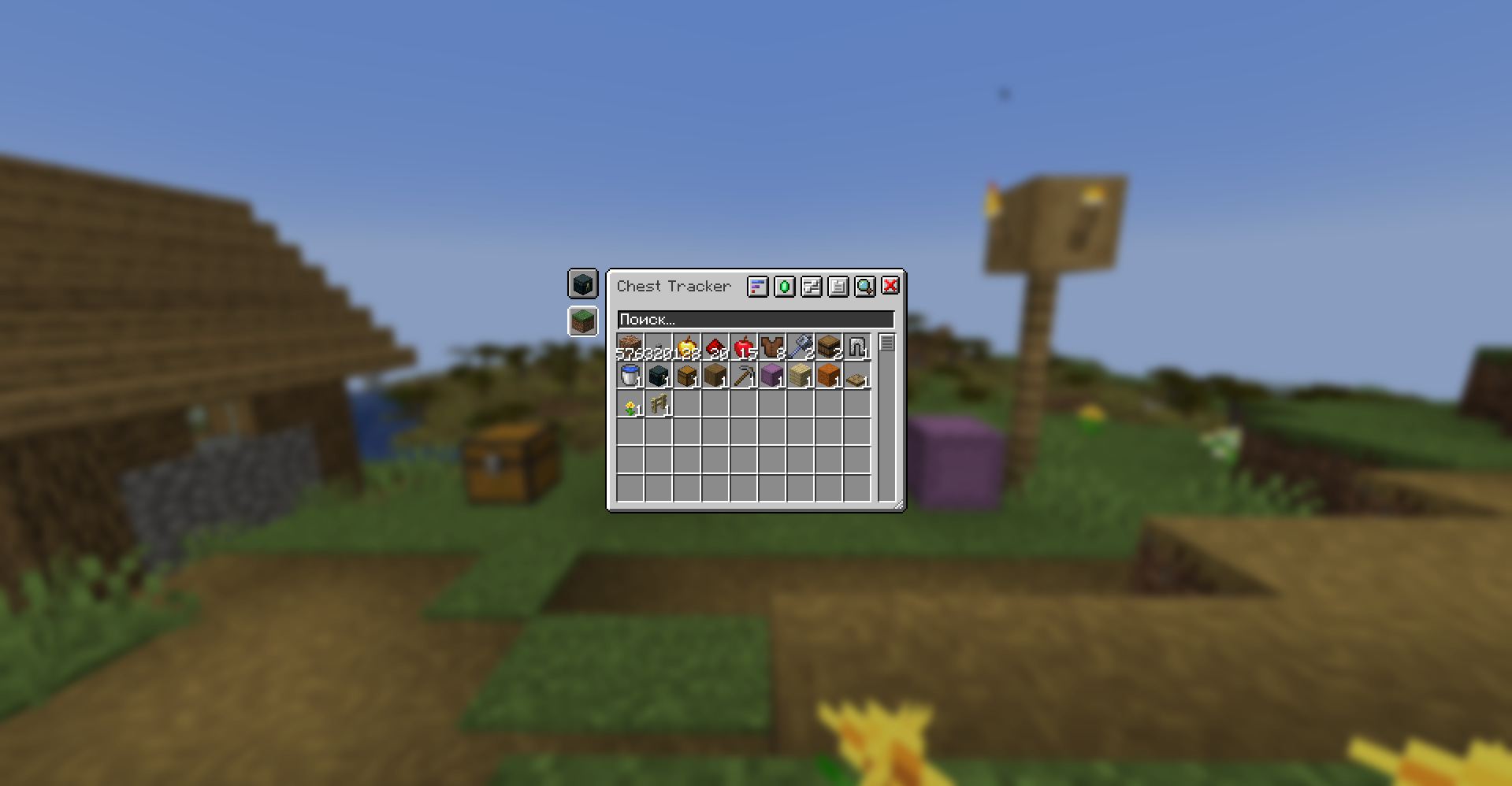
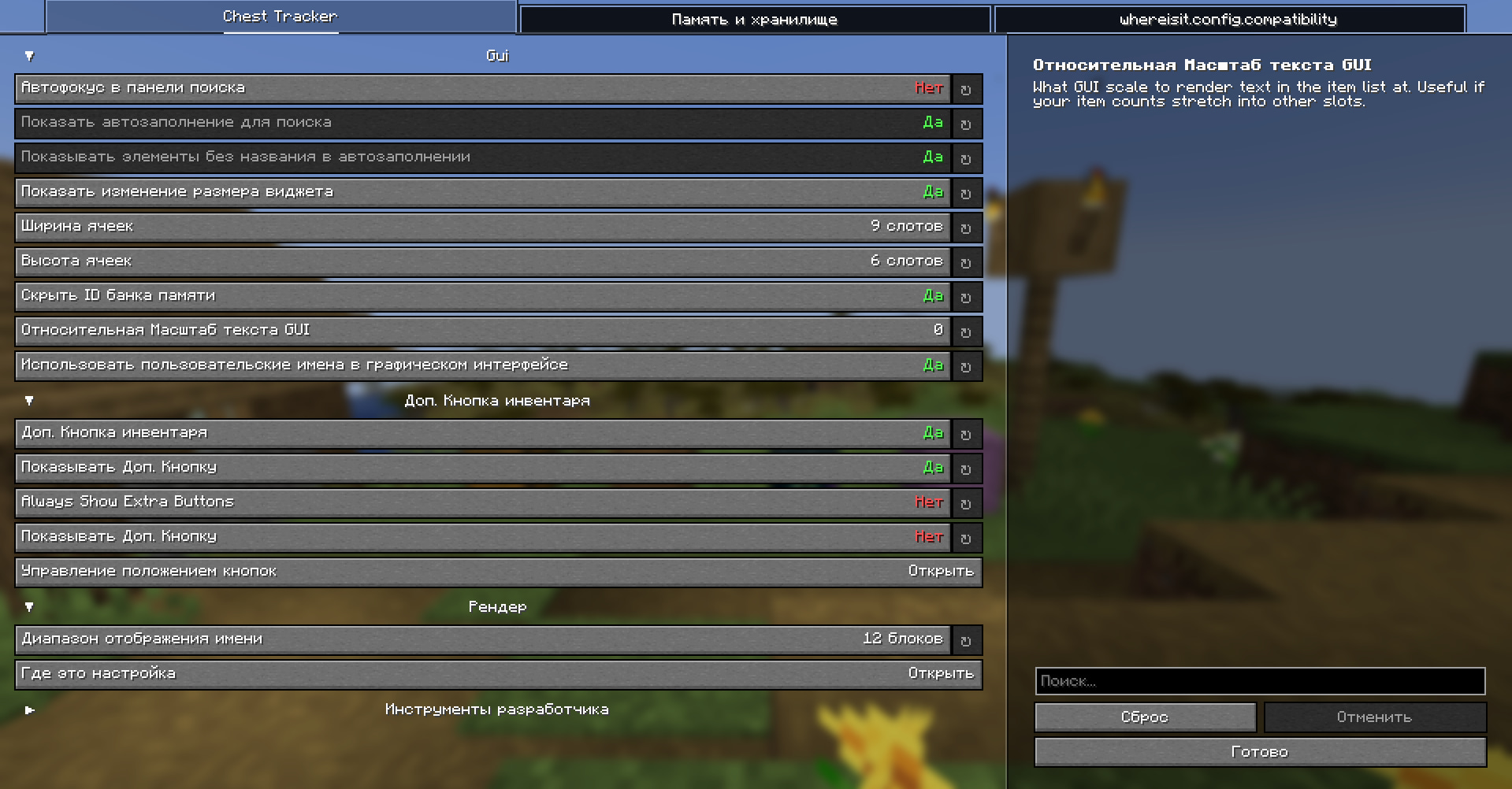
介绍
Chest Tracker – Unofficial NeoForge Port
Client-side item storage and searching for Minecraft 1.21.1, 1.21.4, and 1.21.11 on NeoForge.
Chest Tracker helps you remember where you stored your items. Open containers as you play, then search your saved storage data later from a client-side GUI. No server-side installation is required.
Unofficial port
This is an unofficial NeoForge port of Chest Tracker by JackFred. This project has been approved by the original author. If you use Fabric or Quilt, use the original project instead.
What It Does
Chest Tracker stores remembered container contents locally on your client. This means it can work in singleplayer, multiplayer, and Realms-style environments without requiring the server to install the mod.
You can use it to:
- Find which chest, barrel, shulker, or other remembered container has an item.
- Search saved storage from the in-game Chest Tracker GUI.
- Highlight matching containers in the world.
- Keep separate local storage data through memory banks.
- Display remembered or custom container names.
Features
- Client-side storage memory.
- Main searchable storage browser.
- Item search from the Chest Tracker GUI.
- World highlights for matching containers.
- Remembered/custom container names.
- Local memory banks.
- Works without a server-side mod.
Usage
- Open containers while playing so Chest Tracker can remember their contents.
- Press the Grave key, usually `
- Click an item in the GUI to search for it in remembered containers.
- Use the search bar and filters to narrow down stored items.
Requirements
| Requirement | Version |
| — | — |
| Minecraft | 1.21.1, 1.21.4, 1.21.11 |
| Loader | NeoForge |
| Dependency | YetAnotherConfigLib (YACL) for your respective Minecraft version |
Differences From The Original Fabric Version
This port focuses on the core Chest Tracker experience for NeoForge. Some optional Fabric-side integrations from the original project are not included here.
Known differences:
- Fully supports saving storage data on moving contraptions (e.g., from the Create mod) and minecart chests.
- No Fabric API dependency.
- No ModMenu integration (uses YACL).
- Litematica integration is not included.
- Jade integration is included.
- Searchables integration is included.
- Shulker Box Tooltip integration is included.
Compatibility Notes
This mod is client-side. It should not need to be installed on servers.
Because this is an unofficial port, compatibility with large modpacks may vary. If you find a crash or broken behavior, include your latest log and mod list when reporting it.
Credits
- Original mod: Chest Tracker
- Original author: JackFred
- Original source: GitHub
All original project ownership and credit belong to the original author. This project is only an unofficial NeoForge compatibility port.
📩 For questions and bug reports: Telegram / Discord — @b1nt1n
常见问题
Chest Tracker (NeoForge port) 支持哪些 Minecraft 版本?
Chest Tracker (NeoForge port) 支持 Minecraft Java 版 1.21.1–1.21.11,共 3 个版本,可用的加载器:NeoForge。下载时注意选择和你游戏版本一致的文件。
Chest Tracker (NeoForge port) 怎么安装?
先用 PCL2 或 HMCL 启动器安装对应版本的 NeoForge,再把下载的 .jar 文件放进游戏目录的 mods 文件夹,重新启动游戏即可。开启了版本隔离的,mods 文件夹在 versions/版本名 下面。运行环境:仅客户端。
b1nt1n 的其他作品
查看全部 →
Gamma for NeoForge
Increases screen brightness with 2 different modes

FunTime AH Helper
Smart Auction Deal Highlighter

LockSlot
Prevents accidental drop of an item
LockSlot
Prevents accidental drop of an item
评论
登录后评论和评分