
截图
介绍
FancySprites
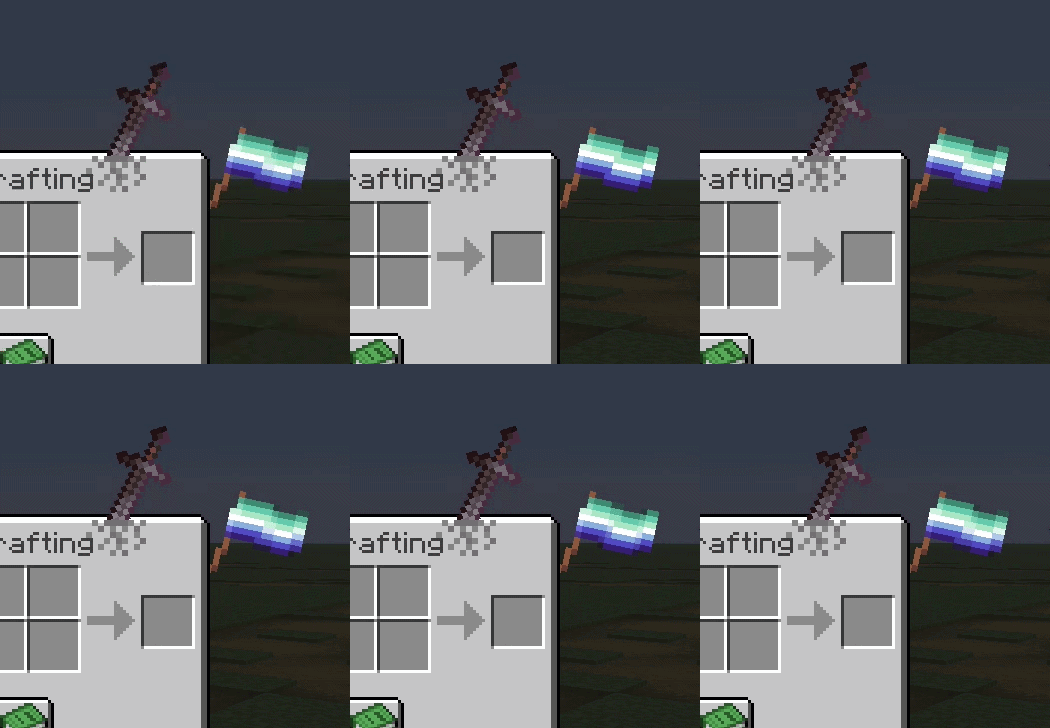
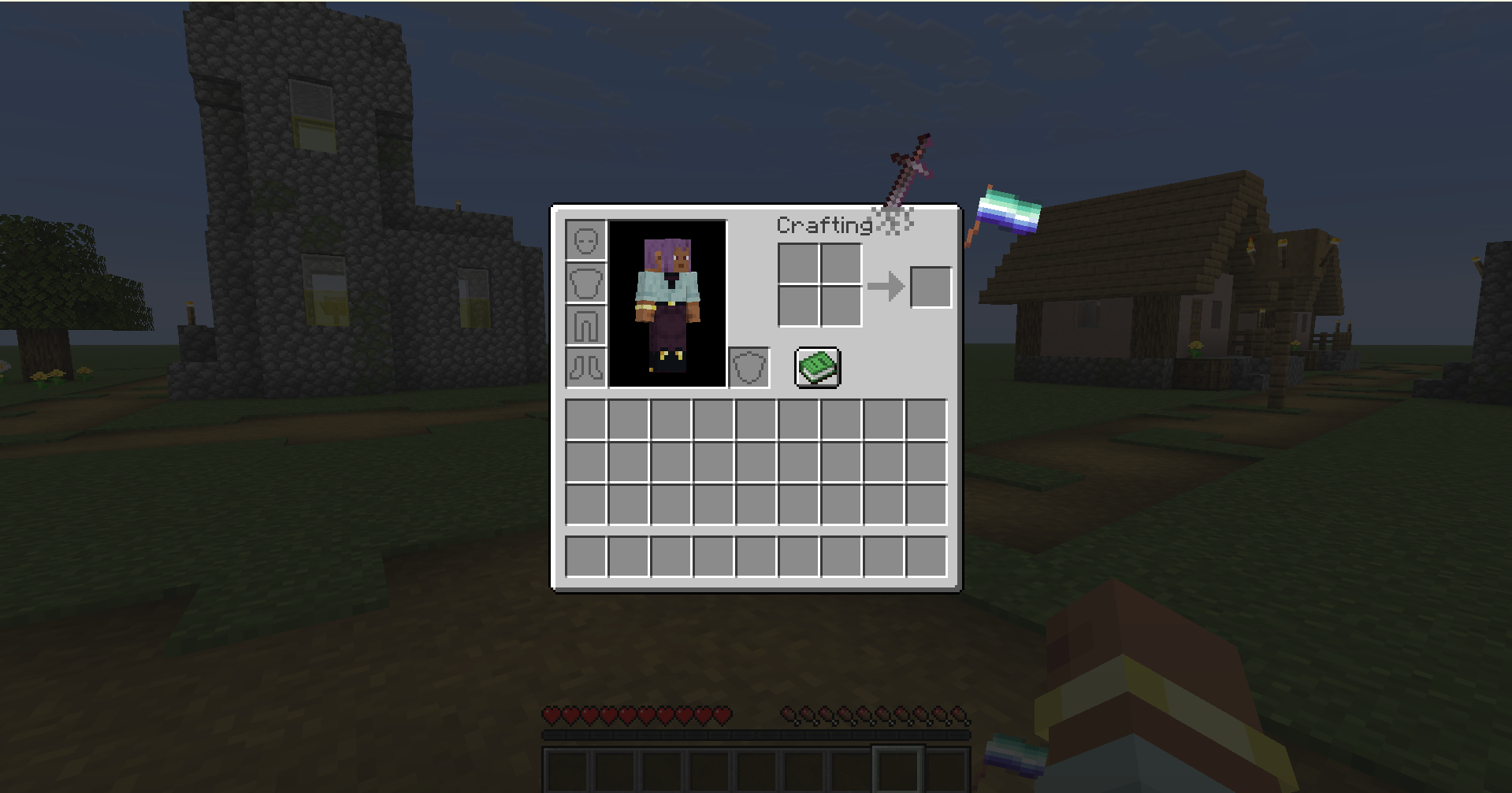
A mod that lets you place sprites on containers (inventory) on the HUD and GUI—to put it simply
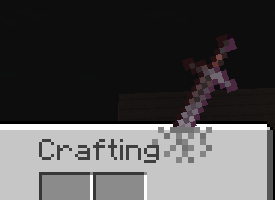
fsprites/sword.mcmeta
{
  "enabled": true,
  "description": "Example of a sword-themed sprite - Log :3",
  "id": "sword",
  "gui": ["minecraft:inventory"],
  "anchor": "top_right",
  "z_index": 1,
  "pos": [200, -35],
  "scale": 0.22
}
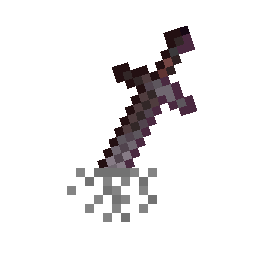
and in fsprites/sword, the image 0.png
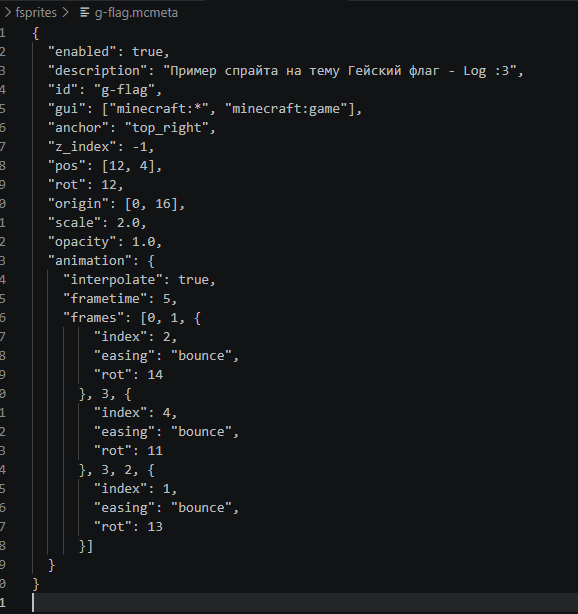
There are many parameters:
| Property | Type | Default | Description |
|———-|——|———|————-|
| enabled | bool | – | Required. Set to true to load the sprite (but the sprite can be enabled or disabled in the menu) |
| id | string | – | Required. ID, also used as the name |
| visible | bool | true | Sprite visibility |
| gui | string or array of strings | minecraft:* | Target GUIs; exact identifiers, wildcards, and negation are supported, e.g., “!minecraft:game” |
| anchor | string | top_left | Positioning anchor point |
| pos | [x, y] | [0, 0] | Position offset from anchor |
| rot | int | 0 | Rotation in degrees |
| scale | float | 1.0 | Scaling factor |
| opacity | float | 1.0 | Transparency (0.0–1.0) |
| z_index | int | 0 | Layer (positive=above, negative=below) |
| blend | string | normal | Blend mode |
| fit | string | stretch | Texture scaling mode |
| width | int/auto | auto | Sprite width |
| height | int/auto | auto | Sprite height |
| origin | [x, y] | [0, 0] | Rotation/scale center |
| screen_space | bool | false | Use screen coordinates instead of GUI-relative coordinates |
| animation | object | – | Animation configurations |
For anchor
top_left     top     top_right
  left      center     right
bottom_left  bottom  bottom_right
For gui
minecraft:inventory              minecraft:chest
minecraft:creative_inventory     minecraft:large_chest
minecraft:furnace                minecraft:crafting_table
minecraft:anvil                  minecraft:enchanting_table
minecraft:beacon                 minecraft:brewing_stand
minecraft:dispenser              minecraft:hopper
minecraft:shulker_box            minecraft:barrel
minecraft:villager               minecraft:horse
minecraft:game                   minecraft:* (all screens)
For blend
normal– Стандартное альфа-смешивание графического интерфейса Minecraft- Еще и
additivemultiplyscreen
Animation Easing
none,linear,ease_in,ease_out,ease_in_outbounce,elastic,step,smooth
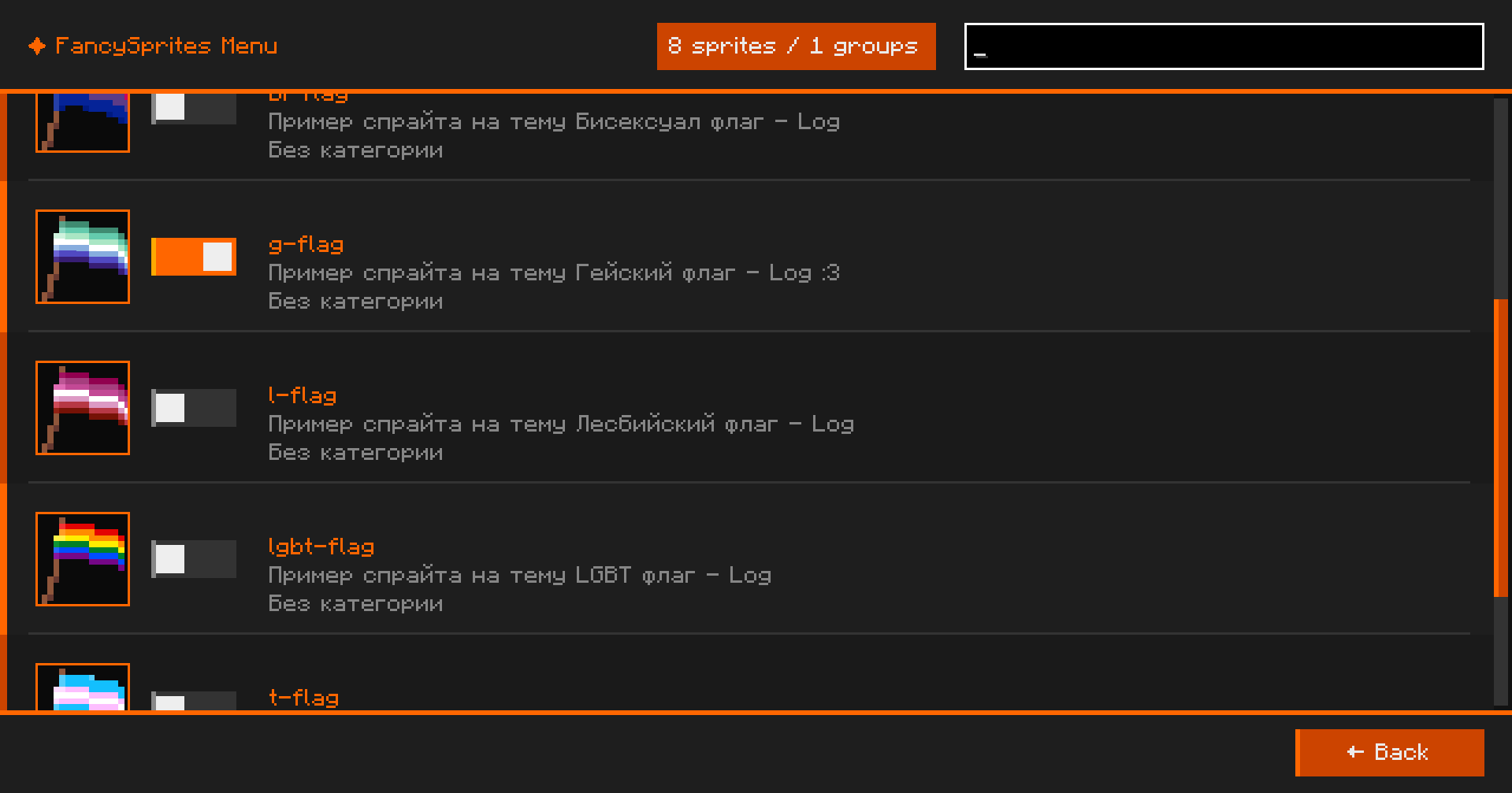
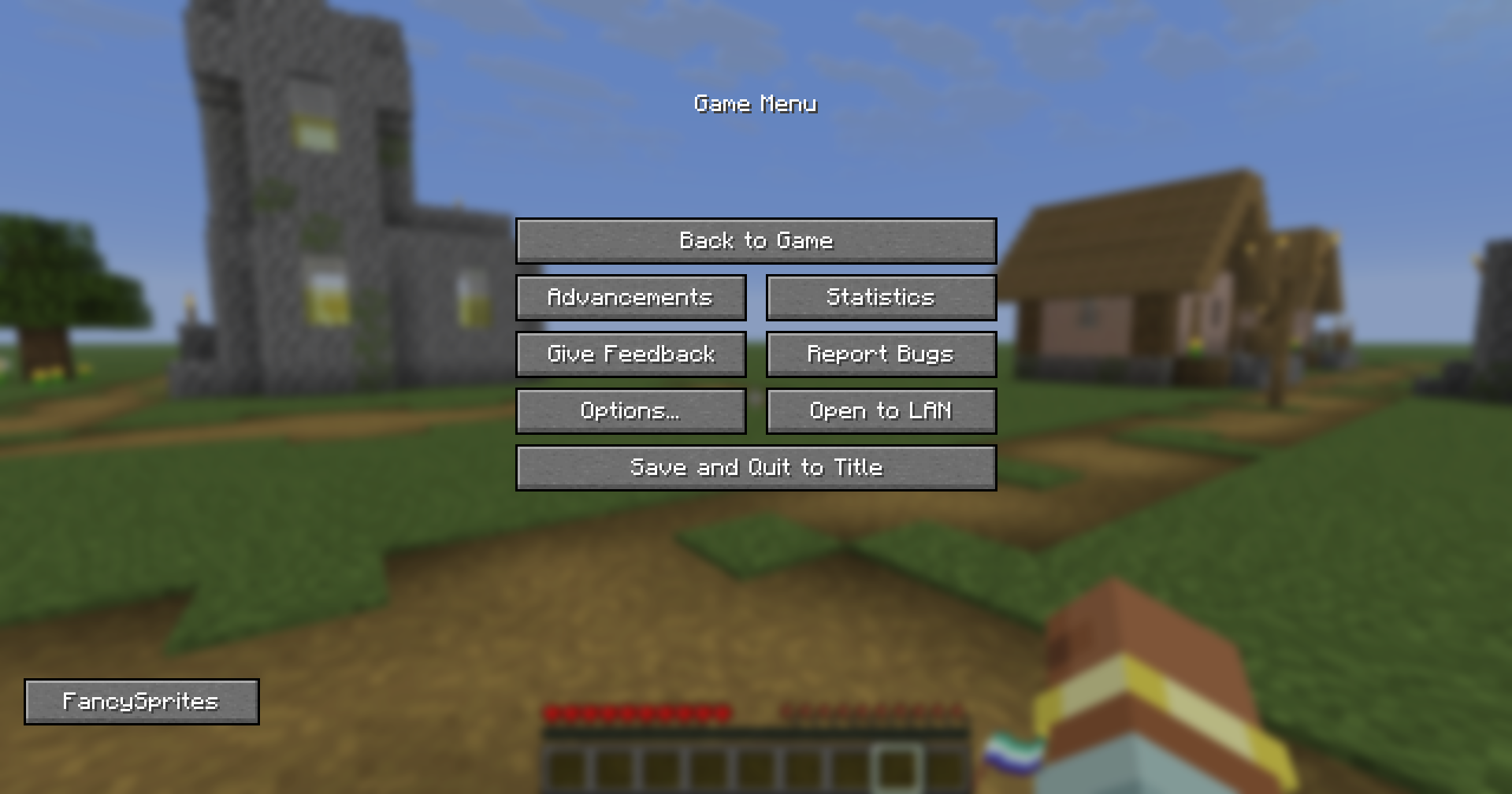
In ESC, there is a FancySprites button in the lower-right corner to open the mod menu
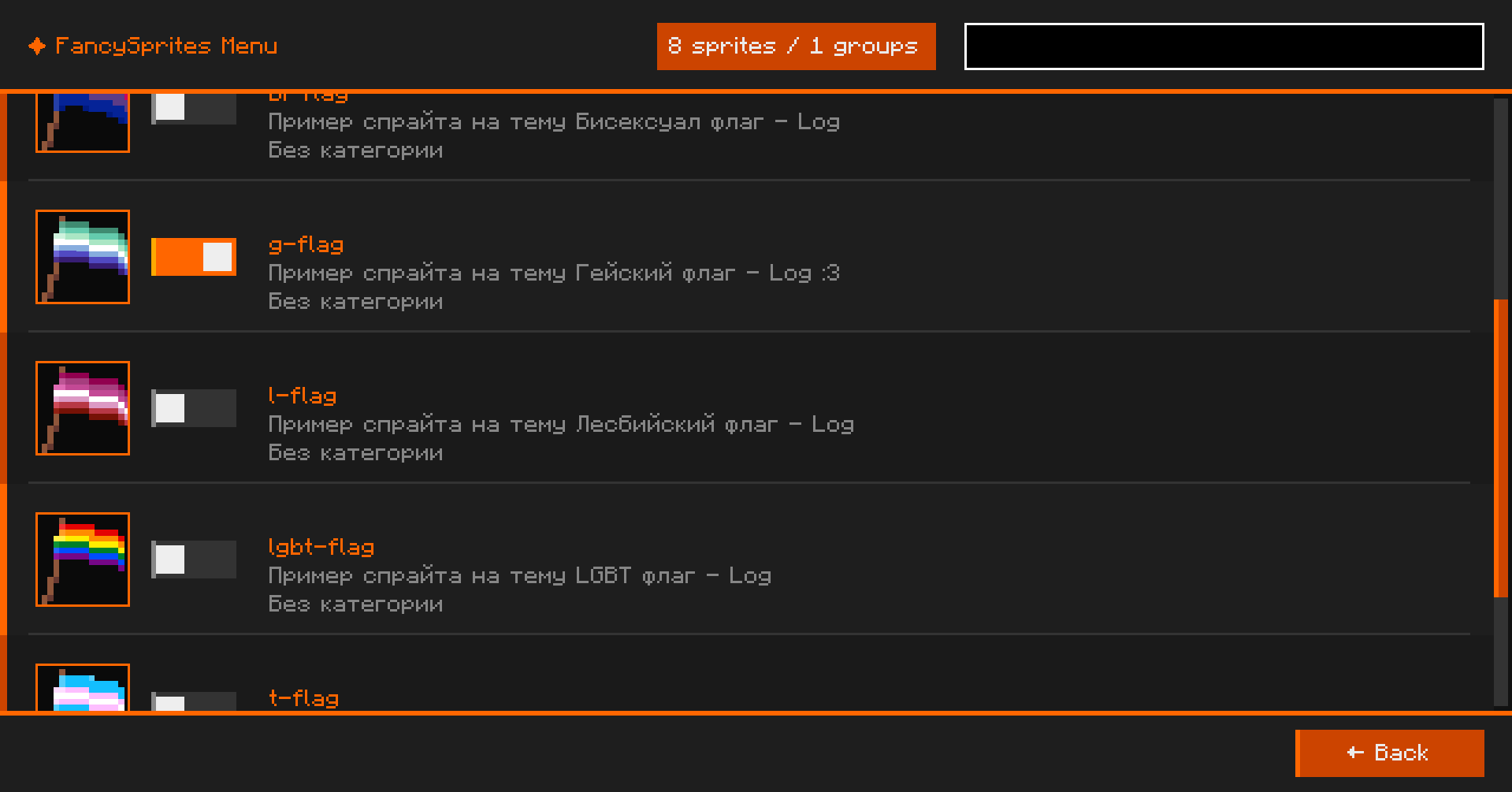
здесь можно включать и выключать спрайты которые сделали
Examples of sprites in a RAR archive
Move all the sprites inside to the fsprites/ directory
常见问题
FancySprites 支持哪些 Minecraft 版本?
FancySprites 支持 Minecraft Java 版 1.21.11,可用的加载器:Fabric。下载时注意选择和你游戏版本一致的文件。
FancySprites 怎么安装?
先用 PCL2 或 HMCL 启动器安装对应版本的 Fabric,再把下载的 .jar 文件放进游戏目录的 mods 文件夹,重新启动游戏即可。开启了版本隔离的,mods 文件夹在 versions/版本名 下面。运行环境:仅客户端。
UserLog 的其他作品
查看全部 →
BackInv
Creates backup copies of players' inventories before death, which can be loaded using a command.

SimpleChat fork++
A small mod for a customizable chat, with the most simple settings. Integration with LuckPerms and Vanish.

Create: Red Button
Adds a wireless Redstone button that can be used in the world and linked to Redstone Links.

SScript
Fabric mod that adds a Python/Lua-like scripting language to your Minecraft server. Write game logic with events, built-in functions, HTTP requests and file I/O — no Java required.
评论
登录后评论和评分