
截图

介绍
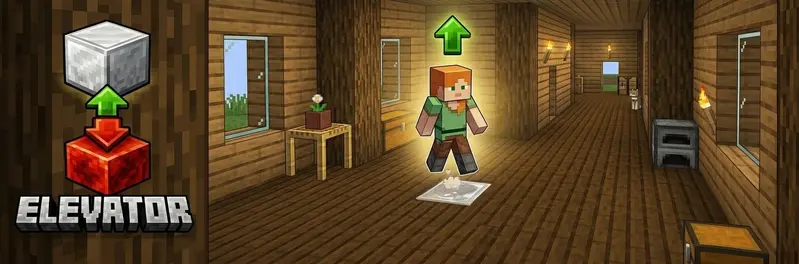
Elevator
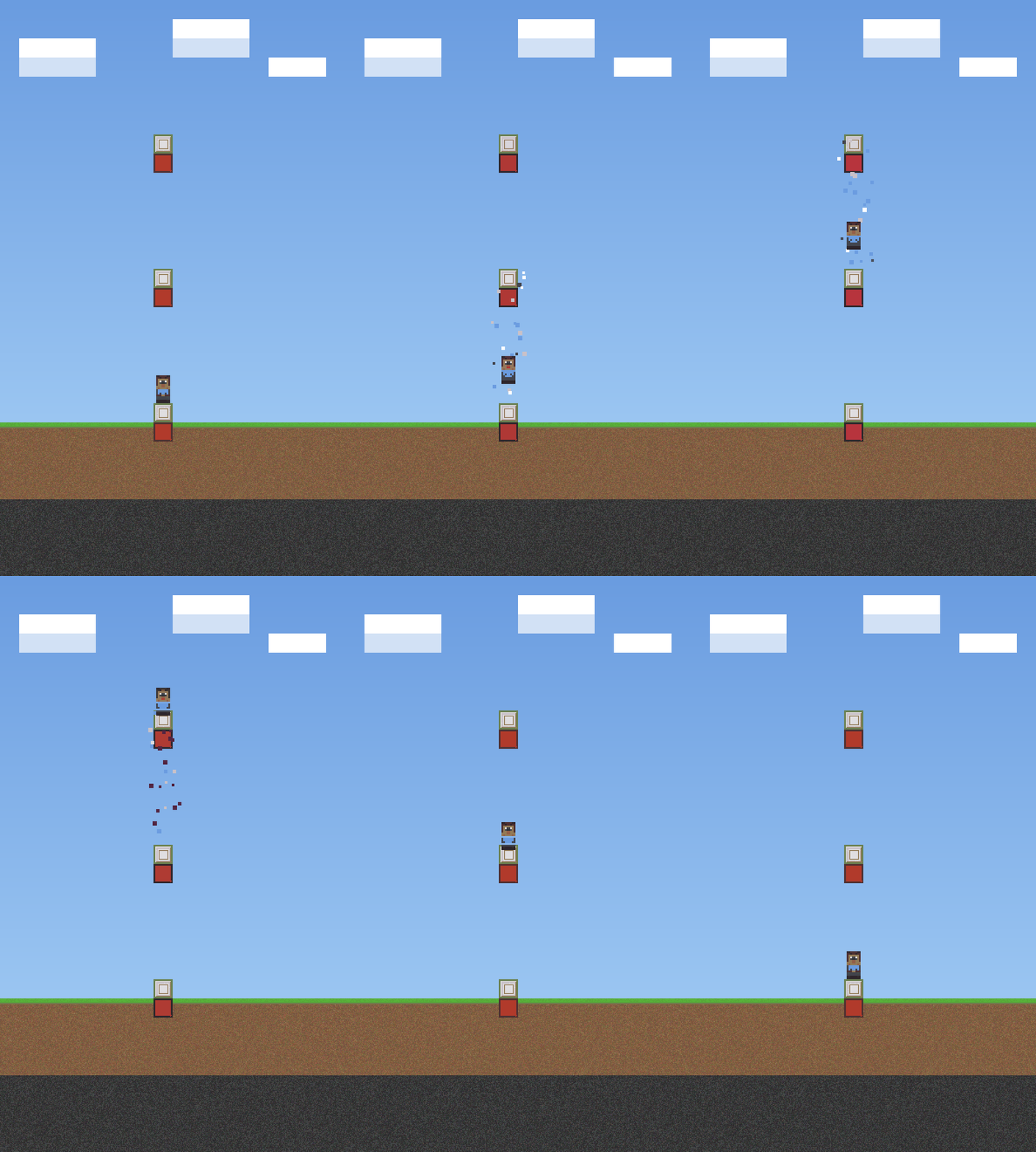
A simple elevator mod for Fabric.
Jump → go up. Sneak → go down
Features
| Feature | Description |
|——————–|————————————————————————–|
| Elevator up | Stand on the elevator block and jump → teleport to the block above |
| Elevator down | Stand on the elevator block and sneak → teleport to the block below |
| Redstone base | The elevator block must be placed on top of a redstone block |
| Multiple block types | Configure multiple elevator blocks while keeping travel within the same block type |
| Carpet hiding | Place a carpet on top of the elevator block — it still works! |
| Particles | Configurable visual particle effect on teleport |
| Sound | Configurable entity sound on teleport |
| Cooldown | Configurable cooldown between teleports |
| Safety check | Only teleport if the destination has enough headroom |
| Mod Menu support | Optional client config screen when Mod Menu is installed |
How to use
- Place a redstone block on the floor.
- Place one of the configured elevator blocks (default: iron block) on top of the redstone block.
- Repeat on each floor.
- Travel only works between elevator platforms made from the same block type.
- Leave at least 2 free blocks of space above each elevator block.
- Stand on the elevator block and:
- Jump → go up
- Sneak → go down
Tip: hide the elevator block by placing a carpet on top of it!
Configuration
The config file is created automatically on first Minecraft start:
config/elevator.json
{
  "elevatorBlocks": ["minecraft:iron_block", "minecraft:gold_block", "minecraft:sea_lantern"],
  "maxElevatorHeight": 50,
  "particlesEnabled": true,
  "particleType": "minecraft:portal",
  "soundEnabled": true,
  "soundEvent": "minecraft:entity.enderman.teleport",
  "cooldownTicks": 20,
  "safetyEnabled": true
}
With Mod Menu + Cloth Config installed on the client, you get a full in-game config screen.
| Option | Description |
|———————|——————————————————————–|
| elevatorBlocks | List of allowed elevator block IDs |
| maxElevatorHeight | Maximum distance (in blocks) to search for the next elevator block |
| particlesEnabled | Show particles on teleport |
| particleType | Minecraft particle ID used when particles are enabled |
| soundEnabled | Play sound on teleport |
| soundEvent | Minecraft sound event ID used when sound is enabled |
| cooldownTicks | Ticks between teleports (20 = 1 second) |
| safetyEnabled | Skip destination if headroom is blocked |
Commands
| Command | Description | Permission |
|——————–|———————————————————————|————|
| /elevator info | Shows the configured elevator blocks and reminds that travel only works between matching block types | Everyone |
| /elevator reload | Reload the config file | OP |
🏜️ Test Server
Feel free to join my Minecraft server to test my mods: play.swordfishbe.eu
常见问题
Elevator 支持哪些 Minecraft 版本?
Elevator 支持 Minecraft Java 版 1.21.11–26.3,共 6 个版本,可用的加载器:Fabric。下载时注意选择和你游戏版本一致的文件。
Elevator 怎么安装?
先用 PCL2 或 HMCL 启动器安装对应版本的 Fabric,再把下载的 .jar 文件放进游戏目录的 mods 文件夹,重新启动游戏即可。开启了版本隔离的,mods 文件夹在 versions/版本名 下面。运行环境:仅服务端。
SwordfishBE 的其他作品
查看全部 →
XXL Enderchest
A mod that expands your enderchest from the vanilla 3 rows (27 slots) to up to 6 rows (54 slots).
XXL Enderchest
A mod that expands your enderchest from the vanilla 3 rows (27 slots) to up to 6 rows (54 slots).

TravelBag
A reliable backpack mod with configurable sizes and shortcut support.

GetSpawners
Move mob spawners in survival with Silk Touch. Give yourself any type of spawner with just one command.
评论
登录后评论和评分