
Day Counter Plus
Day Counter Plus isn’t just a simple day counter – it’s a fully re-imagined way to display your world’s progress, with live updates, stunning visual effects, and in-game customization.
截图
介绍

🕒 Day Counter Plus – The Enhanced Day Tracker
Day Counter Plus isn’t just a simple day counter – it’s a fully re-imagined way to display your world’s progress, with live updates, stunning visual effects, and in-game customization.

✨ Features
Live Day Display
Always shows your current world day (DAY X) directly on your screen.
Updates in real time as the sun rises and sets.
Clean and minimal – no commands or extra steps needed.
🎨 Unique Visual Effects
Bring your day counter to life with effects you won’t find in any other mod:
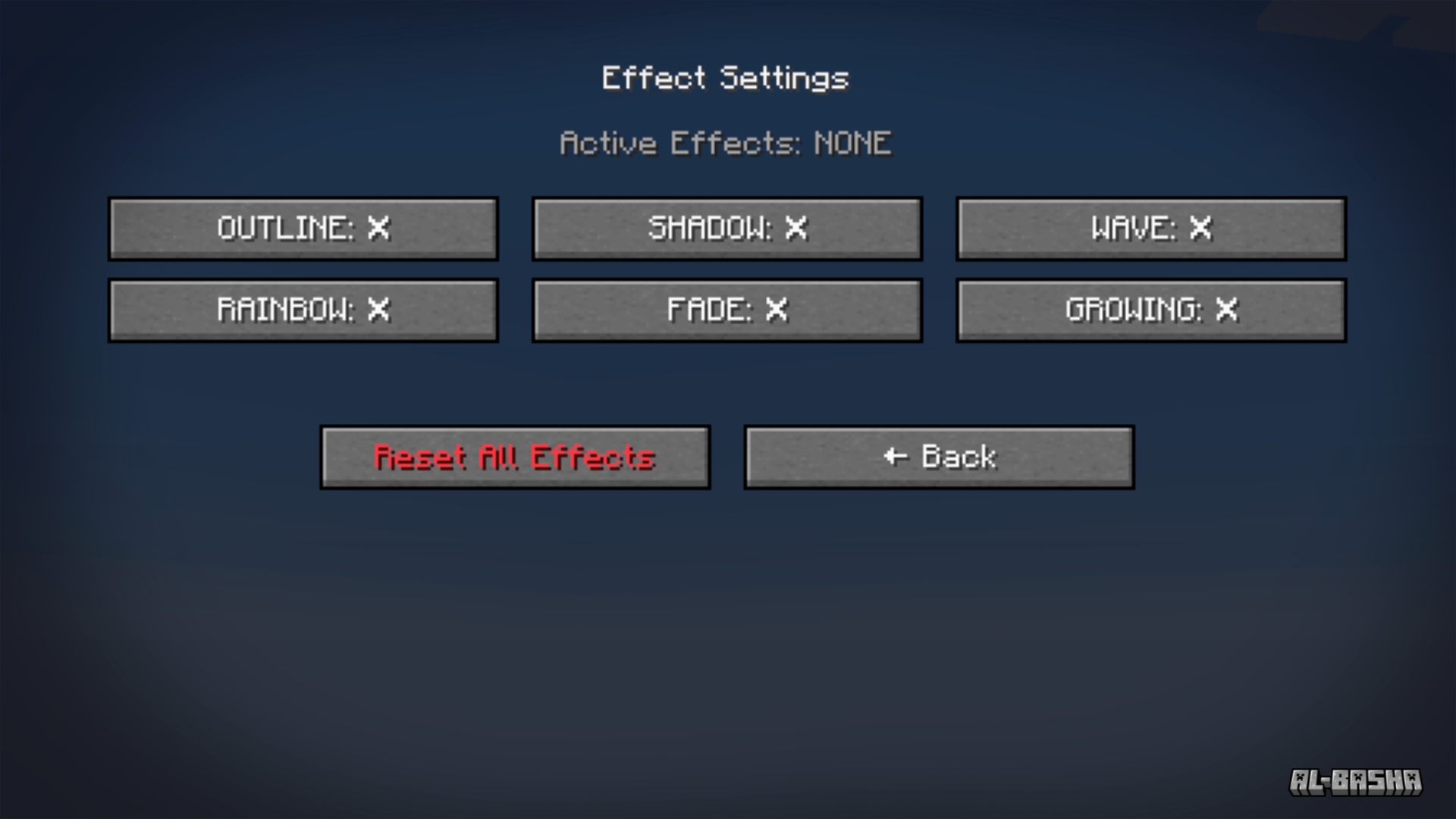
- 🌈 Rainbow – Smooth cycling through colors of the rainbow.
- 🌊 Wave – Characters move up and down like ocean waves.
- 🌟 Fade – Text fades in and out dynamically.
- 📏 Growing – Letters pulse, scaling up and down continuously.
- ✍️ Outline & Shadow – Add borders or soft shadows for clarity, even with fading effects.
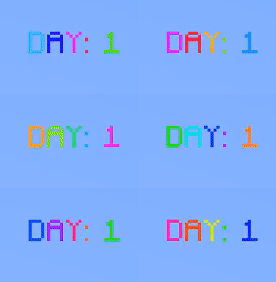


👉 The best part? All effects render live, smoothly animating right on your HUD with no lag.
⚙️ Full In-Game Customization

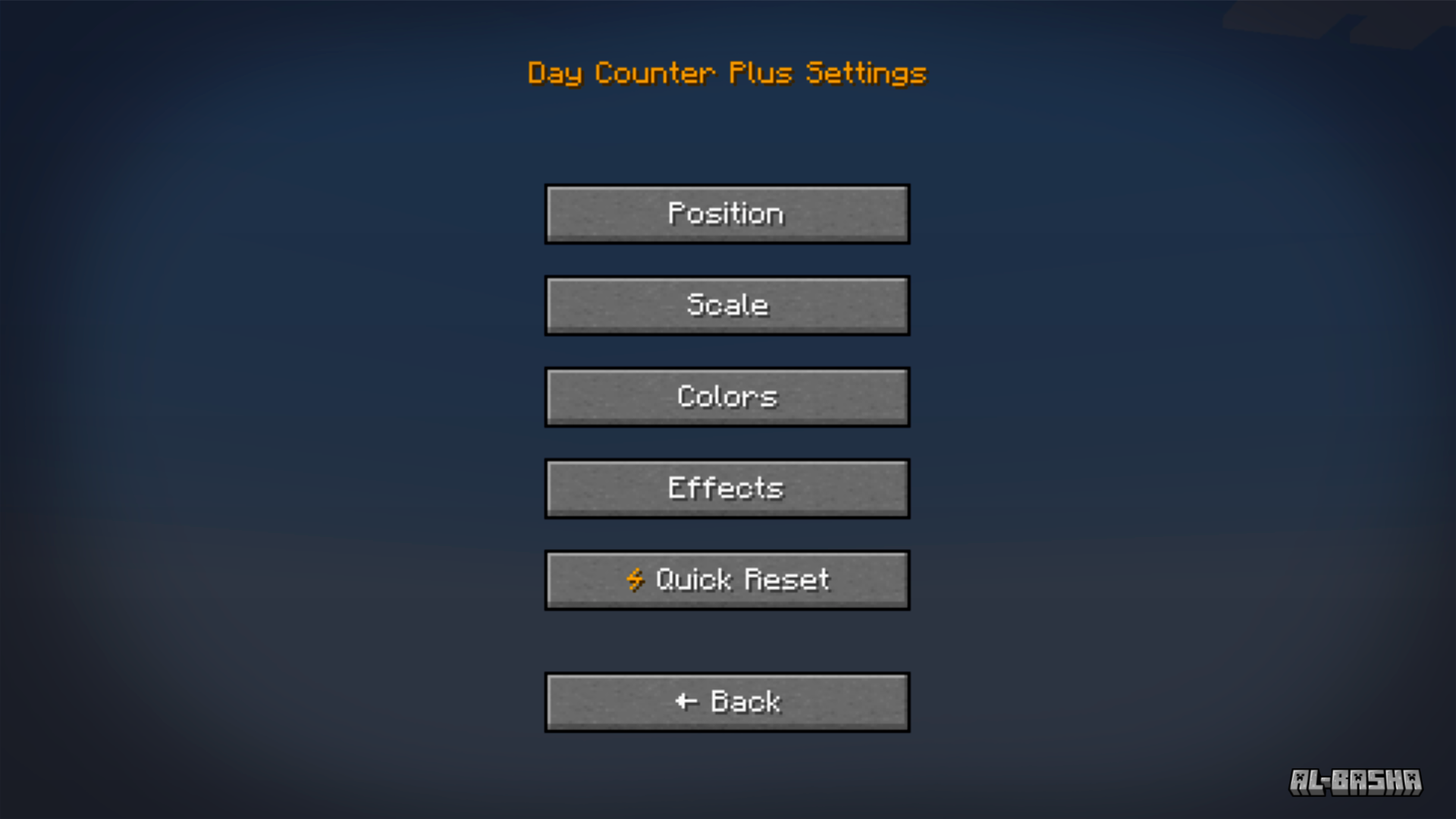
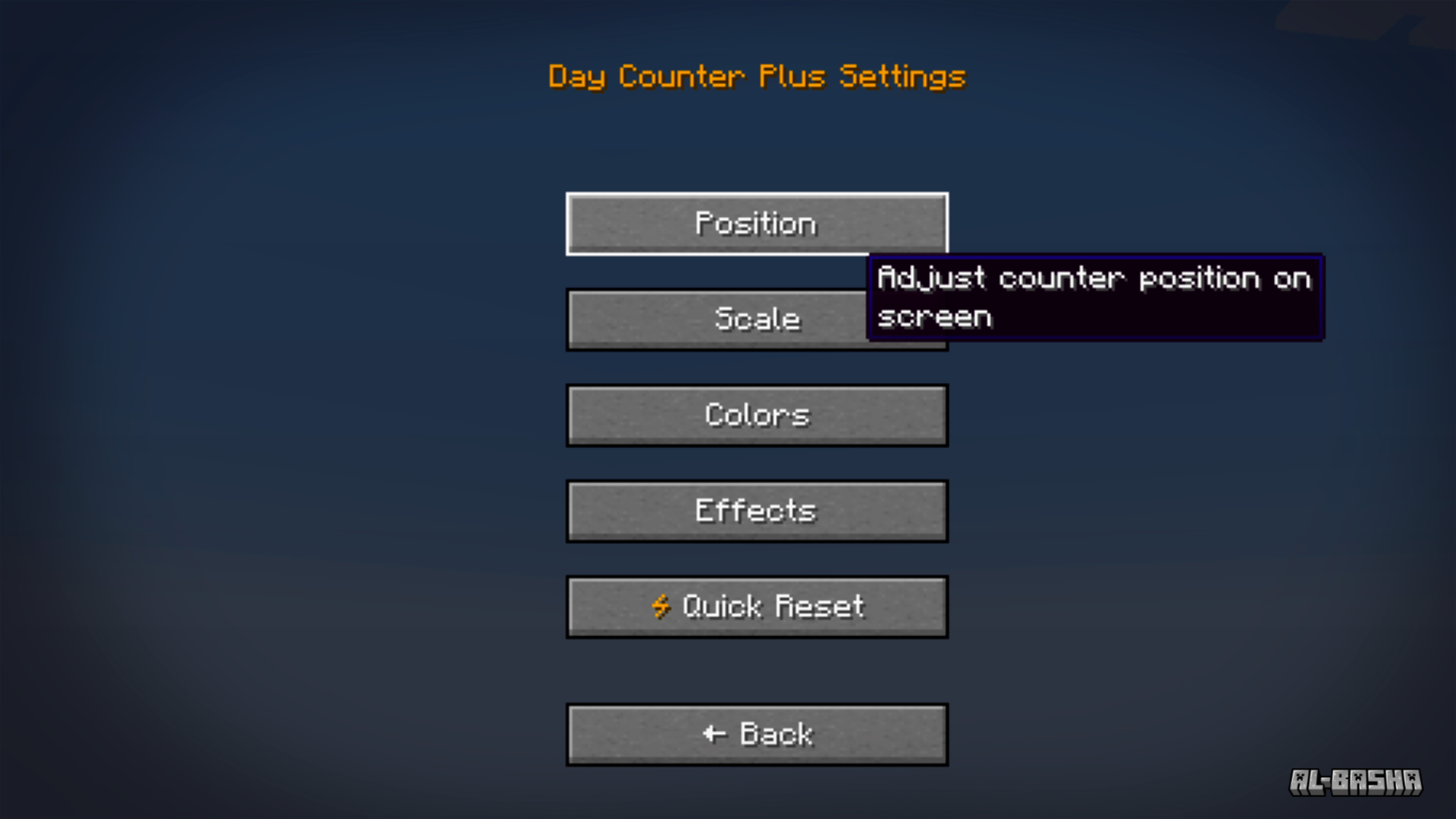
An intuitive settings menu (GUI) lets you tweak everything while you play:
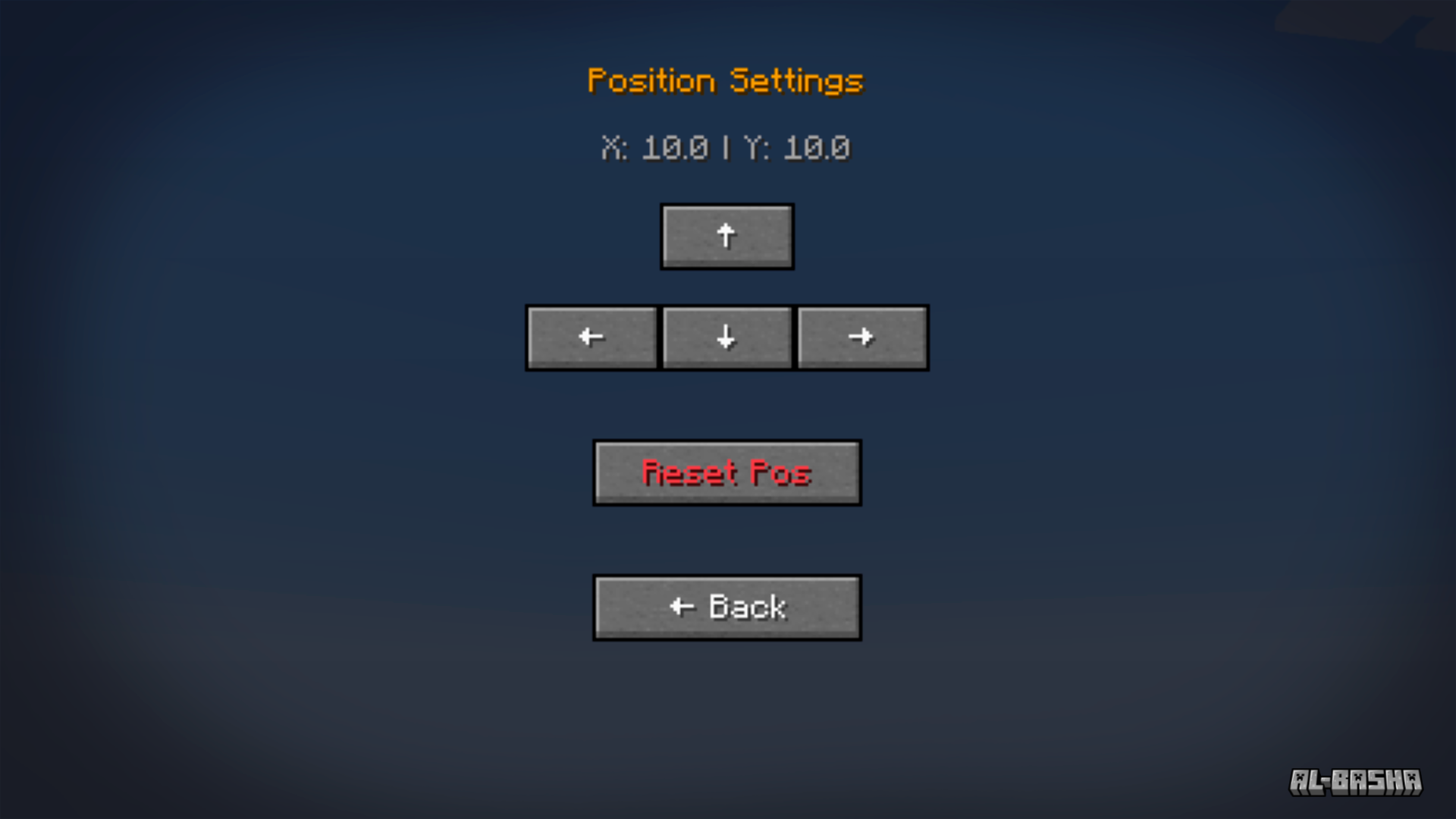
- Adjust position (X/Y).
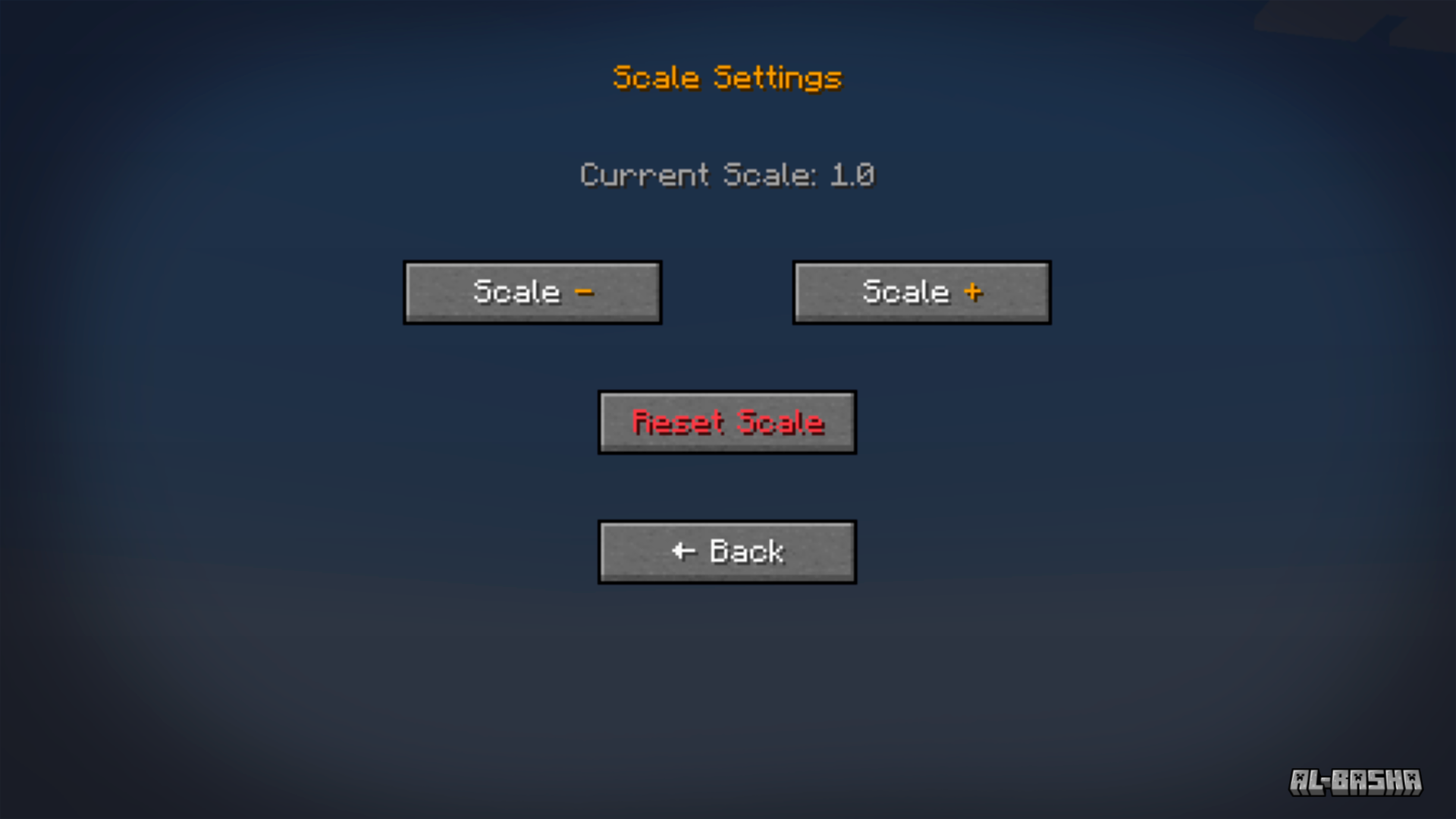
- Scale the text size.
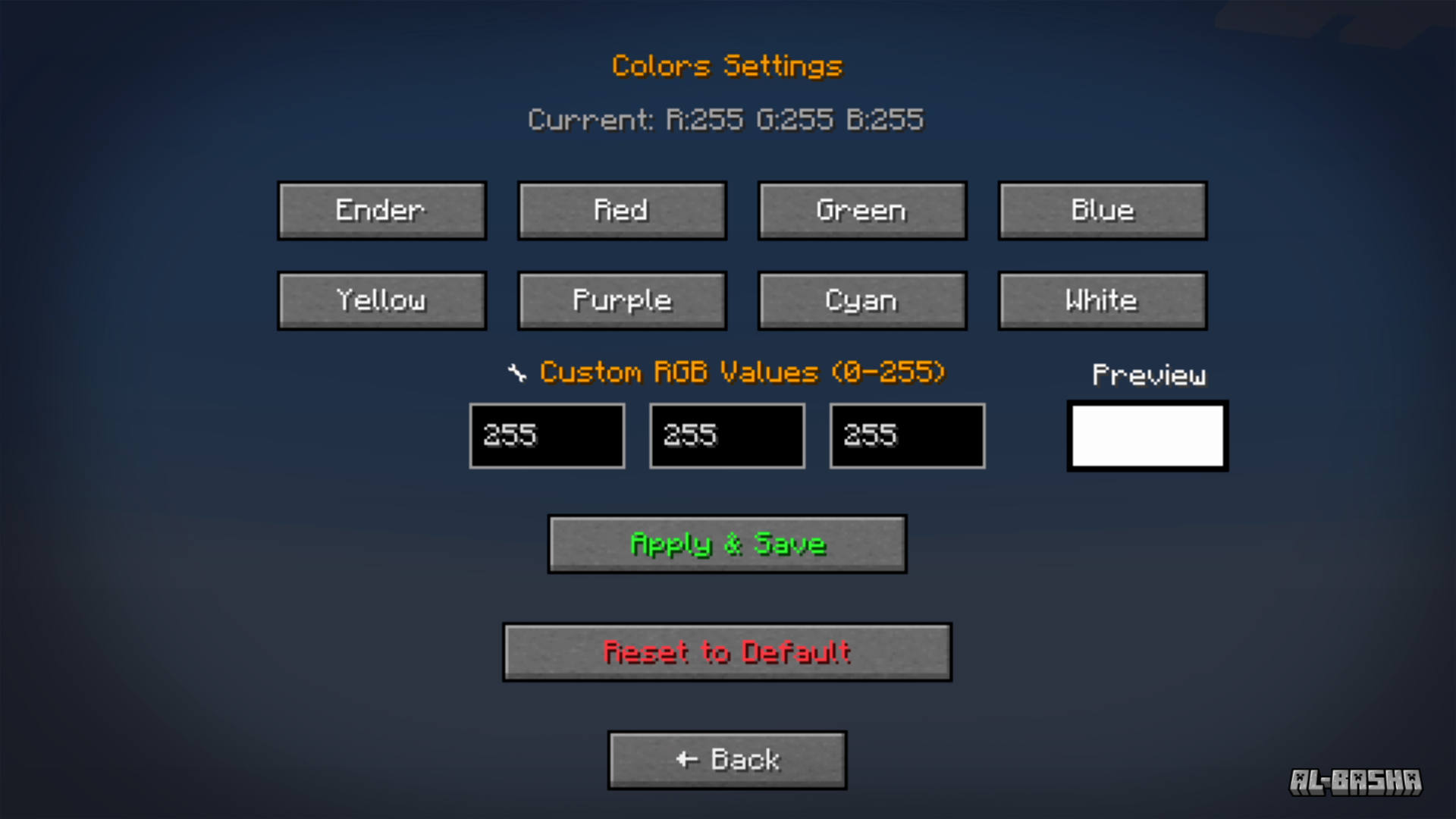
- Customize colors and transparency.
- Enable/disable individual effects.
- Configure shadow strength and offsets.
- Reset each section to defaults anytime.
All settings are saved to a config file and load automatically every session.
🚀 Why Day Counter Plus?
- More than just a counter – it’s a stylish HUD element for your survival journey.
- Works standalone, with no extra libraries required.
- Lightweight and performance-friendly.
- Packed with visual polish and features no other day counter mod offers.
常见问题
Day Counter Plus 支持哪些 Minecraft 版本?
Day Counter Plus 支持 Minecraft Java 版 1.20.1–1.21.1,共 2 个版本,可用的加载器:Forge / NeoForge。下载时注意选择和你游戏版本一致的文件。
Day Counter Plus 怎么安装?
先用 PCL2 或 HMCL 启动器安装对应版本的 Forge / NeoForge,再把下载的 .jar 文件放进游戏目录的 mods 文件夹,重新启动游戏即可。开启了版本隔离的,mods 文件夹在 versions/版本名 下面。运行环境:客户端和服务端都要装。
3lbash3 的其他作品
查看全部 →
Day Counter Plus
Customize your day counter, in-game clock and coordinates with fonts, colors, effects and a live HUD editor.
Scuba Suit
Let's explore the ocean

Counter Day
Counting the days to the 100 day challenge

Minecar Drill
Minecraft Mod "Drill" is a modification that enhances the gameplay of Minecraft by introducing a drill tool for mining and excavation activities beneath the surface.
评论
登录后评论和评分