
Dark Mode Presets
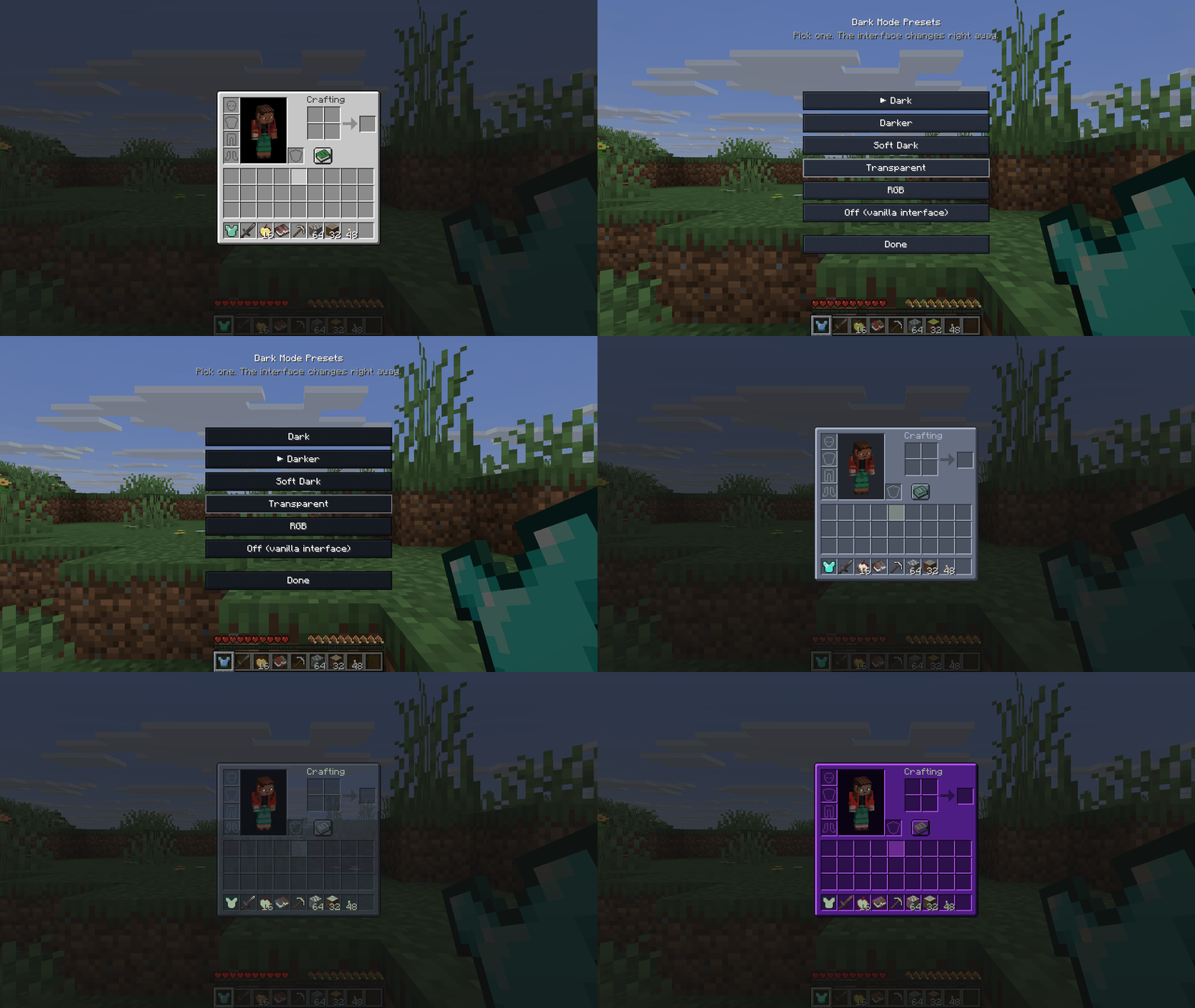
Five finished dark mode presets for every screen - Dark, Darker, Soft Dark, Transparent and RGB. One click, no config files, mod screens included.
截图
介绍
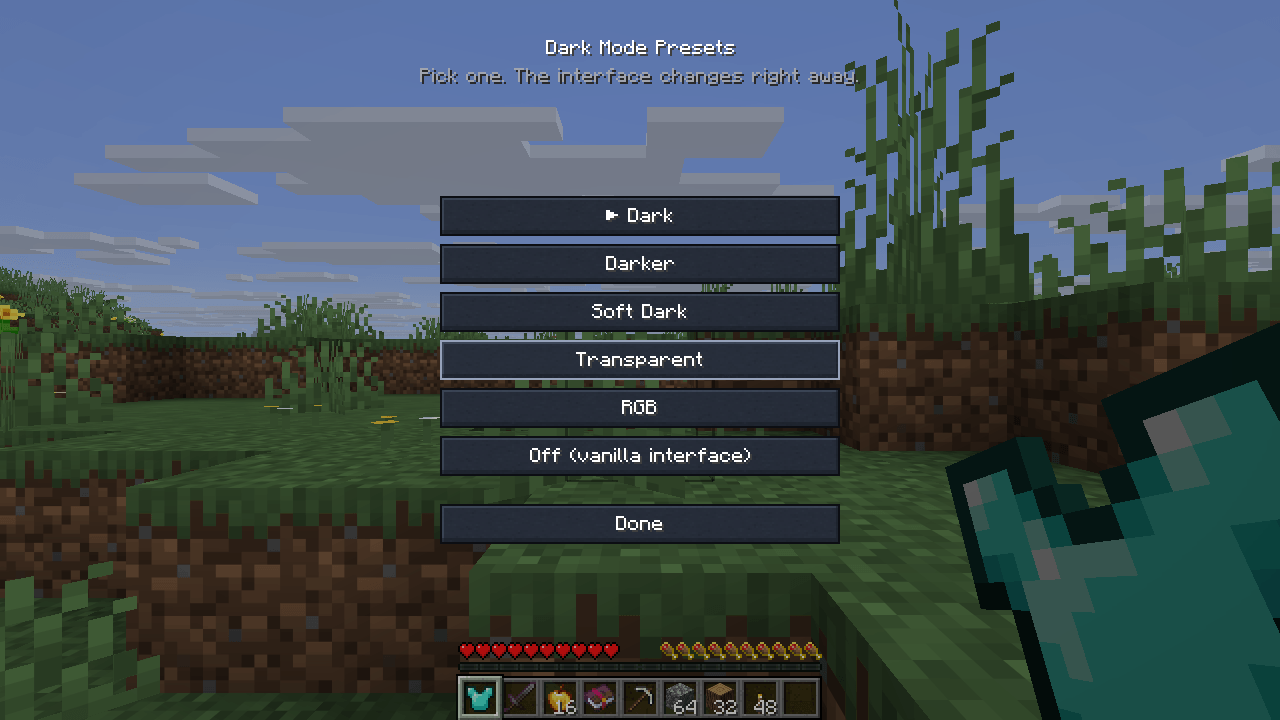
Five finished dark mode presets. Pick one. That’s the whole setup.
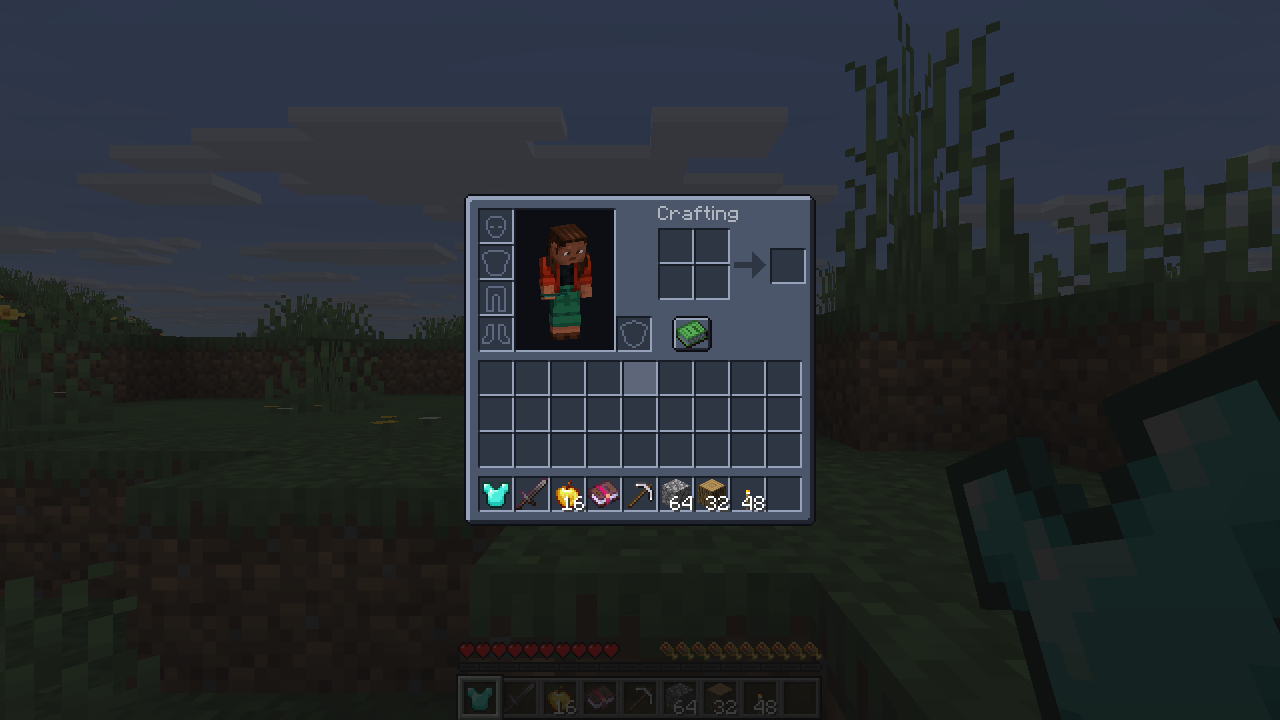
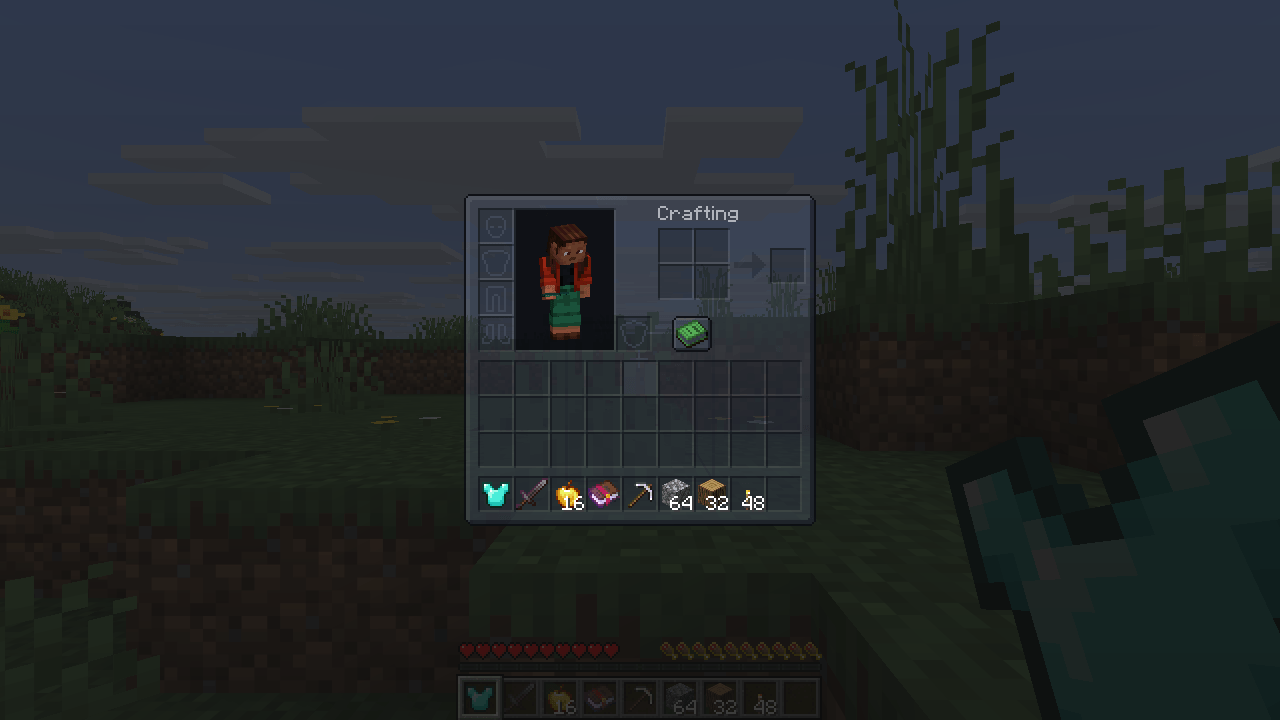
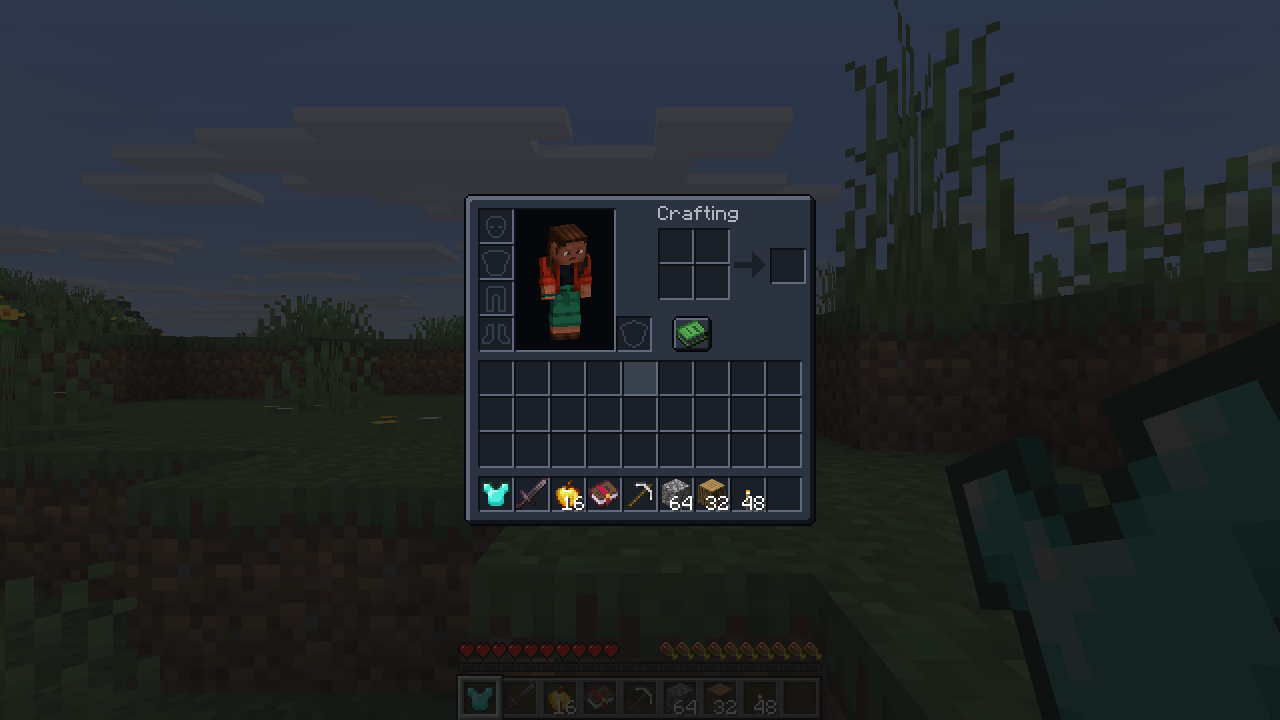
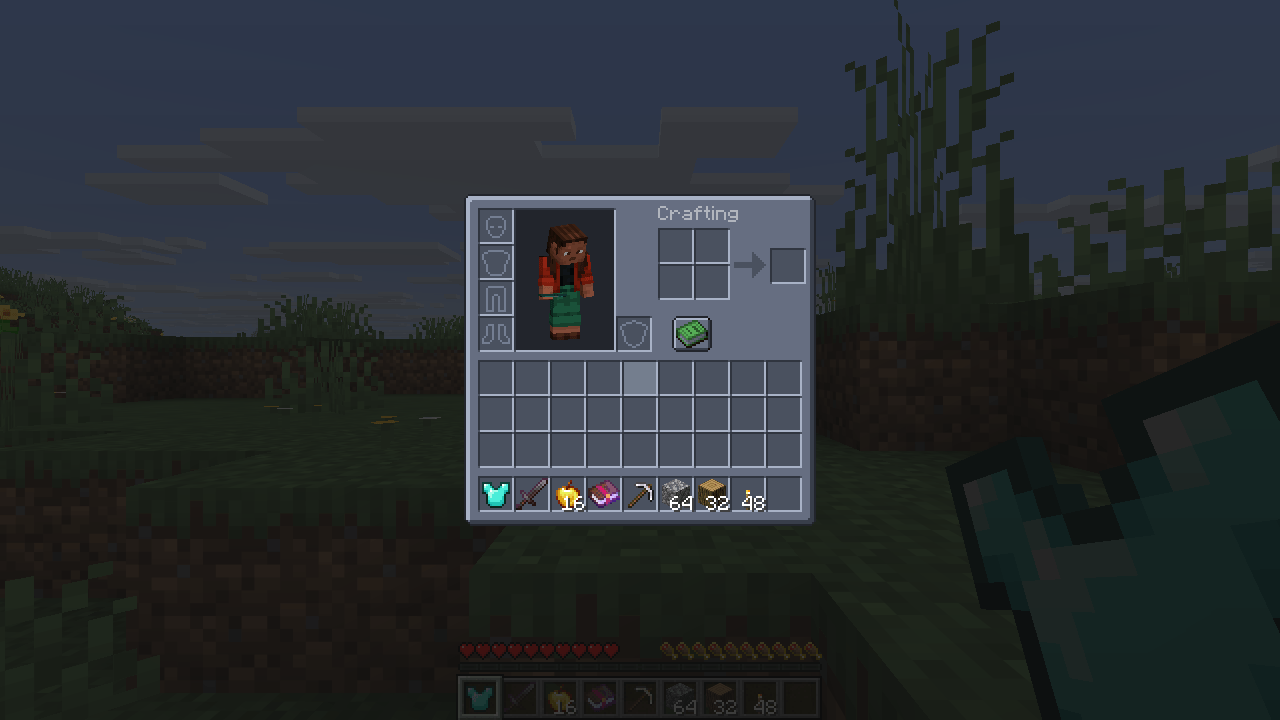
- Dark – calm charcoal, easy on the eyes at night.
- Darker – deeper still, for playing with the lights off.
- Soft Dark – lighter and lower in contrast, for a bright room or a light shader.
- Transparent – see the world through your inventory, with the slot grid still readable.
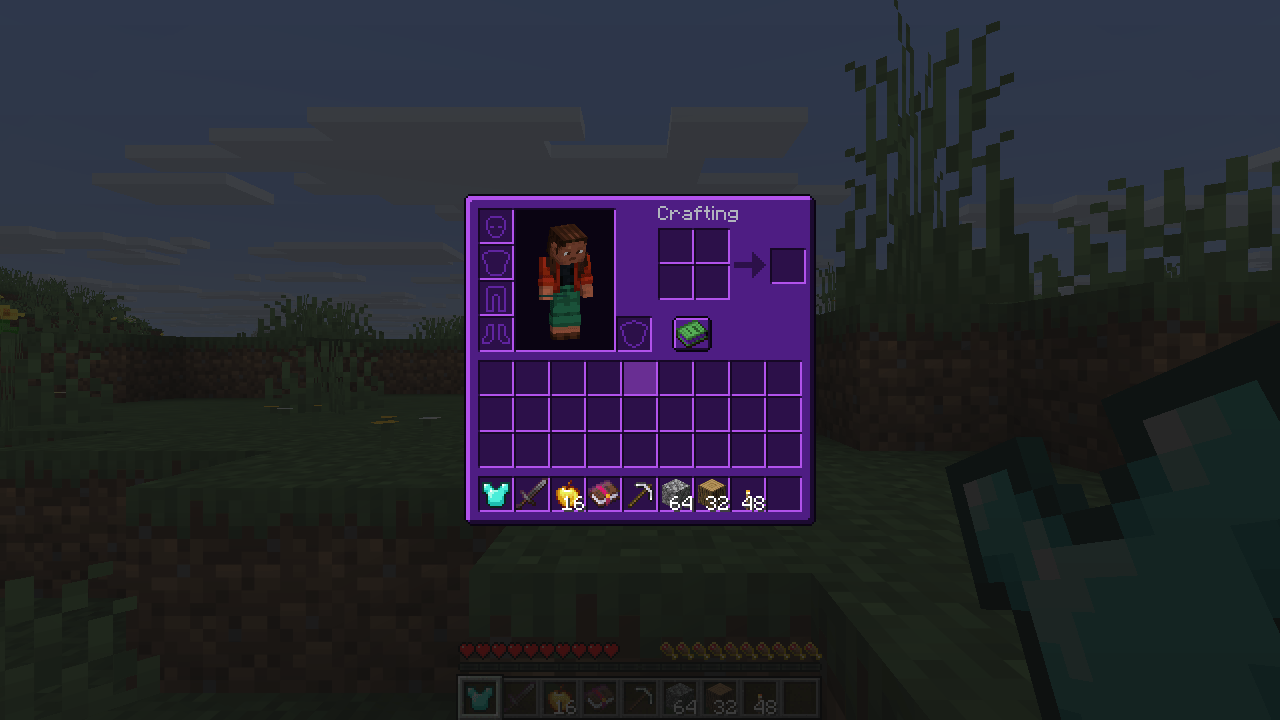
- RGB – a dark base with a violet glow on the borders.
Why this one
- Presets, not a config file. Choose from a screen (Mod Menu, the mods list, or
/uithemes). No texture lists, no wildcards, no exclusions to maintain. - Mod screens are themed too – by rule, not from a list of supported mods. A mod released tomorrow is themed the day you install it.
- What carries information is left alone. Hearts, hunger, armour, potion icons, maps and boss bars keep the colours the game gave them.
- Text stays readable. Interface labels are lifted on the dark panels instead of turning grey-on-charcoal.
- Nothing is redistributed. The theme is computed on your machine from the textures you already have, so no mod author’s artwork is copied into this mod.
How switching works
Picking a preset applies it after a quick texture reload (a few seconds, the same reload the game does for resource packs).
Requirements
Client-side only – works on any server. Fabric API on Fabric. Minecraft 26.3 (Fabric) and 26.2 (NeoForge).
Like the mod? You can support future updates and new mods on Ko-fi. Totally optional, everything stays free.
常见问题
Dark Mode Presets 支持哪些 Minecraft 版本?
Dark Mode Presets 支持 Minecraft Java 版 26.2–26.3,共 2 个版本,可用的加载器:Fabric / NeoForge。下载时注意选择和你游戏版本一致的文件。
Dark Mode Presets 怎么安装?
先用 PCL2 或 HMCL 启动器安装对应版本的 Fabric / NeoForge,再把下载的 .jar 文件放进游戏目录的 mods 文件夹,重新启动游戏即可。开启了版本隔离的,mods 文件夹在 versions/版本名 下面。
Vitral 的其他作品
查看全部 →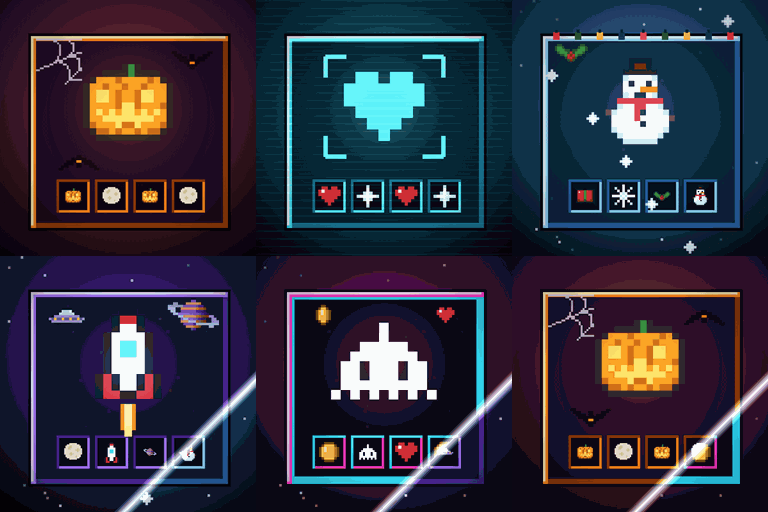
Immersive Screens: Animated Halloween & Hologram GUI
为每个界面提供动态主题:万圣节、全息、冬季/圣诞、太空和复古街机。箱子面板会升起,边框会发光,熔炉会燃烧。物品保留原本的颜色。仅限客户端。
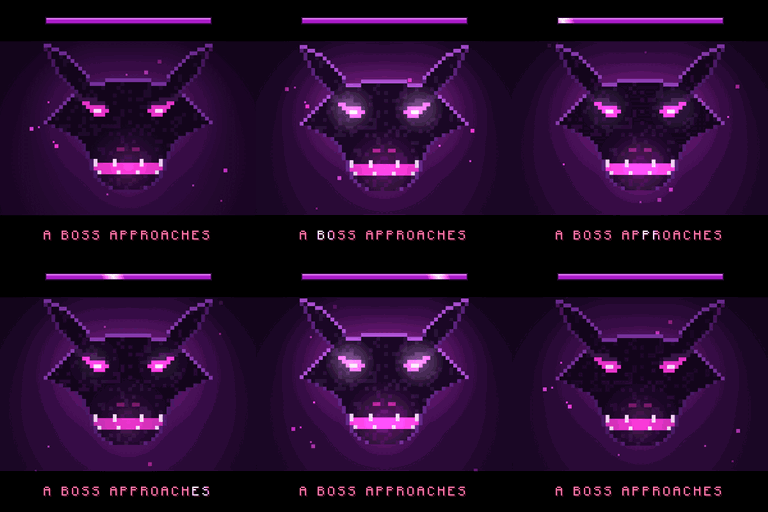
Boss Intros: Cinematic Boss Titles & Entrances
Cinematic boss titles: when any boss appears, black bars slide in and its name comes up in big letters - and a victory card plays when you win. Works with modded and server bosses. Client-side.
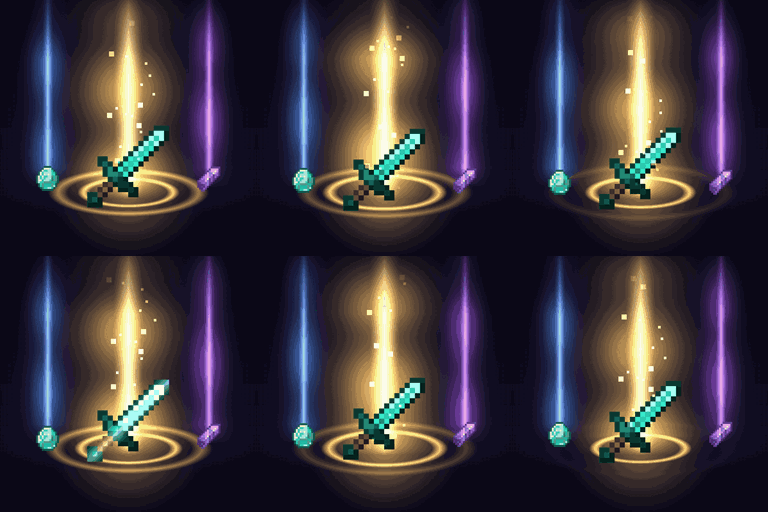
Loot Beams – Rarity Light Beams for Dropped Items
Valuable drops glow with a beam coloured by tier or by the item's own colour. In-game config, ItemPhysic support. Client-side.
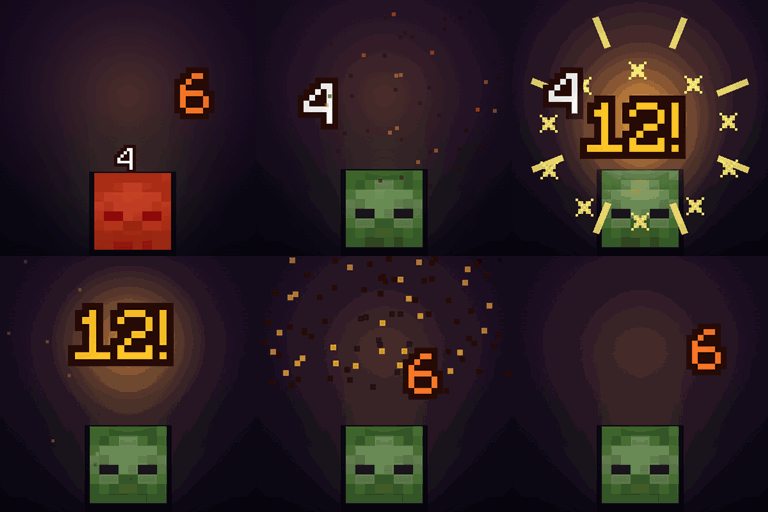
Damage Numbers: Floating Damage Indicators & Crits
Floating damage numbers pop off every mob you hit and break into pixels. Gold crits with a hit marker, a colour for each kind of damage, green healing, red killing blows and combos. Client-side.
评论
登录后评论和评分